Fuji Flavours

Classic ChromeColour4 photos

Kodachrome Shade Recipe

Capture warm urban moments with nostalgic tones and softened contrasts.
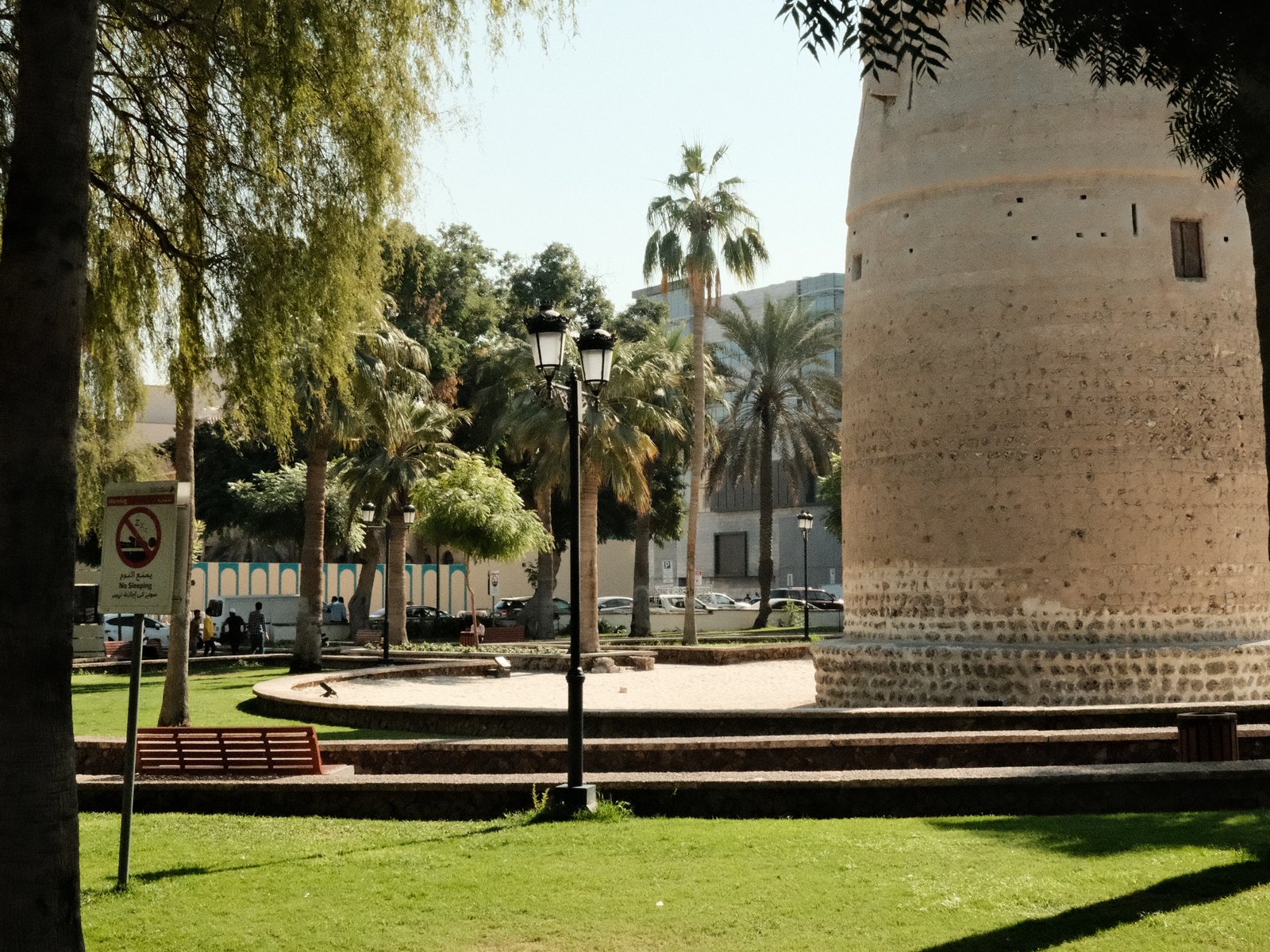
A historic tower surrounded by palm trees and green grass in a sunny park setting.
Difficulty
Intermediate
Film simulation
Classic Chrome
Tested on
—
Sample frames
4

The lookWhy this one earns a slot

Kodachrome Shade, with its warm yet muted tones, channels the essence of classic travel and street photography from decades past. The Classic Chrome base, enriched with a subtle but effective colour boost, creates a vintage film feel. Highlights are gently controlled, lending a softness to skies and reflective surfaces, while shadows are significantly pulled back, adding depth to images without losing detail. The small, weak grain suggests an analogue touch without overwhelming clarity. The cool blue shift in the white balance gives urban scenes a nostalgic, almost cinematic quality, reminiscent of sunlit streets in bygone eras. This recipe excels in capturing the warmth and texture of everyday urban life, especially during golden-hour and harsh midday light, where the colour palette sings, and shadow play becomes a key compositional element.

The settingsThe recipe

Classic Chrome

Film Simulation
Classic Chrome
Dynamic Range
DR200
White Balance
Auto, +2 R / −5 B
Highlight
+0.5
Shadow
−4
Color
+2
Sharpness
+3
Noise Reduction
0
Clarity
0
Grain
Weak, Small
Color Chrome Effect
Strong
ISO
6400
Exposure Comp.
0

How to copy it to your camera

  1. Open the Image Quality (IQ) menu and select an empty custom setting slot (C1–C7).
  2. Set the base film simulation to Classic Chrome.
  3. Enter each value from the settings above, then save the slot.
  4. Select that slot to shoot Kodachrome Shade JPEGs straight out of camera.

Sample framesShot on this recipe

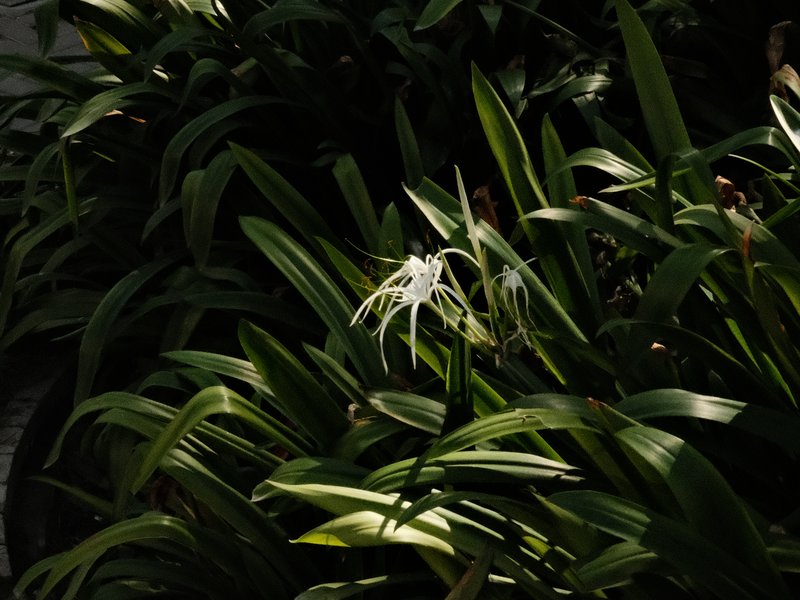
A single white flower stands out among dark green leaves in a shadowy setting.
Nature · Outdoor · Low Light
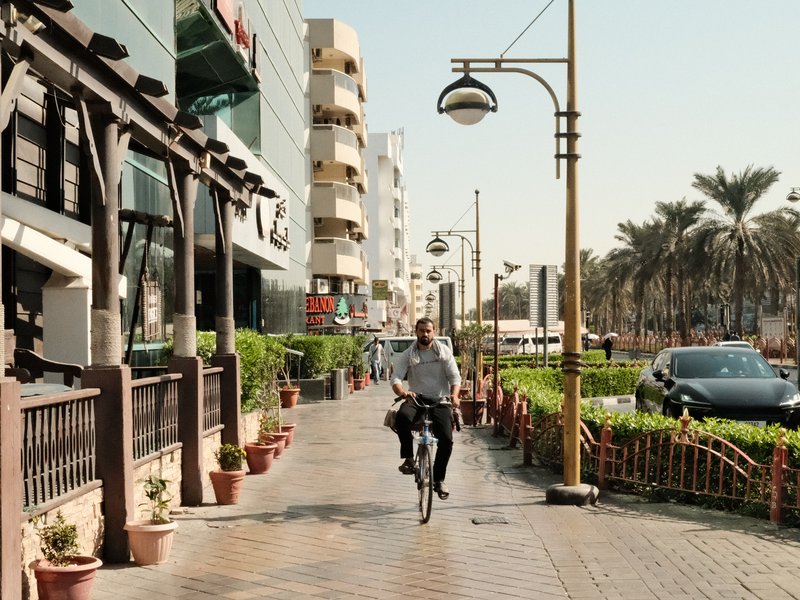
A cyclist rides along a sunny urban street lined with palm trees and modern buildings.
Street · Urban · Harsh Midday
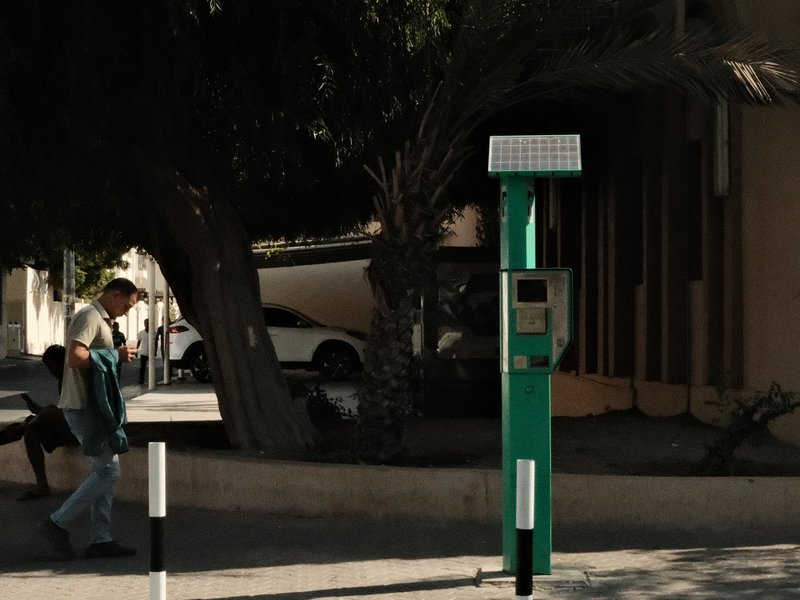
A man walking past a green parking meter under a tree in an urban setting.
Street · Urban · Harsh Midday

Notes & caveatsWhat it nails, what to watch

What it nails

  • Softens harsh midday light
  • Adds nostalgic warmth to urban scenes
  • Lush colours during golden hour
  • Works well with Classic Chrome

What to watch

  • Cool WB shift may affect skin tones
  • Not ideal for studio portraits
  • Weak grain may lack texture at high ISO

Explore similar

KodachromeStreetTravelDaily life

Best forWhen to reach for it

Perfect for street and travel photography, Kodachrome Shade thrives in bright, natural light. It excels during the golden hour, capturing warm, nostalgic tones. Avoid using it for studio portraits, as the subtle highlights and shadows may not suit controlled lighting environments.

Best for

Scenes and subjects this recipe is tuned for.

StreetTravelDaily life

Less suited to

Where another look will likely serve you better.
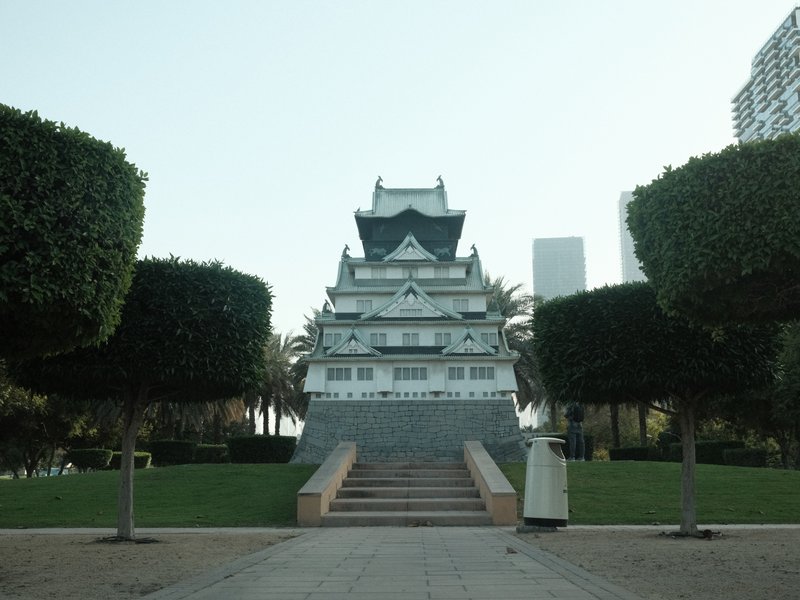
Studio portraits
Learn more

Frequently asked questions

Which film simulation and core settings define Kodachrome Shade?

Kodachrome Shade is built around Classic Chrome with DR200, Highlight +0.5, Shadow -4, Color +2, and Sharpness +3. It also uses Strong Color Chrome FX, Weak Small grain, Auto white balance with an R +2 / B -5 shift, ISO up to 6400, and 0 exposure compensation.

What effect do Shadow -4 and Sharpness +3 have on Kodachrome Shade images?

Shadow -4 pulls darker areas down significantly, creating deeper, more pronounced shadows, while Sharpness +3 adds stronger definition to edges and fine detail. Together, these settings contribute to a defined image with noticeably deep shadow areas rather than a uniformly soft rendering.

What scenes suit Kodachrome Shade best?

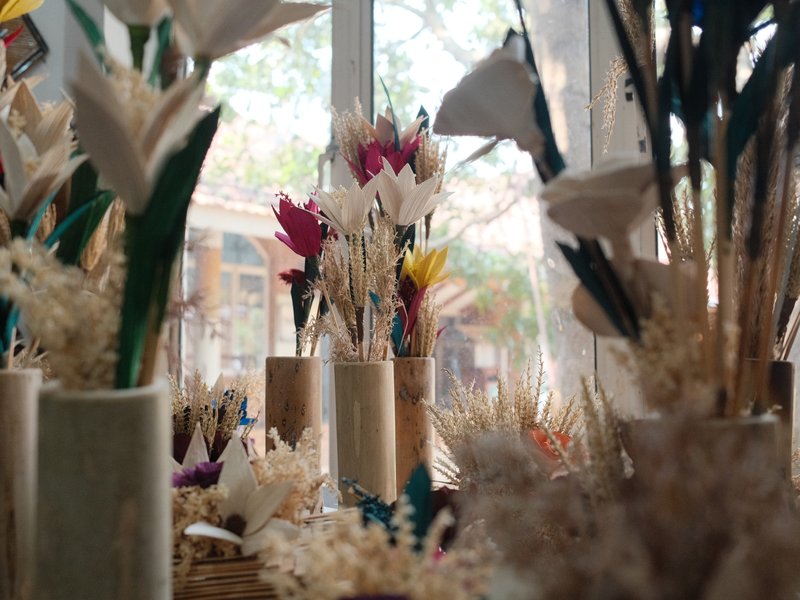
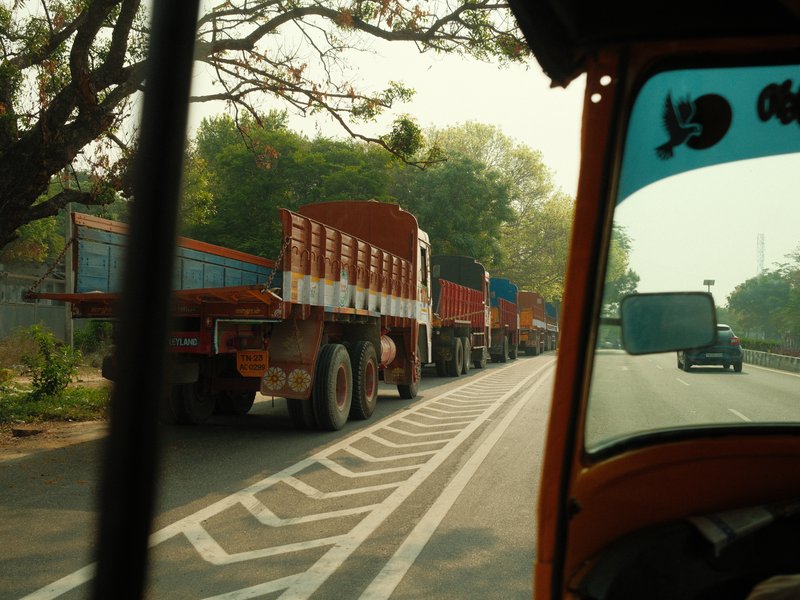
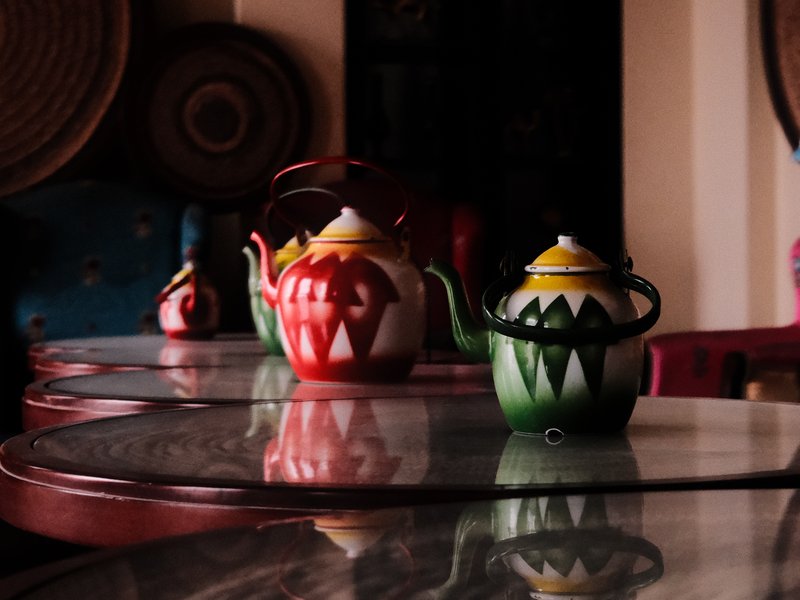
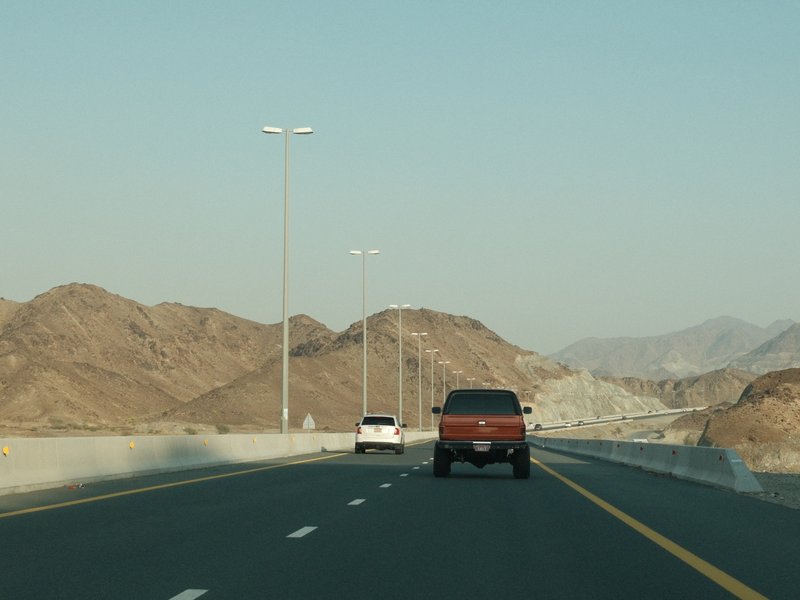
Kodachrome Shade is well suited to street, travel, and everyday urban photography in natural light. The sample frames show the recipe across sunny park surroundings, a palm-lined street with a cyclist, and an urban scene beneath a tree, supporting its use for varied outdoor environments.

When should you avoid using Kodachrome Shade?

Very flat, low-contrast scenes may not be the best match for this recipe. The strong Shadow -4 setting can make darker areas feel especially pronounced, while Sharpness +3 adds noticeable definition, potentially making an already subdued scene appear darker and more strongly defined than intended.

How can the white balance shift affect skin tones with Kodachrome Shade?

Kodachrome Shade uses an R +2 / B -5 white balance shift, warming the image with both more red and less blue. This contributes to its nostalgic urban character, but the warm shift can affect skin tones, making the recipe less predictable for portraits than for street and travel scenes.
The Fuji Pic app

Every recipe.Every detail.Now in your pocket.

Browse the whole catalogue, unlock the premium recipes, and keep every setting in front of you while you shoot.

Free to download · iPhone and Android
The Fuji Pic app on iPhone, showing the recipe gallery and a recipe's full settings