Generations
3
The toolkit behind every recipe
A recipe is only as compatible as the sensor it runs on. Fujifilm's processor generation decides which parameters you have — Classic Negative, Clarity, Reala Ace and the rest. Find your generation and every recipe falls into place.
The current X-Trans generations carrying the recipe library.
Older generations still take recipes — with a character all their own.
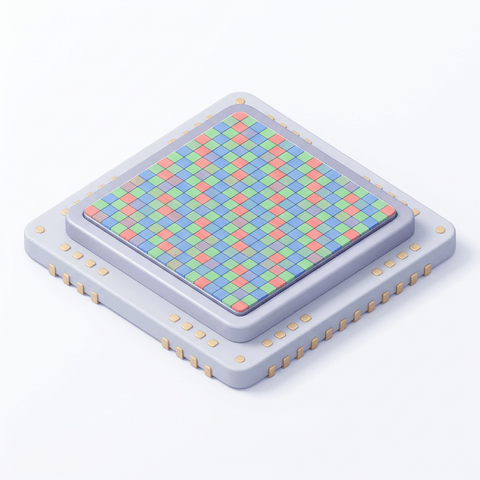
X-Trans sensors use a larger, more random 6×6 colour-filter array than a conventional Bayer grid — reducing moiré without an optical low-pass filter, and giving Fujifilm's film simulations their distinctive grain and colour rendering.
Each generation unlocks new simulations and controls — Classic Negative and Clarity on X-Trans IV, Nostalgic Neg. and Reala Ace on X-Trans 5. A recipe is written for the parameters a generation actually has, which is why compatibility is listed on every one.
Browse the whole catalogue, unlock the premium recipes, and keep every setting in front of you while you shoot.
Free to download · iPhone and Android