
Tested recipes
25
Curated, real-world-tested Fujifilm film simulation recipes — copy the settings, shoot film-look JPEGs, no editing. For every X-Trans & GFX camera.
Every door into the library — by your camera, the base look, the scene, or the moment you're shooting.
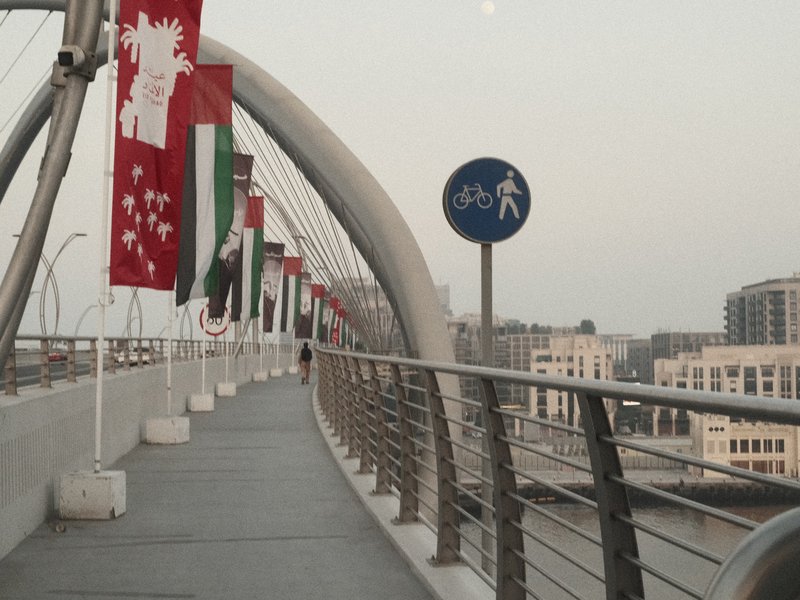
Recipes tested for your exact Fujifilm body, sensor and all.
 Coming soon
Start from the base film simulation you already love.

The sensor generation decides which recipes fit your camera.
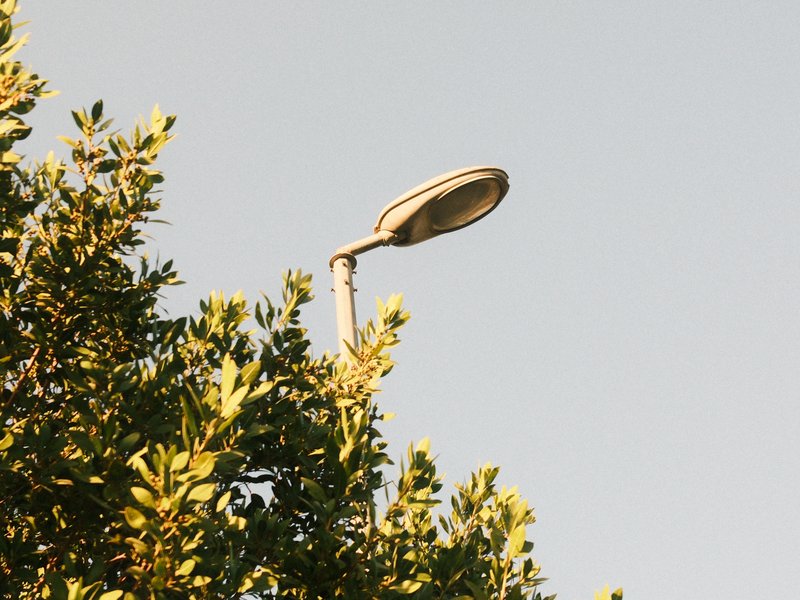 Coming soon
Looks inspired by classic film — Portra, Gold, CineStill and more.
 Coming soon
Street, travel, portraits — recipes matched to the moment.

Put two looks next to each other, every setting lined up.
A few to get you started. Browse the full library for more.
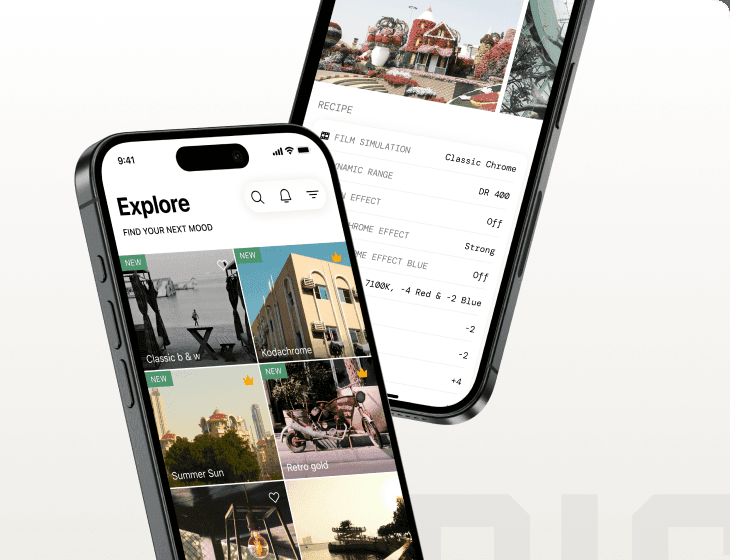
A curated library of Fujifilm recipes you can copy in seconds — tested on real gear, honest about the trade-offs, and free to use.
Every recipe is tested on real Fujifilm bodies in real light — never generated on a screen.
A clean settings plate and one-tap copy. No hunting through paragraphs for a single number.
Browse by camera, sensor, film simulation or use case — narrow to exactly your gear.
Each look ships with what it nails and what to watch for, plus sample JPEGs straight out of camera.
Recipes tuned per generation — X-Trans III, IV, V and GFX are all covered.
Browse, filter and copy every recipe. No account, no paywall, no export limits.
A taste of the library — browse them all to filter by camera, sensor and look.

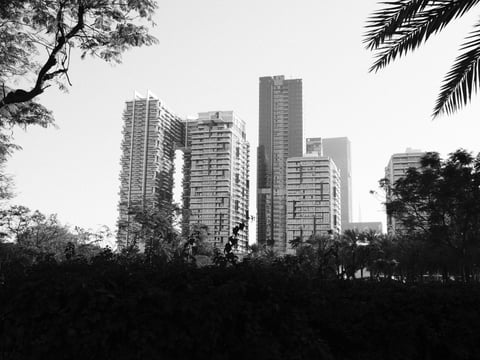
Classic film feel with strong grain and vivid colours. Ideal for capturing urban architecture or warm interior scenes.
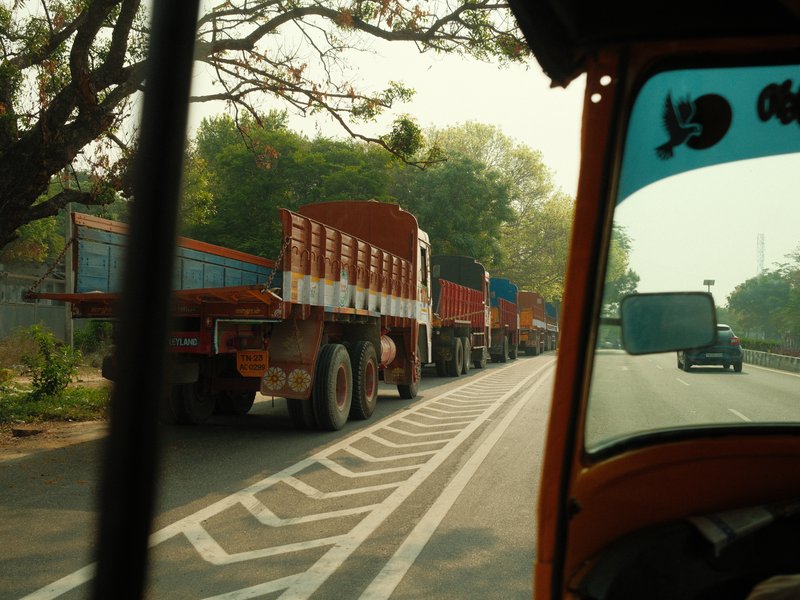
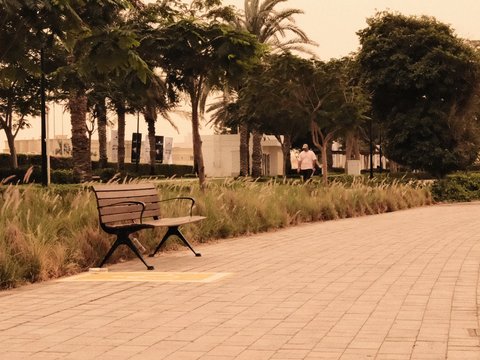
Classic Chrome offers nostalgic warmth with gentle grain. Evoke calm in your travel and street photography.
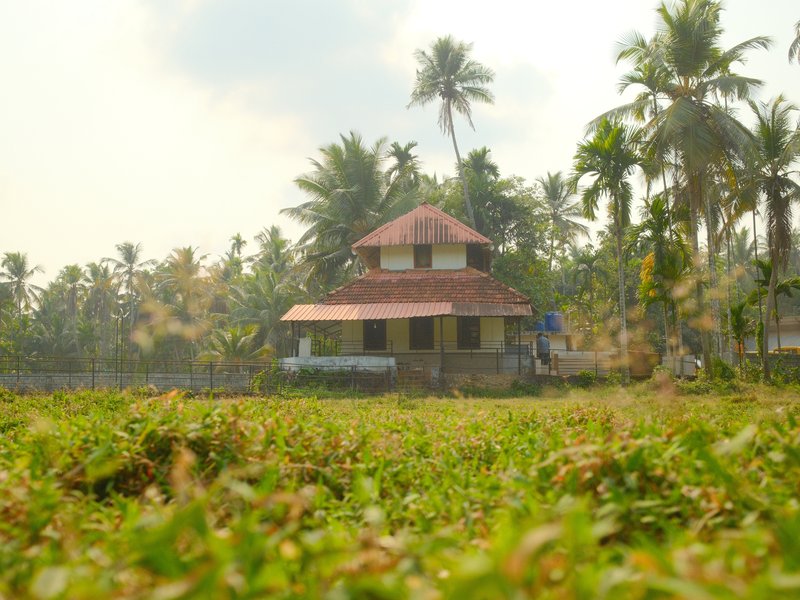
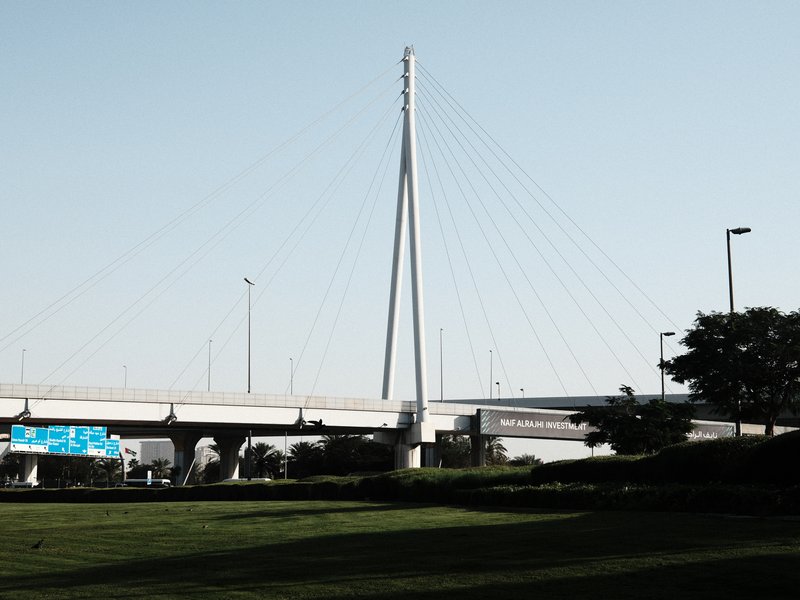
Natural tones with gentle contrast and subdued grain. Perfect for calm, warm portraits in rural settings.
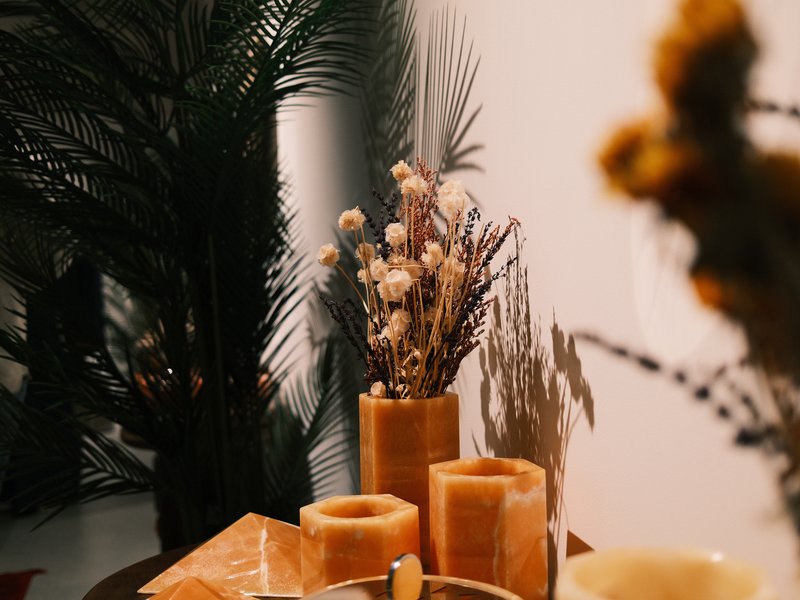
Lively hues and moody contrast create a cinematic feel perfect for urban nights and moody streetscapes.
Let us pull a recipe from the library at random.
Browse by film simulation, sensor, or the camera in your bag.
Dial the settings into a custom slot. Two minutes, one time, done forever.
JPEGs land on your card already looking the part. Straight out of camera.
Copy a recipe into a custom slot and every JPEG lands already looking the part — finished film tones, no desk time.
Copy a recipe into a custom slot once — it's there for every shoot after.
JPEGs land already looking the part. No laptop, no Lightroom, no sliders.
Post straight from the card before you're even home from the walk.
Recipes tested for your exact Fujifilm body — each tile notes its sensor generation.
The sensor generation decides which recipes work on your camera. Pick yours.
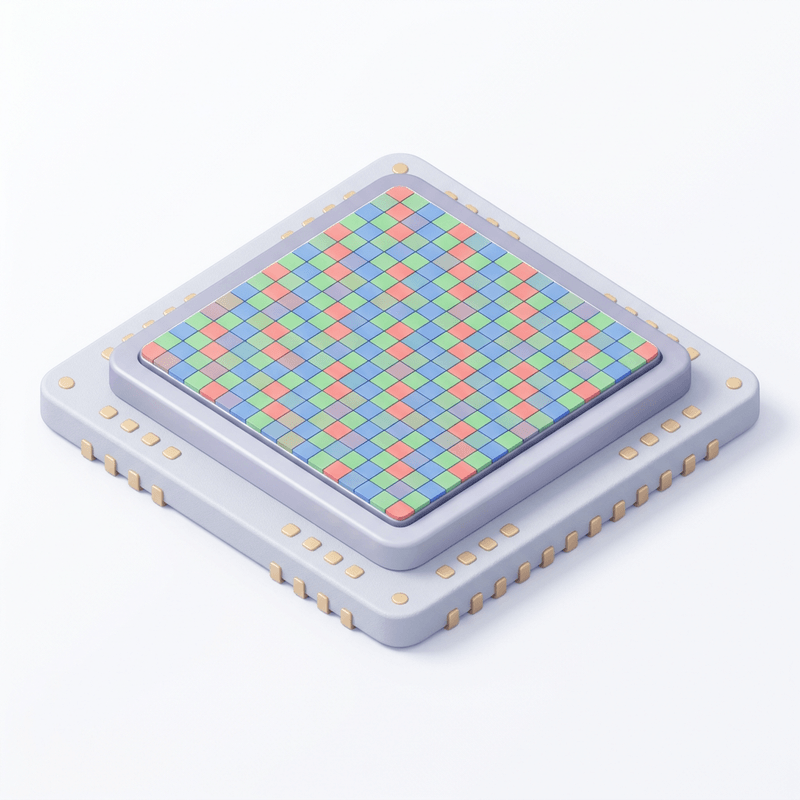
The X-Trans CMOS IV generation (e.g. X-T3, X-T4, X-Pro3, X100V). Introduced Classic Negative, Eterna, Color Chrome Effect and Clarity — a big jump in recipe flexibility.
Fujifilm's medium-format GFX line (e.g. GFX 100, GFX 100S). Shares many film simulations with X-Trans bodies but renders them across a much larger sensor.
The X-Trans CMOS III generation (e.g. X-Pro2, X-T2, X100F). Added Acros and a wider grain/colour toolset — the first generation many modern recipes target.
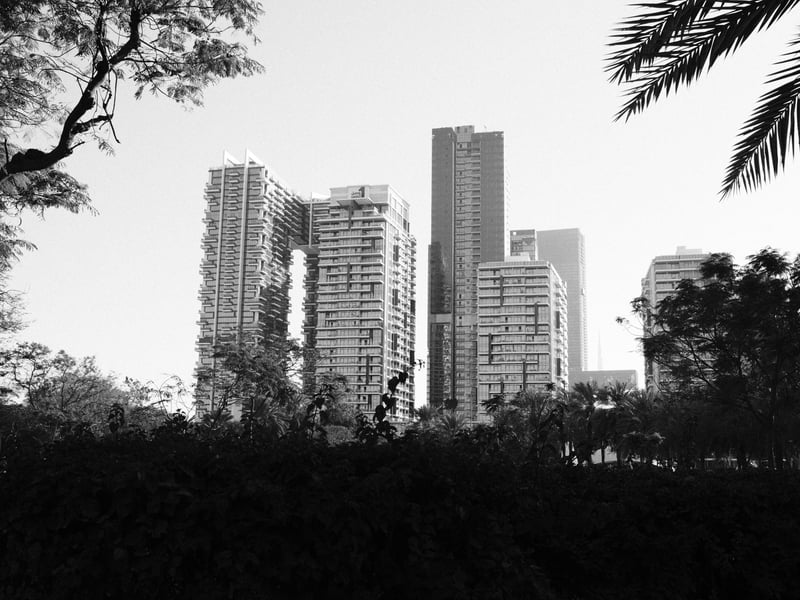
Every recipe is shot and reviewed on real Fujifilm cameras, in real conditions — with honest notes on what each look nails, and what to watch for.
Fresh film-sim recipes and the exact settings to copy. No spam.
Browse the whole catalogue, unlock the premium recipes, and keep every setting in front of you while you shoot.
Free to download · iPhone and Android