
Sensor
Fujifilm · GFX · 2024
GFX100S II
GFXmedium-format2024IBIS
Compact yet powerful, the GFX100S II transforms every scene with medium-format magic.

Resolution
102 MP
Stabilisation
Yes (8 stops)
Mount
G-mount
In short
GFX100S II supports all Fujifilm film simulations available to X-Trans bodies, offering superb medium-format quality.
Why it's the recipe body
The GFX100S II is a remarkable blend of compact form and advanced features, embodying Fujifilm's commitment to medium-format excellence. Its 102 MP CMOS II sensor, paired with the X-Processor 5, delivers stunningly detailed images with rich colours and dynamic range, making it a joy for any photography enthusiast. The 8-stop IBIS stabilisation ensures sharp, handheld shots even in challenging conditions. Shooting with the GFX100S II feels like wielding a powerhouse; it brings the artistry of film simulations to a larger canvas, elevating everyday scenes into extraordinary captures. The ergonomics are well-considered, providing a comfortable grip for prolonged use, while the intuitive interface makes accessing settings a breeze.
The GFX100S II runs all Fujifilm film simulations compatible with X-Trans sensor technology, capitalising on its medium-format size for unparalleled detail and tonal depth. With 7 custom slots, you can save your favourite recipes, although, like its siblings, it does not offer savable white-balance shifts per slot. Enjoy the full range of JPEG controls and creative opportunities that come with Fujifilm's renowned simulations.
The GFX100S II continues Fujifilm's legacy of innovation in the GFX line, enhancing the compact format.
Compared to the GFX100, the GFX100S II offers similar power in a more portable design.
What it nails, what to watch
What it nails
- 102 MP for ultimate detail
- 8-stop IBIS for stability
- 7 custom slots for recipes
- Medium-format richness
- Interchangeable G-mount lenses
What to watch
- No savable WB shifts
- Large files require fast cards
- Limited to 7 fps burst
- Heavier than APS-C bodies
What this body adds
SE
Sensor
102 MP GFX 102MP CMOS II BSI
PR
Processor
X-Processor 5
MO
Mount
G-mount (interchangeable)
IB
IBIS
5-axis, up to 8 stops
BU
Burst
7 fps mechanical
VI
Video
4K 30p 4:2:2 10-bit
Recipes for the GFX100S II
All recipes
Old Classic Color
Classic Chrome offers nostalgic warmth with gentle grain. Evoke calm in your travel and street photography.
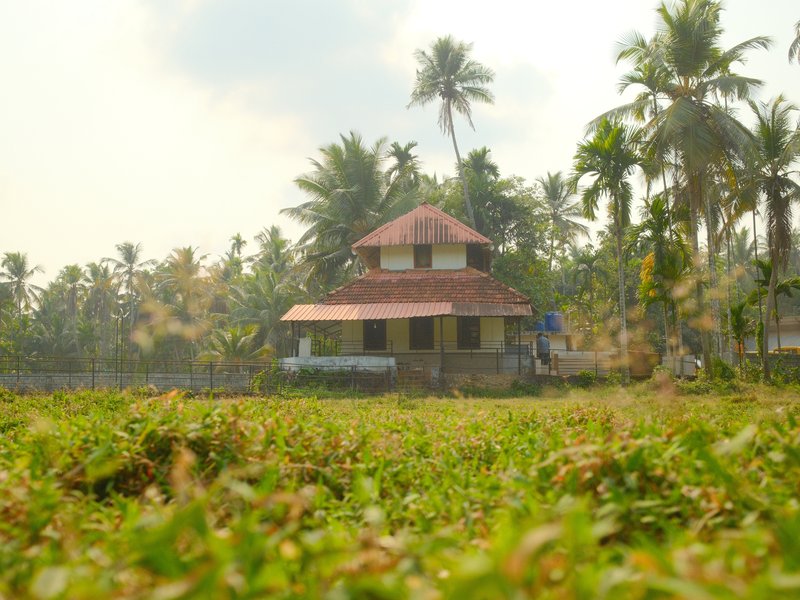
Astia Reverie
Natural tones with gentle contrast and subdued grain. Perfect for calm, warm portraits in rural settings.
 Premium
Tungsten Clean Frame
Gentle grain and soft tones create a vibrant colour palette. Ideal for portraits with an urban backdrop.
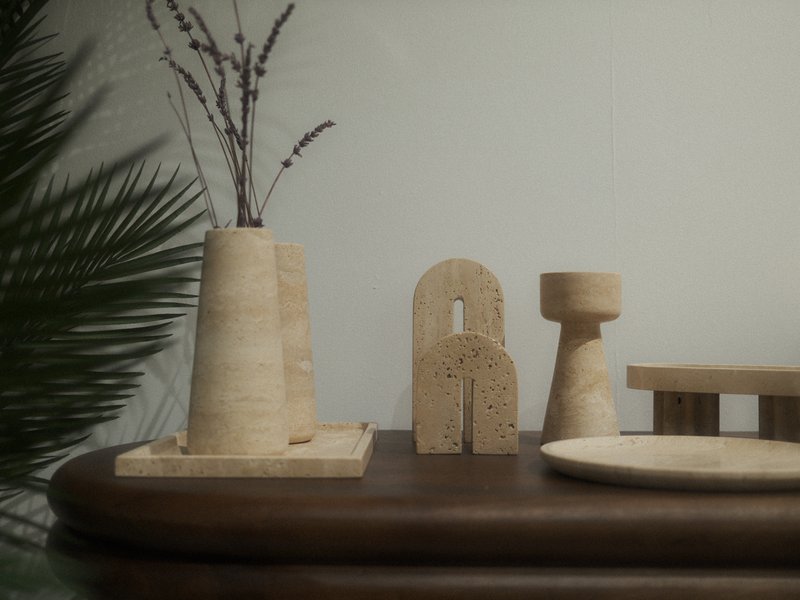
Muted Halo Stock
Large, textured grain with a cool, balanced colour cast lends a dreamy quality to indoor and night scenes.

Velvia Punch
Intense contrast and deep hues make landscapes captivating. Suited for vibrant outdoor scenes.
 Premium
Highland Nostalgia
Earthy tones with a subtle faded look create a calm, vintage atmosphere. Ideal for travel and indoor photography.
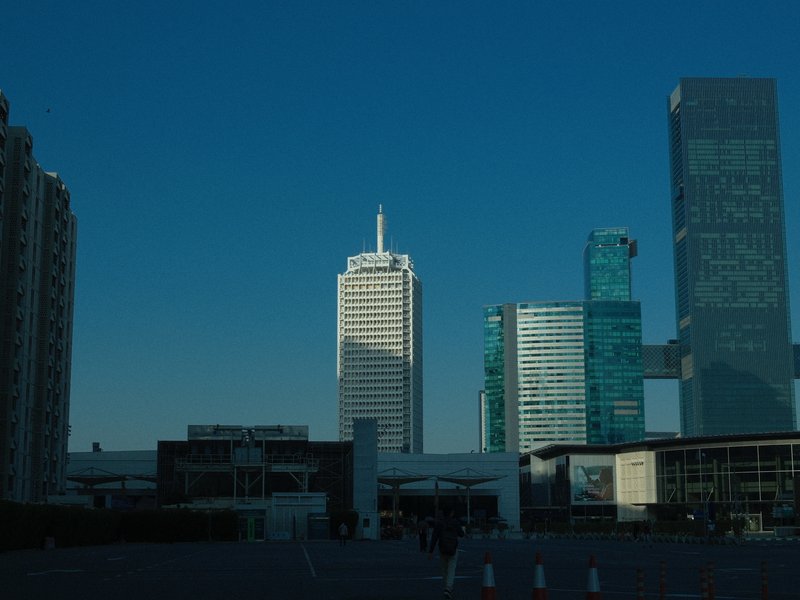
Standard Provia
Strong, small grain and calm tones suit serene scenes indoors and out.

Kodak Fine Mono
Kodak T-Max inspired greys with a calming, gentle grain perfect for capturing serene moments and everyday scenes.

Vintage Amber
Amber tones with rich shadows and gentle grain. Ideal for overcast urban settings.

Bleached City Tone
Neutral tones and strong grain craft a distinctive, cinematic urban grit.

Vintage Sepia
Infuse your shots with sepia tones and pronounced grain for a distinctly nostalgic mood.

Clean Mono
Gritty texture with strong grain and deep shadows for a timeless feel.
How to add a recipe to your GFX100S II
- Turn the mode dial to C1–C7.
- Press the Menu button and navigate to IQ settings.
- Select 'Edit/Save Custom Settings'.
- Adjust parameters and save your recipe.
Tips for the GFX100S II
- Utilise IBIS for handheld low-light shots.
- Experiment with Pixel Shift for ultra-high resolution.
- Use 4K video for cinematic depth.
- Leverage film simulations for creative shoots.
Explore other cameras
All cameras
GFX · 102 MP
GFX100
First 100 MP medium-format mirrorless with IBIS - integrated grip, dual EVF eyecup.
View camera

X-Trans IV · 26.1 MP
X-E4
Stripped-down X-Trans IV rangefinder - flat top, tilt screen, no grip; pure simplicity.
View camera

X-Trans IV · 26.1 MP
X-T30 II
Refreshed X-T30 with a higher-res LCD and updated firmware - same beloved body.
View camera

X-Trans IV · 26.1 MP
X-S10
Compact body with IBIS at a mid-range price - PSAM-style controls instead of dials.
View camera

X-Trans IV · 26.1 MP
X-T4
First X-T with IBIS - the all-rounder that anchored the X-Trans IV recipe boom.
View camera

X-Trans IV · 26.1 MP
X100V
The X100 that went viral - new lens, weather sealing, and X-Trans IV in the body that defined a decade.
View camera
Key terms
Explore more GFX100S II recipes
Find the best Fujifilm recipes for the GFX100S II, its GFX sensor, and the film simulations they're built on.
Frequently asked questions
Which recipes work on the GFX100S II?
The GFX100S II supports all Fujifilm film simulations available to X-Trans bodies.
Does the GFX100S II have IBIS?
Yes, the GFX100S II features 8-stop IBIS for excellent image stabilisation.
How do I add a recipe to the GFX100S II?
To add a recipe, use the custom slots C1–C7 via the IQ settings in the menu.