
Sensor
Fujifilm · GFX · 2021
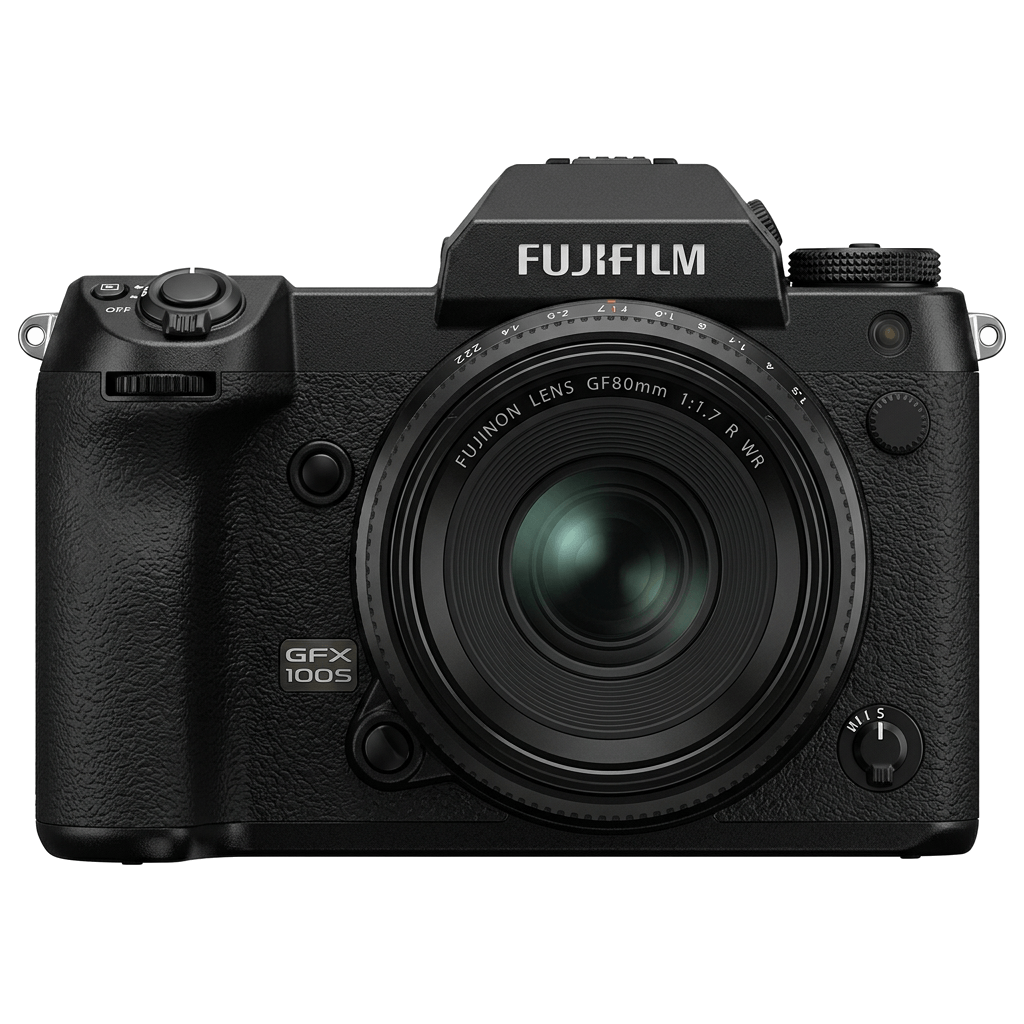
GFX100S
GFXmedium-format2021IBIS
Immerse yourself in the vastness of medium format photography.
Resolution
102 MP
Stabilisation
Yes (6 stops)
Mount
G-mount
In short
The GFX100S supports Fujifilm's film simulations shared with X-Trans bodies. Recipes align by film simulation name.
Why it's the recipe body
The GFX100S, with its 102 MP Bayer sensor, offers a unique medium-format experience packed into a DSLR-like body. Its compact design doesn't compromise on the expansive detail and dynamic range, offering a tactile and immersive shooting experience. The X-Processor 4 ensures smooth handling and swift performance, making it a joy to capture stunning images. With the G-mount, it accommodates a range of lenses, enhancing creative possibilities. This camera brings Fujifilm's renowned film simulations to life, rendering them beautifully across its large sensor, making every shot a canvas of colour and detail. The robust build and intuitive control layout further elevate its usability, making it a versatile tool for photographers seeking high resolution and creative control in a portable package.
The GFX100S runs Fujifilm's film simulations, offering compatibility with recipes shared across X-Trans bodies by simulation name. This ensures a broad palette for creativity, allowing photographers to craft distinct looks straight out of camera. Remember, features like Clarity adjustments and Grain Size are not available on this body. However, white balance shift settings can be saved to custom slots for added convenience, enhancing the shooting experience.
The GFX100S redefined portability in the medium-format segment, offering high resolution in a smaller body.
Compared to the GFX100, the GFX100S is more compact yet retains the same sensor performance.
What it nails, what to watch
What it nails
- 102 MP Bayer sensor
- Compact medium-format body
- X-Processor 4 performance
- Dual SD UHS-II slots
- Supports film simulations
What to watch
- Discontinued model
- No Clarity adjustment
- No Grain Size control
- Limited to 7 custom slots
What this body adds
SE
Sensor
102 MP Bayer 43.8x32.9 mm BSI
PR
Processor
X-Processor 4
MO
Mount
G-mount (interchangeable)
IB
IBIS
5-axis, up to 6 stops
PI
Pixel Shift
Up to 400 MP
ST
Storage
Dual SD UHS-II
Recipes for the GFX100S
All recipes
Marigold Afternoon
Earthy hues with subtle contrast bring a nostalgic warmth to urban images.
 Premium
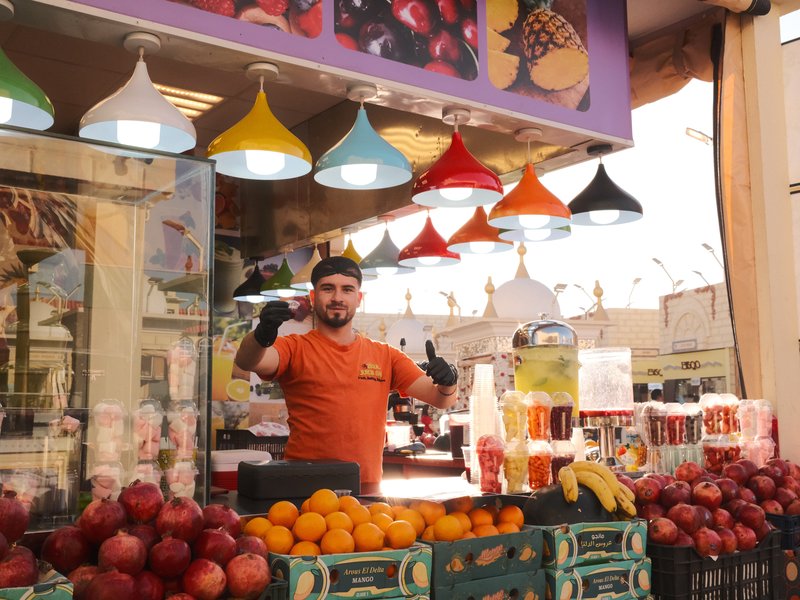
Tungsten Clean Frame
Gentle grain and soft tones create a vibrant colour palette. Ideal for portraits with an urban backdrop.
 Premium
Vintage Daylight
Shadows melt into vibrant hues for a cinematic touch. Perfect for calm, nostalgic scenes on X-Trans IV sensors.
 Premium
Kodak Pale Holiday
Dreamy hues and soft shadows enrich your indoor shots. Perfect for a cinematic touch with calm, moody undertones.

Coral Negative
Soft, nostalgic tones with a subtle grain for a timeless feel
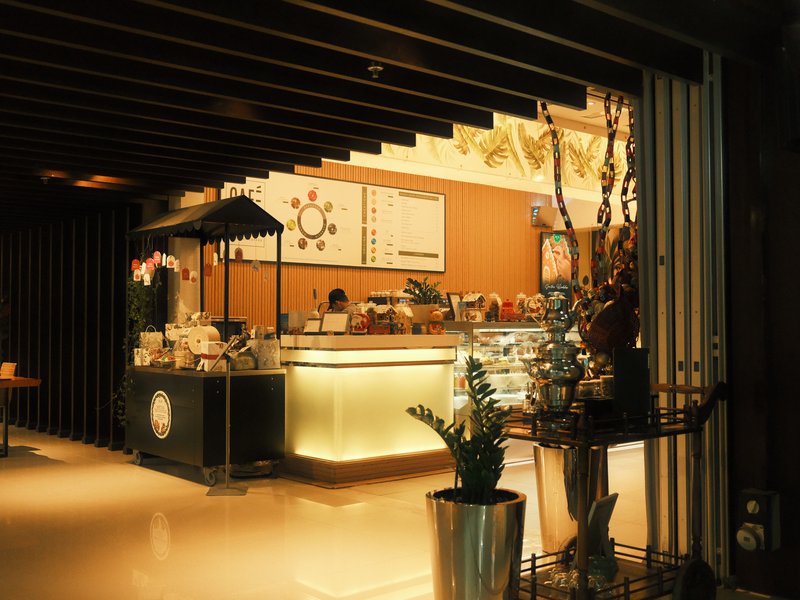
Warm Night
Earthy hues with subtle contrast bring a nostalgic warmth to urban images.

Night Reversal
Enhance outdoor shots with vivid contrasts and lush colours. Perfect for capturing energetic landscapes.
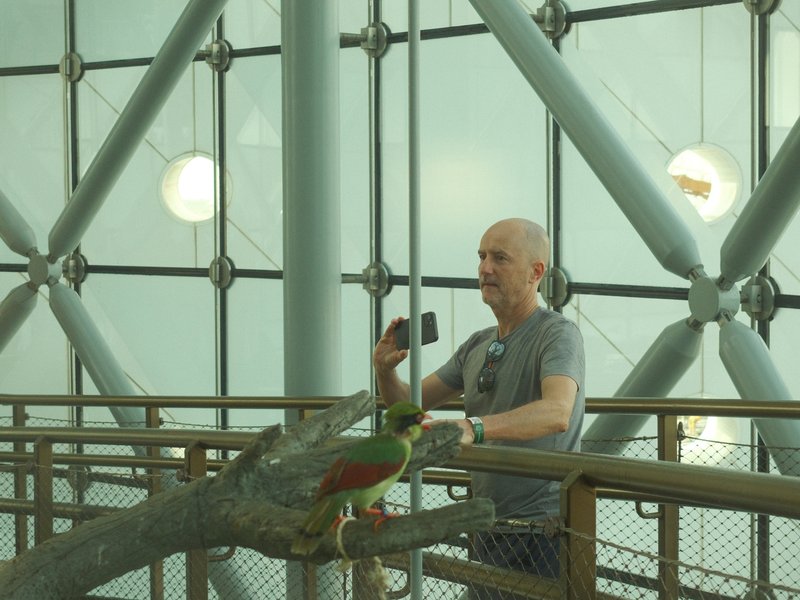
Softened Daylight
Dreamy hues and soft shadows enrich your indoor shots. Perfect for a cinematic touch with calm, moody undertones.

Old Ivory Roll
Rich, nostalgic tones with a touch of grain for timeless imagery.
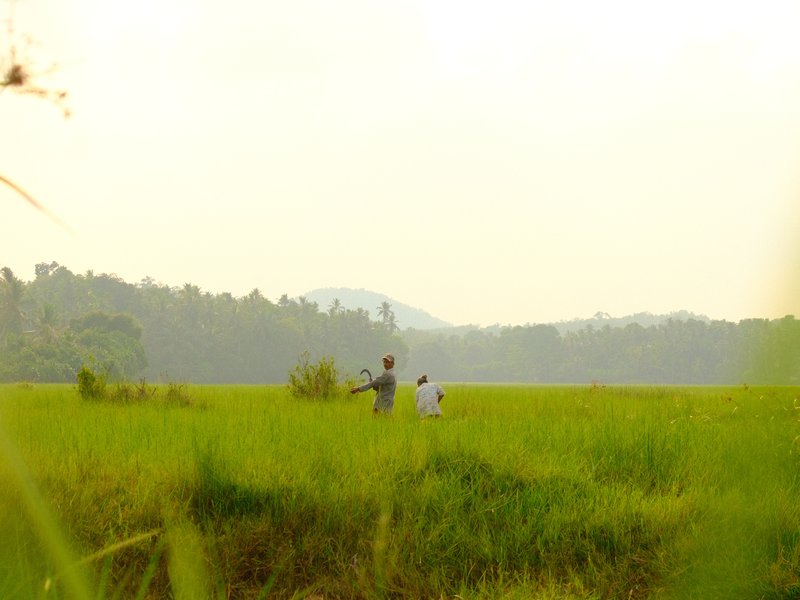
Warm Monsoon Light
Saturated colours with a vibrant touch, ideal for landscapes and outdoor scenes. Calming yet vivid, with fine grain.
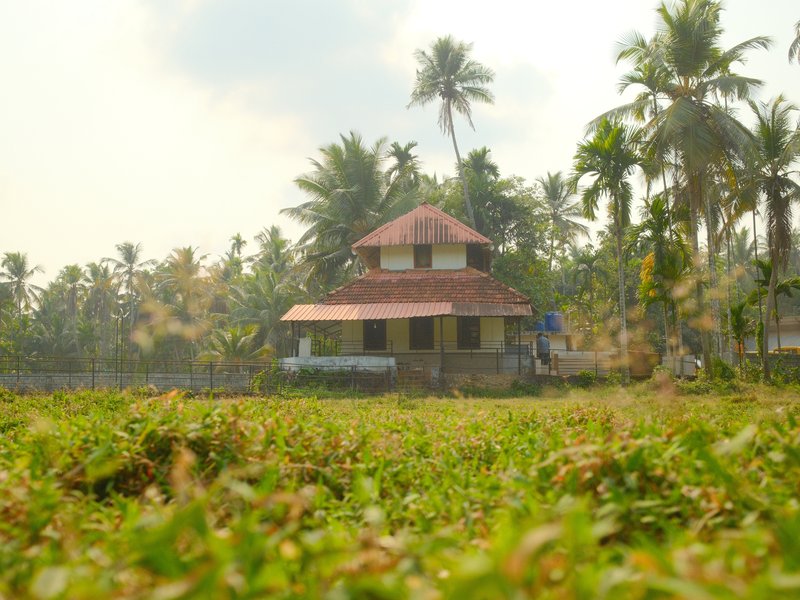
Astia Reverie
Natural tones with gentle contrast and subdued grain. Perfect for calm, warm portraits in rural settings.

Superia Print
Soft, nostalgic tones with a subtle grain for a timeless feel
How to add a recipe to your GFX100S
- Access the menu and select 'Edit/Save Custom Settings'.
- Choose a custom slot (C1–C7) to save the recipe.
- Adjust settings like film simulation and white balance.
- Save settings to the selected custom slot.
Tips for the GFX100S
- Use Pixel Shift for ultra-high resolution.
- Experiment with film simulations for unique looks.
- Balance ISO for optimal dynamic range.
- Utilise dual SD slots for backup.
Explore other cameras
All cameras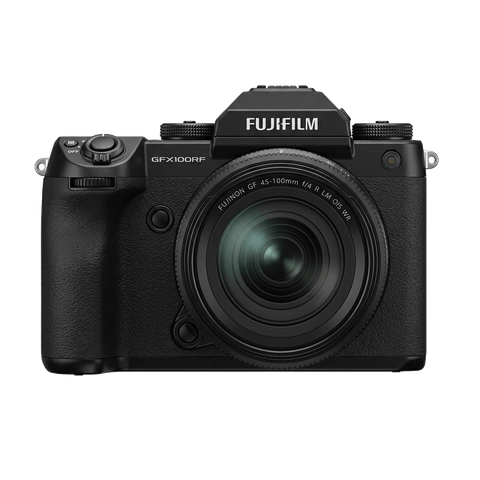
GFX · 102 MP
GFX100RF
First fixed-lens GFX - 102 MP medium format with a 28mm equiv. prime, in the lightest GFX body yet.
View camera
GFX · 102 MP
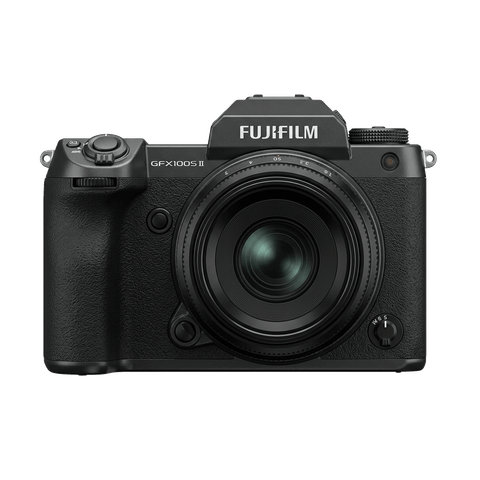
GFX100S II
Compact 102 MP GFX with the new CMOS II sensor and 8-stop IBIS - flagship guts in a single-grip body.
View camera
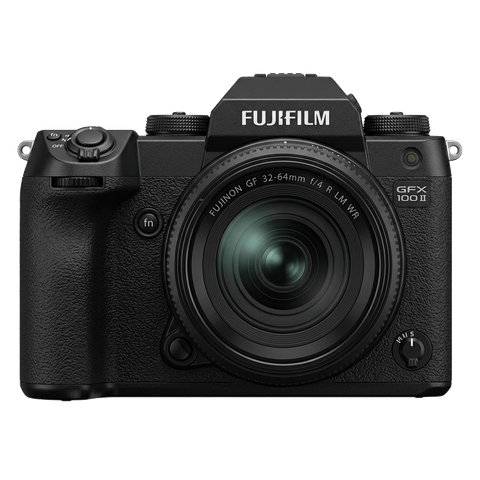
GFX · 102 MP
GFX100 II
Second-generation flagship GFX - 102 MP CMOS II, 8 fps burst, 8K video.
View camera
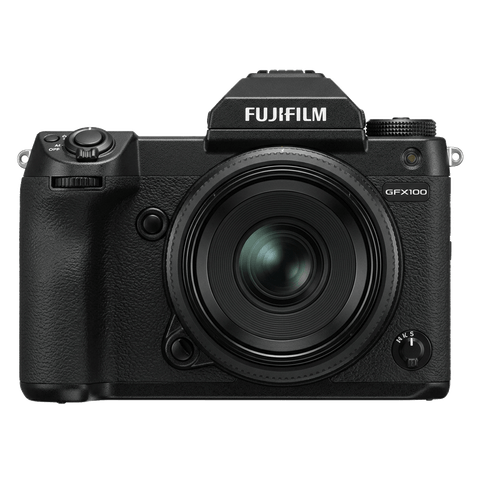
GFX · 102 MP
GFX100
First 100 MP medium-format mirrorless with IBIS - integrated grip, dual EVF eyecup.
View camera
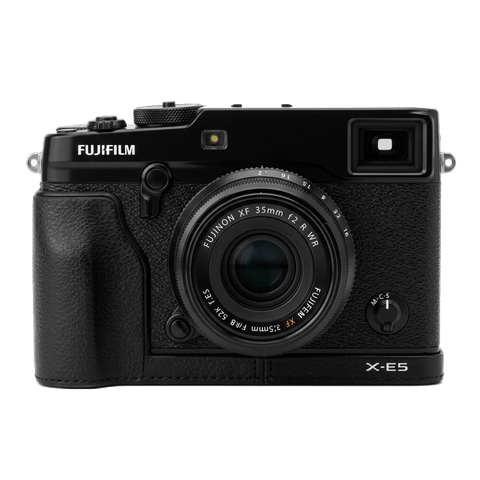
X-Trans V · 40.2 MP
X-E5
First X-E with IBIS - X-Trans V resolution in a precision-machined aluminium rangefinder.
View camera
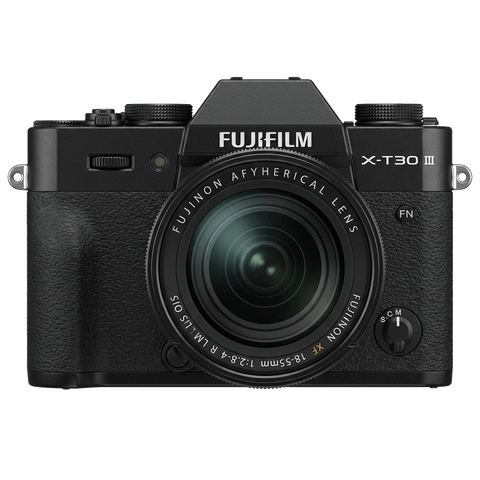
X-Trans V · 40.2 MP
X-T30 III
The X-T30 III keeps the 26 MP X-Trans IV sensor but pairs it with X-Processor 5 and the modern Film Sim dial.
View camera
Key terms
Explore more GFX100S recipes
Find the best Fujifilm recipes for the GFX100S, its GFX sensor, and the film simulations they're built on.
Frequently asked questions
Which recipes work on the GFX100S?
The GFX100S supports Fujifilm's film simulations, compatible with recipes shared by simulation name across X-Trans bodies.
Does the GFX100S have IBIS and dual card slots?
Yes, the GFX100S features 5-axis IBIS up to 6 stops and dual SD UHS-II card slots for storage.
How do I add a recipe to the GFX100S?
To add a recipe, access 'Edit/Save Custom Settings' in the menu, select a custom slot, adjust settings, and save.