Difficulty
Intermediate
X-Trans IVClassic NegativeColour4 photos
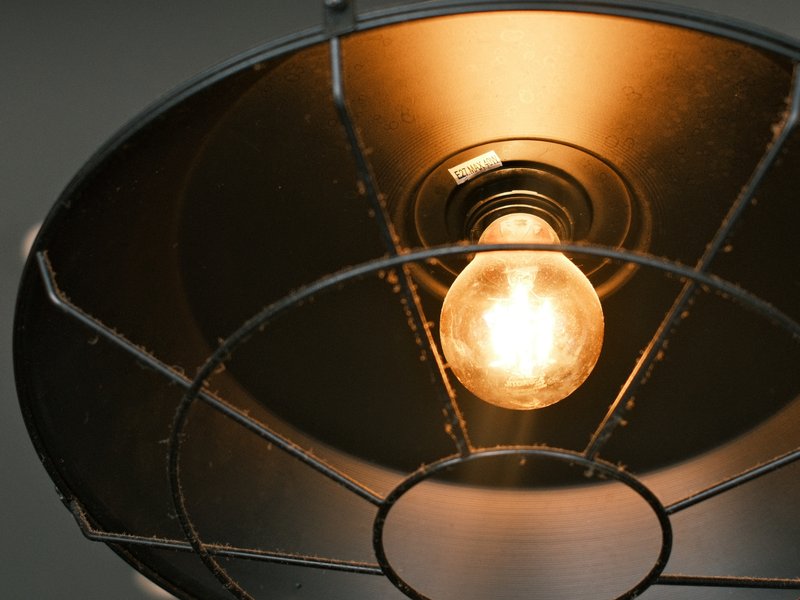
Coral Negative gives streets a fresh, cool-toned film finish with bold colour and scanned-print crispness.
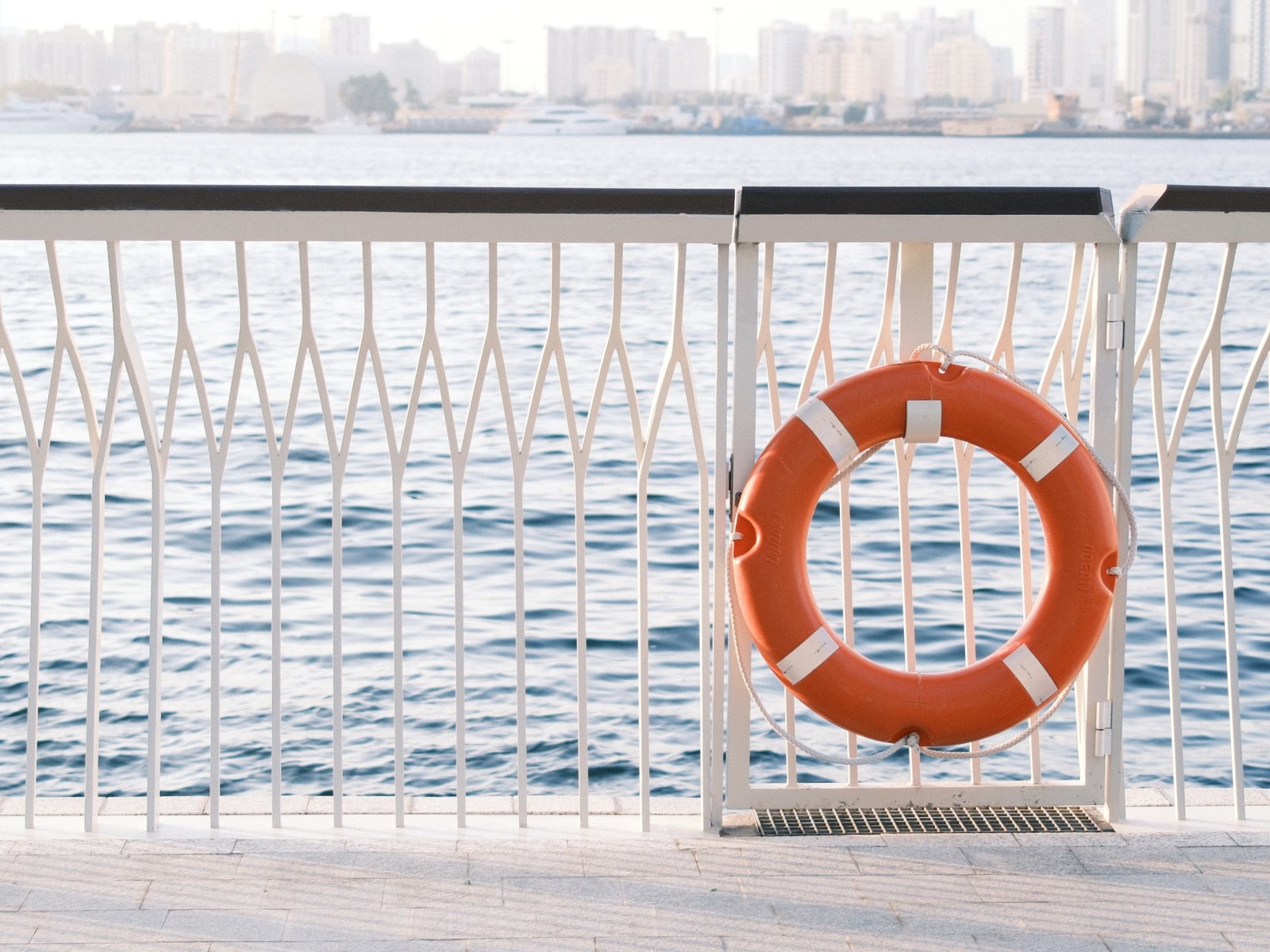
Coral Negative takes its cues from everyday colour negative film as it looks straight off a lab scanner: crisp, slightly cool and full of colour. Classic Negative lays the foundation, with its trademark cyan shadows and warm highlights, and a daylight white balance pushed towards blue gives the whole frame a clean, cool undertone. Saturation is raised so coral reds, teals and greens stand out, and subtle chrome effects hold detail in the richest hues. Contrast is managed automatically by Dynamic Range Priority, keeping both skies and shadows in check. Clarity is lifted for midtone punch while sharpening is reduced, which gives a structured yet natural texture closer to a scanned negative than a crisp digital file. A light, fine grain finishes the look. It flourishes in golden-hour architecture, coastal walks and urban corners, where warm light meets cool shade.
Classic Negative · X-Trans IV
Explore similar
Tested across the X-Trans IV and GFX generations — compatibility is defined by sensor, so any body on these generations can run it. On X-Trans V bodies, blue renders more deeply. If you adapt this recipe to X-Trans V, reduce Color Chrome FX Blue by one step (Weak → Off).
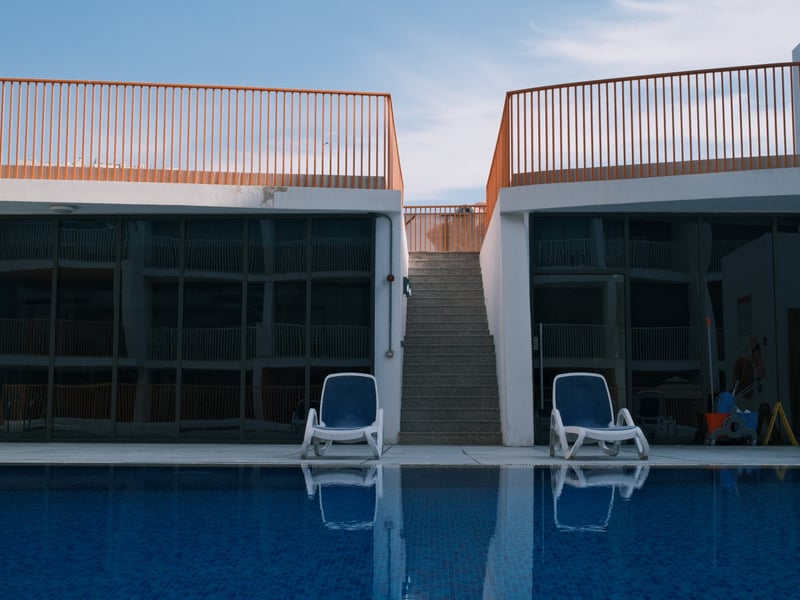
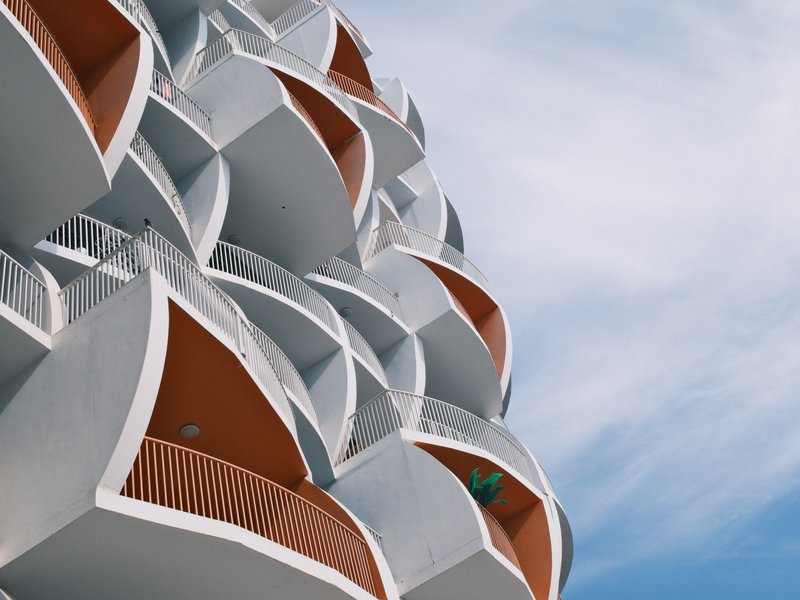
Coral Negative shines on streets, around architecture and on the coast, particularly in golden light or under overcast skies where its cool cast and vivid colour add energy. Skip it for studio portraits, where the cool tint chills skin, and for pure landscapes that need neutral, natural colour.
Scenes and subjects this recipe is tuned for.
Where another look will likely serve you better.
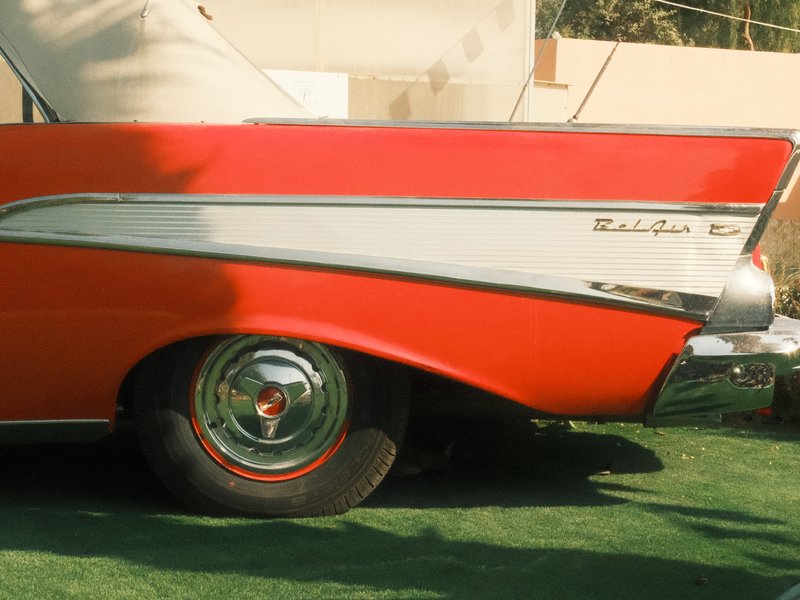
Earthy hues with subtle contrast bring a nostalgic warmth to urban images.
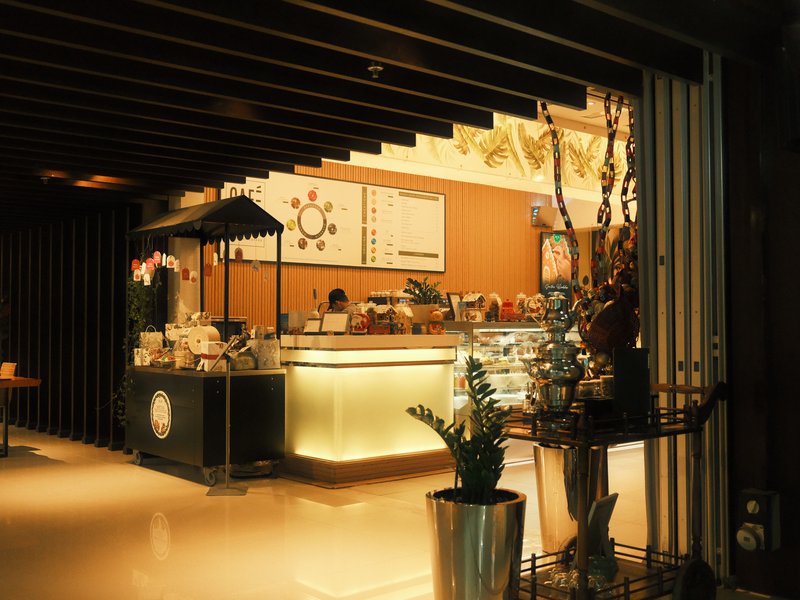
Earthy hues with subtle contrast bring a nostalgic warmth to urban images.
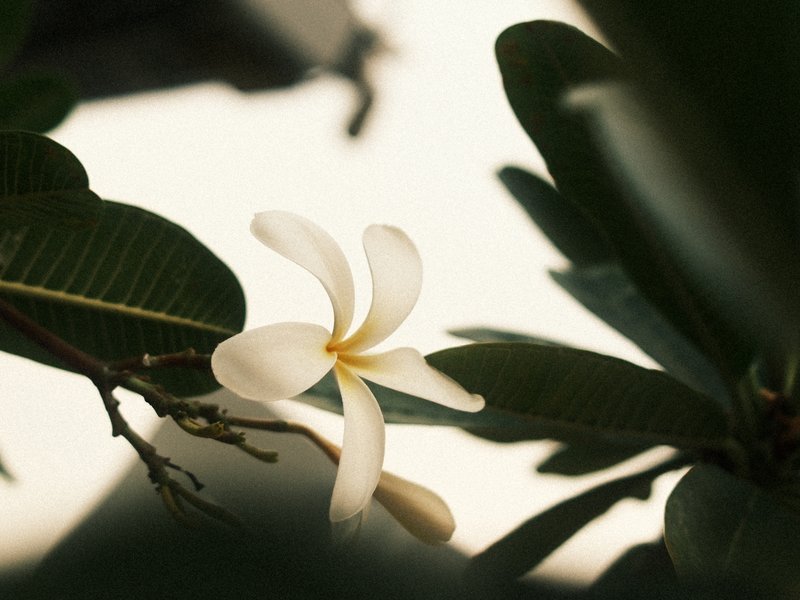
Rich, nostalgic tones with a touch of grain for timeless imagery.
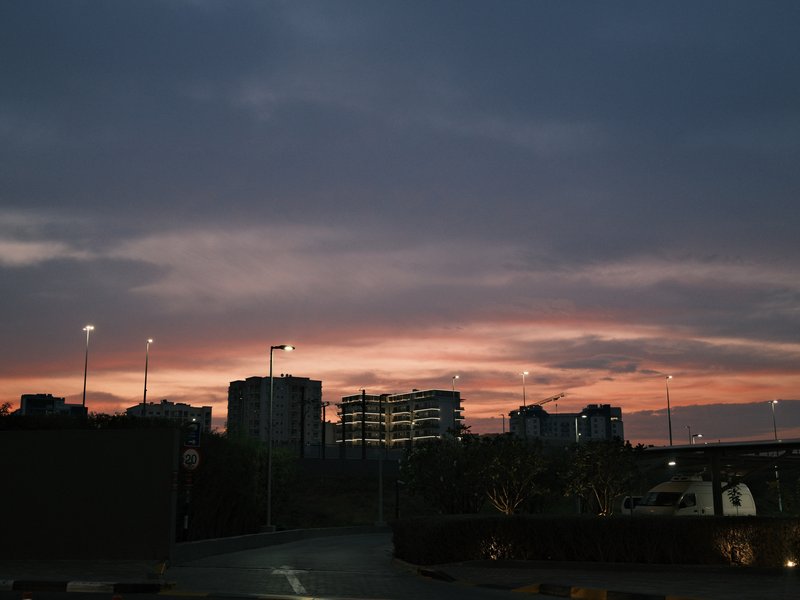
Soft, nostalgic tones with a subtle grain for a timeless feel
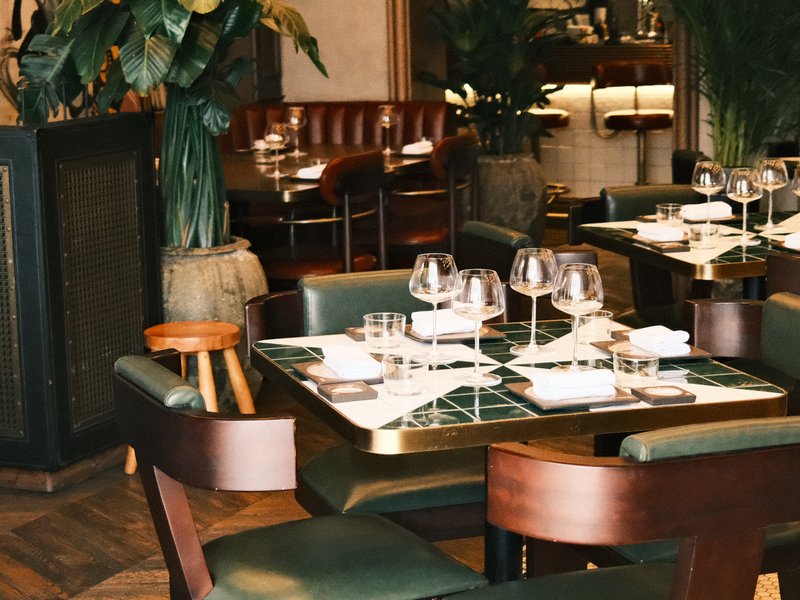 Premium
Subtle warmth and nostalgia, where muted tones shine in urban settings under overcast skies.
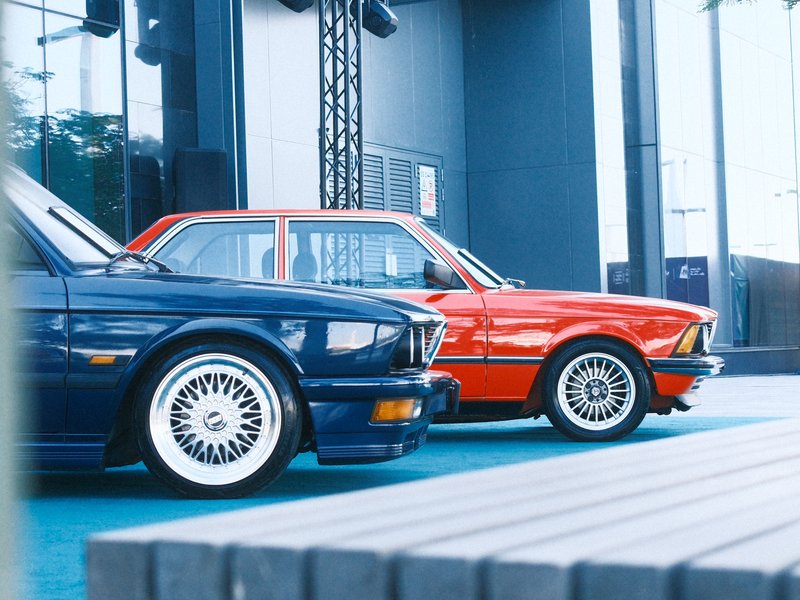 Premium
Punchy colours and soft details create a calm urban aesthetic, perfect for overcast days and vibrant street photography.
Browse the whole catalogue, unlock the premium recipes, and keep every setting in front of you while you shoot.
Free to download · iPhone and Android