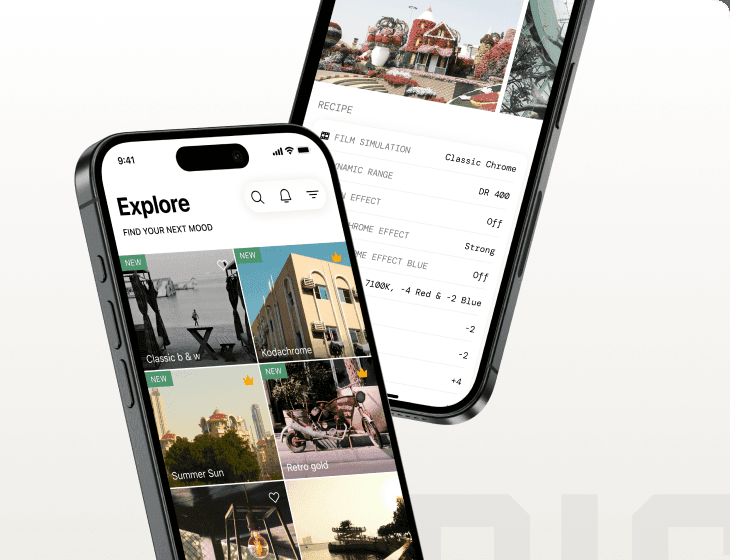
Sensor
Fujifilm · X-Trans IV · 2019
X-Pro3
X-Pro Seriesrangefinder2019
Discover analogue charm with the X-Pro3's hidden LCD and titanium finish.

Resolution
26.1 MP
Stabilisation
No
Mount
X-mount
In short
X-Trans IV recipes work on the X-Pro3. Enjoy Classic Negative, Eterna, and more, but Clarity, Grain Size, and Colour Chrome FX Blue are not available on early X-Trans IV bodies like the X-T3 and X-T30.
Why it's the recipe body
The X-Pro3 is a photographer's delight, a harmonious blend of vintage aesthetics and modern technology. Its rangefinder-style body, with a titanium top plate, feels robust and luxurious in hand, offering a tactile shooting experience that invites creativity. The hidden LCD encourages you to shoot with intention, reducing distractions and immersing you in the moment. The X-Trans IV sensor brings enhanced colour reproduction and dynamic range, pivotal for those who love Fujifilm's film simulations. With the X-Pro3, you experience a tactile connection to your craft, reminiscent of the film days, fostering creativity and mindfulness with every shot.
The X-Pro3's X-Trans IV sensor supports a broad range of Fujifilm film-simulation recipes, including Classic Negative and Eterna. However, it lacks Clarity, Grain Size, and Colour Chrome FX Blue, features introduced with later X-Trans IV bodies. Additionally, white balance shift cannot be saved per custom slot, requiring manual adjustment each time you set up a recipe.
Released in 2019, the X-Pro3 continues Fujifilm's tradition of blending analogue style with digital innovation.
What it nails, what to watch
What it nails
- Hybrid viewfinder enhances composition.
- Titanium top plate offers durability.
- Includes Classic Negative film simulation.
- Hidden LCD fosters mindful shooting.
- X-Trans IV sensor boosts colour fidelity.
What to watch
- Lacks in-body stabilisation.
- No Clarity setting available.
- Grain Size can't be adjusted.
- Colour Chrome FX Blue missing.
What this body adds
SE
Sensor
26.1 MP X-Trans CMOS 4 BSI
PR
Processor
X-Processor 4
MO
Mount
X-mount (interchangeable)
VI
Viewfinder
Hybrid OVF/EVF with parallax correction
RE
Rear screen
Tilting hidden 3-inch LCD + sub-LCD
TO
Top plate
Titanium (Dura coating optional)
Recipes for the X-Pro3
All recipes
Portra Sol Chrome
Subtle tones with deep shadows create a tranquil warmth, ideal for street and travel scenes.
 Premium
Tungsten Clean Frame
Gentle grain and soft tones create a vibrant colour palette. Ideal for portraits with an urban backdrop.

Velvia Punch
Intense contrast and deep hues make landscapes captivating. Suited for vibrant outdoor scenes.
 Premium
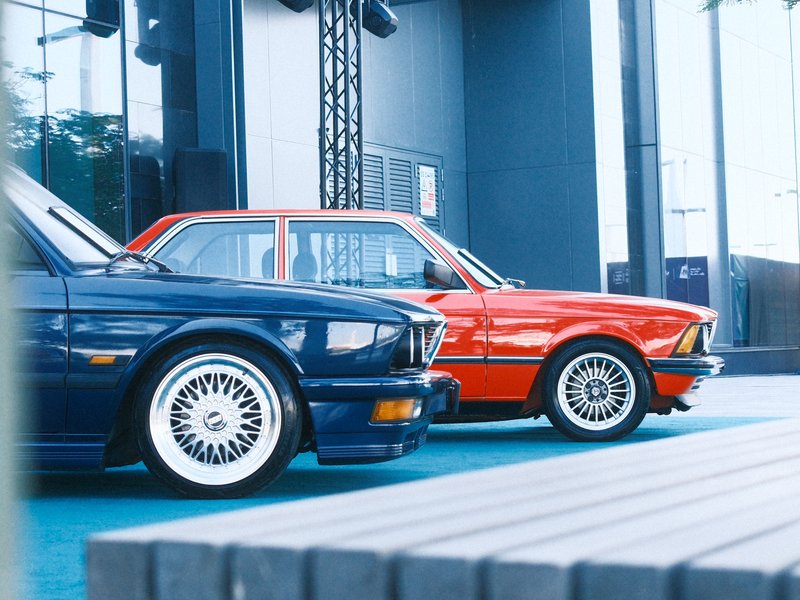
Aveo Ultra Print
Punchy colours and soft details create a calm urban aesthetic, perfect for overcast days and vibrant street photography.

Standard Provia
Strong, small grain and calm tones suit serene scenes indoors and out.
 Premium
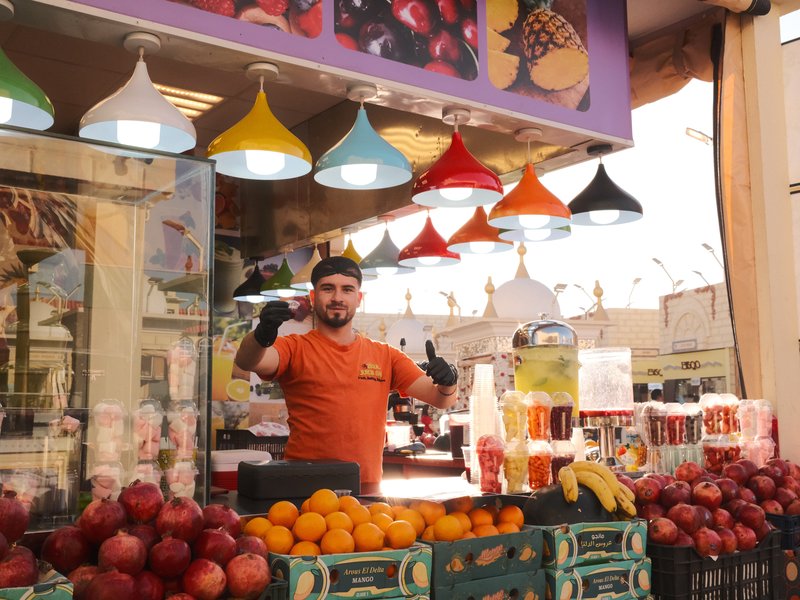
Vintage Daylight
Shadows melt into vibrant hues for a cinematic touch. Perfect for calm, nostalgic scenes on X-Trans IV sensors.

Vintage Sepia
Infuse your shots with sepia tones and pronounced grain for a distinctly nostalgic mood.

Clean Mono
Gritty texture with strong grain and deep shadows for a timeless feel.

Acros Smoke Tone
Monochrome tones with subtle grain and muted contrast. Ideal for capturing architectural details and urban life.
 Premium
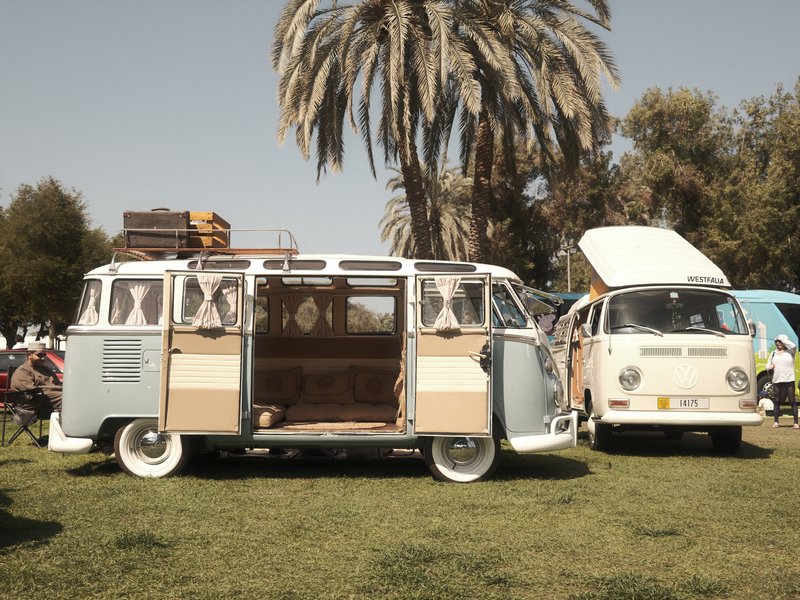
Kodak '81
The nostalgic grain and warm undertones recall 1980s Kodak film. Ideal for video and cinematic captures.
How to add a recipe to your X-Pro3
- Access the menu and navigate to Image Quality Setting.
- Select Edit/Save Custom Setting to choose a custom slot.
- Adjust film simulation and settings as desired.
- Save the configuration to the selected custom slot.
Tips for the X-Pro3
- Utilise the hybrid viewfinder for flexible framing.
- Explore the Classic Negative film simulation.
- Use the sub-LCD for quick settings review.
- Experiment with different lenses for varied looks.
Explore other cameras
All cameras
X-Trans IV · 26.1 MP
X-E4
Stripped-down X-Trans IV rangefinder - flat top, tilt screen, no grip; pure simplicity.
View camera

X-Trans IV · 26.1 MP
X-T30 II
Refreshed X-T30 with a higher-res LCD and updated firmware - same beloved body.
View camera

X-Trans IV · 26.1 MP
X-S10
Compact body with IBIS at a mid-range price - PSAM-style controls instead of dials.
View camera

X-Trans IV · 26.1 MP
X-T4
First X-T with IBIS - the all-rounder that anchored the X-Trans IV recipe boom.
View camera

X-Trans IV · 26.1 MP
X100V
The X100 that went viral - new lens, weather sealing, and X-Trans IV in the body that defined a decade.
View camera

X-Trans IV · 26.1 MP
X-T30
The recipe darling - X-Trans IV, no IBIS, but loved for its size and dials.
View camera
Key terms
Explore more X-Pro3 recipes
Find the best Fujifilm recipes for the X-Pro3, its X-Trans IV sensor, and the film simulations they're built on.
Frequently asked questions
Which recipes work on the X-Pro3?
The X-Pro3 supports X-Trans IV recipes, including Classic Negative and Eterna. However, early X-Trans IV features like Clarity and Grain Size are not available.
Does the X-Pro3 have in-body stabilisation?
No, the X-Pro3 lacks in-body image stabilisation, so lens-based stabilisation or a tripod is recommended for steady shots.
How do I add a recipe to the X-Pro3?
Go to the menu, select Edit/Save Custom Setting, pick a slot, adjust settings, and save your recipe configuration.