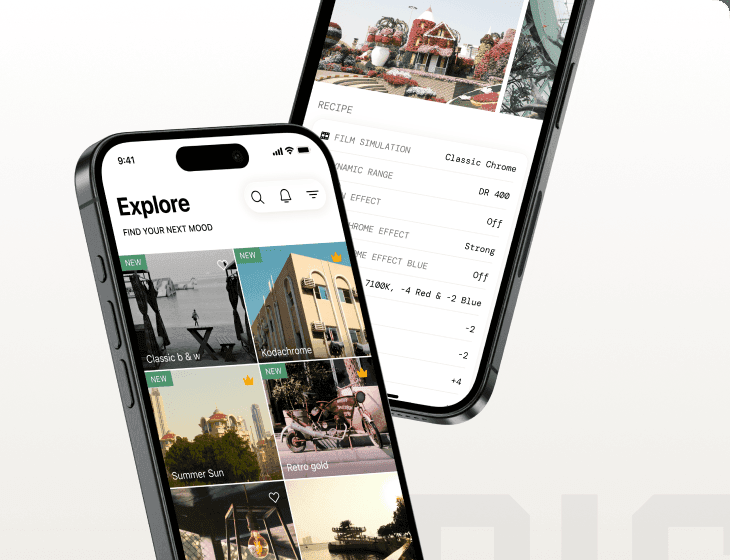
Sensor
Fujifilm · X-Trans IV · 2021
X-T30 II
X-T SeriesDSLR-style2021
Capture your moments with the compact and capable X-T30 II.

Resolution
26.1 MP
Stabilisation
No
Mount
X-mount
In short
The Fujifilm X-T30 II supports X-Trans IV recipes like Classic Negative and Eterna. Early X-Trans IV bodies lack Clarity and other features.
Why it's the recipe body
The Fujifilm X-T30 II is an engaging camera to work with, offering the beloved DSLR-style body with updated features. The 26.1 MP X-Trans CMOS 4 sensor is at the heart of this model, bringing with it a significant jump in film-simulation flexibility. Handling is a joy, with its lightweight, compact design and intuitive controls, making it perfect for street and travel photography. The new 1.62M-dot touchscreen enhances the shooting experience, allowing for easy navigation and quick adjustments. Whether you're capturing stills or 4K video, the X-T30 II delivers stunning images and a satisfying shooting experience.
The X-T30 II, equipped with the X-Trans IV sensor, supports a variety of compelling film simulation recipes, including Classic Negative and Eterna. However, as an early X-Trans IV body, it lacks features like Clarity, Grain Size, and Colour Chrome FX Blue. Additionally, white-balance shifts cannot be saved per custom slot, so plan accordingly when configuring your settings.
The X-T30 II builds on the success of the X-T30, with improved features.
Compared to the X-T30, the X-T30 II offers a higher-resolution LCD and updated firmware.
What it nails, what to watch
What it nails
- 26.1 MP X-Trans IV sensor
- Classic Negative available
- Compact, lightweight body
- Tilting touchscreen display
- 4K video at 30p
What to watch
- No in-body stabilisation
- Early X-Trans IV lacks Clarity
- No Grain Size control
- WB shift not savable per slot
What this body adds
SE
Sensor
26.1 MP X-Trans CMOS 4 BSI
PR
Processor
X-Processor 4
MO
Mount
X-mount (interchangeable)
VI
Video
4K UHD 30p
BU
Burst
8 fps mechanical / 30 fps electronic
RE
Rear screen
1.62M-dot tilting touchscreen
Recipes for the X-T30 II
All recipes
Marigold Afternoon
Earthy hues with subtle contrast bring a nostalgic warmth to urban images.
 Premium
Tungsten Clean Frame
Gentle grain and soft tones create a vibrant colour palette. Ideal for portraits with an urban backdrop.
 Premium
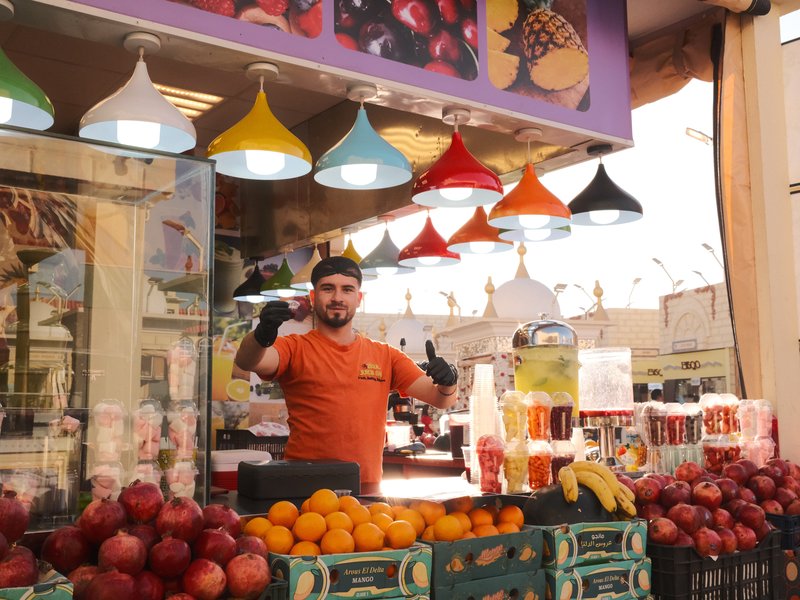
Vintage Daylight
Shadows melt into vibrant hues for a cinematic touch. Perfect for calm, nostalgic scenes on X-Trans IV sensors.
 Premium
Kodak Pale Holiday
Dreamy hues and soft shadows enrich your indoor shots. Perfect for a cinematic touch with calm, moody undertones.

Coral Negative
Soft, nostalgic tones with a subtle grain for a timeless feel
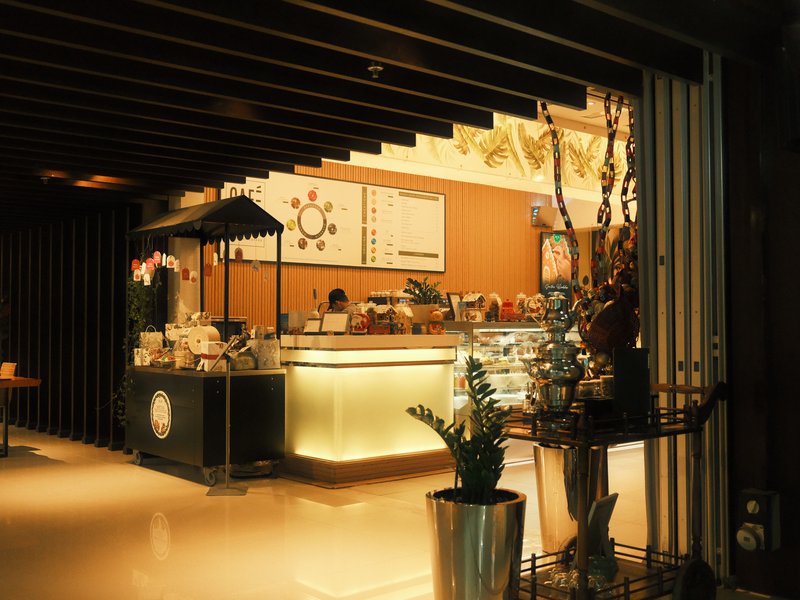
Warm Night
Earthy hues with subtle contrast bring a nostalgic warmth to urban images.
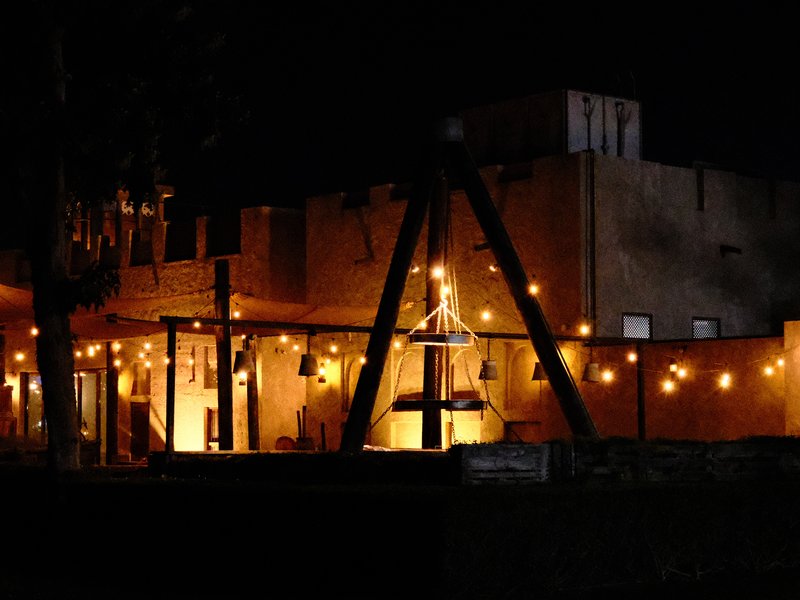
Night Reversal
Enhance outdoor shots with vivid contrasts and lush colours. Perfect for capturing energetic landscapes.
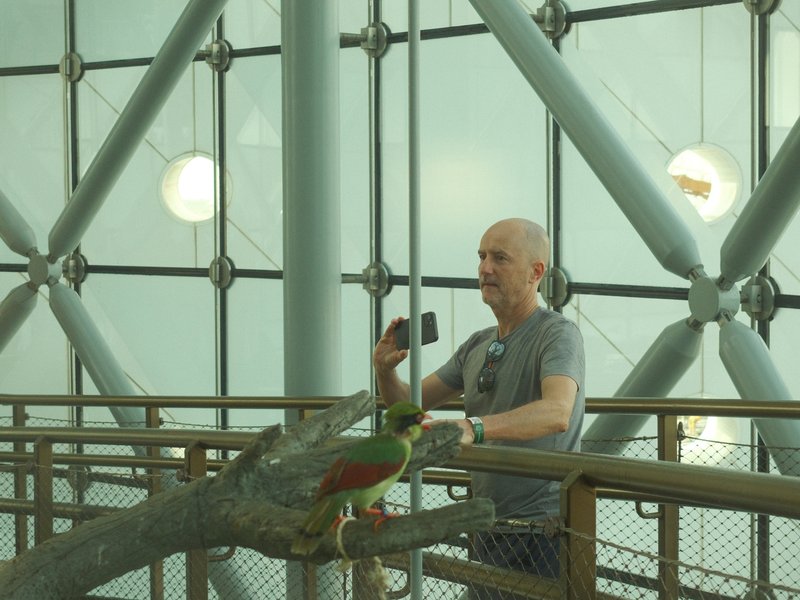
Softened Daylight
Dreamy hues and soft shadows enrich your indoor shots. Perfect for a cinematic touch with calm, moody undertones.

Old Ivory Roll
Rich, nostalgic tones with a touch of grain for timeless imagery.
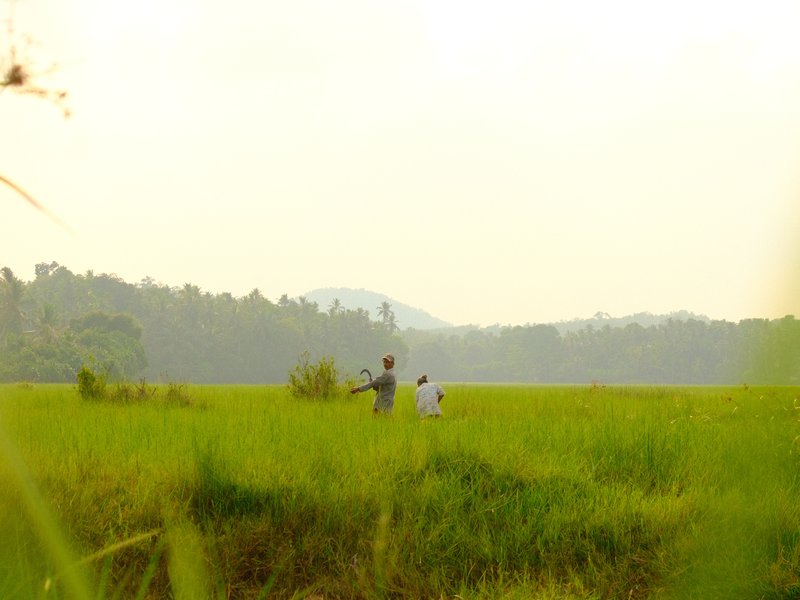
Warm Monsoon Light
Saturated colours with a vibrant touch, ideal for landscapes and outdoor scenes. Calming yet vivid, with fine grain.
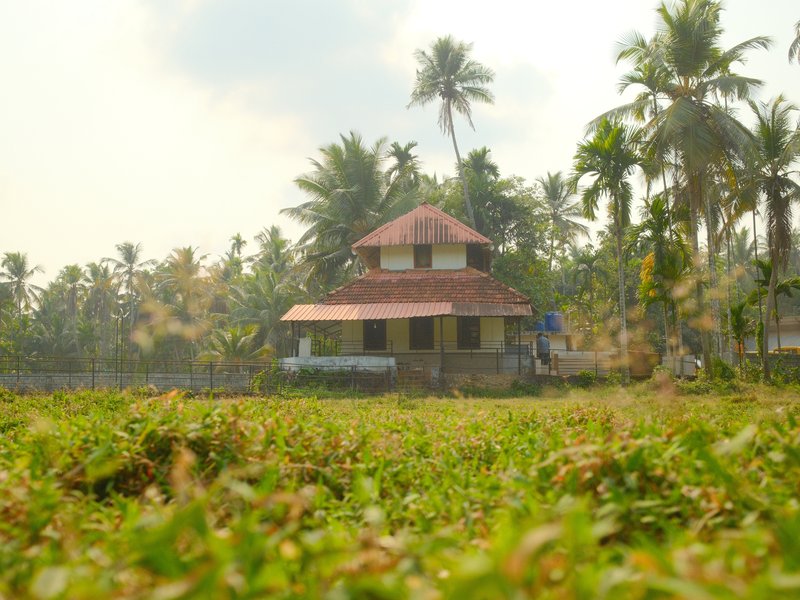
Astia Reverie
Natural tones with gentle contrast and subdued grain. Perfect for calm, warm portraits in rural settings.
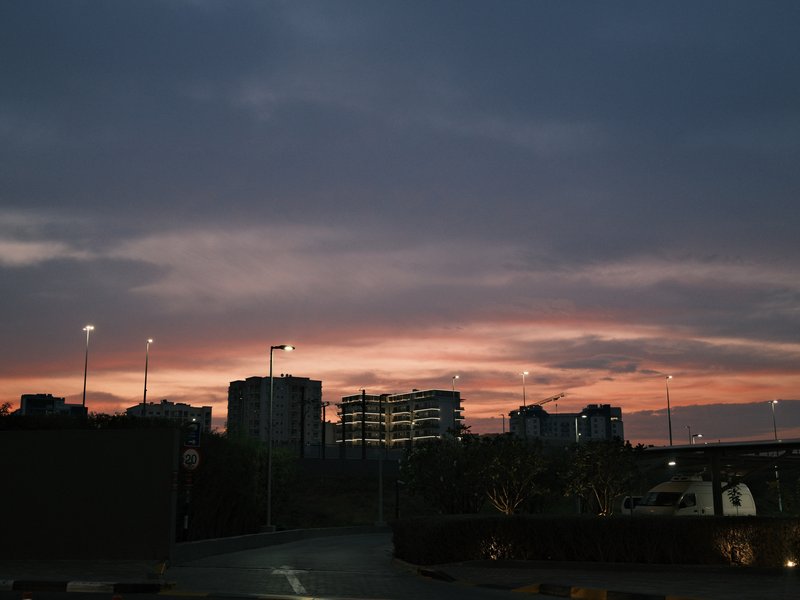
Superia Print
Soft, nostalgic tones with a subtle grain for a timeless feel
How to add a recipe to your X-T30 II
- Select 'Edit/Save Custom Setting' in the menu.
- Choose a custom slot (C1–C7) to save the recipe.
- Input desired film simulation settings into the slot.
- Name the custom setting for easy recall.
Tips for the X-T30 II
- Use touchscreen for quick settings access.
- Try Classic Negative for street photography.
- Regularly update firmware for best performance.
- Utilise electronic shutter for silent shooting.
Explore other cameras
All cameras
X-Trans IV · 26.1 MP
X-E4
Stripped-down X-Trans IV rangefinder - flat top, tilt screen, no grip; pure simplicity.
View camera

X-Trans IV · 26.1 MP
X-S10
Compact body with IBIS at a mid-range price - PSAM-style controls instead of dials.
View camera

X-Trans IV · 26.1 MP
X-T4
First X-T with IBIS - the all-rounder that anchored the X-Trans IV recipe boom.
View camera

X-Trans IV · 26.1 MP
X100V
The X100 that went viral - new lens, weather sealing, and X-Trans IV in the body that defined a decade.
View camera

X-Trans IV · 26.1 MP
X-Pro3
The hidden-LCD rangefinder - built around analogue habits and a titanium top plate.
View camera

X-Trans IV · 26.1 MP
X-T30
The recipe darling - X-Trans IV, no IBIS, but loved for its size and dials.
View camera
Key terms
Explore more X-T30 II recipes
Find the best Fujifilm recipes for the X-T30 II, its X-Trans IV sensor, and the film simulations they're built on.
Frequently asked questions
Which recipes work on the X-T30 II?
The X-T30 II supports X-Trans IV recipes like Classic Negative and Eterna, but lacks Clarity.
Does the X-T30 II have in-body stabilisation?
No, the X-T30 II does not feature in-body image stabilisation, relying instead on lens-based stabilisation.
How do I add a film simulation recipe to the X-T30 II?
Select 'Edit/Save Custom Setting' in the menu, choose a slot (C1–C7), input your settings, and name it.