
Difficulty
Intermediate
X-Trans IVAcros+GBlack & White
Timeless Monochrome with Bold Grain and Depth
Acros+G is the base film simulation this recipe is built on, shaped here with white balance, tone, colour and grain. It earns a custom slot for black & white, architecture and street.
Acros+G · X-Trans IV
Explore similar
Tested across the X-Trans IV, X-Trans V and GFX generations — compatibility is defined by sensor, so any body on these generations can run it. The X-T3 and X-T30 don't offer Clarity, Grain Size or Color Chrome FX Blue — skip those values on those two bodies.
Reach for it when you're shooting black & white, architecture and street. It's less at home with vivid colors and bright sunlight.
Scenes and subjects this recipe is tuned for.
Where another look will likely serve you better.
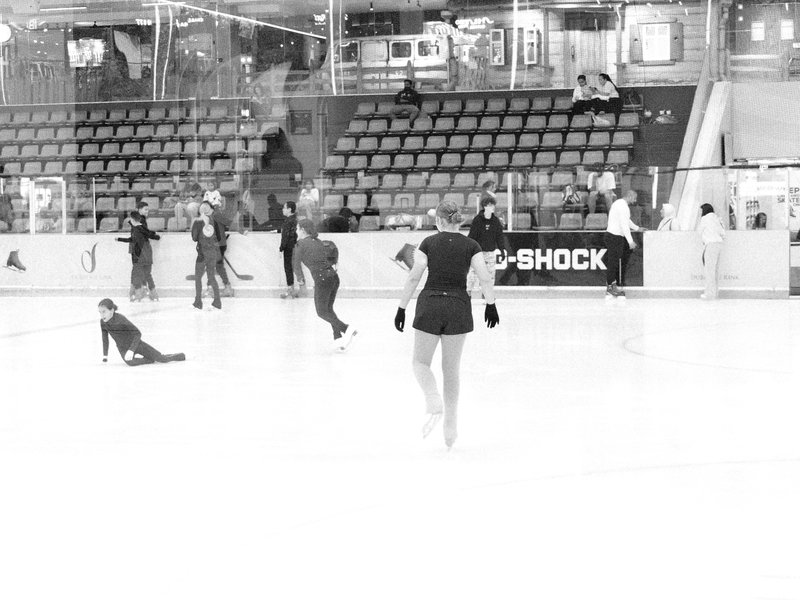
High contrast black & white with strong grain for moody scenes. Perfect for architecture and street photography.
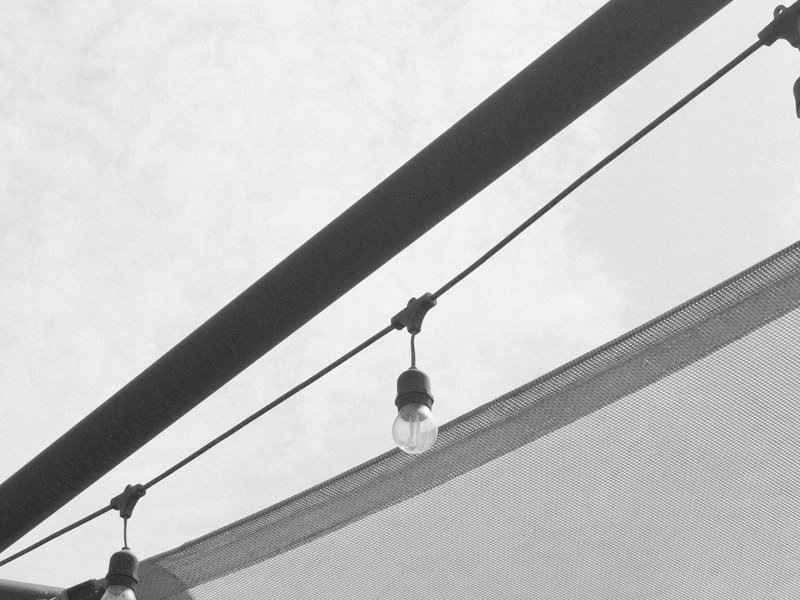
Monochrome tones with subtle grain and muted contrast. Ideal for capturing architectural details and urban life.
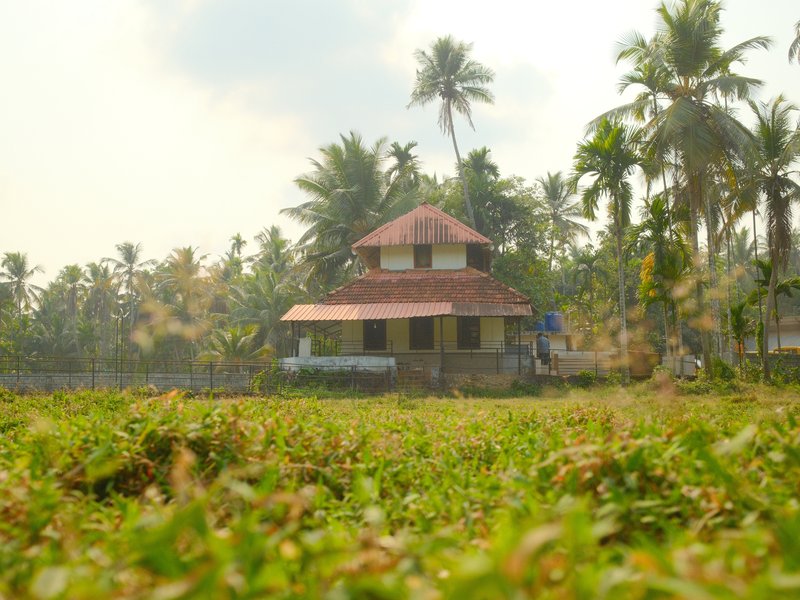
Natural tones with gentle contrast and subdued grain. Perfect for calm, warm portraits in rural settings.
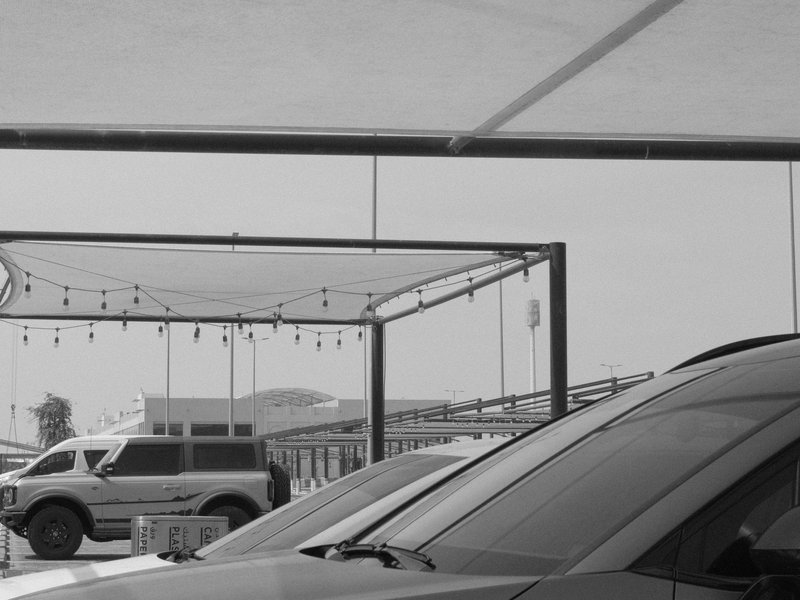
Gritty texture with strong grain and deep shadows for a timeless feel.
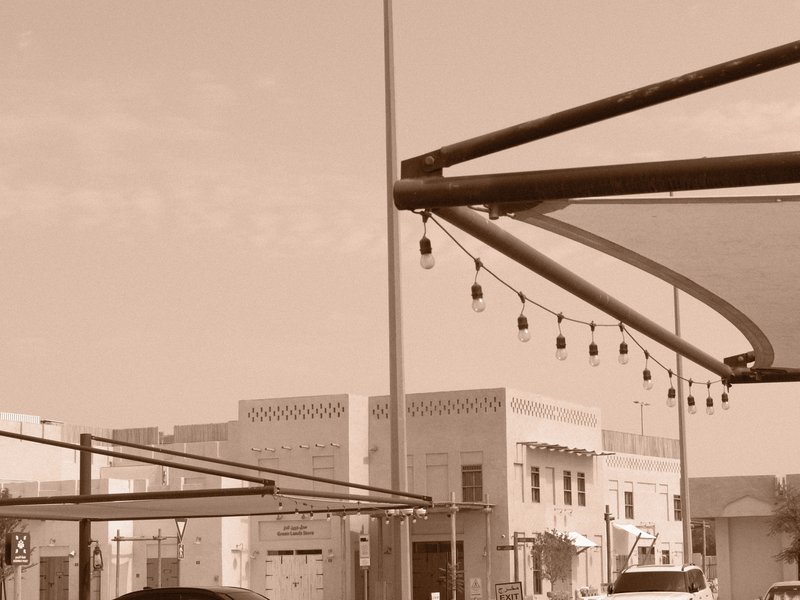
Infuse your shots with sepia tones and pronounced grain for a distinctly nostalgic mood.
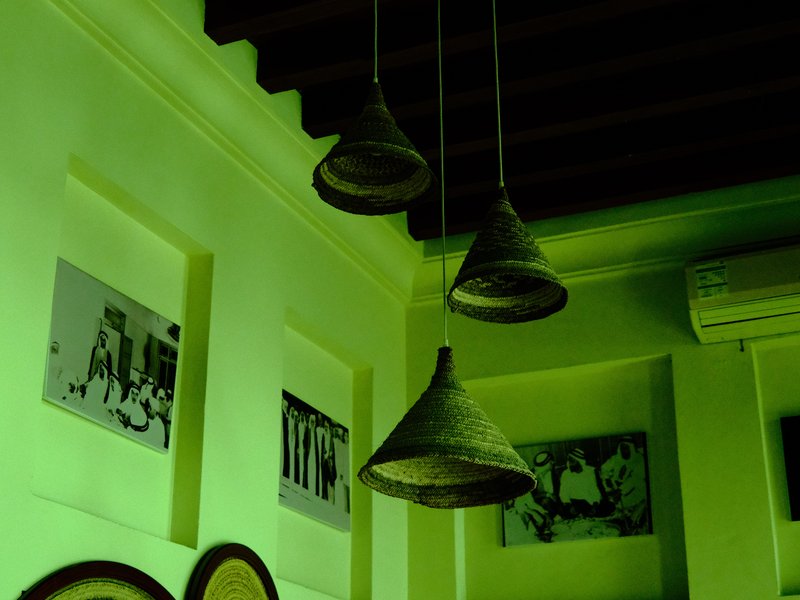
Intense contrast and deep hues make landscapes captivating. Suited for vibrant outdoor scenes.