
Sensor
Fujifilm · GFX · 2024
GFX100S II
GFXmedium-format2024IBIS
Compact yet powerful, the GFX100S II transforms every scene with medium-format magic.
Resolution
102 MP
Stabilisation
Yes (8 stops)
Mount
G-mount
In short
GFX100S II supports all Fujifilm film simulations available to X-Trans bodies, offering superb medium-format quality.
Why it's the recipe body
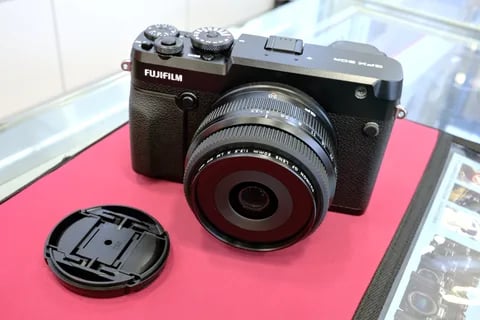
The GFX100S II is a remarkable blend of compact form and advanced features, embodying Fujifilm's commitment to medium-format excellence. Its 102 MP CMOS II sensor, paired with the X-Processor 5, delivers stunningly detailed images with rich colours and dynamic range, making it a joy for any photography enthusiast. The 8-stop IBIS stabilisation ensures sharp, handheld shots even in challenging conditions. Shooting with the GFX100S II feels like wielding a powerhouse; it brings the artistry of film simulations to a larger canvas, elevating everyday scenes into extraordinary captures. The ergonomics are well-considered, providing a comfortable grip for prolonged use, while the intuitive interface makes accessing settings a breeze.
The GFX100S II runs all Fujifilm film simulations compatible with X-Trans sensor technology, capitalising on its medium-format size for unparalleled detail and tonal depth. With 7 custom slots, you can save your favourite recipes, although, like its siblings, it does not offer savable white-balance shifts per slot. Enjoy the full range of JPEG controls and creative opportunities that come with Fujifilm's renowned simulations.
The GFX100S II continues Fujifilm's legacy of innovation in the GFX line, enhancing the compact format.
Compared to the GFX100, the GFX100S II offers similar power in a more portable design.
What it nails, what to watch
What it nails
- 102 MP for ultimate detail
- 8-stop IBIS for stability
- 7 custom slots for recipes
- Medium-format richness
- Interchangeable G-mount lenses
What to watch
- No savable WB shifts
- Large files require fast cards
- Limited to 7 fps burst
- Heavier than APS-C bodies
What this body adds
SE
Sensor
102 MP GFX 102MP CMOS II BSI
PR
Processor
X-Processor 5
MO
Mount
G-mount (interchangeable)
IB
IBIS
5-axis, up to 8 stops
BU
Burst
7 fps mechanical
VI
Video
4K 30p 4:2:2 10-bit
Recipes for the GFX100S II
All recipes
Pulled Negative
Softened shadows with a subtle blue tint create a calming effect for portraits. Ideal for studio sessions.

Pushed Analog
Lively grain with a dynamic filmic look for portraits. Ideal for daily scenes with a warm, inviting mood.

RedScale
Red hues envelop cityscapes with gritty texture and contrast. Ideal for moody environments and overcast settings.

Reggie's Portra
Gentle colour shifts with subtle grain create a tranquil and nostalgic atmosphere, ideal for capturing rural scenes.
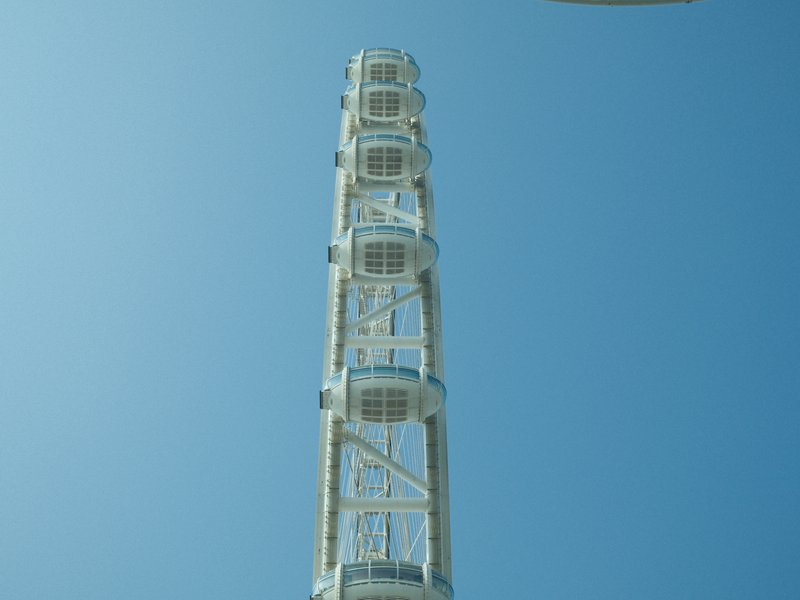
Retro Negative
Subtle green and blue hues enhance skin tones beautifully, offering a calm and vibrant look for daily portraits.
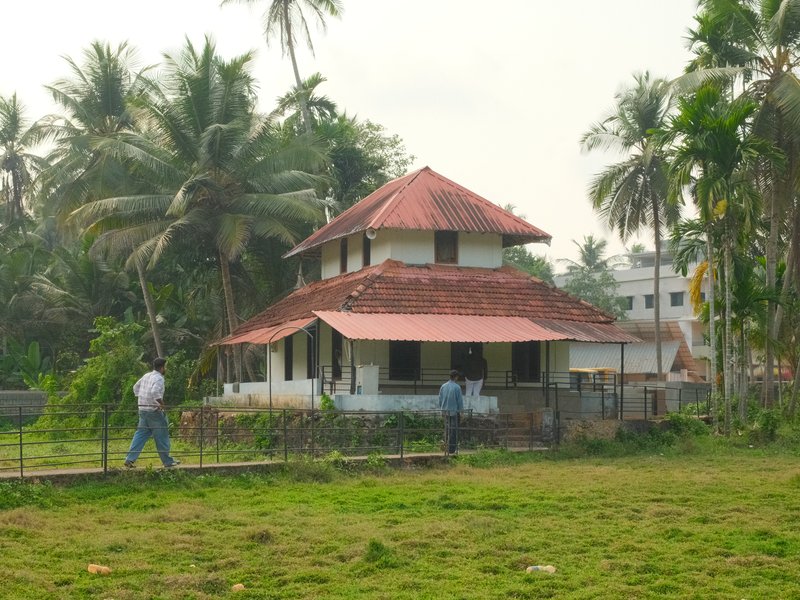
Standard Film
Balanced contrast with a gentle warmth, ideal for capturing everyday moments in calm outdoor or serene settings.

Summer Sun
Warmth enhances skin tones beautifully, ideal for daily portraits. Subtle grain lends texture without overpowering.

Summer of 1960
Hazy pastels and gentle grain transport you to a vintage summer's day.

Superia Negative
Subdued shadows paired with rich hues create an inviting calm for urban exploration.

Superia Xtra 400
Retro-inspired hues and fine grain evoke nostalgia, perfect for photographing cityscapes in overcast conditions.
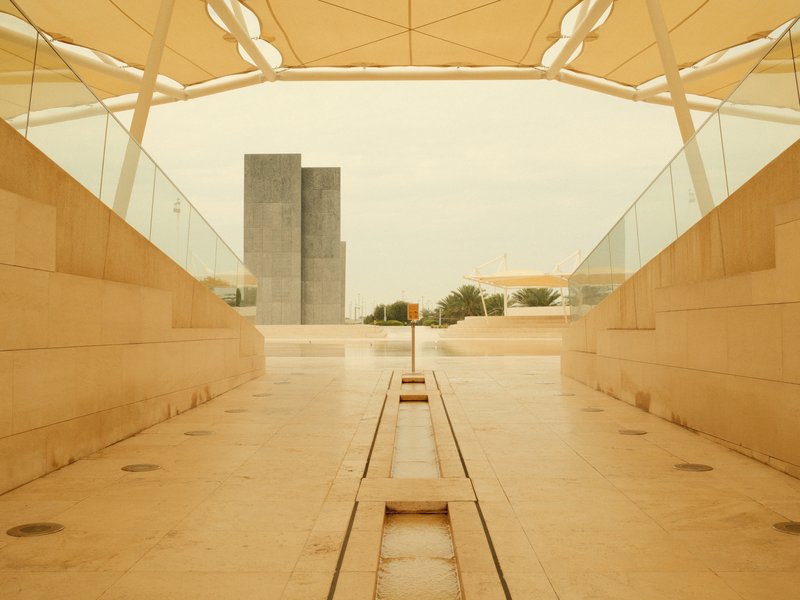
Texas Sun
Warm tones with a hint of grit, capturing the vibrant essence of sunlit streets. Perfect for urban architecture and everyday moments.

Universal Provia
Strong, small grain and calm tones suit serene scenes indoors and out.
How to add a recipe to your GFX100S II
- Turn the mode dial to C1–C7.
- Press the Menu button and navigate to IQ settings.
- Select 'Edit/Save Custom Settings'.
- Adjust parameters and save your recipe.
Tips for the GFX100S II
- Utilise IBIS for handheld low-light shots.
- Experiment with Pixel Shift for ultra-high resolution.
- Use 4K video for cinematic depth.
- Leverage film simulations for creative shoots.
Explore other cameras
All camerasGFX100RF
GFX · 102 MP
GFX100RF
First fixed-lens GFX - 102 MP medium format with a 28mm equiv. prime, in the lightest GFX body yet.
View camera
GFX100 II
GFX · 102 MP
GFX100 II
Second-generation flagship GFX - 102 MP CMOS II, 8 fps burst, 8K video.
View camera
GFX 50S II
GFX · 51.4 MP
GFX 50S II
First 50 MP GFX with IBIS - the most affordable medium-format mirrorless at launch.
View camera
GFX100S
GFX · 102 MP
GFX100S
Single-grip GFX100 - same 102 MP sensor in a body close to a full-frame DSLR's size.
View camera
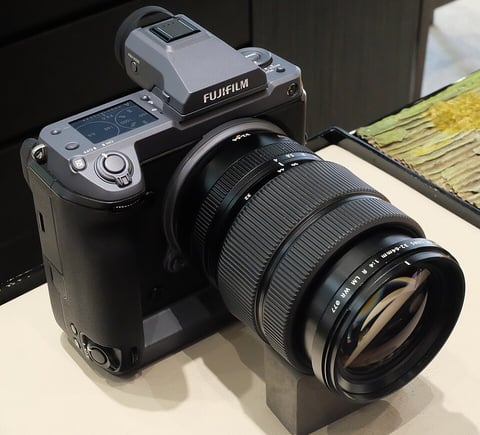
GFX · 102 MP
GFX100
First 100 MP medium-format mirrorless with IBIS - integrated grip, dual EVF eyecup.
View camera
GFX · 51.4 MP
GFX 50R
Rangefinder-style GFX - 51 MP medium format at a more accessible price and weight.
View camera
Key terms
Explore more GFX100S II recipes
Find the best Fujifilm recipes for the GFX100S II, its GFX sensor, and the film simulations they're built on.
Frequently asked questions
Which recipes work on the GFX100S II?
The GFX100S II supports all Fujifilm film simulations available to X-Trans bodies.
Does the GFX100S II have IBIS?
Yes, the GFX100S II features 8-stop IBIS for excellent image stabilisation.
How do I add a recipe to the GFX100S II?
To add a recipe, use the custom slots C1–C7 via the IQ settings in the menu.