
Sensor
Fujifilm · GFX · 2021
GFX 50S II
GFXmedium-format2021IBIS
Explore the most affordable medium-format mirrorless camera at its launch.
Resolution
51.4 MP
Stabilisation
Yes (6.5 stops)
Mount
G-mount
In short
The GFX 50S II supports all GFX and X-Trans film simulations, offering rich medium-format JPEGs.
Why it's the recipe body
The GFX 50S II stands as an inviting entry into the world of medium-format photography, offering a 51.4 MP Bayer sensor that's unique to the GFX line. This camera combines the power of the X-Processor 4 with in-body stabilisation, making it a joy to handle. It's not just the technical specs that capture attention but the tactile experience of shooting with a body that feels robust and refined. The expansive sensor renders film simulations with exceptional richness, letting you enjoy the full spectrum of Fujifilm's celebrated colour profiles in a larger format. This makes every shot feel immersive and true to life, allowing photographers to explore new creative possibilities.
The GFX 50S II runs GFX and X-Trans film simulations seamlessly, benefiting from the X-Processor 4's capabilities. With seven custom slots, you can save your favourite recipes, though remember that white-balance shift settings cannot be saved per slot. Enjoy the full range of Fujifilm's film simulations, just as on other GFX models, bringing your creative vision to life with each frame.
The GFX 50S II marked a milestone as the first 50 MP GFX with IBIS, expanding the line's accessibility.
What it nails, what to watch
What it nails
- In-body stabilisation, 6.5 stops
- 51.4 MP Bayer sensor
- X-Processor 4 power
- Rich film simulation rendering
What to watch
- White-balance shift not saved
- Medium-format size and weight
- Limited to GFX lens options
What this body adds
SE
Sensor
51.4 MP Bayer 43.8x32.9 mm
PR
Processor
X-Processor 4
MO
Mount
G-mount (interchangeable)
IB
IBIS
5-axis, up to 6.5 stops
PI
Pixel Shift
Up to 205 MP
ST
Storage
Dual SD UHS-II
Recipes for the GFX 50S II
All recipesNo recipes tested on the GFX 50S II yet — browse the GFX generation for looks that share its sensor.
How to add a recipe to your GFX 50S II
- Turn the mode dial to 'C' to access custom slots.
- Enter the menu and select 'Image Quality Setting'.
- Navigate to 'Edit/Save Custom Setting' to choose a slot.
- Adjust settings and save the recipe under the desired slot.
Tips for the GFX 50S II
- Enable Pixel Shift for ultra-high resolution.
- Use IBIS for hand-held stability.
- Explore dual SD slots for extended storage.
Explore other cameras
All camerasGFX100RF
GFX · 102 MP
GFX100RF
First fixed-lens GFX - 102 MP medium format with a 28mm equiv. prime, in the lightest GFX body yet.
View camera
GFX100S II
GFX · 102 MP
GFX100S II
Compact 102 MP GFX with the new CMOS II sensor and 8-stop IBIS - flagship guts in a single-grip body.
View camera
GFX100 II
GFX · 102 MP
GFX100 II
Second-generation flagship GFX - 102 MP CMOS II, 8 fps burst, 8K video.
View camera
GFX100S
GFX · 102 MP
GFX100S
Single-grip GFX100 - same 102 MP sensor in a body close to a full-frame DSLR's size.
View camera
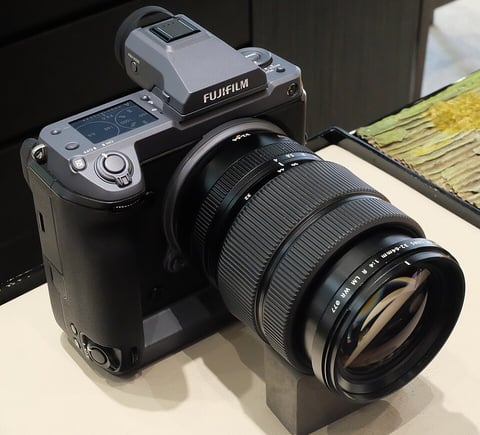
GFX · 102 MP
GFX100
First 100 MP medium-format mirrorless with IBIS - integrated grip, dual EVF eyecup.
View camera
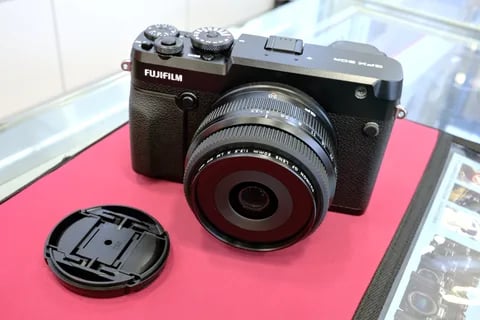
GFX · 51.4 MP
GFX 50R
Rangefinder-style GFX - 51 MP medium format at a more accessible price and weight.
View camera
Key terms
Explore more GFX 50S II recipes
Find the best Fujifilm recipes for the GFX 50S II, its GFX sensor, and the film simulations they're built on.
Frequently asked questions
Which recipes work on the GFX 50S II?
The GFX 50S II supports all GFX and X-Trans film simulations.
Does the GFX 50S II have in-body stabilisation?
Yes, it features 5-axis IBIS providing up to 6.5 stops of stabilisation.
How do I add a film simulation recipe?
Select 'Edit/Save Custom Setting' from the menu, adjust settings, and save to a custom slot.