
Sensor
Fujifilm · GFX · 2018
GFX 50R
GFXmedium-format2018
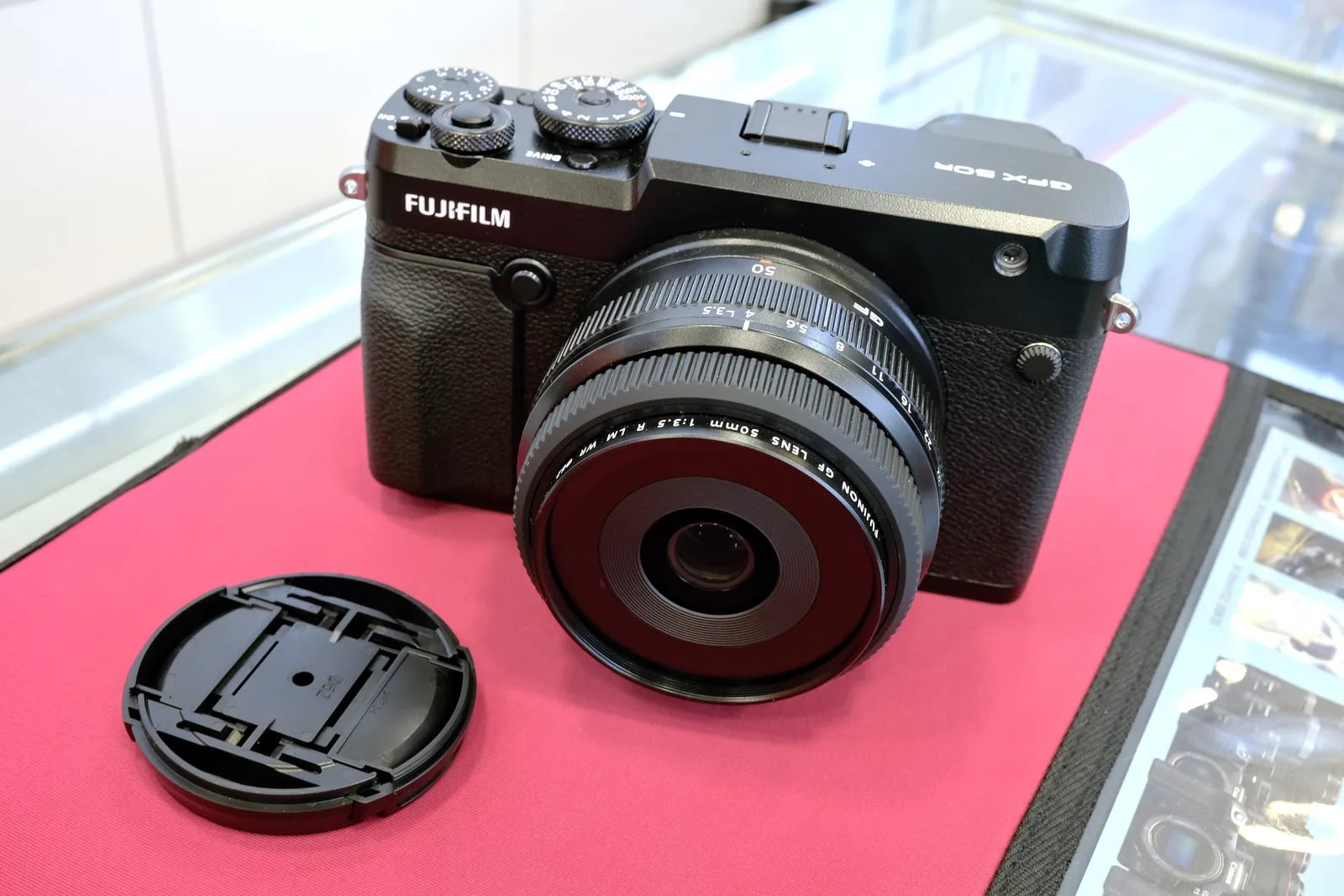
Experience the grandeur of medium format with the lightweight GFX 50R.
Resolution
51.4 MP
Stabilisation
No
Mount
G-mount
In short
The GFX 50R supports all Fujifilm film simulations available to its sensor. Designed for medium-format, it uses a Bayer sensor rather than X-Trans.
Why it's the recipe body
The Fujifilm GFX 50R brings the luxury of medium-format photography into a more easily accessible realm. With its 51.4 MP Bayer sensor, the camera captures the nuanced detail expected from the GFX line. The rangefinder-style body, weighing just 775 grams, ensures that despite its significant capabilities, it remains portable and manageable. The distinct advantage of the GFX 50R is its ability to render Fujifilm's beloved film simulations across a larger frame, providing rich, detailed, and vibrant JPEGs straight out of the camera. The intuitive layout and dual SD card slots make it a joy to shoot with, especially for those who appreciate the tactile experience of physical dials and a built-in EVF.
The GFX 50R runs all Fujifilm film simulations compatible with its medium-format Bayer sensor. This sensor offers a comprehensive range of in-camera JPEG settings, providing photographers with creative flexibility. However, it does not support saving white-balance shifts within custom slots, affecting precision for recipe enthusiasts.
Introduced in 2018, the GFX 50R aimed to democratise medium-format photography.
Compared to the GFX 50S, the 50R offers a lighter, more portable option.
What it nails, what to watch
What it nails
- 51 MP medium format sensor.
- Rangefinder-style body.
- Dual SD card slots.
- Supports all film simulations.
- Lightweight for its class.
What to watch
- No in-body stabilisation (IBIS).
- Bayer sensor, not X-Trans.
- White balance shift not savable.
- Discontinued model.
What this body adds
SE
Sensor
51.4 MP Bayer 43.8x32.9 mm
PR
Processor
X-Processor Pro
MO
Mount
G-mount (interchangeable)
VI
Viewfinder
Built-in 3.69M-dot EVF
BO
Body
775 g, rangefinder layout
ST
Storage
Dual SD UHS-II
Recipes for the GFX 50R
All recipesNo recipes tested on the GFX 50R yet — browse the GFX generation for looks that share its sensor.
How to add a recipe to your GFX 50R
- 1. Access the Menu and select 'Image Quality Setting'.
- 2. Choose 'Edit/Save Custom Setting'.
- 3. Select a custom slot (C1–C7) and input the recipe.
- 4. Press 'OK' to save your settings.
Tips for the GFX 50R
- Use EVF for better composition.
- Experiment with film simulations.
- Utilise dual slots for back-ups.
Explore other cameras
All camerasGFX100RF
GFX · 102 MP
GFX100RF
First fixed-lens GFX - 102 MP medium format with a 28mm equiv. prime, in the lightest GFX body yet.
View camera
GFX100S II
GFX · 102 MP
GFX100S II
Compact 102 MP GFX with the new CMOS II sensor and 8-stop IBIS - flagship guts in a single-grip body.
View camera
GFX100 II
GFX · 102 MP
GFX100 II
Second-generation flagship GFX - 102 MP CMOS II, 8 fps burst, 8K video.
View camera
GFX 50S II
GFX · 51.4 MP
GFX 50S II
First 50 MP GFX with IBIS - the most affordable medium-format mirrorless at launch.
View camera
GFX100S
GFX · 102 MP
GFX100S
Single-grip GFX100 - same 102 MP sensor in a body close to a full-frame DSLR's size.
View camera
GFX · 102 MP
GFX100
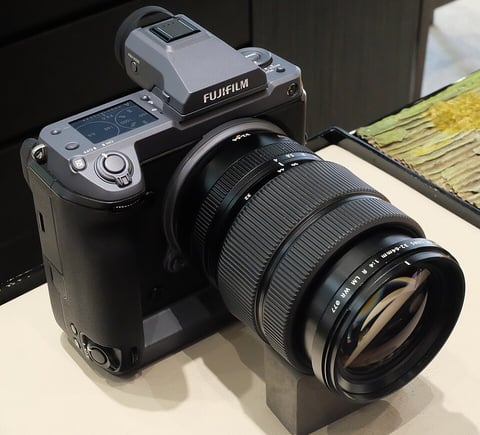
First 100 MP medium-format mirrorless with IBIS - integrated grip, dual EVF eyecup.
View camera
Key terms
Explore more GFX 50R recipes
Find the best Fujifilm recipes for the GFX 50R, its GFX sensor, and the film simulations they're built on.
Frequently asked questions
Which recipes work on the GFX 50R?
The GFX 50R supports all Fujifilm film simulations available to its medium-format Bayer sensor.
Does the GFX 50R have in-body stabilisation?
No, the GFX 50R does not feature in-body image stabilisation (IBIS).
How do I add a recipe to the GFX 50R?
Access 'Edit/Save Custom Setting' in the menu, select a slot, input the recipe, and save.