
8 Fujifilm Black and White Recipes, from Soft to Gritty
Eight Fujifilm black and white recipes, from soft T-Max greys to gritty Acros street looks. Free settings, which filter each uses, and the right camera.
By Fuji Flavours · · 6 min read
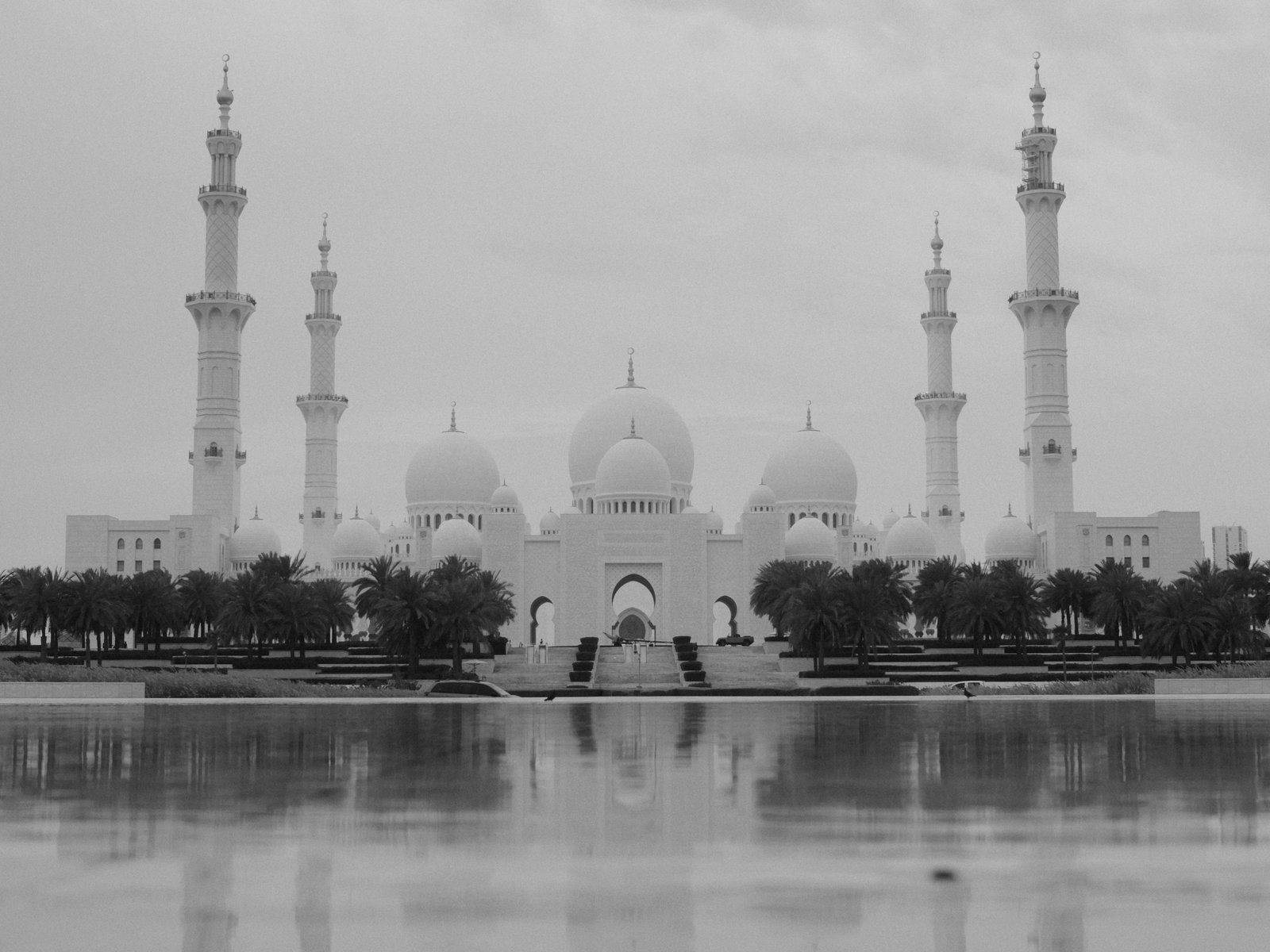
The best Fujifilm black and white recipe depends on what you shoot. For soft, quiet scenes, start with Kodak Fine Mono. For crisp architecture, try Fine Grain Mono. For gritty street photography, use Acros Smoke Tone. All three are free, with every setting below, plus five more recipes covering toned, high-contrast and filtered looks.
Acros or Monochrome: which base should you pick?
Every black and white recipe starts with one of two film simulations:
- Monochrome is available on every X-series camera. Its +Y, +R and +G variants imitate coloured lens filters. Yellow and red darken blue skies for more drama, and green softens skin and lightens foliage.
- Acros arrived with X-Trans III. It renders tones with more depth and gives a more film-like texture as ISO rises. It has the same +Y, +R and +G variants.
As a rule of thumb, use Monochrome for clean, graphic images and Acros when you want the frame to feel like film. If your camera is older than X-Trans III, stick with Monochrome recipes.
The eight recipes at a glance
| Recipe | Base | Character | Settings |
|---|---|---|---|
| Kodak Fine Mono | Monochrome+G | Soft, gentle greys | Free |
| Fine Grain Mono | Monochrome | Crisp, refined detail | Free |
| Acros Smoke Tone | Acros | Gritty but restrained | Free |
| Clean Mono | Monochrome | Strong grain, deep shadows | Free |
| Vintage Sepia | Sepia | Warm, aged album look | Free |
| Deep Acros Mono | Acros+Y | Bold, high-contrast | Premium |
| Kodak Silver Mono | Acros | Gritty, slightly cool | Premium |
| High Contrast Roll | Acros | Deep blacks, X-Trans III friendly | Premium |
The five free recipes are listed for X-Trans IV, X-Trans V and GFX cameras.
Kodak Fine Mono: soft greys for quiet scenes
Kodak Fine Mono is inspired by Kodak T-Max 100 in its softer rendering. The green filter (Monochrome+G), lifted shadows (+1.5) and weak, large grain give smooth tonal transitions instead of punch. It suits overcast walks, interiors and still moments, but not hard midday sun.
| Setting | Value |
|---|---|
| Film Simulation | Monochrome+G |
| Dynamic Range | DR200 |
| White Balance | Daylight, R −6, B −3 |
| Highlight / Shadow | −0.5 / +1.5 |
| Monochromatic Color (WC / MG) | 0 / 0 |
| Sharpness | −1 |
| Noise Reduction | −4 |
| Clarity | −1 |
| Grain Effect | Weak, Large |
| Color Chrome Effect / FX Blue | Off / Off |
| ISO | Up to 6400 |
| Exposure Compensation | −2/3 to +2/3 |
Fine Grain Mono: crisp detail for architecture
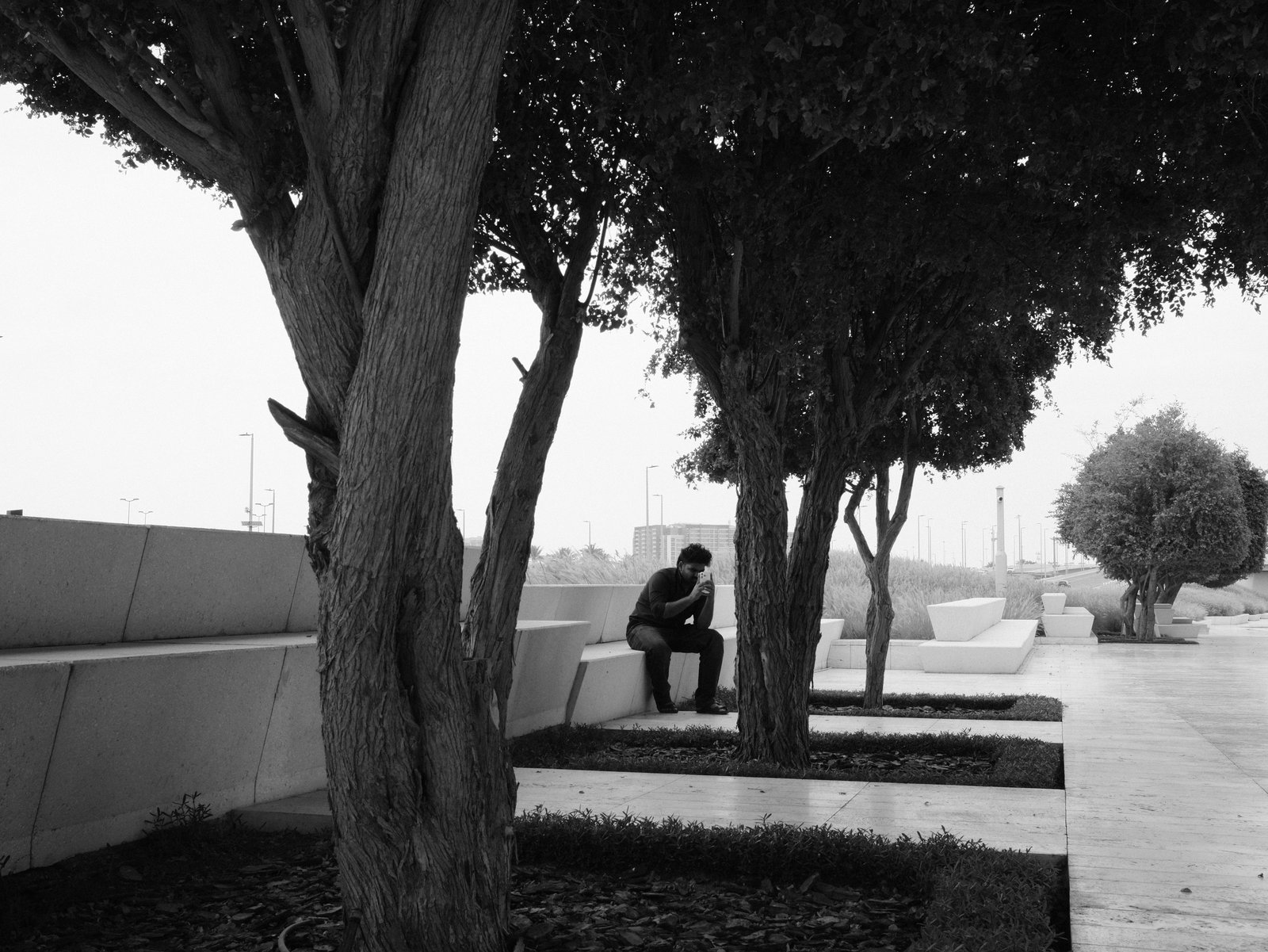
Fine Grain Mono takes its cue from Ilford Pan F 50 Plus, a famously fine-grained film. It's the sharpest of the free recipes, with Clarity +2 and DR100 for full contrast, and the weak, large grain adds texture without noise. It's at its best on buildings, arches and textured surfaces in good light. It isn't listed for portraits or low light.
| Setting | Value |
|---|---|
| Film Simulation | Monochrome |
| Dynamic Range | DR100 |
| White Balance | Daylight, R +1, B −6 |
| Highlight / Shadow | 0 / +1 |
| Monochromatic Color (WC / MG) | 0 / 0 |
| Sharpness | 0 |
| Noise Reduction | −4 |
| Clarity | +2 |
| Grain Effect | Weak, Large |
| Color Chrome Effect / FX Blue | Off / Off |
| ISO | Up to 6400 |
| Exposure Compensation | −1/3 to +1/3 |
Acros Smoke Tone, Clean Mono and Vintage Sepia: one gritty base, three finishes
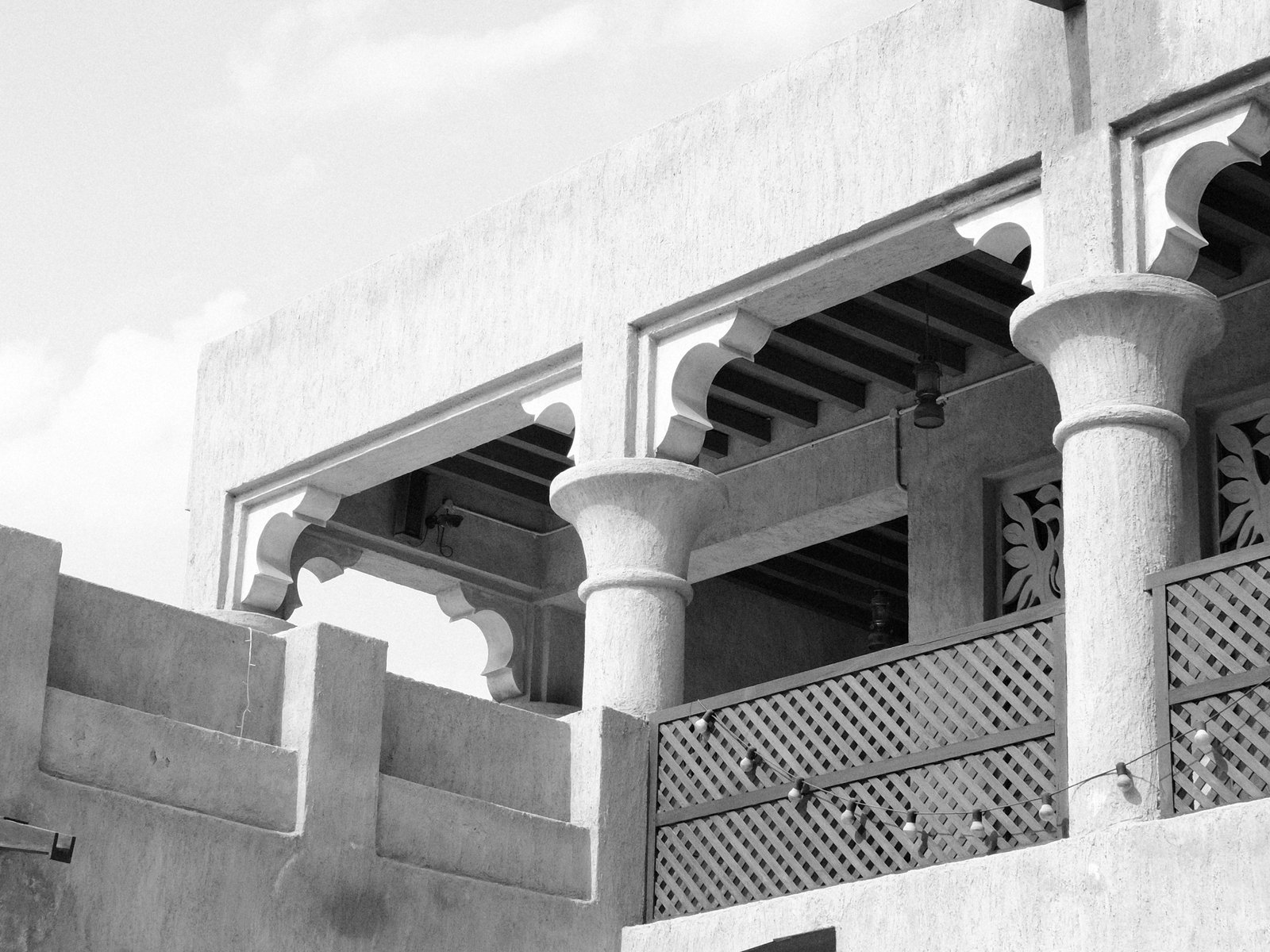
These three recipes share the same core: DR400, a 4000K white balance with B −5, Shadow −2 and strong, small grain. They differ in the film simulation and how much detail they keep:
| Setting | Acros Smoke Tone | Clean Mono | Vintage Sepia |
|---|---|---|---|
| Film Simulation | Acros | Monochrome | Sepia |
| Sharpness | −2 | −4 | −2 |
| Noise Reduction | −4 | 0 | −4 |
| Shared by all three | |||
| Dynamic Range | DR400 | DR400 | DR400 |
| White Balance | 4000K, R 0, B −5 | 4000K, R 0, B −5 | 4000K, R 0, B −5 |
| Highlight / Shadow | 0 / −2 | 0 / −2 | 0 / −2 |
| Color | −2 | −2 | −2 |
| Clarity | 0 | 0 | 0 |
| Grain Effect | Strong, Small | Strong, Small | Strong, Small |
| Color Chrome Effect / FX Blue | Strong / Strong | Strong / Strong | Strong / Strong |
| ISO | Up to 6400 | Up to 6400 | Up to 6400 |
| Exposure Compensation | −1/3 to +2/3 | −1/3 to +2/3 | −1/3 to +2/3 |
- Acros Smoke Tone gives city scenes texture without harsh contrast. It's the one to pick for street and architecture.
- Clean Mono is the grittiest, with the softest sharpness. Its DR400 makes it handy on overcast days.
- Vintage Sepia adds warm, brown toning for an old family album look. It works best when the scene already feels quiet or timeworn.
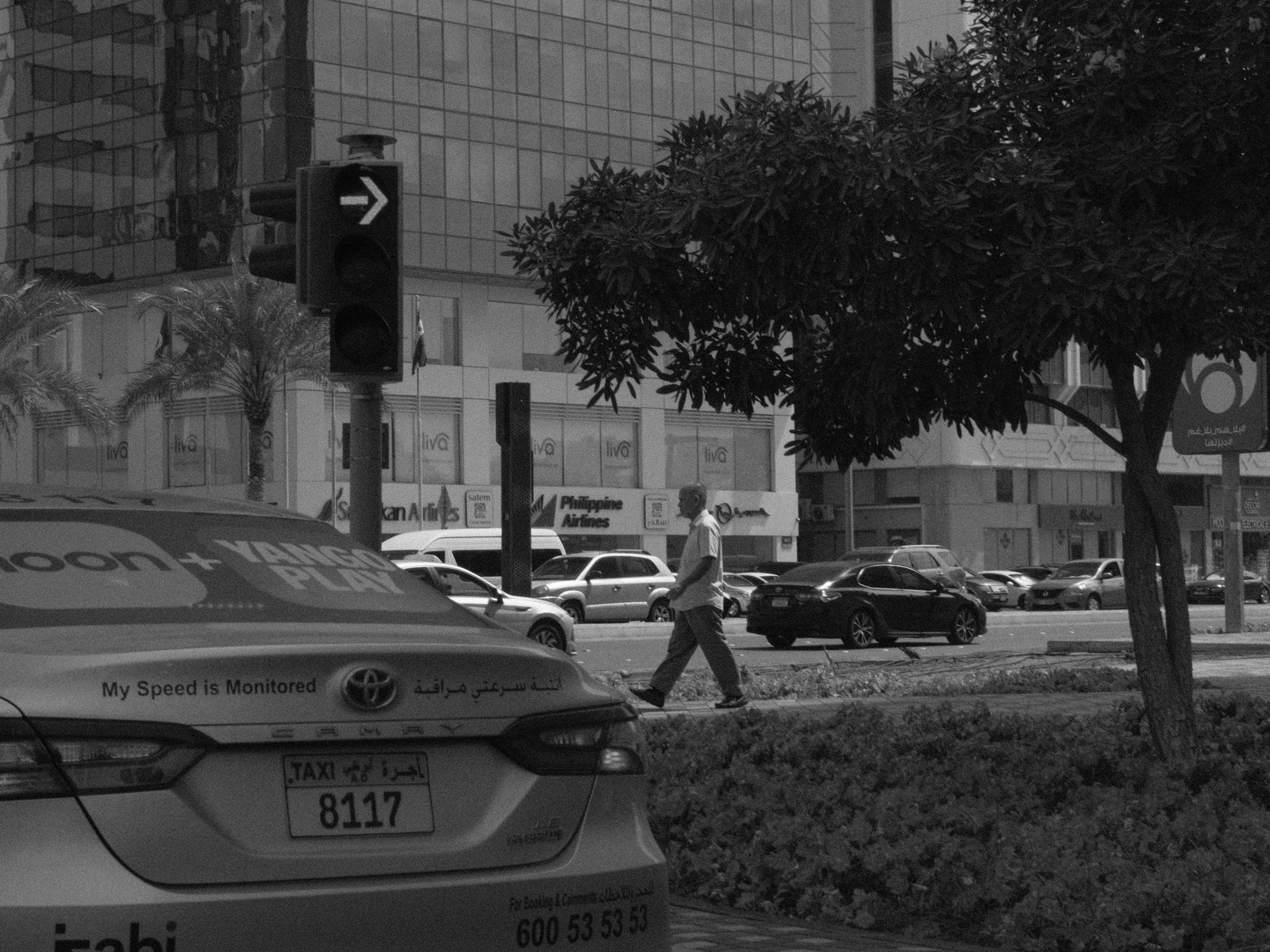
DR400 needs a higher minimum ISO (about four times your camera's base ISO). In bright sun, expect faster shutter speeds, or switch to Kodak Fine Mono or Fine Grain Mono.
Three premium recipes for bolder looks
These three are part of Fuji Pic Premium. Their full settings are in the app.
- Deep Acros Mono (Acros+Y): stark contrast and deep shadows, with the yellow filter adding weight to skies. Built for architecture, streets and landscapes.
- Kodak Silver Mono (Acros): gritty and slightly cool, with restrained highlights. Good for concrete, structure and atmosphere.
- High Contrast Roll (Acros): deep blacks, crisp whites and pronounced grain for hard daylight. Unlike the others, it's listed for X-Trans III cameras such as the X-T2, X-Pro2, X-H1 and X100F, as well as X-Trans IV.
Tips for better black and white JPEGs
- Shoot in the light the recipe suits. Soft recipes like Kodak Fine Mono flatten in hard sun, and gritty DR400 recipes can look muddy in very low light.
- Look for shape, texture and contrast, not colour. A red door and a green wall can turn into the same grey.
- Use exposure compensation to set the mood. Go darker for drama and brighter for an airy feel. Each recipe gives a sensible range.
- Try the filters. If a sky looks flat, a +Y or +R version of the simulation will darken it. If skin looks harsh, try +G.
- Shoot RAW+JPEG while you learn. You can reprocess the RAW in camera with a different recipe later.
New to loading recipes? Here's how to save one to a custom slot, and the glossary explains each setting. You can also browse every recipe by sensor.
FAQ
Can I use these on an X-Trans II or older camera?
The free recipes here are listed for X-Trans IV, X-Trans V and GFX. Older bodies lack Acros and some newer controls like grain size. Browse X-Trans II recipes for looks built for those cameras.
Does a black and white recipe affect my RAW files?
No. Recipes only change the JPEG. A RAW file keeps all the colour information, so you can always make a colour version later.
Which recipe is best for street photography?
Acros Smoke Tone. It's listed for street and architecture, and it adds grit without the heavy contrast that can hide faces in shadow.