3 Kodak Portra Fujifilm Recipes (Full Settings)
Three free Kodak Portra-style Fujifilm recipes with every setting listed, which sensor each suits, and how to tune the warmth for your own light.
By Fuji Flavours · · 6 min read
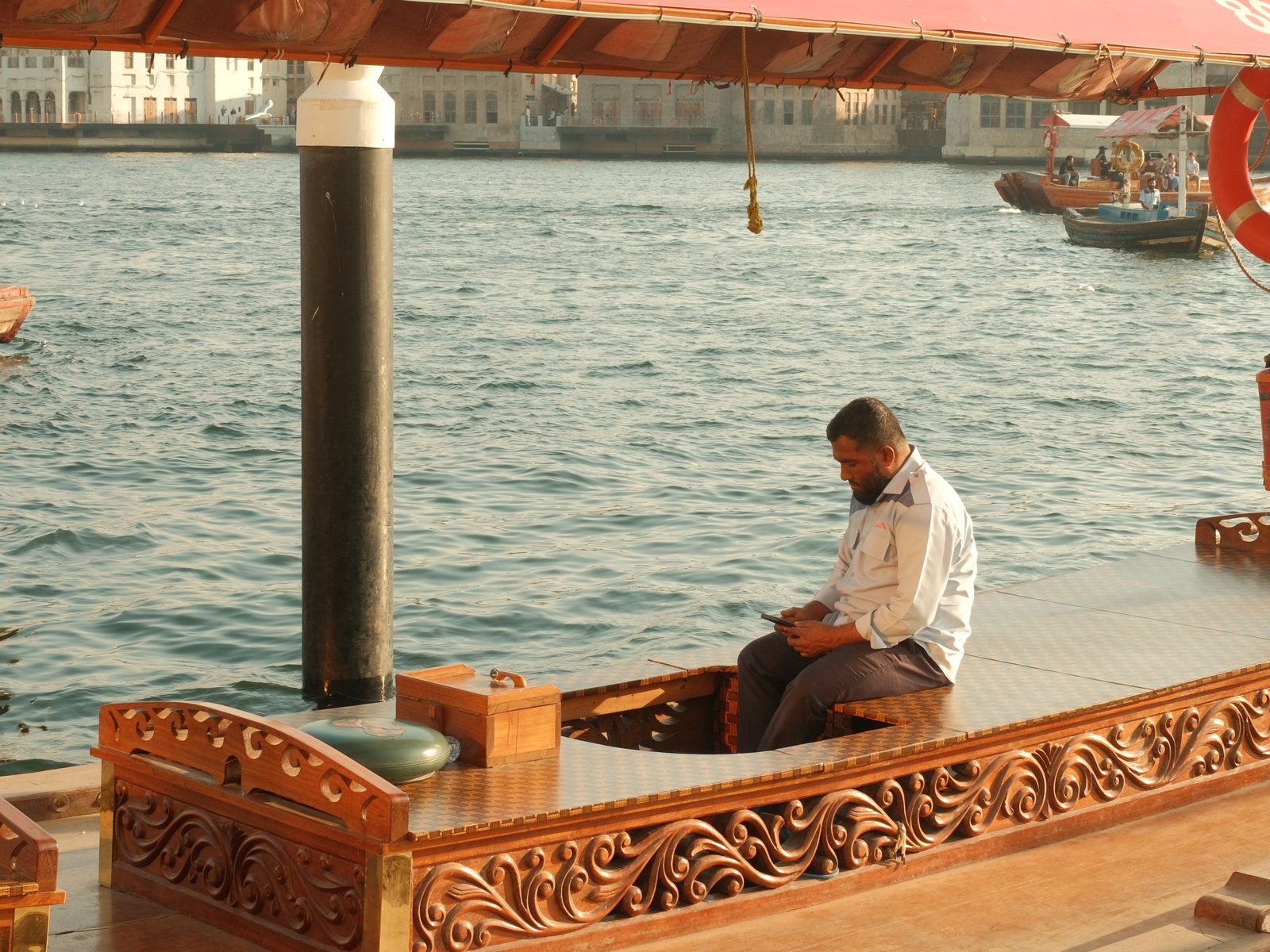
If you want the soft, warm, forgiving colour of Kodak Portra straight out of your Fujifilm, start with Quiet Portra 170 on an X-Trans V camera, or Portra Sol Chrome on X-Trans IV. Both are free, and every setting is listed below.
All three recipes here are built on Classic Chrome, not Classic Negative. That surprises people, but it makes sense: Classic Chrome's muted, slightly flat base is a good starting point for Portra's low contrast, and the warmth comes from the white balance shift instead of extra saturation.
What makes a recipe look like Portra
Kodak Portra is a family of professional colour negative films (160, 400 and 800) known for natural skin tones, fine grain, gentle contrast and a lot of exposure latitude. You can't copy a film stock exactly in camera, but you can get close to how it feels:
- Warmth from white balance, not colour. A positive red shift and a negative blue shift push the whole frame towards Portra's creamy warmth while keeping colours believable.
- Soft contrast. Highlight and shadow at or below zero keep the tonal curve gentle, like a negative film scanned flat.
- Restrained detail. Lower sharpness, minimum noise reduction and a little negative clarity take the digital edge off.
- Light or no grain. Portra is known for fine grain, so these recipes use weak grain or none.
- Overexpose slightly. Portra shooters often rate the film a little slow for brighter, airier colour. All three recipes suggest positive exposure compensation for the same reason.
Quiet Portra 170: the everyday Portra look
Quiet Portra 170 is the most natural of the three. Colour stays neutral at 0. All of the warmth comes from a Daylight white balance with a strong red shift, so whites stay warm without skin or foliage going orange.
It's listed for X-Trans V and GFX cameras, including the X-T5, X-S20, X-E5, X-M5 and X-T30 III. It uses D-Range Priority (Auto) instead of a fixed dynamic range setting.
| Setting | Value |
|---|---|
| Film Simulation | Classic Chrome |
| D-Range Priority | Auto |
| White Balance | Daylight, R +4, B −5 |
| Highlight / Shadow | 0 / 0 |
| Color | 0 |
| Sharpness | −1 |
| Noise Reduction | −4 |
| Clarity | −2 |
| Grain Effect | Weak, Small |
| Color Chrome Effect / FX Blue | Weak / Weak |
| ISO | Up to 6400 |
| Exposure Compensation | +1/3 to +1 |
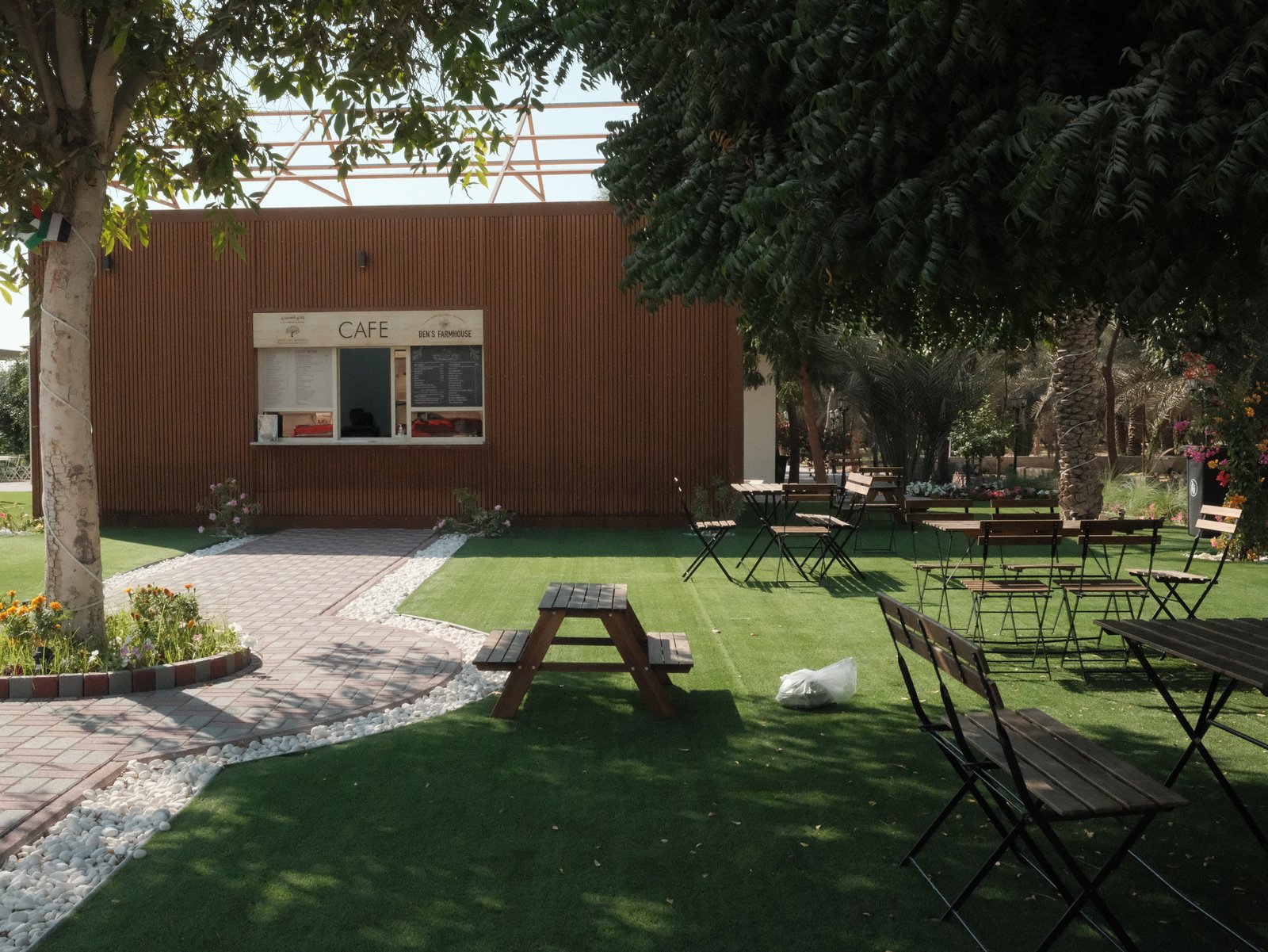
Use it for: street, travel and daily life, especially outdoors in soft light. Skip it for: studio portraits, where you'll want more control over skin tones.
Portra Sol Chrome: warmer, with golden-hour glow
Portra Sol Chrome is the warm, sunlit version. It pushes Color to +3, pulls highlights and shadows down to −2 and uses DR400 to protect bright skies. The result looks cinematic without adding any grain.
It's listed for X-Trans IV and GFX, including the X-T4, X100V, X-S10, X-E4, X-Pro3 and X-T30 II.
| Setting | Value |
|---|---|
| Film Simulation | Classic Chrome |
| Dynamic Range | DR400 |
| White Balance | Auto, R +2, B −6 |
| Highlight / Shadow | −2 / −2 |
| Color | +3 |
| Sharpness | −2 |
| Noise Reduction | −4 |
| Clarity | −1 |
| Grain Effect | Off |
| Color Chrome Effect / FX Blue | Strong / Off |
| ISO | Up to 6400 |
| Exposure Compensation | +1/3 to +1 1/3 |
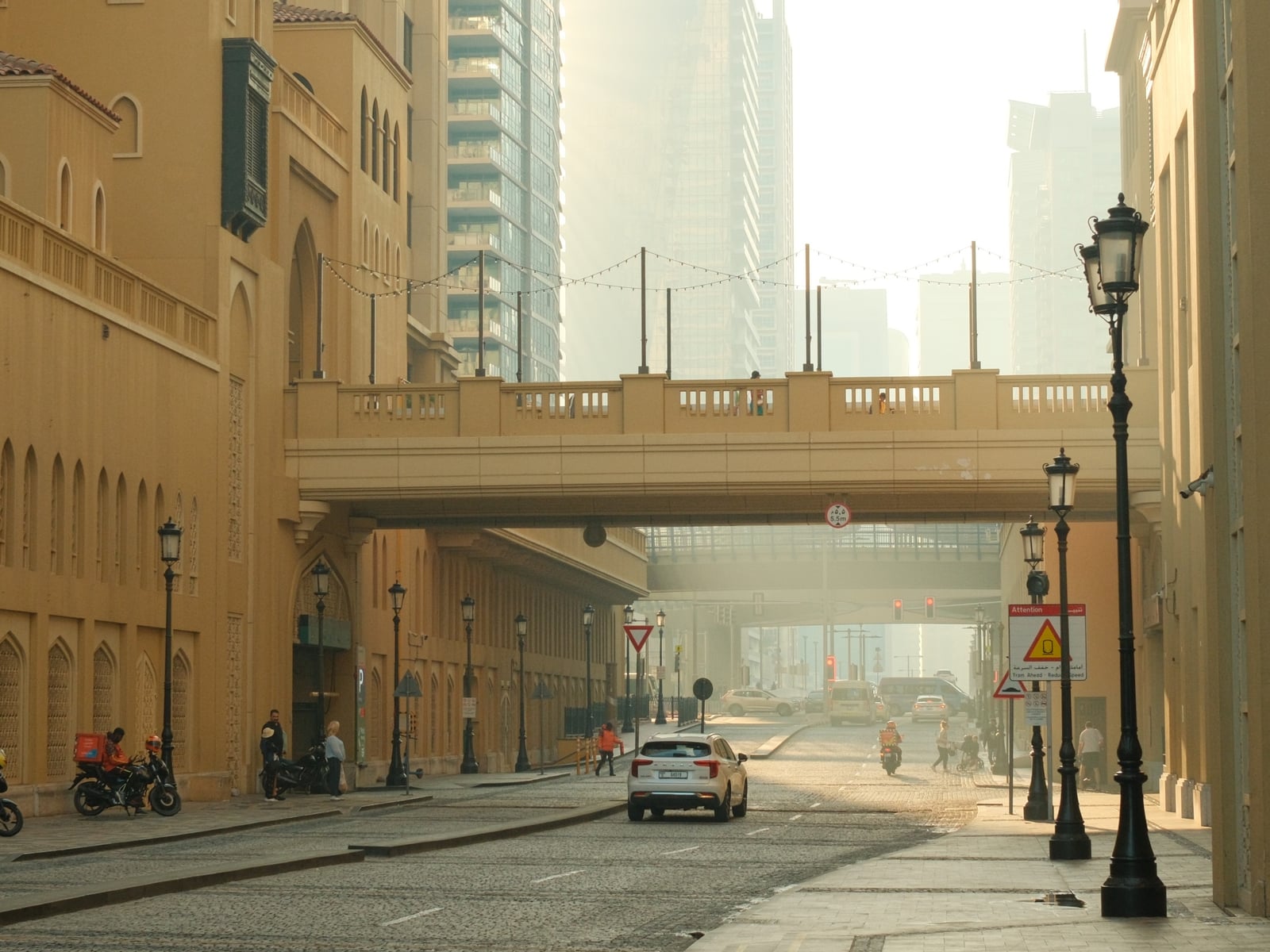
Use it for: water, city streets and golden hour. DR400 needs a higher minimum ISO (about four times your camera's base ISO), so in very bright light you may need a faster shutter speed.
Pastel Portra Chrome: brighter, more colourful travel
Pastel Portra Chrome lifts colour to +2 but keeps contrast soft. That gives it the feel of an old family photo, but with more life. It uses Auto dynamic range and a little weak grain.
It's listed for X-Trans IV and GFX.
| Setting | Value |
|---|---|
| Film Simulation | Classic Chrome |
| Dynamic Range | Auto |
| White Balance | Auto, R +2, B −4 |
| Highlight / Shadow | −1 / −1 |
| Color | +2 |
| Sharpness | −2 |
| Noise Reduction | −4 |
| Clarity | 0 |
| Grain Effect | Weak, Small |
| Color Chrome Effect / FX Blue | Strong / Weak |
| ISO | Up to 6400 |
| Exposure Compensation | +1/3 to +1 |

Use it for: road trips, colourful streets and travel days when you want colour to carry the frame.
Which Portra recipe should you load?
| If you shoot… | Load this |
|---|---|
| An X-Trans V body (X-T5, X-S20, X-E5, X-M5, X-T30 III) | Quiet Portra 170 |
| An X-Trans IV body and love warm evening light | Portra Sol Chrome |
| An X-Trans IV body and want brighter, more colourful travel shots | Pastel Portra Chrome |
Not sure which sensor your camera has? Find it on the cameras page, or browse recipes by sensor: X-Trans IV or X-Trans V.
How to tune the warmth for your light
The white balance shift does most of the work in all three recipes, so that's the setting to adjust first:
- Too orange indoors? Reduce the red shift by 1–2 steps. Tungsten light already adds warmth.
- Too cool in shade or overcast light? Add 1 step of red, or move blue one step further negative.
- Skin looks too saturated? On Portra Sol Chrome, drop Color from +3 to +2.
- Highlights clipping in sun? Pull exposure compensation back to +1/3 before you change anything else.
Change one setting at a time and shoot the same scene, so you can see what each change does. If any of these terms are new, the recipe glossary explains every setting, and this guide shows how to save a recipe to a custom slot.
FAQ
Do Portra recipes work on X-Trans III cameras?
None of these three is listed for X-Trans III. They rely on settings like Color Chrome Effect and grain size, which older bodies don't all have. Browse X-Trans III recipes instead.
Why Classic Chrome instead of Classic Negative?
Classic Negative has strong, punchy contrast and a distinctive colour shift. That's closer to a consumer film like Superia than to Portra's soft, neutral rendering. Classic Chrome with a warm white balance shift gets nearer to Portra's gentle look.
Will these look the same on every camera?
Not exactly. Each sensor generation renders film simulations a little differently, which is why every recipe lists the sensors it was tested on.