Fuji Flavours

X-Trans VClassic ChromeColour4 photos

Quiet Portra 170 Recipe

Capture natural warmth with vibrant, soft tones in your everyday scenes.
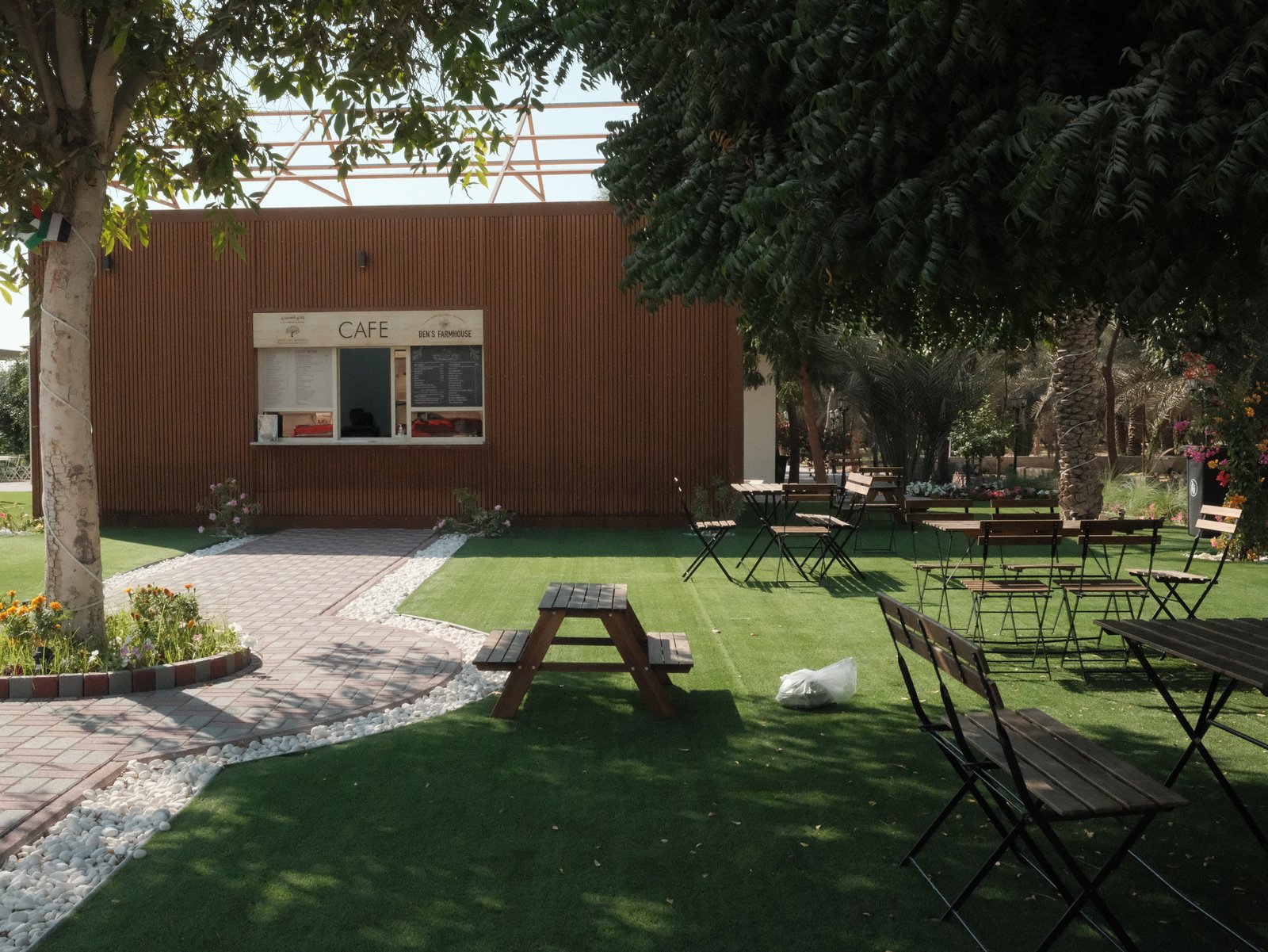
A serene outdoor café setting with wooden tables and benches surrounded by greenery.
Difficulty
Intermediate
Film simulation
Classic Chrome
Tested on
X-E5
Sample frames
4

The lookWhy this one earns a slot

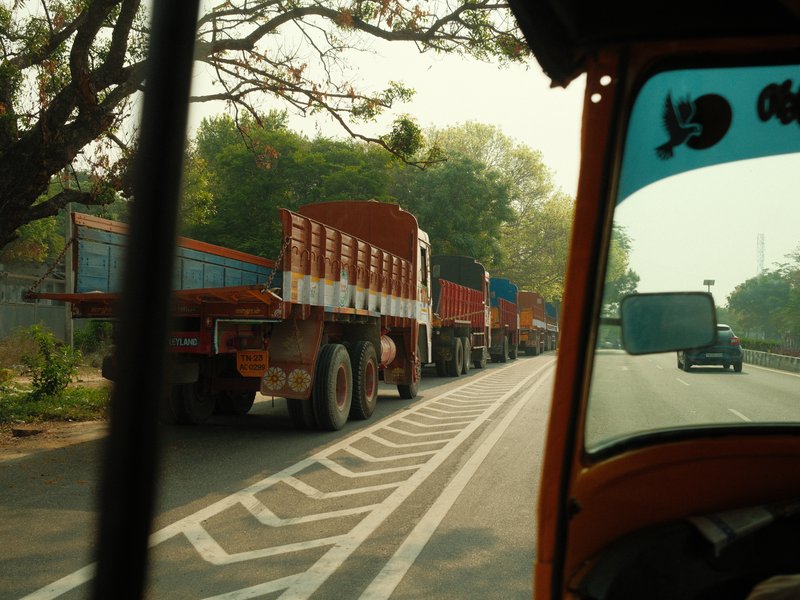
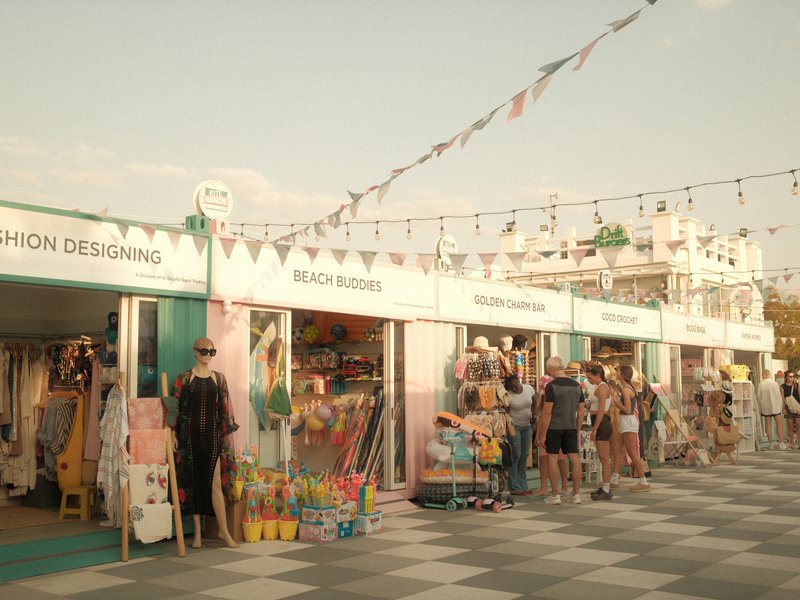
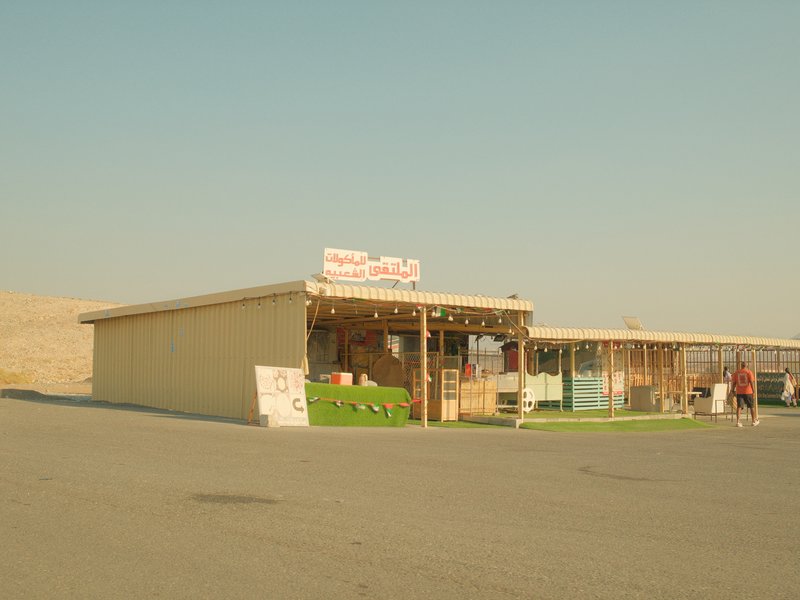
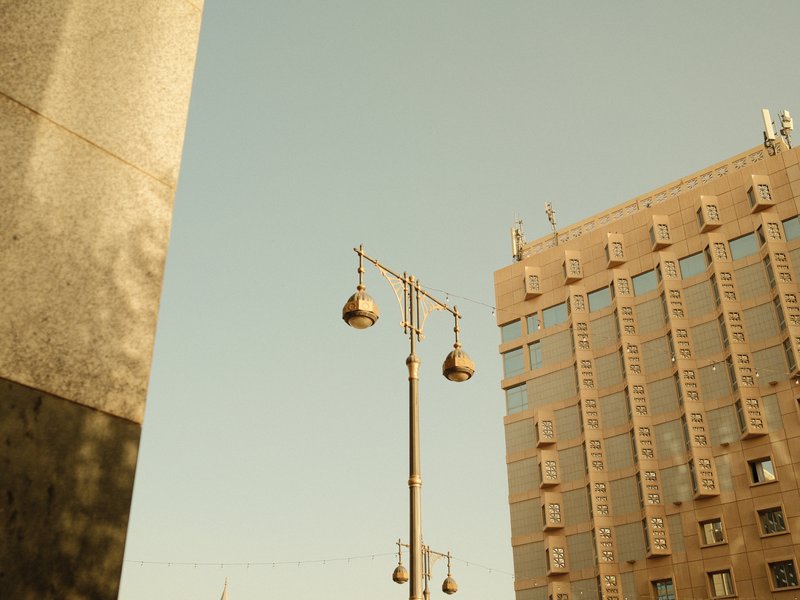
Quiet Portra 170 evokes the gentle warmth and subtle vibrancy of classic film stock, with a modern twist that suits digital capture. Colours lean towards a soft glow, giving outdoor and natural scenes an inviting atmosphere. The recipe excels in capturing the relaxed tones of street and travel photography, where the balance between colour richness and subdued highlights allows for a pleasing, nostalgic yet contemporary look. Its subtle vibrancy enhances natural hues without overpowering them, making it ideal for capturing the essence of daily life. While the look is gentle, there's enough contrast to retain detail, particularly in shadows. The softening clarity and eased sharpness contribute to a filmic quality, reminiscent of vintage photographs.

The settingsThe recipe

Classic Chrome · X-Trans V

Film Simulation
Classic Chrome
D-Range Priority
Auto
White Balance
Daylight, +4 R / −5 B
Highlight
0
Shadow
0
Color
0
Sharpness
−1
Noise Reduction
−4
Clarity
−2
Grain
Weak, Small
Color Chrome Effect
Weak
Color Chrome FX Blue
Weak
ISO
6400
Exposure Comp.
+1/3 to +1

How to copy it to your camera

  1. Open the Image Quality (IQ) menu and select an empty custom setting slot (C1–C7).
  2. Set the base film simulation to Classic Chrome.
  3. Enter each value from the settings above, then save the slot.
  4. Select that slot to shoot Quiet Portra 170 JPEGs straight out of camera.

Sample framesShot on this recipe

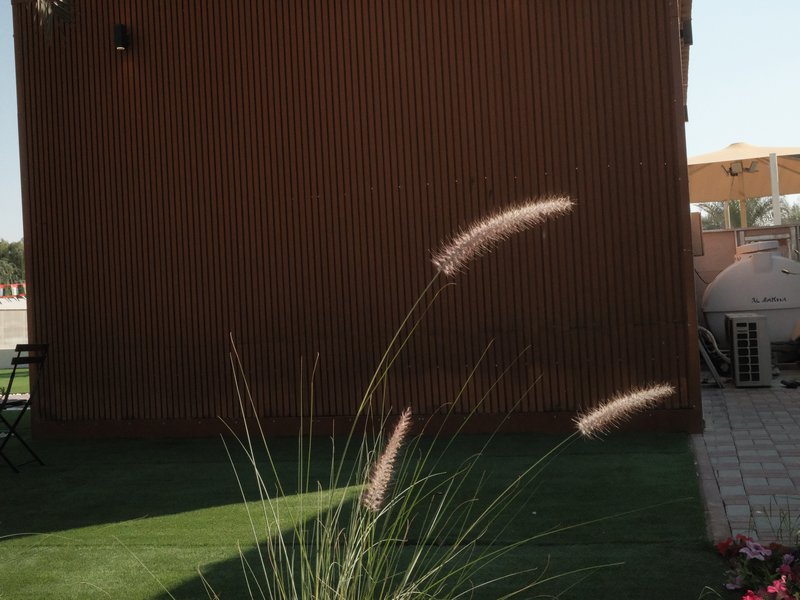
A close-up of grass-like plants in front of a textured brown wall, with a sunny outdoor setting.
Nature · Outdoor · Harsh Midday
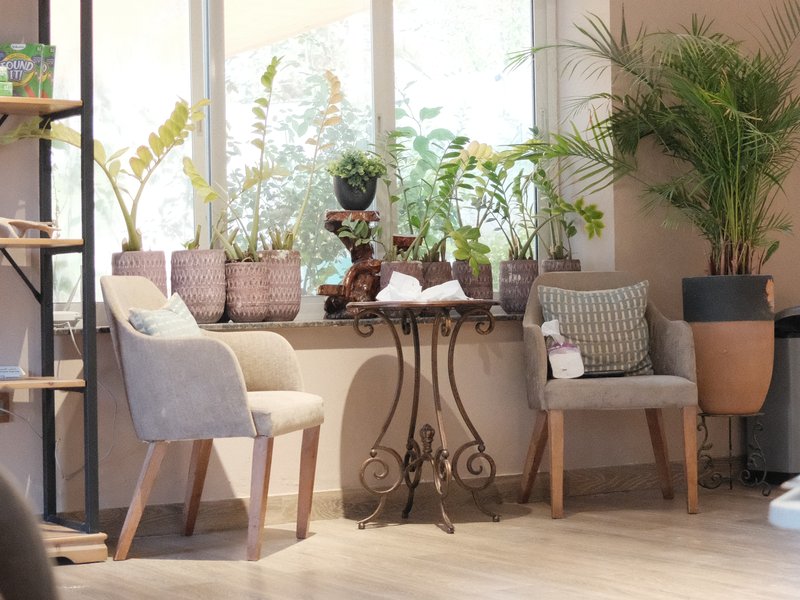
Cozy indoor seating area with two chairs and a small table surrounded by potted plants.
Interior · Indoor · Natural
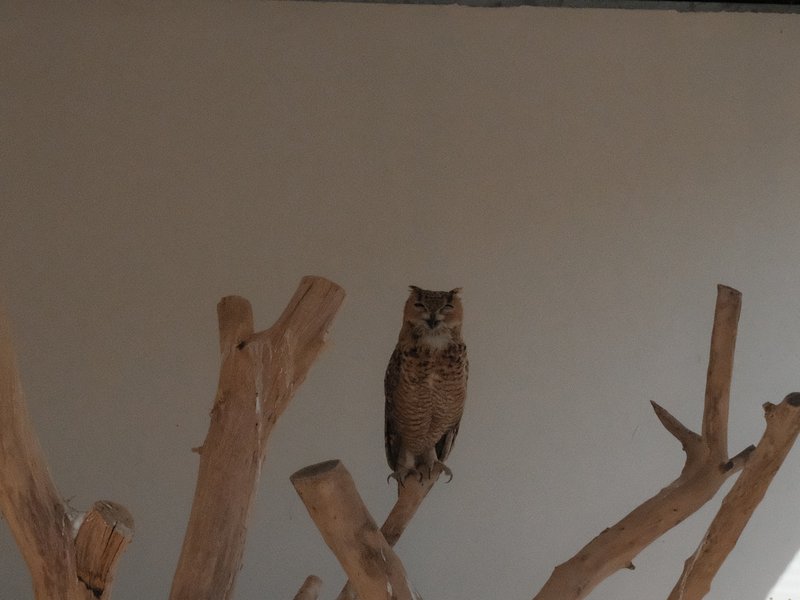
An owl perched on a branch against a plain wall background.
Wildlife · Indoor · Low Light

Notes & caveatsWhat it nails, what to watch

What it nails

  • Soft, organic colour tones
  • Natural scenes feel inviting
  • Gentle contrast preserves details
  • Film-like quality in daylight

What to watch

  • Not ideal for studio portraits
  • Soft clarity may not suit all subjects
  • May lack punch in low contrast

Explore similar

Kodak PortraStreetTravelDaily life

CompatibilityWill it work on your camera?

Tested across the X-Trans V and GFX generations — compatibility is defined by sensor, so any body on these generations can run it.

Best forWhen to reach for it

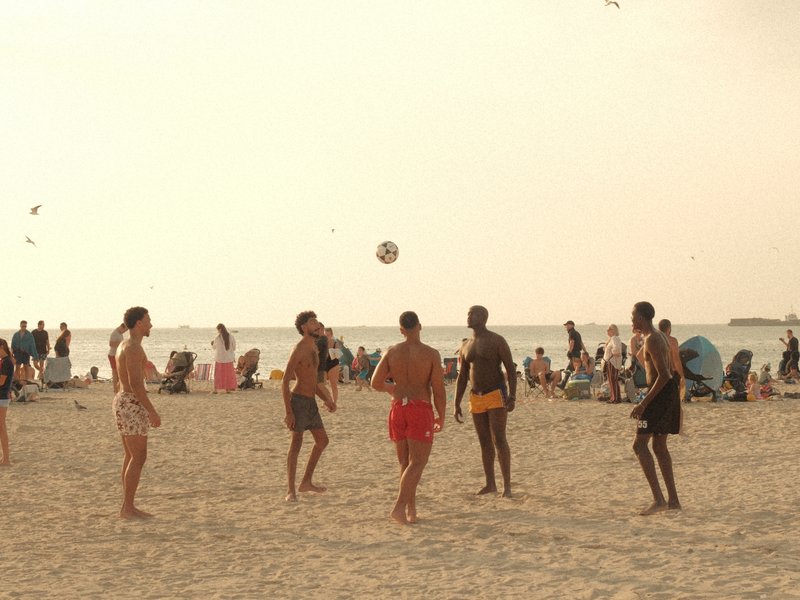
This recipe thrives outdoors in natural light, especially during golden hours. It's perfect for street and travel photography, capturing the warmth of daily life. With its gentle tones, it brings out the best in landscapes and cityscapes. However, it's not ideal for controlled studio portraits, where its natural softness might not suit.

Best for

Scenes and subjects this recipe is tuned for.

StreetTravelDaily life

Less suited to

Where another look will likely serve you better.
Studio portraits
Learn more

Frequently asked questions

Which cameras and sensors support Quiet Portra 170?

Quiet Portra 170 is designed for X-Trans V and GFX sensors. Compatible bodies include the X-E5, X-H2, X-H2S, X-M5, X-S20, X-T30 III, X-T5, X-T50, X100VI, GFX100 II, GFX100RF, and GFX100S II, giving the recipe broad support across Fujifilm's newer-generation cameras.

Which film simulation does Quiet Portra 170 use?

Quiet Portra 170 uses Classic Chrome as its film simulation, while the Color setting remains at 0 for a neutral colour baseline. The recipe's warmth instead comes from the Daylight white balance with a WB Shift of R+4/B-5, creating the gentle colour character without increasing the overall Color setting.

Is Quiet Portra 170 suitable for studio portraits?

Quiet Portra 170 is not best suited to controlled studio portraits because its natural, soft rendering is designed more for relaxed scenes. DR Priority is set to Auto, while Clarity is -2 and Sharpness is -1, contributing to a gentler appearance that fits natural light better than a more defined studio setup.

Why can't Highlight and Shadow tone be adjusted manually in Quiet Portra 170?

DR Priority is set to Auto in Quiet Portra 170, which manages the image's tonal range automatically. When D-Range Priority is active, the camera handles the contrast behaviour and manual Highlight and Shadow tone controls are unavailable, so both remain at their default 0 values in this recipe.

What outdoor scenes suit Quiet Portra 170 best?

Quiet Portra 170 is particularly suited to relaxed outdoor scenes photographed in natural light, especially around golden hour. Its character fits street and travel photography, while the recipe's gentle warmth also works naturally with café settings, garden surroundings, and quiet wildlife moments where subtle colour and a film-like quality complement the scene.
The Fuji Pic app

Every recipe.Every detail.Now in your pocket.

Browse the whole catalogue, unlock the premium recipes, and keep every setting in front of you while you shoot.

Free to download · iPhone and Android
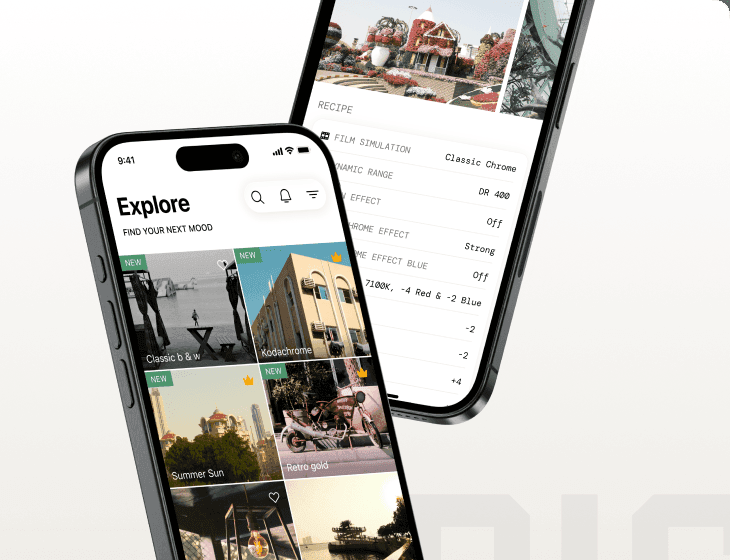
The Fuji Pic app on iPhone, showing the recipe gallery and a recipe's full settings