
Sensor
Fujifilm · X-Trans I · 2013
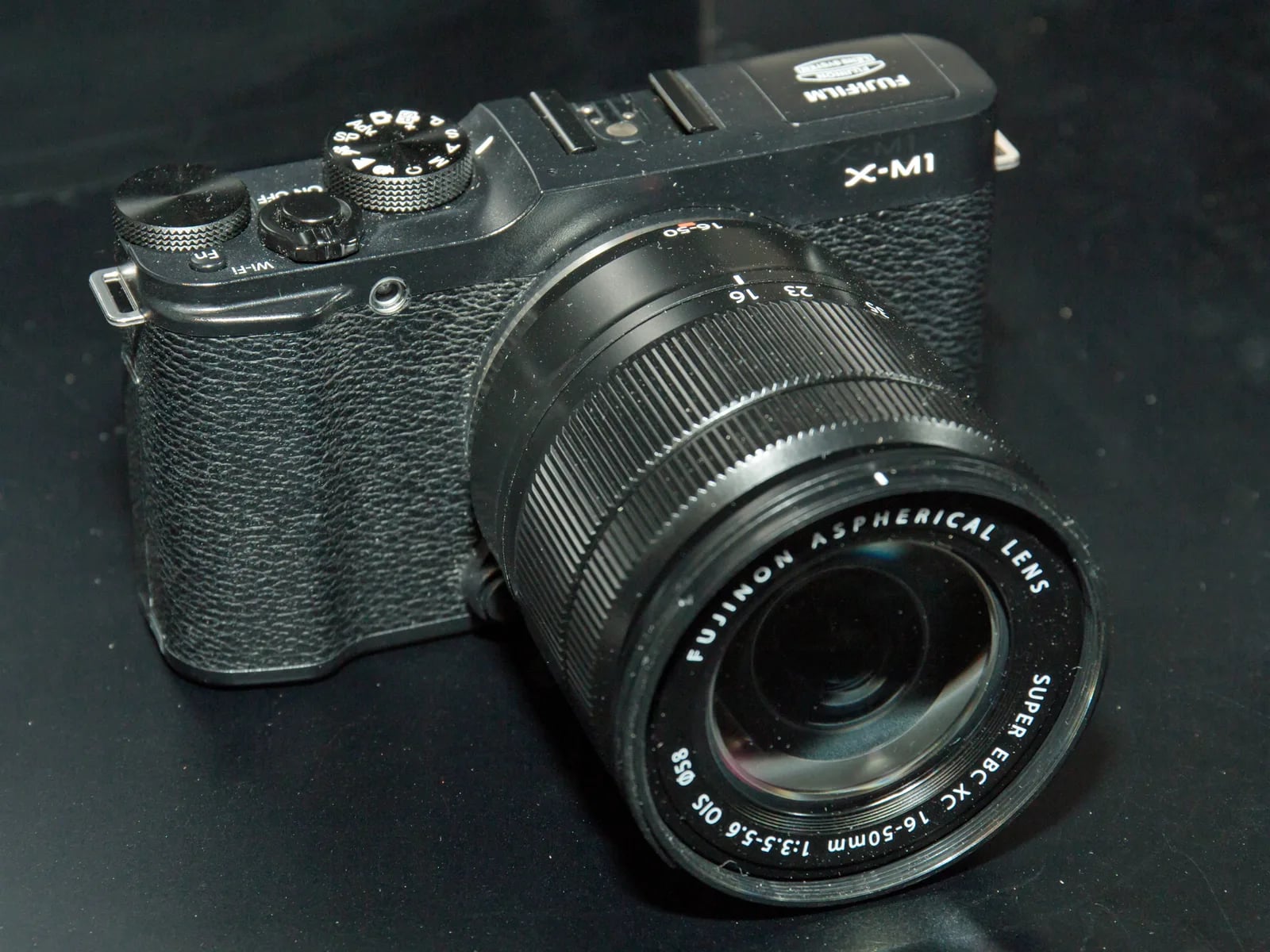
X-M1
X-M Seriescompact2013
Experience the gateway to Fujifilm's X-mount system with the X-M1.
Resolution
16.3 MP
Stabilisation
No
Mount
X-mount
In short
The X-M1 supports early film-simulation recipes from the X-Trans I era, including Provia and Velvia. It lacks later simulations like Classic Chrome and Acros.
Why it's the recipe body
The Fujifilm X-M1, released in 2013, bridges compactness with the power of the X-Trans I sensor. This 16MP camera, housed in a compact body, offers a unique shooting experience without an electronic viewfinder, relying instead on its tilting 3-inch LCD. Handling the X-M1 feels intuitive, and though it lacks later film simulations like Classic Chrome, its simplicity and tactile controls make it a joy for those embracing photography's fundamentals. The charm of the X-M1 lies in its ability to deliver quality JPEGs straight out of camera, using the original Fujifilm film simulations. Its burst rate of 5.6 fps adds versatility for capturing action shots, making it a flexible partner for diverse photographic scenarios.
The X-M1 runs early-generation film-simulation recipes, compatible with Provia, Velvia, and Astia. However, it lacks later features like Classic Chrome and Acros. Additionally, this model does not support saving white-balance shifts per custom slot, which can be a limitation when setting multiple recipes. Despite these limitations, the X-M1 remains a charming tool for those who appreciate the distinct look of Fujifilm's original simulations, offering a straightforward photographic experience that focuses on capturing vibrant, pleasing images without the need for extensive post-processing.
The X-M1 marked an affordable entry into the X-mount system in 2013.
Compared to the X-E1, the X-M1 lacks an electronic viewfinder, offering a more compact form.
What it nails, what to watch
What it nails
- Compact and lightweight design
- Tilting LCD for flexible shooting angles
- Interchangeable X-mount lenses
- Affordable entry into X-mount
- Intuitive controls for easy handling
What to watch
- No electronic viewfinder
- Limited film-simulation set
- No IBIS
- Discontinued model
What this body adds
SE
Sensor
16.3 MP X-Trans CMOS
PR
Processor
EXR Processor Pro
MO
Mount
X-mount (interchangeable)
VI
Viewfinder
None (LCD only)
RE
Rear screen
Tilting 3-inch
BU
Burst
5.6 fps
Recipes for the X-M1
All recipesNo recipes tested on the X-M1 yet — browse the X-Trans I generation for looks that share its sensor.
How to add a recipe to your X-M1
- Enter the menu and navigate to 'Image Quality Settings'.
- Select 'Edit/Save Custom Setting'.
- Choose a custom slot (C1–C7) to save your settings.
- Adjust film simulation and other parameters, then save.
Tips for the X-M1
- Tilt the LCD for creative angles.
- Use manual focus for precision.
- Rely on film simulations for vibrant SOOC JPEGs.
Explore other cameras
All cameras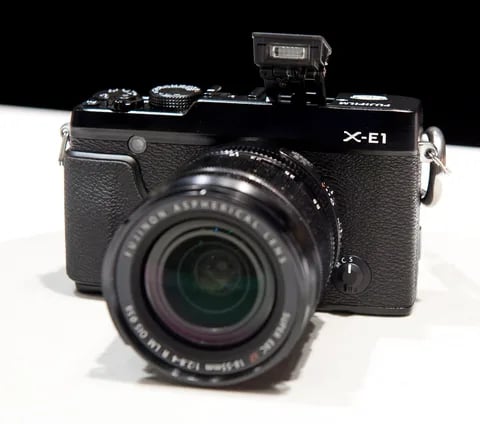
X-Trans I · 16.3 MP
X-E1
The first X-E - X-Pro1 internals in a lighter, more affordable rangefinder body.
View camera
X-Trans I · 16.3 MP
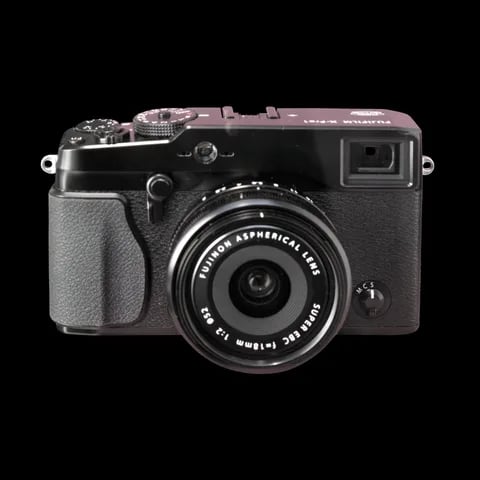
X-Pro1
The original X-Pro - the rangefinder body that introduced the X-mount and the X-Trans sensor.
View camera
GFX100RF
GFX · 102 MP
GFX100RF
First fixed-lens GFX - 102 MP medium format with a 28mm equiv. prime, in the lightest GFX body yet.
View camera
X-Trans V · 40.2 MP
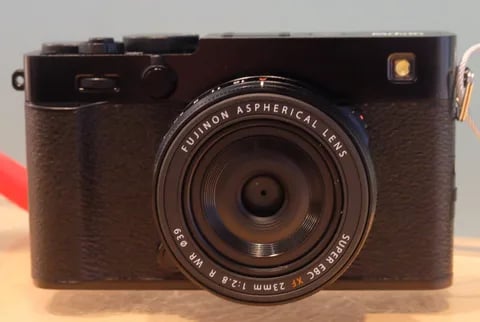
X-E5
First X-E with IBIS - X-Trans V resolution in a precision-machined aluminium rangefinder.
View camera
X-T30 III
X-Trans V · 40.2 MP
X-T30 III
The X-T30 III keeps the 26 MP X-Trans IV sensor but pairs it with X-Processor 5 and the modern Film Sim dial.
View camera
GFX100S II
GFX · 102 MP
GFX100S II
Compact 102 MP GFX with the new CMOS II sensor and 8-stop IBIS - flagship guts in a single-grip body.
View camera
Key terms
Explore more X-M1 recipes
Find the best Fujifilm recipes for the X-M1, its X-Trans I sensor, and the film simulations they're built on.
Frequently asked questions
Which recipes work on the X-M1?
X-M1 supports early recipes like Provia and Velvia, but lacks newer simulations like Classic Chrome.
Does the X-M1 have IBIS?
No, the X-M1 does not feature in-body image stabilisation (IBIS). It relies on lens stabilisation.
How do I add a recipe to the X-M1?
Access 'Edit/Save Custom Setting' via the menu, choose a slot (C1–C7), adjust settings, and save.