Fuji Flavours

X-Trans IVPRO Neg. StdColour4 photos

Warm Amber Recipe

Nostalgic warmth infuses your portraits and studio shots with intimate depth.
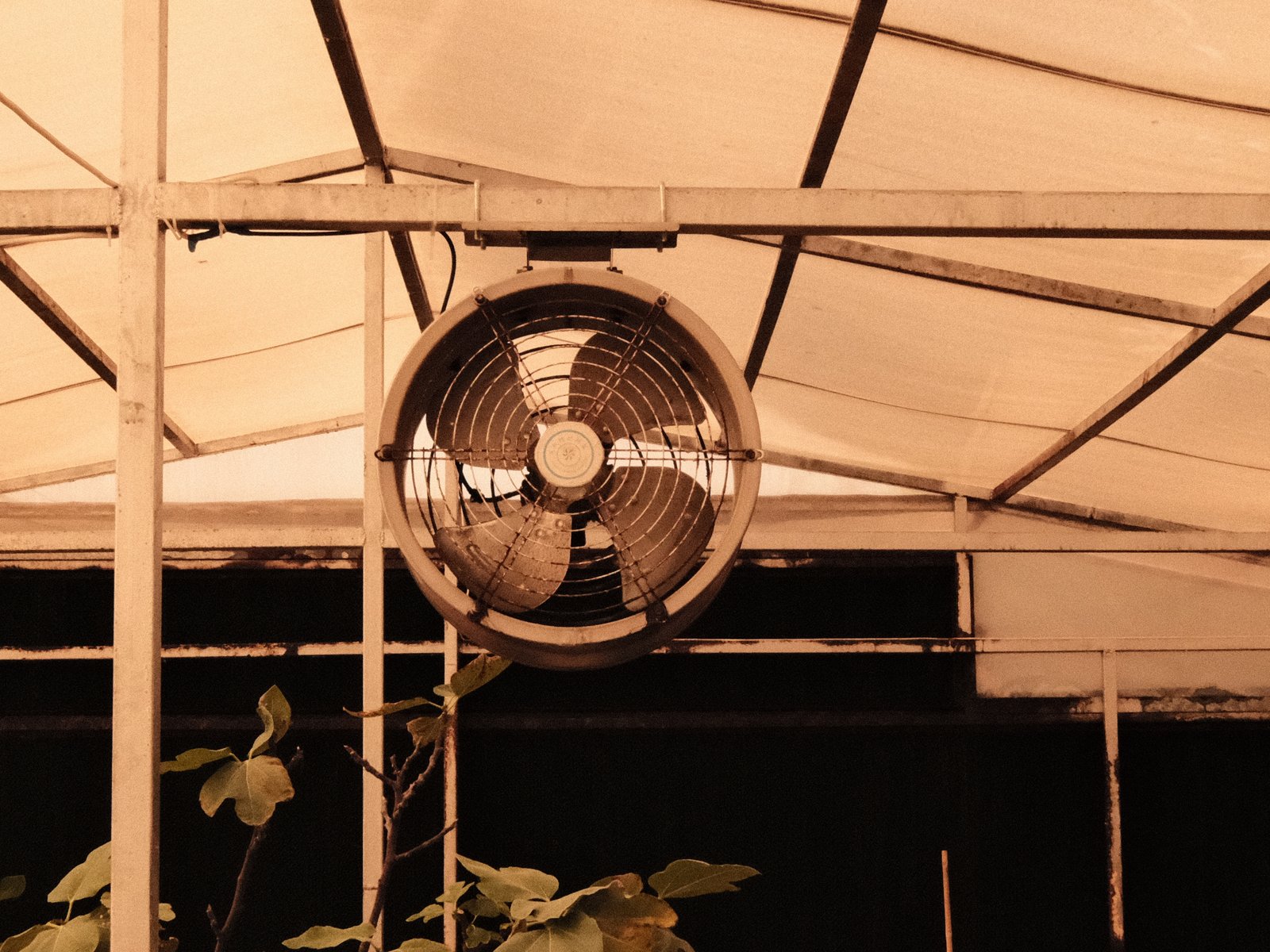
A vintage fan mounted on a greenhouse ceiling, surrounded by a white canopy and dark background.
Difficulty
Intermediate
Film simulation
PRO Neg. Std
Tested on
X-E3
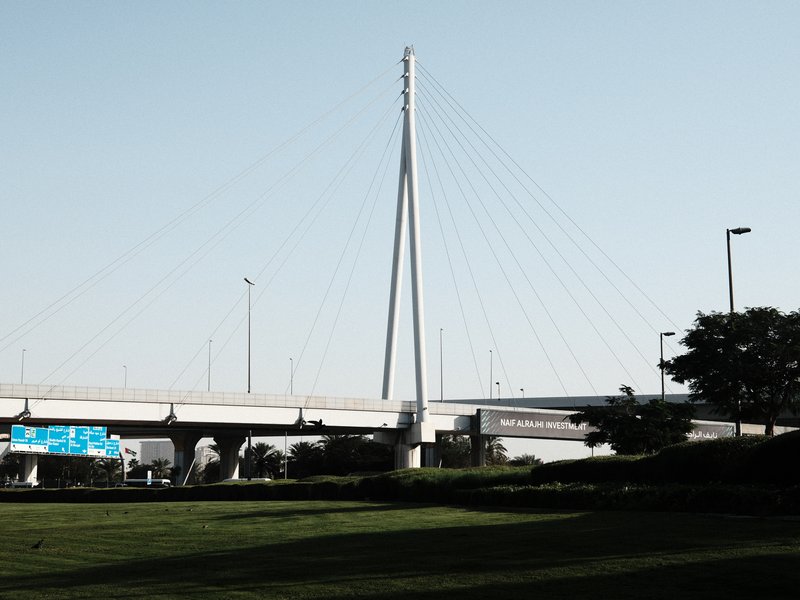
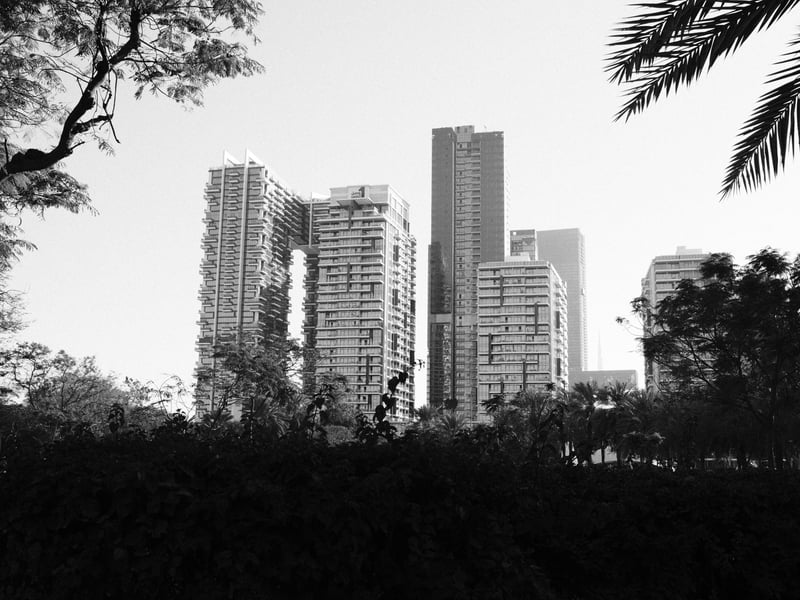
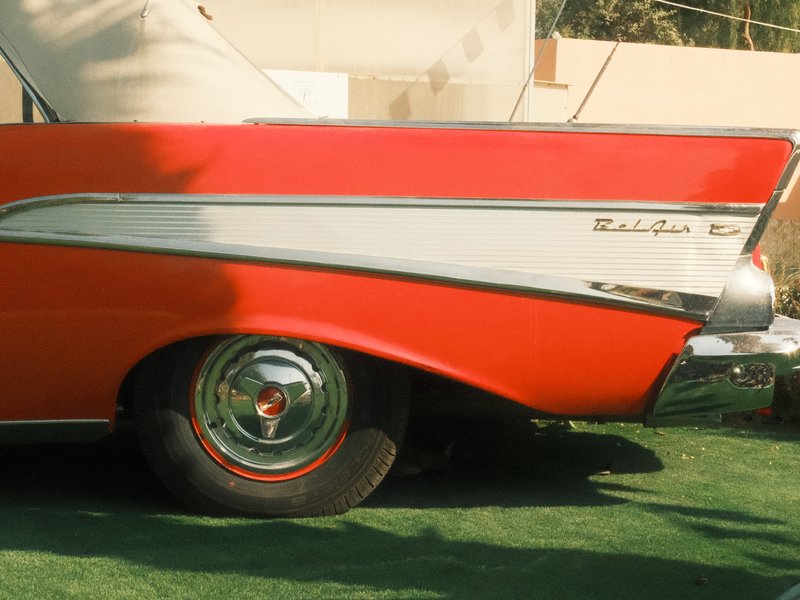
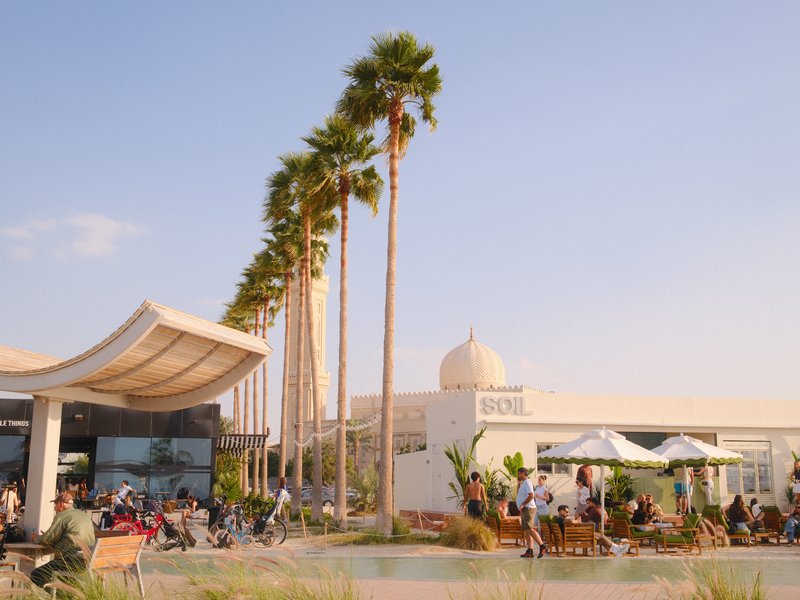
Sample frames
4

The lookWhy this one earns a slot

Warm Amber, built on PRO Neg. Std, wraps your images in a nostalgic warmth reminiscent of film photography. It balances a soft tonal range with a gentle colour palette, perfect for serene, intimate portraits. The highlights are tender, avoiding harshness, while shadows deepen, adding a rich contrast that enhances intricate details. The strong grain imbues a classic filmic texture, especially effective in controlled lighting. It captures the essence of quiet moments and the subtle nuances of studio settings, making each image feel timeless and evocative. This recipe thrives in golden-hour lighting, where its vintage warmth truly resonates, delivering an atmospheric and soulful aesthetic. Its subtle colours and textures evoke memories of a bygone era, perfect for those seeking to add emotional depth to their work.

The settingsThe recipe

PRO Neg. Std · X-Trans IV

Film Simulation
PRO Neg. Std
Dynamic Range
DR400
White Balance
Custom Kelvin, 7100K, +7 R / −5 B
Highlight
0
Shadow
+3
Color
−3
Sharpness
−2
Noise Reduction
−4
Clarity
0
Grain
Strong
ISO
6400
Exposure Comp.
+1/3 to +1

How to copy it to your camera

  1. Open the Image Quality (IQ) menu and select an empty custom setting slot (C1–C7).
  2. Set the base film simulation to PRO Neg. Std.
  3. Enter each value from the settings above, then save the slot.
  4. Select that slot to shoot Warm Amber JPEGs straight out of camera.

Sample framesShot on this recipe

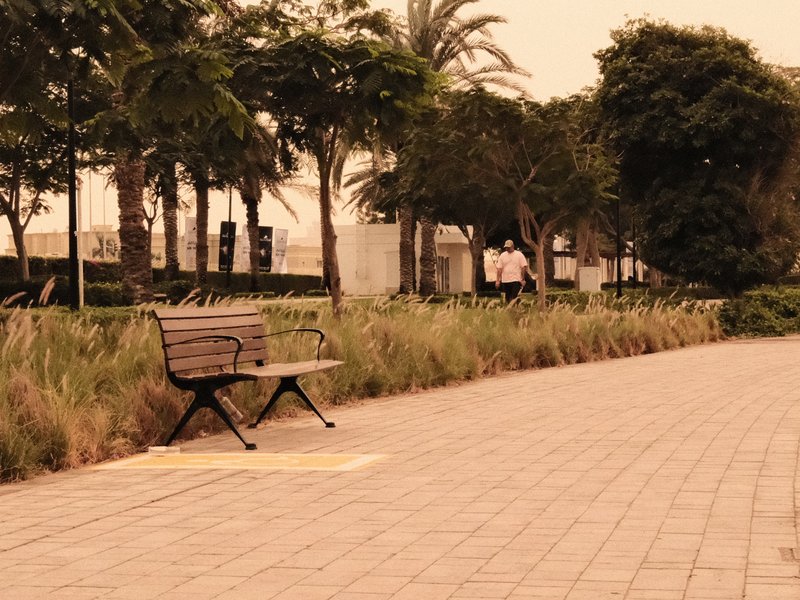
A solitary bench beside a pathway lined with trees and shrubs, creating a serene park atmosphere.
Landscape · Outdoor · Golden Hour
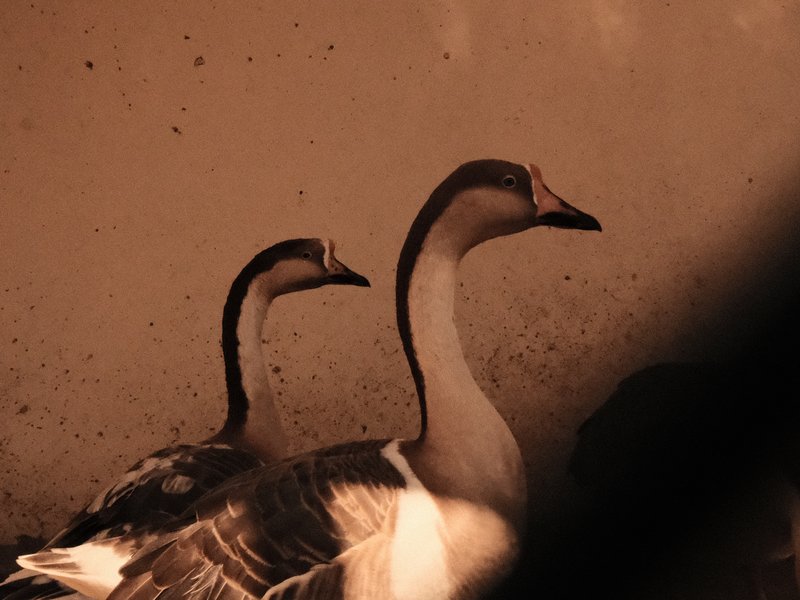
Two geese with soft lighting against a textured background, highlighting their profiles.
Wildlife · Outdoor · Mixed
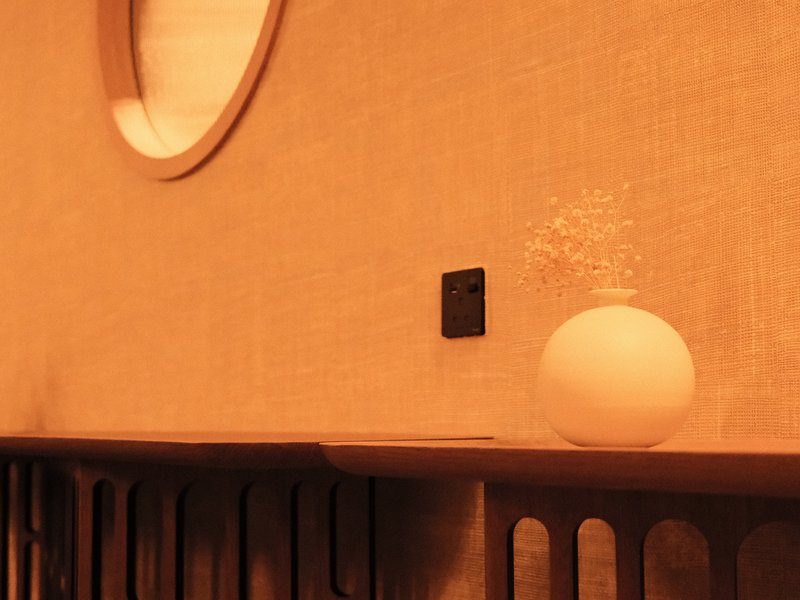
A round white lamp on a wooden shelf against a textured wall with a circular mirror.
Interior · Indoor · Mixed

Notes & caveatsWhat it nails, what to watch

What it nails

  • Warm nostalgic tones for portraits
  • Gentle highlights, rich shadow depth
  • Strong grain for film-like texture
  • Perfect in golden-hour lighting

What to watch

  • Subdued tones for vivid scenes
  • Strong grain at high ISO
  • Cool WB shift may affect blues

Explore similar

PortraitsStudio

CompatibilityWill it work on your camera?

Tested across the X-Trans IV, X-Trans III and GFX generations — compatibility is defined by sensor, so any body on these generations can run it. This recipe is tuned for X-Trans IV. It will work on X-Trans V, but blue can render more deeply there — adjust to taste.

Best forWhen to reach for it

Warm Amber excels in portraits and studio sessions, especially during golden-hour. Its nostalgic warmth and detail-enhancing contrast flatter serene subjects. It's less suited for vivid landscapes, where its subdued tones might not capture the scene's vibrancy. Try it with soft indoor lighting to create a warm, inviting atmosphere.

Best for

Scenes and subjects this recipe is tuned for.

PortraitsStudio

Less suited to

Where another look will likely serve you better.
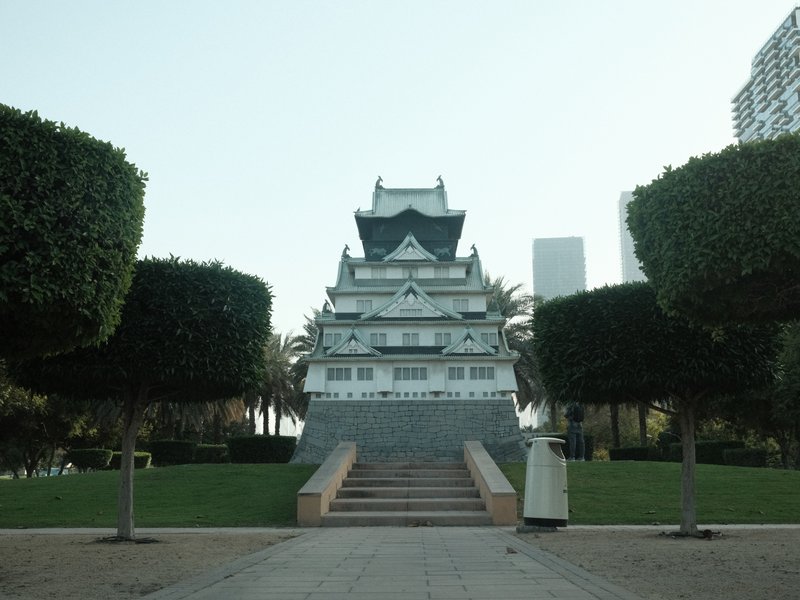
Vivid landscapes
Learn more

Frequently asked questions

Which cameras support Warm Amber?

Warm Amber works across X-Trans III, X-Trans IV, and GFX cameras. The compatible bodies are X-E3, X-H1, X-Pro2, X-T2, X-T20, X-T3, X-T30, X100F, and GFX100, giving this recipe unusually broad support across older Fujifilm generations and the GFX system.

Why isn't Warm Amber ideal for vivid landscapes?

Warm Amber is less suited to vivid landscapes because its restrained colour rendering can make highly colourful scenes feel subdued. The Color setting at -3 intentionally reduces saturation, which supports its nostalgic portrait character but can take away some of the intensity you may want from colourful scenery, foliage, or expansive landscape views.

How does the grain behave at higher ISO?

Warm Amber uses Strong Grain, giving photographs a pronounced filmic texture that becomes especially noticeable as ISO rises. For a cleaner interpretation with less visible grain, staying toward the lower end of the available ISO range can help. Higher ISO settings are better suited when you deliberately want a more textured, strongly film-like appearance.

Why use PRO Neg. Std as the base for a warm recipe?

PRO Neg. Std provides the soft tonal foundation, while the white balance settings create much of Warm Amber's distinctive colour character. The Custom Kelvin setting at 7100K combined with a strong R +7 and B -5 shift pushes the rendering toward warmth, giving the otherwise restrained base a more nostalgic atmosphere.

What scenes suit Warm Amber best?

Warm Amber is particularly well suited to serene, intimate subjects where its gentle highlights, rich shadows, and strong grain can add atmosphere. Quiet portraits, soft indoor scenes, and golden-hour settings fit its character especially well, while subjects such as a park bench, softly lit geese, or a warm interior lamp suit its calm, nostalgic rendering.
The Fuji Pic app

Every recipe.Every detail.Now in your pocket.

Browse the whole catalogue, unlock the premium recipes, and keep every setting in front of you while you shoot.

Free to download · iPhone and Android
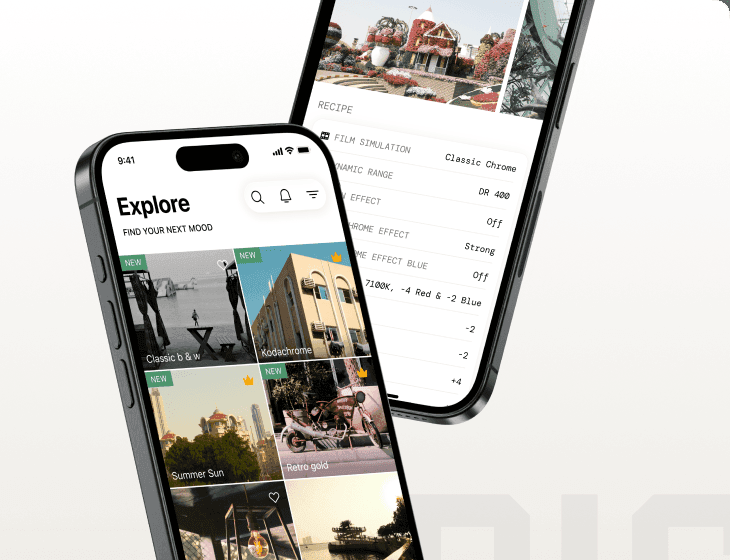
The Fuji Pic app on iPhone, showing the recipe gallery and a recipe's full settings