The library · 25 recipes
Fujifilm Film Simulation Recipes
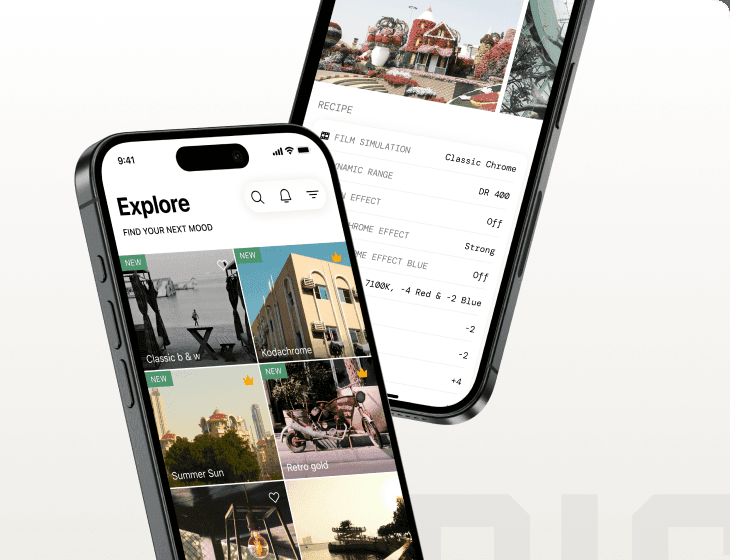
A curated, real-world-tested library — each a complete set of in-camera JPEG settings. Copy one into a custom slot and shoot a finished film look straight out of camera, no editing.
Showing 13–24 of 25
Velvia Punch
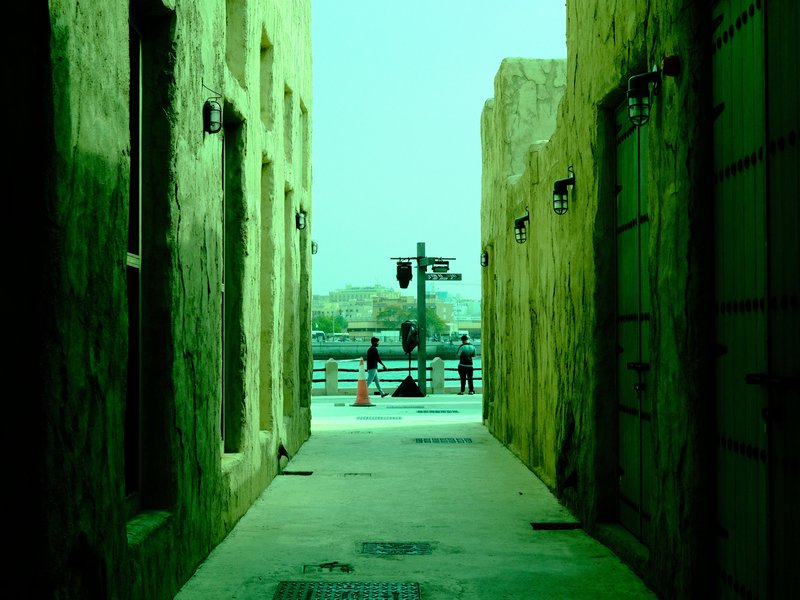
Intense contrast and deep hues make landscapes captivating. Suited for vibrant outdoor scenes.
 Premium
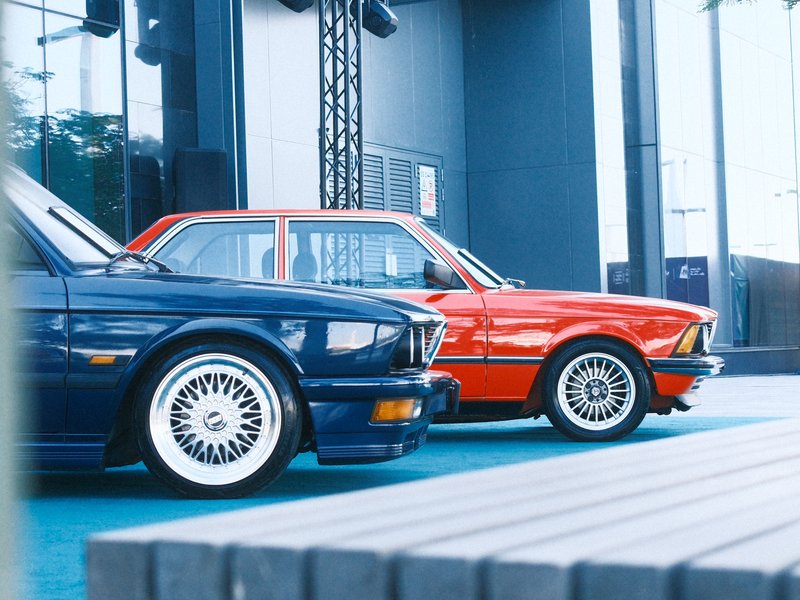
Highland Nostalgia
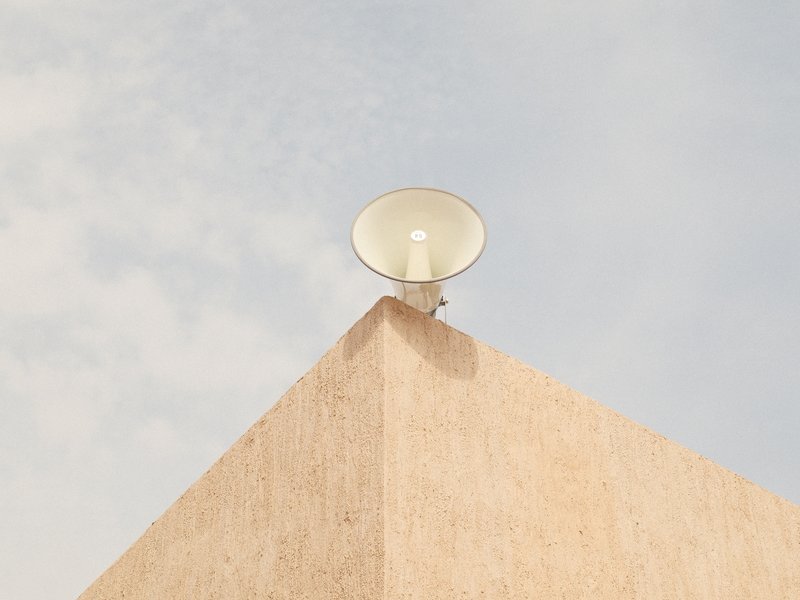
Earthy tones with a subtle faded look create a calm, vintage atmosphere. Ideal for travel and indoor photography.
 Premium
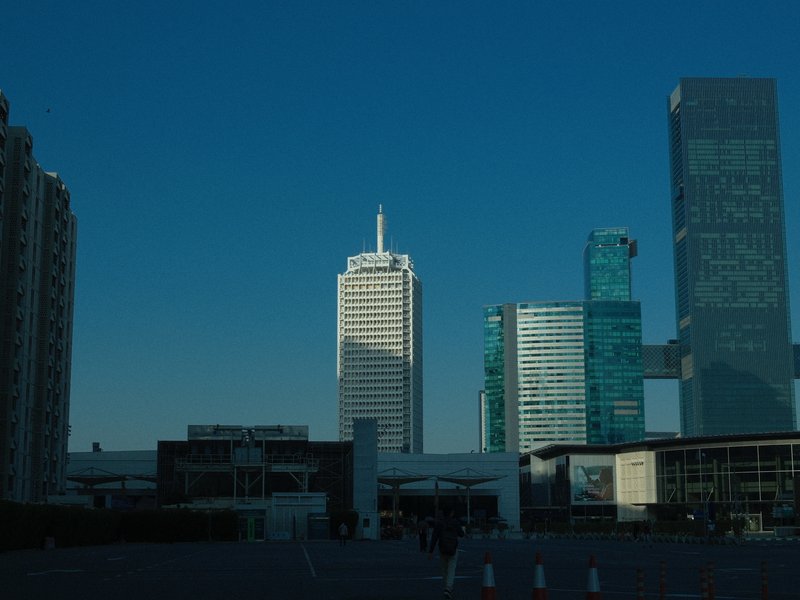
Aveo Ultra Print
Punchy colours and soft details create a calm urban aesthetic, perfect for overcast days and vibrant street photography.
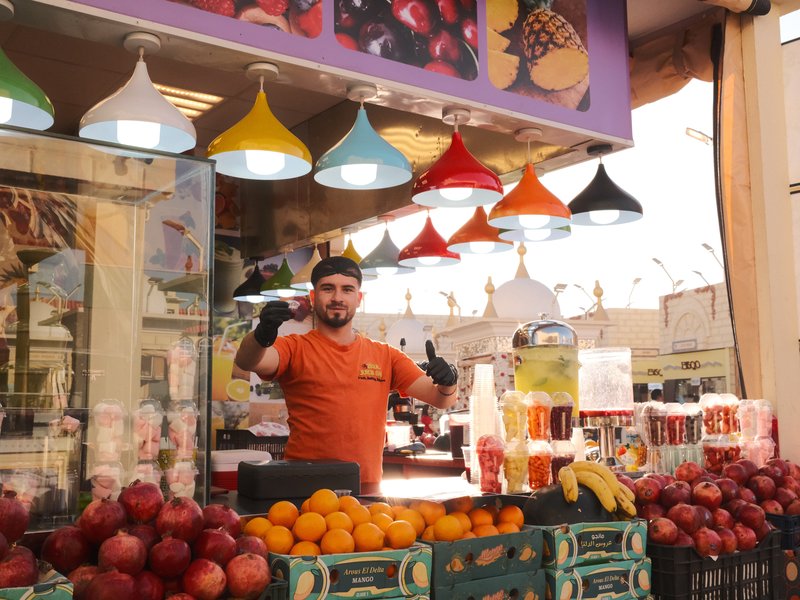
Standard Provia
Strong, small grain and calm tones suit serene scenes indoors and out.
 Premium
Vintage Daylight
Shadows melt into vibrant hues for a cinematic touch. Perfect for calm, nostalgic scenes on X-Trans IV sensors.
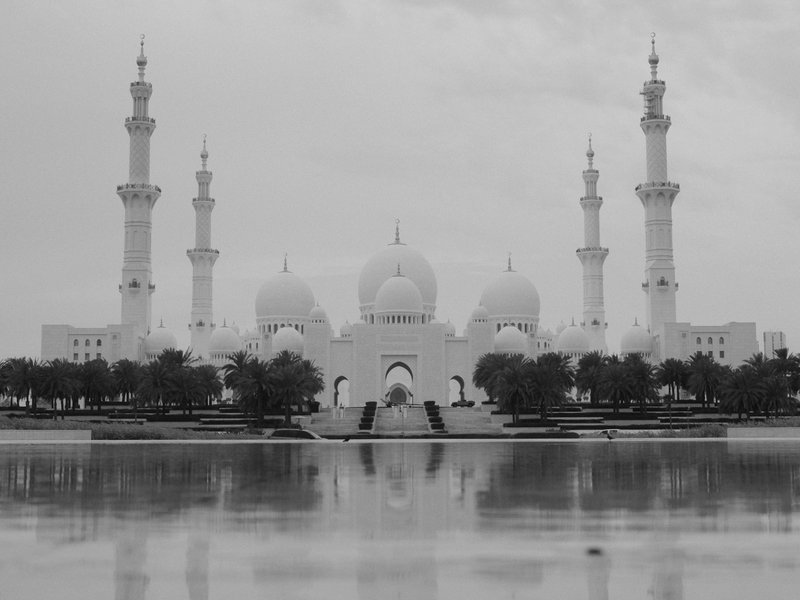
Kodak Fine Mono
Kodak T-Max inspired greys with a calming, gentle grain perfect for capturing serene moments and everyday scenes.
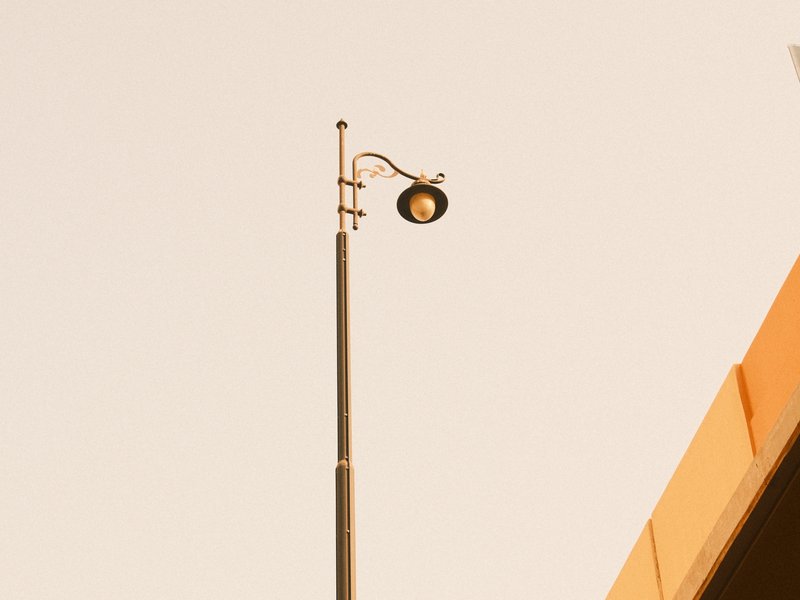
Vintage Amber
Amber tones with rich shadows and gentle grain. Ideal for overcast urban settings.
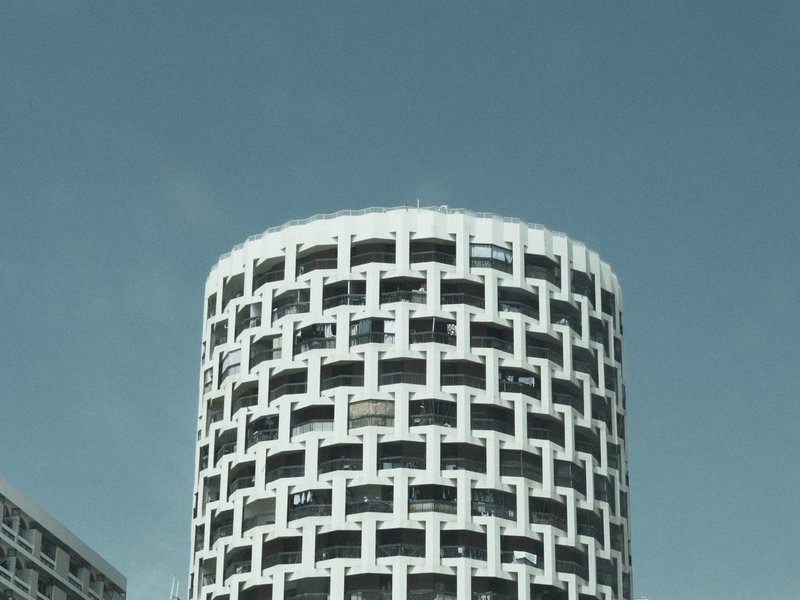
Bleached City Tone
Neutral tones and strong grain craft a distinctive, cinematic urban grit.
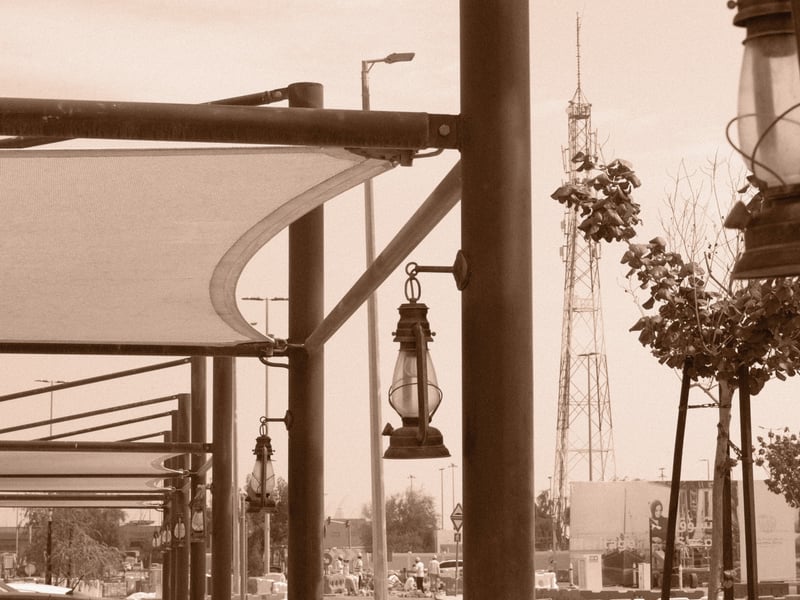
Vintage Sepia
Infuse your shots with sepia tones and pronounced grain for a distinctly nostalgic mood.
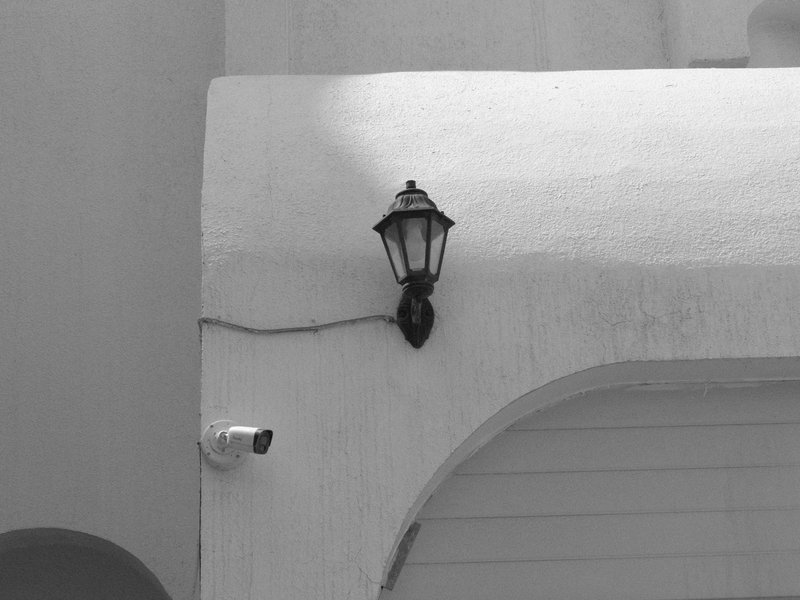
Clean Mono
Gritty texture with strong grain and deep shadows for a timeless feel.
 Premium
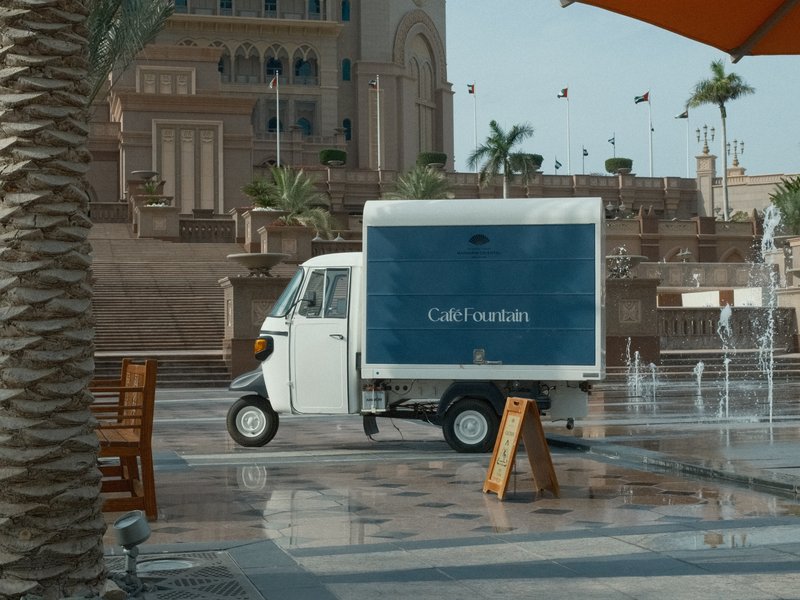
Amarillo Negative
Gentle warmth and a touch of grain evoke classic Americana in every shot, capturing the quaint charm of yesteryear.
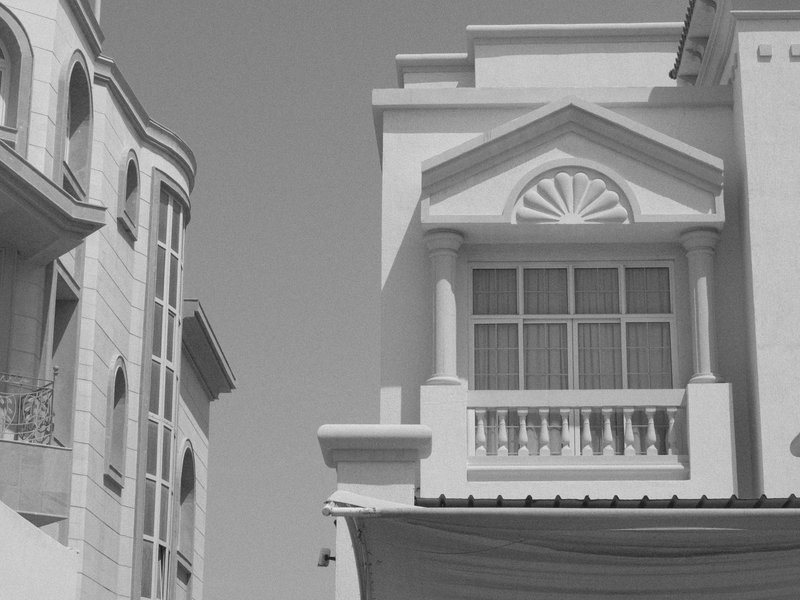
Acros Smoke Tone
Monochrome tones with subtle grain and muted contrast. Ideal for capturing architectural details and urban life.
What is a Fujifilm recipe?
A Fujifilm recipe is a saved set of in-camera JPEG settings — a base film simulation plus white balance, dynamic range, tone curve, colour and grain adjustments. Save one to a custom slot (C1–C7) and your X-Trans or GFX camera renders a finished, film-look JPEG the moment you press the shutter — no editing, no laptop.
Every recipe in this library is tested on real Fujifilm bodies and documented with the exact values to dial in, the sensors it works on, and honest notes on what it nails and where it falls short. Browse by film simulation, by the camera in your bag, or by the look and use case you're shooting for — every recipe is free to copy.
Tested, not generated.
Real cameras, real conditions, honest notes — and free to copy, every one.
Shot on real gear
Every recipe is tested on real Fujifilm bodies in real conditions — never generated on a screen.
Honest notes
Each look ships with what it nails and what to watch for, plus straight-out-of-camera sample JPEGs.
Free forever
Browse, filter and copy every recipe — no account, no paywall, no export limits.