Fuji Flavours

X-Trans IVProviaColour4 photos

Standard Provia Recipe

A versatile palette for urban landscapes—rich, vivid, and strikingly detailed.
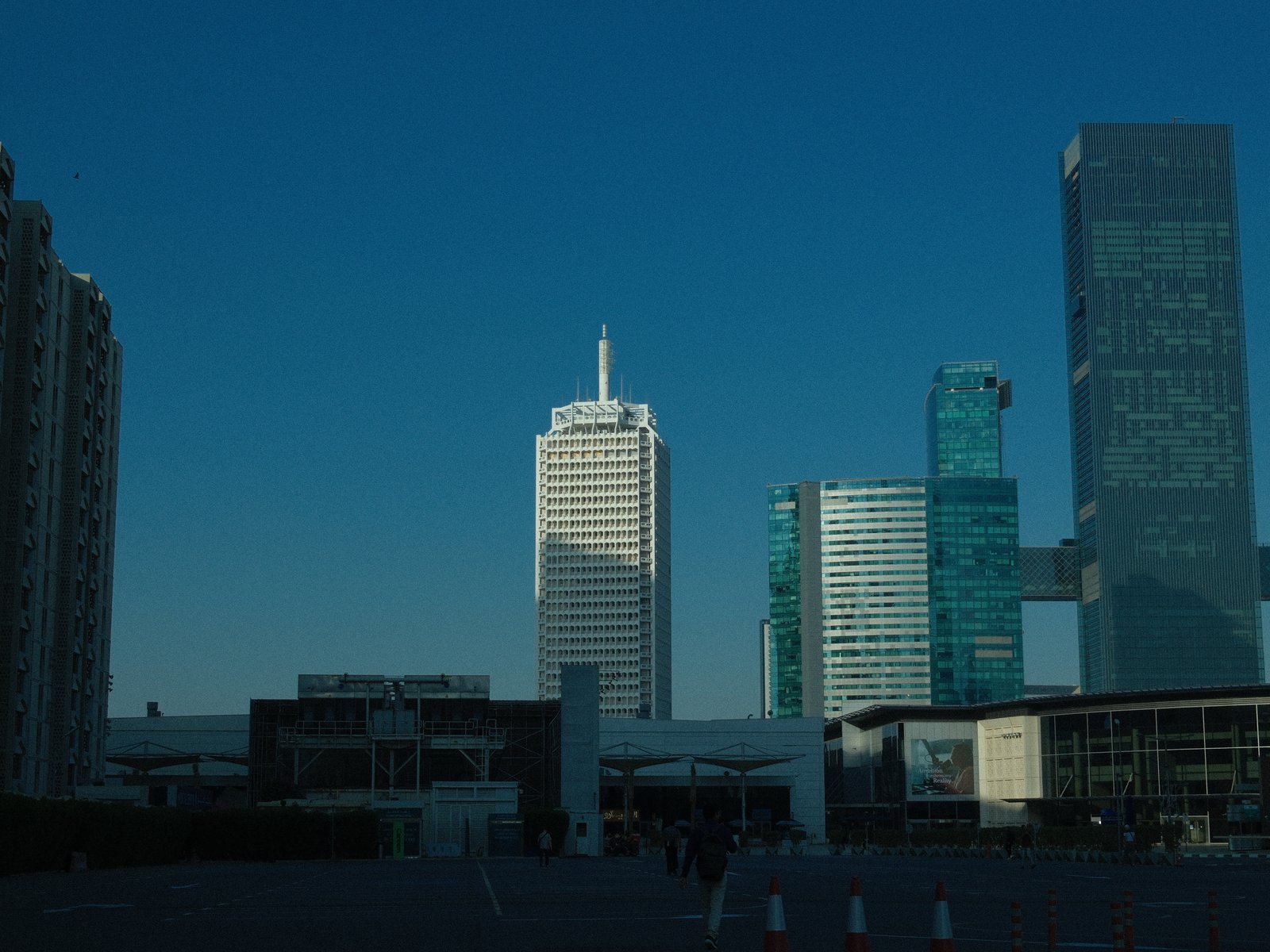
City skyline featuring modern skyscrapers against a clear blue sky.
Difficulty
Intermediate
Film simulation
Provia
Tested on
X-E4
Sample frames
4

The lookWhy this one earns a slot

Standard Provia channels the vibrant aura of modern urban life with its lively colours and distinct clarity. The Provia film simulation is known for its faithful rendition of hues, and this recipe elevates it with a rich colour chrome effect, bringing depth and saturation to the blues and greens. Shadows are gently relaxed, providing a smooth transition without losing details, while strong small grain enhances a filmic texture, adding a touch of nostalgia to contemporary scenes. This recipe particularly excels under harsh midday light, where its DR400 setting protects highlights, making skies and architectural details pop with realism. However, the cool, bluish cast from the white balance shift can be both a creative choice or a challenge, depending on the subject and lighting conditions.

The settingsThe recipe

Provia · X-Trans IV

Film Simulation
Provia
Dynamic Range
DR400
White Balance
Custom Kelvin, 4000K, −5 B
Highlight
0
Shadow
−2
Color
−2
Sharpness
−2
Noise Reduction
−4
Clarity
0
Grain
Strong, Small
Color Chrome Effect
Strong
Color Chrome FX Blue
Strong
ISO
6400
Exposure Comp.
-1/3 to +2/3

How to copy it to your camera

  1. Open the Image Quality (IQ) menu and select an empty custom setting slot (C1–C7).
  2. Set the base film simulation to Provia.
  3. Enter each value from the settings above, then save the slot.
  4. Select that slot to shoot Standard Provia JPEGs straight out of camera.

Sample framesShot on this recipe

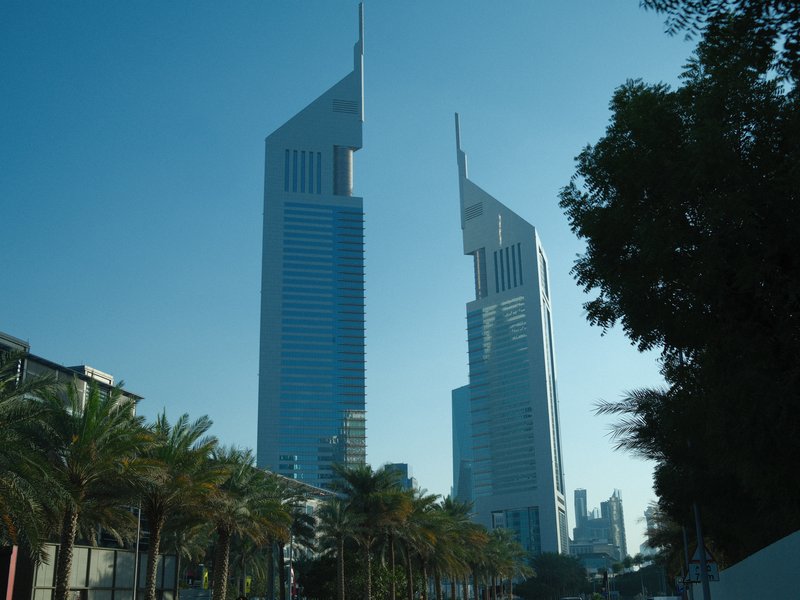
Two modern skyscrapers with pointed tops against a clear blue sky, surrounded by palm trees.
Architecture · Urban · Harsh Midday
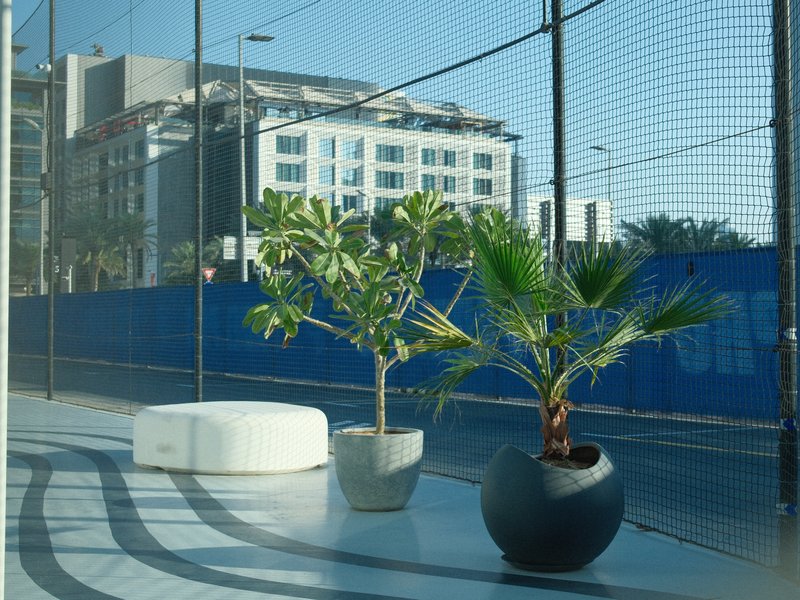
Two potted plants on a modern balcony with a blue construction fence in the background.
Nature · Urban · Harsh Midday
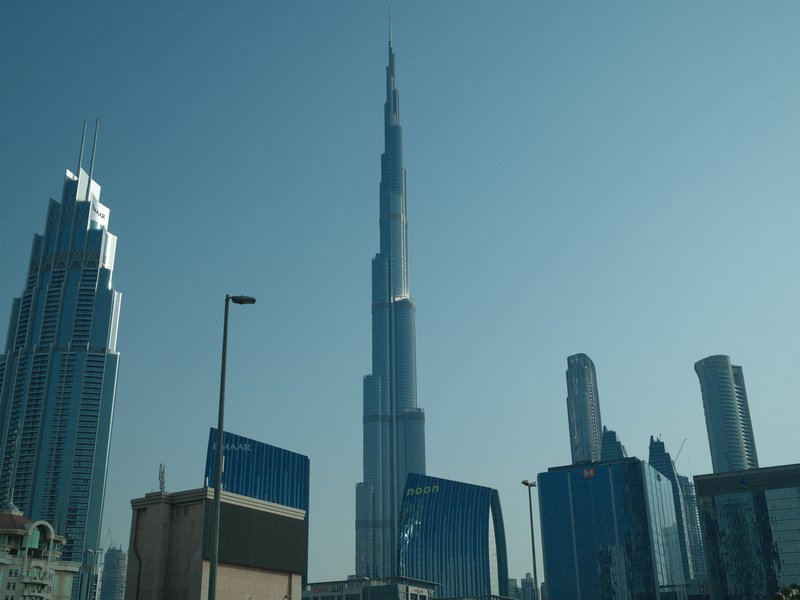
Skyline featuring the Burj Khalifa and surrounding skyscrapers under a clear blue sky.
Architecture · Urban · Harsh Midday

Notes & caveatsWhat it nails, what to watch

What it nails

  • Rich, vivid colours stand out
  • Excels in bright daylight
  • Smooth shadow transitions
  • Film-like grain adds texture

What to watch

  • Cool cast may affect skin tones
  • Strong grain noticeable at high ISO
  • Not ideal in low light

Explore similar

General purposeOutdoor

CompatibilityWill it work on your camera?

Tested across the X-Trans IV, X-Trans V and GFX generations — compatibility is defined by sensor, so any body on these generations can run it. The X-T3 and X-T30 don't offer Clarity, Grain Size or Color Chrome FX Blue — skip those values on those two bodies.

Best forWhen to reach for it

Perfect for capturing urban landscapes and architecture, especially under bright daylight. The recipe excels in vibrant, bustling street scenes. Avoid using it for low light or portraiture, as it may not flatter soft skin tones or handle dimly lit scenes well.

Best for

Scenes and subjects this recipe is tuned for.

General purposeOutdoor

Less suited to

Where another look will likely serve you better.
Low LightSoft Skin Tones
Learn more

Frequently asked questions

Which Fujifilm cameras support Standard Provia?

Standard Provia is designed for Fujifilm X-Trans IV, X-Trans V, and GFX cameras. Compatible models include the X-E4, X-E5, X-H2, X-H2S, X-M5, X-Pro3, X-S10, X-S20, X-T30 II, X-T30 III, X-T4, X-T5, X-T50, X100V, X100VI, GFX100 II, GFX100RF, GFX100S, and GFX100S II.

What does the Provia film simulation do in this recipe?

Provia is Fujifilm’s standard film simulation, known for a relatively neutral, faithful rendering of colour. Standard Provia builds on that familiar starting point with reduced colour and shadows, strong Color Chrome effects, and a cool white balance. The result moves away from the default Provia look towards a more textured, cool-toned interpretation.

What subjects suit Standard Provia best?

Modern architecture and city skylines suit Standard Provia particularly well. Its cool colour character works naturally with glass towers, pointed skyscrapers, and buildings set against clear blue skies. It also suits contemporary urban details, such as balconies and potted plants, when you want bright daylight to feel crisp and architectural rather than warm or nostalgic.

How does the 4000K white balance affect blue skies?

The 4000K white balance pushes the image towards a cooler appearance, while the B -5 shift adds back only a touch of yellow. Against an already blue sky, this can reinforce the scene’s cool atmosphere and give modern buildings a crisp, distinctly blue-toned feel. The effect is useful for cool urban compositions, though it may not suit subjects that need warmer colour.

How is Standard Provia different from Saturated Velvia?

Standard Provia and Saturated Velvia use identical numeric settings, so the key distinction is their base film simulation. Provia starts from Fujifilm’s more neutral colour rendering, while Velvia is known for more vivid colour and stronger saturation. The shared adjustments interact with each simulation differently, giving the recipes distinct colour and tonal results despite their matching settings.
The Fuji Pic app

Every recipe.Every detail.Now in your pocket.

Browse the whole catalogue, unlock the premium recipes, and keep every setting in front of you while you shoot.

Free to download · iPhone and Android
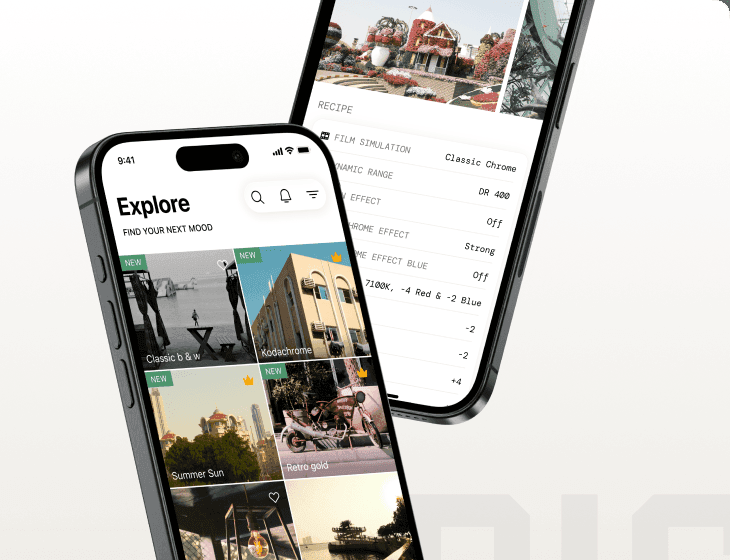
The Fuji Pic app on iPhone, showing the recipe gallery and a recipe's full settings