
The library · 107 recipes
Fujifilm Film Simulation Recipes
A curated, real-world-tested library — each a complete set of in-camera JPEG settings. Copy one into a custom slot and shoot a finished film look straight out of camera, no editing.
Showing 97–107 of 107

Universal Provia
Strong, small grain and calm tones suit serene scenes indoors and out.

Velvia 100f
Vivid greens and blues with strong grain for outdoor shots. Ideal for capturing the vibrancy of urban landscapes.
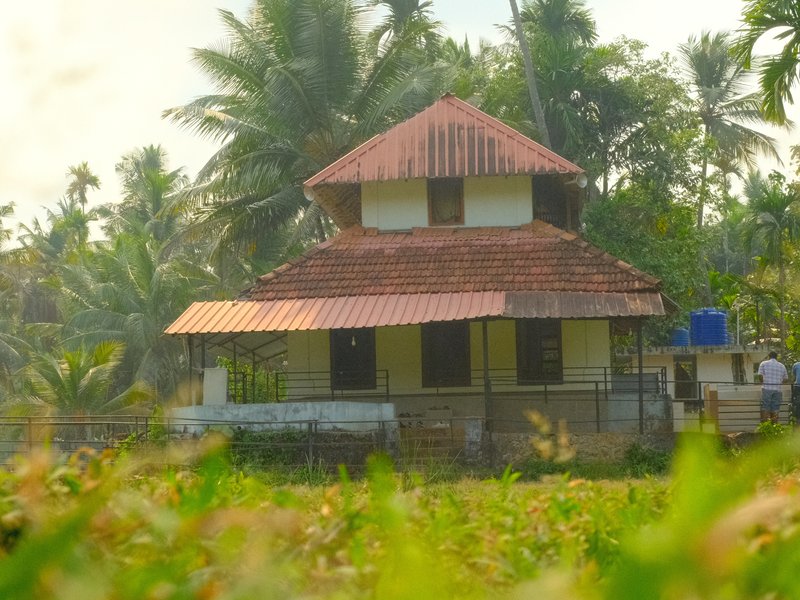
Velvia Film
Saturated colours with a vibrant touch, ideal for landscapes and outdoor scenes. Calming yet vivid, with fine grain.
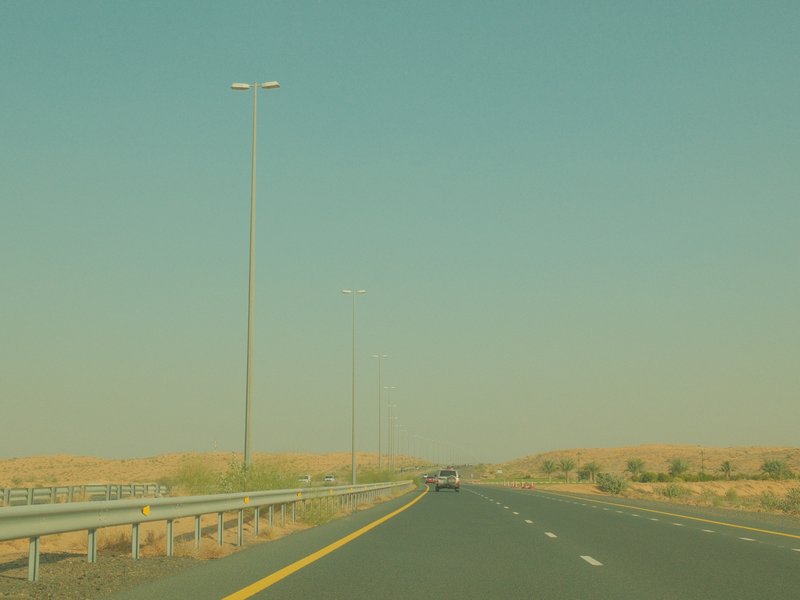
Vibrant Arizona
Copper hues and delicate grain create calm nostalgia for capturing daily life and travel memories beautifully.
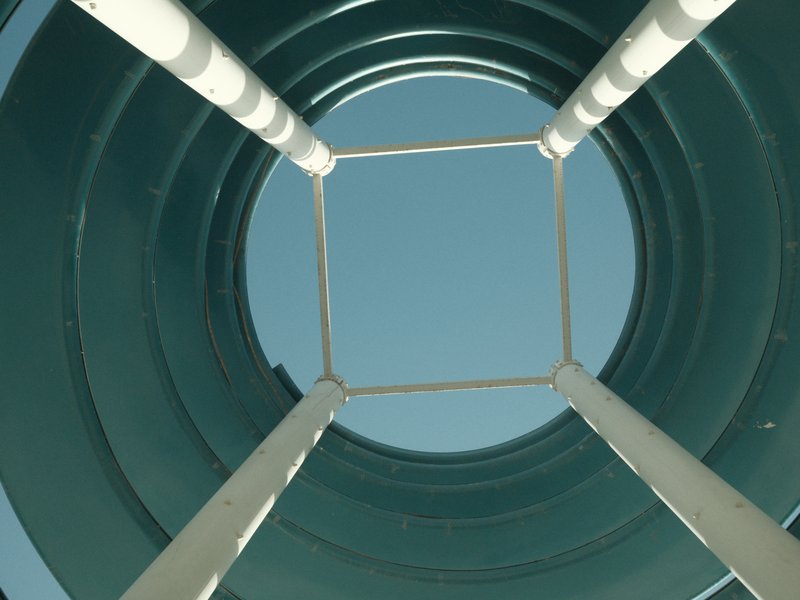
Vintage Agfacolor
Dreamy tones and textured grain evoke vintage nostalgia. Perfect for urban street and travel photography.

Vintage Bronze
Eterna Bleach Bypass creates a metallic glow with muted tones. Perfect for urban landscapes and cinematic scenes.
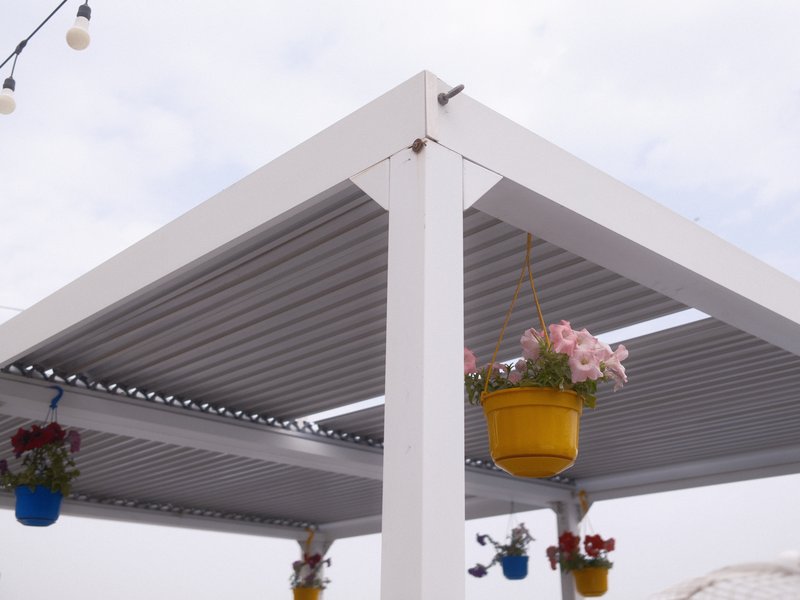
Vintage Cinema
Sepia tones and noticeable grain create a vintage cinematic feel. Perfect for travel and capturing nostalgic moments.
Vintage Color v2
Rich, nostalgic tones with a touch of grain for timeless imagery.
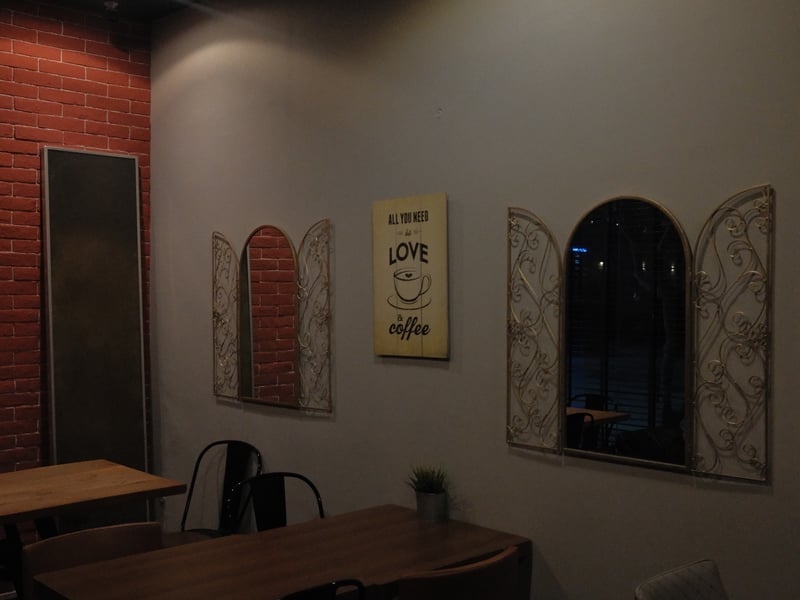
Vintage Kodachrome
Classic film feel with strong grain and vivid colours. Ideal for capturing urban architecture or warm interior scenes.

Vivid Velvia
Velvia film brings vibrant tones and subtle grain to outdoor scenes, creating a warm, saturated feel.
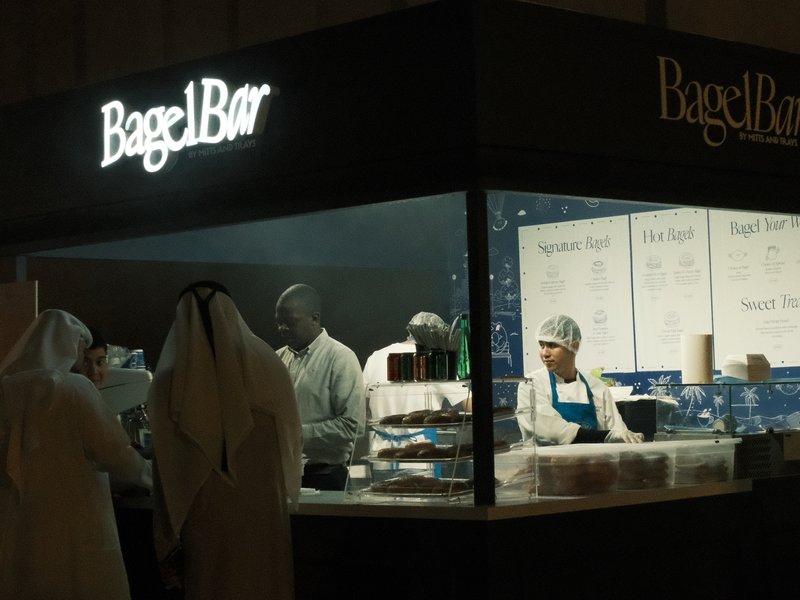
X-C25 RECIPE
Urban warmth and calming tones create an energetic feel. Perfect for moody street captures.
What is a Fujifilm recipe?
A Fujifilm recipe is a saved set of in-camera JPEG settings — a base film simulation plus white balance, dynamic range, tone curve, colour and grain adjustments. Save one to a custom slot (C1–C7) and your X-Trans or GFX camera renders a finished, film-look JPEG the moment you press the shutter — no editing, no laptop.
Every recipe in this library is tested on real Fujifilm bodies and documented with the exact values to dial in, the sensors it works on, and honest notes on what it nails and where it falls short. Browse by film simulation, by the camera in your bag, or by the look and use case you're shooting for — every recipe is free to copy.
Tested, not generated.
Real cameras, real conditions, honest notes — and free to copy, every one.
Shot on real gear
Every recipe is tested on real Fujifilm bodies in real conditions — never generated on a screen.
Honest notes
Each look ships with what it nails and what to watch for, plus straight-out-of-camera sample JPEGs.
Free forever
Browse, filter and copy every recipe — no account, no paywall, no export limits.