
Difficulty
Intermediate
X-Trans IVClassic NegativeColour
Rich, nostalgic tones with a touch of grain for timeless imagery.
Classic Negative is modelled on consumer colour-negative film (the Superia lineage). It separates tones in a distinctive way — characterful greens, warm reds and a subtle shift through the midtones — giving everyday scenes a nostalgic, photographic quality that's hard to replicate elsewhere. It earns a custom slot for street, urban and overcast.
Classic Negative · X-Trans IV
Explore similar
Tested across the X-Trans IV and GFX generations — compatibility is defined by sensor, so any body on these generations can run it. On X-Trans V bodies, blue renders more deeply. If you adapt this recipe to X-Trans V, reduce Color Chrome FX Blue by one step (Strong → Weak).
Reach for it when you're shooting street, urban and overcast. It's less at home with studio portraits and pure landscape.
Scenes and subjects this recipe is tuned for.
Where another look will likely serve you better.
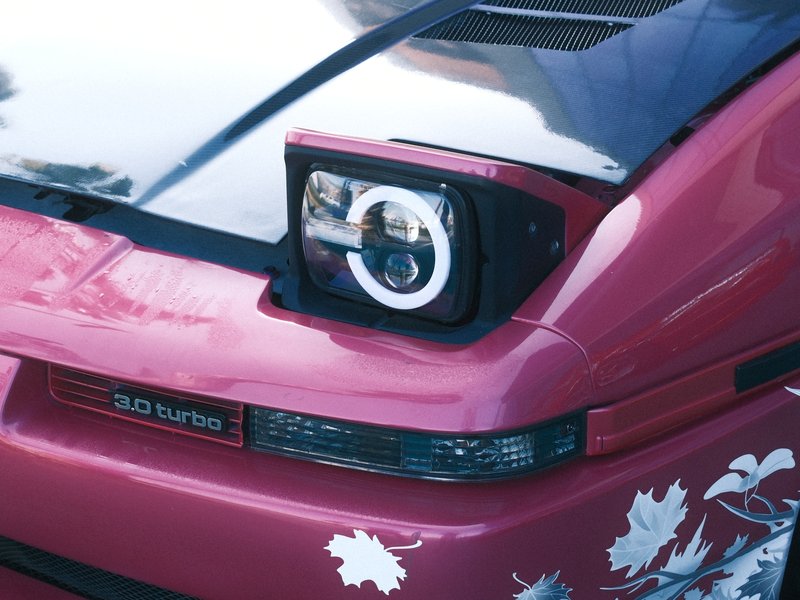
Punchy colours and soft details create a calm urban aesthetic, perfect for overcast days and vibrant street photography.
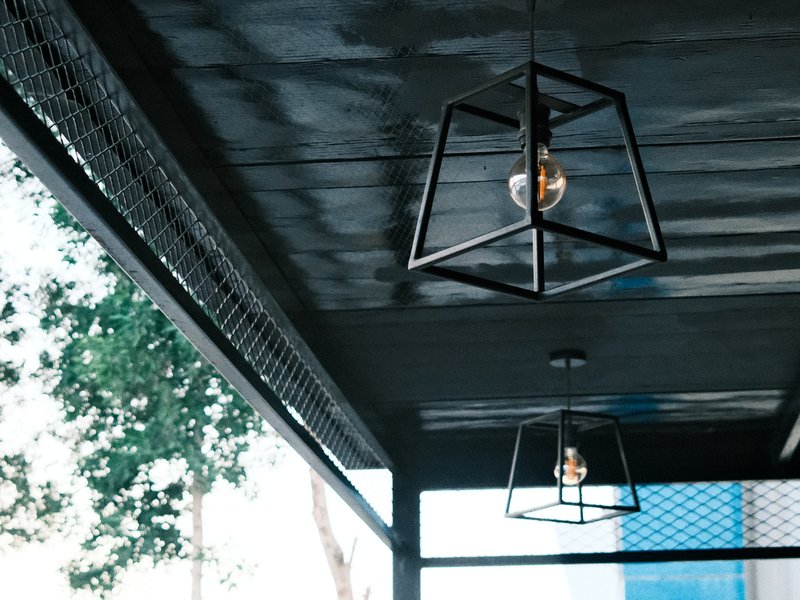
Subtle warmth and nostalgia, where muted tones shine in urban settings under overcast skies.
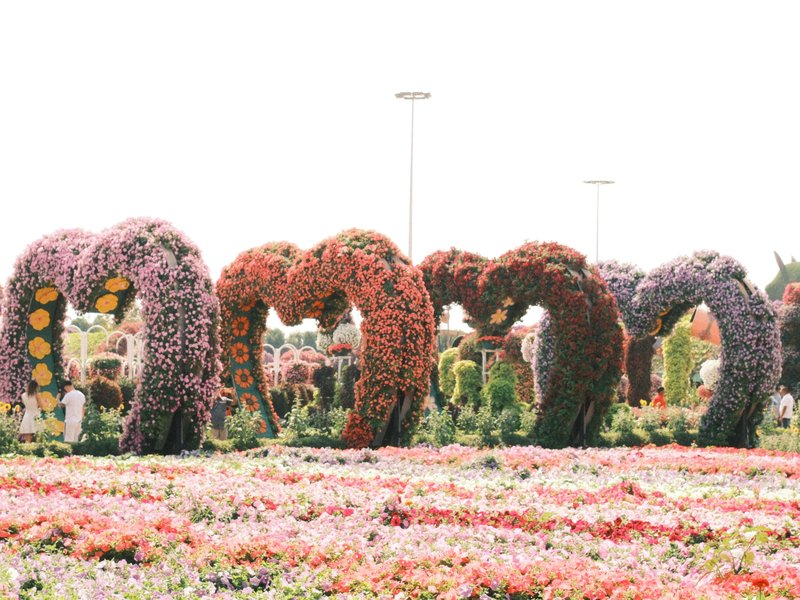
Dreamy, nostalgic feel with gentle grain and rich tones. Perfect for moody street and urban captures.
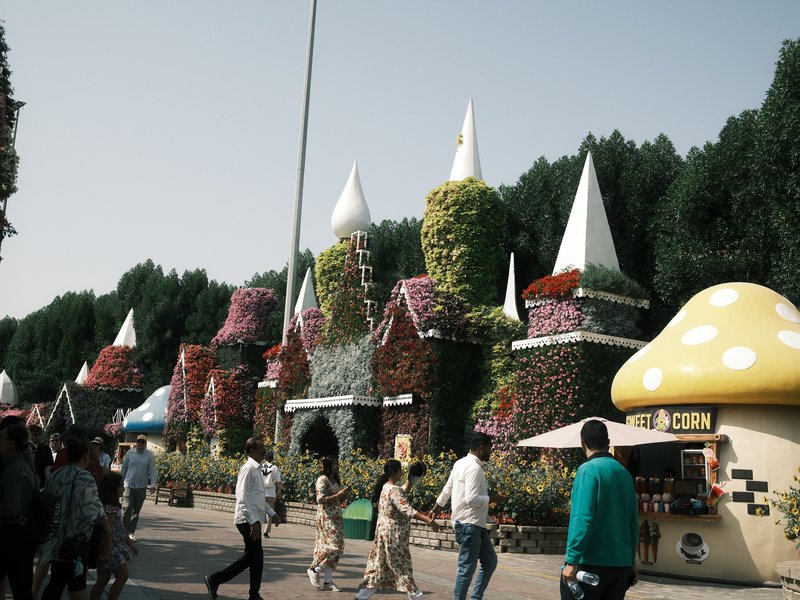
Dreamy shadows and subdued colours create a relaxed atmosphere perfect for overcast urban exploration.
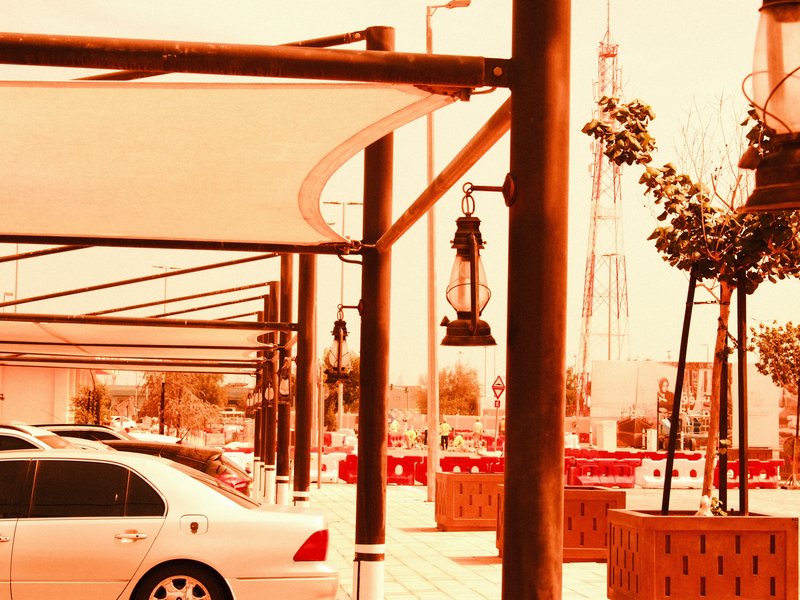
Red hues envelop cityscapes with gritty texture and contrast. Ideal for moody environments and overcast settings.
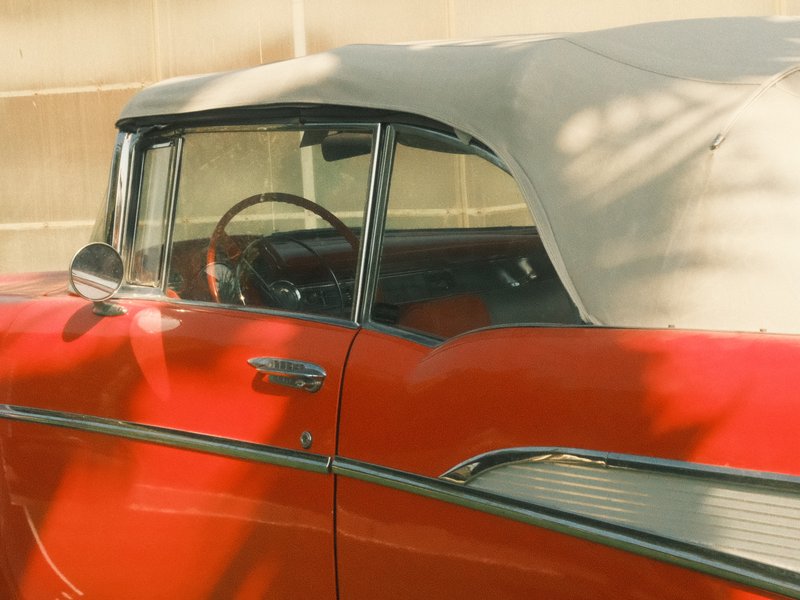
Earthy hues with subtle contrast bring a nostalgic warmth to urban images.