
Sensor
Fujifilm · Bayer · 2018
X-A20
X-A Seriescompact2018
The X-A20 captures moments with simplicity and style.

Resolution
16.3 MP
Stabilisation
No
Mount
X-mount
In short
The X-A20 supports most Fujifilm film recipes excluding Acros, thanks to its Bayer sensor. It delivers vibrant colours and ease of use.
Why it's the recipe body
The Fujifilm X-A20, released in 2018, offers an approachable entry into the X-mount system with its 16.3 MP Bayer APS-C sensor. This compact body feels intuitive in hand, with its 180-degree tiltable screen enhancing the shooting experience, especially for selfies and vlogs. While it lacks the famed Acros simulation, it still provides a range of film simulations that bring out vibrant colours and pleasing tones. The X-A20's straightforward interface and lightweight design make it an ideal companion for casual photographers seeking to explore the world of Fujifilm's characteristic colour science. Its Bluetooth connectivity offers convenient sharing options, enhancing its appeal for everyday photography.
The X-A20, with its Bayer sensor, supports most Fujifilm film-simulation recipes but misses out on Acros. Its compatibility with classic recipes makes it a versatile choice for users who appreciate vibrant and natural colours. However, note that this model does not have in-body image stabilisation, which may influence your shooting style slightly, especially in low-light conditions or when using longer lenses.
What it nails, what to watch
What it nails
- Vibrant colour output
- Compact and lightweight
- Tilt screen for selfies
- Bluetooth connectivity
What to watch
- No Acros simulation
- No in-body stabilisation
- Limited to 16 MP resolution
What this body adds
SE
Sensor
16.3 MP Bayer APS-C
PR
Processor
Custom (Bayer line)
MO
Mount
X-mount (interchangeable)
RE
Rear screen
180-degree tilt 3-inch
BL
Bluetooth
Built-in
Recipes for the X-A20
All recipesNo recipes tested on the X-A20 yet — browse the Bayer generation for looks that share its sensor.
How to add a recipe to your X-A20
- Turn on the camera and press the menu button.
- Navigate to the 'Image Quality Setting' menu.
- Select 'Edit/Save Custom Setting' and choose a slot.
- Adjust the settings to match your chosen recipe.
Tips for the X-A20
- Use the tilt screen for creative angles.
- Explore vibrant colour simulations.
- Keep a spare battery handy.
Explore other cameras
All cameras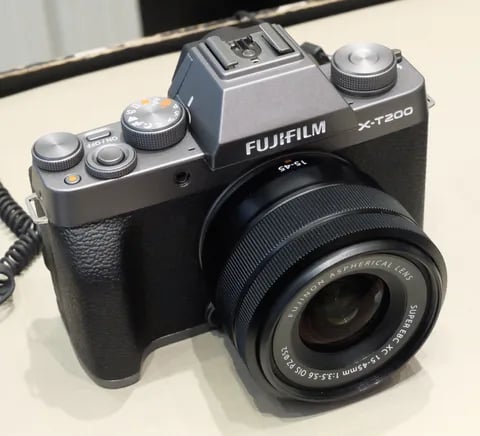
Bayer · 24.2 MP
X-T200
X-T100's successor - faster AF, 4K/30p video, and a vari-angle touchscreen.
View camera
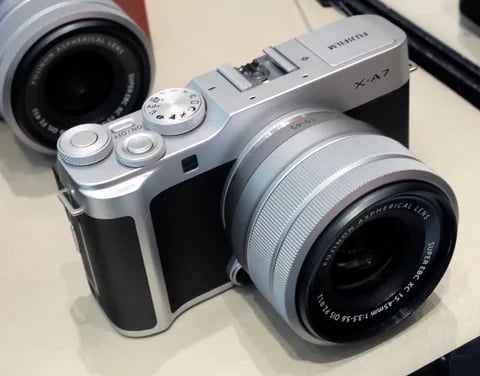
Bayer · 24.2 MP
X-A7
Last X-A flagship - copper-wired sensor, 4K/30p video, and a 3.5-inch vari-angle screen.
View camera
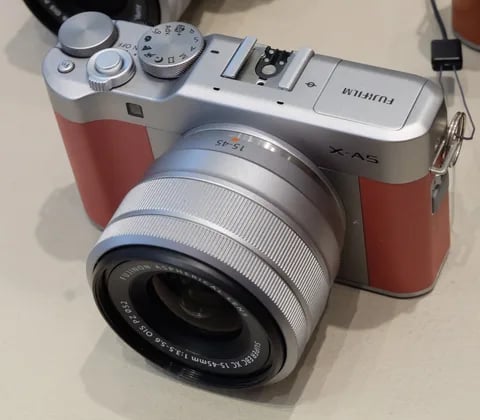
Bayer · 24.2 MP
X-A5
Phase-detect AF arrives in the X-A line - faster focus and 4K (3 fps) timelapse.
View camera
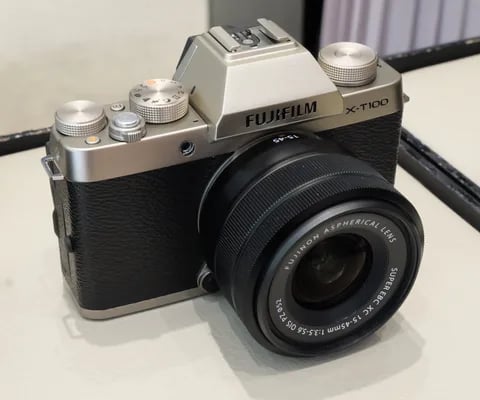
Bayer · 24.2 MP
X-T100
Entry-level X-T with a Bayer sensor - lower cost, same Fuji film simulations.
View camera

Bayer · 24.2 MP
XF10
Pocket Bayer compact with a 28mm equiv. prime - X70's spiritual successor at a budget price.
View camera

Bayer · 16.3 MP
X-A10
Asia-market entry X-A - X-A2 internals at the lowest tier of the X-series.
View camera
Key terms
Explore more X-A20 recipes
Find the best Fujifilm recipes for the X-A20, its Bayer sensor, and the film simulations they're built on.
Frequently asked questions
Which film simulation recipes work on the X-A20?
The X-A20 supports most Fujifilm recipes except Acros, providing vibrant and natural colours.
Does the X-A20 have in-body image stabilisation?
No, the X-A20 does not feature in-body image stabilisation. Consider using lenses with OIS for stability.
How do I add a film simulation recipe to the X-A20?
To add a recipe, navigate to 'Edit/Save Custom Setting' in the menu and choose a slot to customise.