
Sensor
Fujifilm · Bayer · 2018
XF10
Compactcompact2018
Compact brilliance in your pocket with the Fujifilm XF10's 28mm prime.

Resolution
24.2 MP
Stabilisation
No
Lens
18.5mm f/2.8 (28mm equiv.)
In short
The Fujifilm XF10 supports most Bayer recipes, excluding Acros. It offers a unique rendering style with its 24.2 MP sensor.
Why it's the recipe body
The Fujifilm XF10 is a charming, pocket-friendly compact camera with a fixed 18.5mm f/2.8 lens, equivalent to 28mm on full-frame. Its 24.2 MP Bayer sensor provides a different feel than the X-Trans models, capturing images with a distinct rendering style. Handling the XF10 feels intuitive, thanks to its fixed touchscreen and minimalistic design. The absence of a viewfinder might be a drawback for some, but the large LCD makes composing shots straightforward. For film-simulation enthusiasts, the XF10 offers a broad palette, albeit without Acros. Its lightweight build and ease of use make it an ideal travel companion, perfect for spontaneous shooting adventures.
As an entry-level camera with a Bayer sensor, the Fujifilm XF10 supports most film simulations except Acros. It lacks the nuanced features of the X-Trans models, such as Clarity and Colour Chrome FX Blue, which can affect the final look. White balance shifts aren't savable per custom slot, but you still enjoy creative flexibility with the available 7 custom slots.
The XF10 succeeds the X70, offering a budget-friendly, fixed-lens alternative.
What it nails, what to watch
What it nails
- Compact and lightweight design
- Fixed 28mm equivalent lens
- Seven custom slots available
- Built-in Bluetooth connectivity
- 24.2 MP Bayer sensor
What to watch
- No Acros simulation
- No viewfinder available
- No in-body stabilisation
- Fixed lens, no zoom
What this body adds
SE
Sensor
24.2 MP Bayer APS-C
LE
Lens
18.5mm f/2.8 (fixed)
RE
Rear screen
3-inch fixed touchscreen
VI
Viewfinder
None (LCD only)
BL
Bluetooth
Built-in
Recipes for the XF10
All recipesNo recipes tested on the XF10 yet — browse the Bayer generation for looks that share its sensor.
How to add a recipe to your XF10
- Access the menu and navigate to Image Quality.
- Select a custom slot from C1 to C7.
- Adjust the film simulation and settings to taste.
- Save your settings to the chosen slot.
Tips for the XF10
- Use the touchscreen for quick settings.
- Keep the lens clean for sharper shots.
- Experiment with different film simulations.
- Utilise Bluetooth for easy sharing.
Explore other cameras
All cameras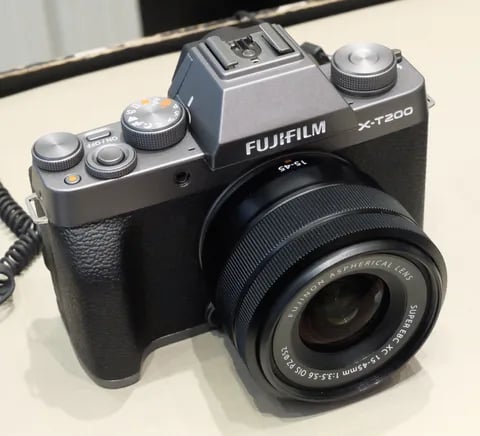
Bayer · 24.2 MP
X-T200
X-T100's successor - faster AF, 4K/30p video, and a vari-angle touchscreen.
View camera
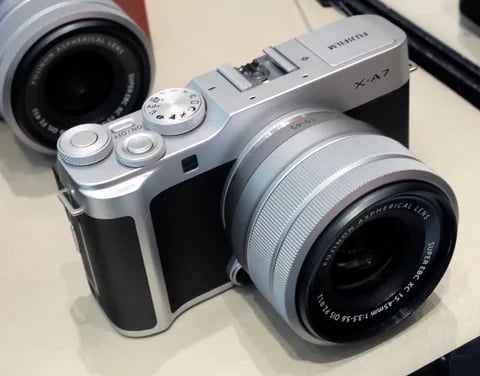
Bayer · 24.2 MP
X-A7
Last X-A flagship - copper-wired sensor, 4K/30p video, and a 3.5-inch vari-angle screen.
View camera

Bayer · 16.3 MP
X-A20
Asia-market refresh of the X-A10 - same 16 MP Bayer chassis, minor firmware updates.
View camera
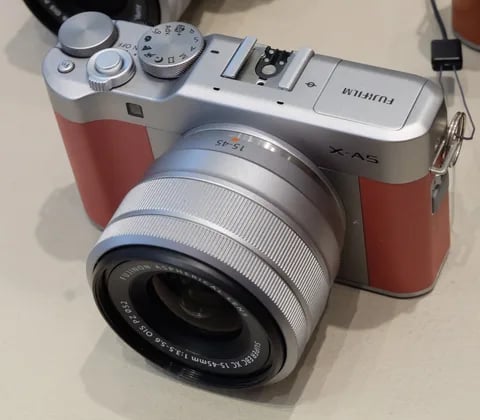
Bayer · 24.2 MP
X-A5
Phase-detect AF arrives in the X-A line - faster focus and 4K (3 fps) timelapse.
View camera
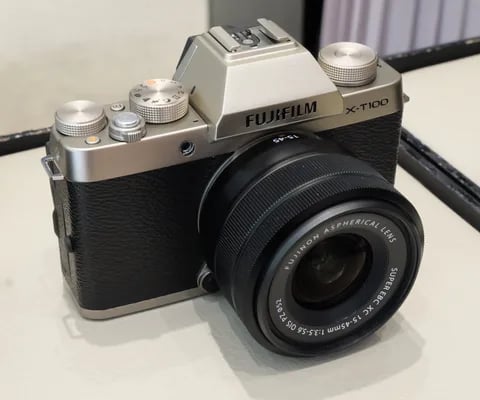
Bayer · 24.2 MP
X-T100
Entry-level X-T with a Bayer sensor - lower cost, same Fuji film simulations.
View camera

Bayer · 16.3 MP
X-A10
Asia-market entry X-A - X-A2 internals at the lowest tier of the X-series.
View camera
Key terms
Explore more XF10 recipes
Find the best Fujifilm recipes for the XF10, its Bayer sensor, and the film simulations they're built on.
Frequently asked questions
Which recipes work on the Fujifilm XF10?
The XF10 supports most Bayer sensor recipes, excluding Acros. It offers unique rendering styles.
Does the Fujifilm XF10 have IBIS?
No, the Fujifilm XF10 does not have in-body image stabilisation. Its compact design remains steady.
How do I add a recipe to the Fujifilm XF10?
Navigate to Image Quality in the menu, select a custom slot, adjust settings, and save to the slot.