
Sensor
Fujifilm · X-Trans II · 2013
X-E2
X-E Seriesrangefinder2013
Capture nostalgia with the X-E2's classic design and filmic flair.

Resolution
16.3 MP
Stabilisation
No
Mount
X-mount
In short
The X-E2 supports recipes for X-Trans II sensors but lacks features like Classic Negative and Eterna.
Why it's the recipe body
The Fujifilm X-E2 is a charming rangefinder-style camera that harks back to the classic film days while offering modern digital conveniences. Its 16.3 MP X-Trans CMOS II sensor, paired with the EXR Processor II, delivers rich colour reproduction and fine detail, reminiscent of traditional film stock. Shooting with the X-E2 feels intuitive, thanks to its tactile controls and compact form factor, making it ideal for street photography. Film simulation enthusiasts will appreciate its capability, though its limited set of simulations means some creativity is required. The X-E2's hybrid autofocus is reliable, making it a joy to capture candid moments and spontaneous scenes effortlessly.
The X-E2, with its X-Trans CMOS II sensor, can run older Fujifilm recipes supporting Classic Chrome, added later via firmware. However, it misses out on newer simulations like Classic Negative and Eterna. The camera's custom slots do not save white-balance shifts, demanding careful adjustment if swapping between styles. Despite these limitations, the camera's quality output allows for creative exploration within its available simulations.
Released in 2013, the X-E2 enhanced the X-E Series with phase-detect AF and Wi-Fi.
The X-E2S, its successor, refined handling and interface but kept the same sensor.
What it nails, what to watch
What it nails
- Classic Chrome available
- Hybrid AF system
- Compact rangefinder design
- Wi-Fi connectivity
- Custom slots for recipes
What to watch
- No in-body stabilisation
- Limited film simulations
- No savable WB shift
- Discontinued model
What this body adds
SE
Sensor
16.3 MP X-Trans CMOS II
PR
Processor
EXR Processor II
MO
Mount
X-mount (interchangeable)
AF
AF
Hybrid contrast/phase detect
BU
Burst
7 fps
WI
Wi-Fi
Built-in
Recipes for the X-E2
All recipes
How to add a recipe to your X-E2
- Access the Q Menu via the rear button.
- Select a custom slot (C1–C7) to edit.
- Adjust film simulation and settings.
- Save to the chosen custom slot.
Tips for the X-E2
- Use Classic Chrome for a vintage feel.
- Rely on hybrid AF for fast subjects.
- Explore manual modes for control.
- Adjust WB manually per scene.
Explore other cameras
All camerasX-E2S
X-Trans II · 16.3 MP
X-E2S
Refreshed X-E2 with X-Pro2-style AF and refined ergonomics.
View camera
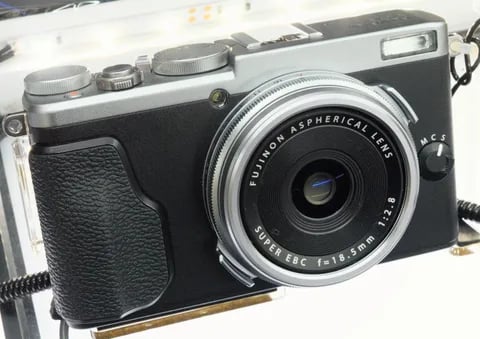
X-Trans II · 16.3 MP
X70
Pocket X100 sibling - 28mm equiv. prime in a body that fits in a coat pocket.
View camera
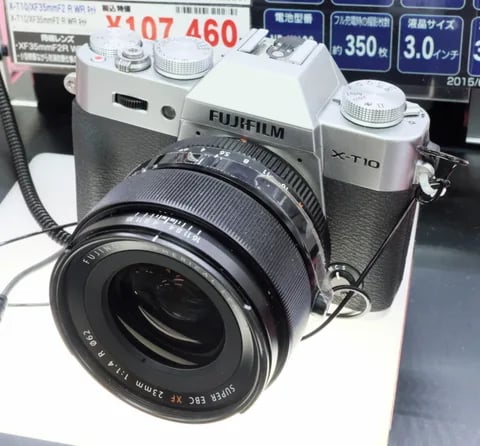
X-Trans II · 16.3 MP
X-T10
Compact X-T body with the X-T1's sensor at half the size and a friendlier price.
View camera
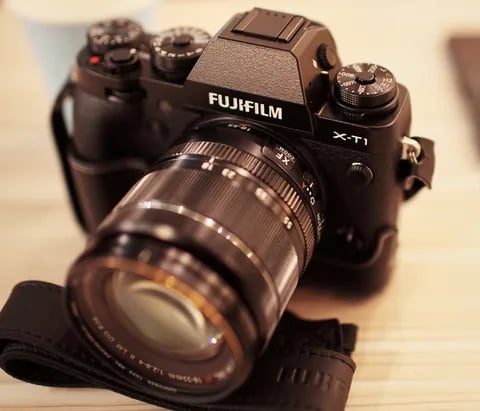
X-Trans II · 16.3 MP
X-T1
The first X-T - weather-sealed, dial-led, and the body that established the SLR-style X-series.
View camera
X-Trans II · 16.3 MP
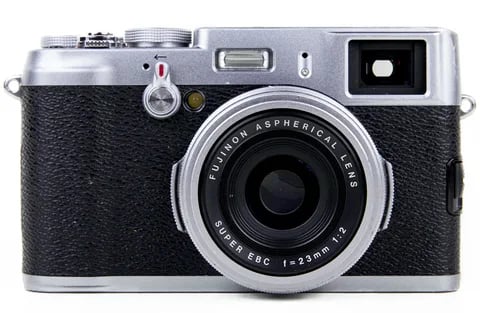
X100T
X100S refinement - electronic shutter, classic Chrome, and a real-time parallax-corrected OVF.
View camera
X-Trans II · 16.3 MP
X100S
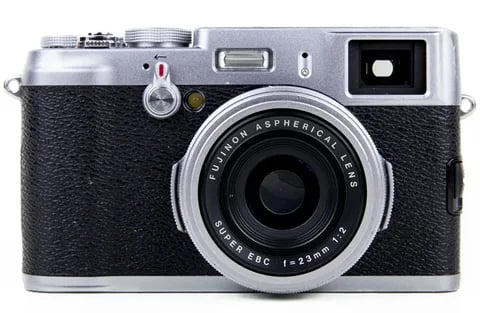
X100 with X-Trans II - phase-detect AF, focus peaking, and the digital split-image rangefinder.
View camera
Key terms
Explore more X-E2 recipes
Find the best Fujifilm recipes for the X-E2, its X-Trans II sensor, and the film simulations they're built on.
Frequently asked questions
Which recipes work on the X-E2?
The X-E2 can run recipes for X-Trans II sensors, missing newer features like Classic Negative.
Does the X-E2 have in-body stabilisation?
No, the X-E2 lacks in-body image stabilisation, so rely on lens-based or external stabilisation.
How do I add a recipe to the X-E2?
Use the Q Menu to select and edit a custom slot, adjusting settings to your desired recipe.