
Sensor
Fujifilm · X-Trans II · 2016
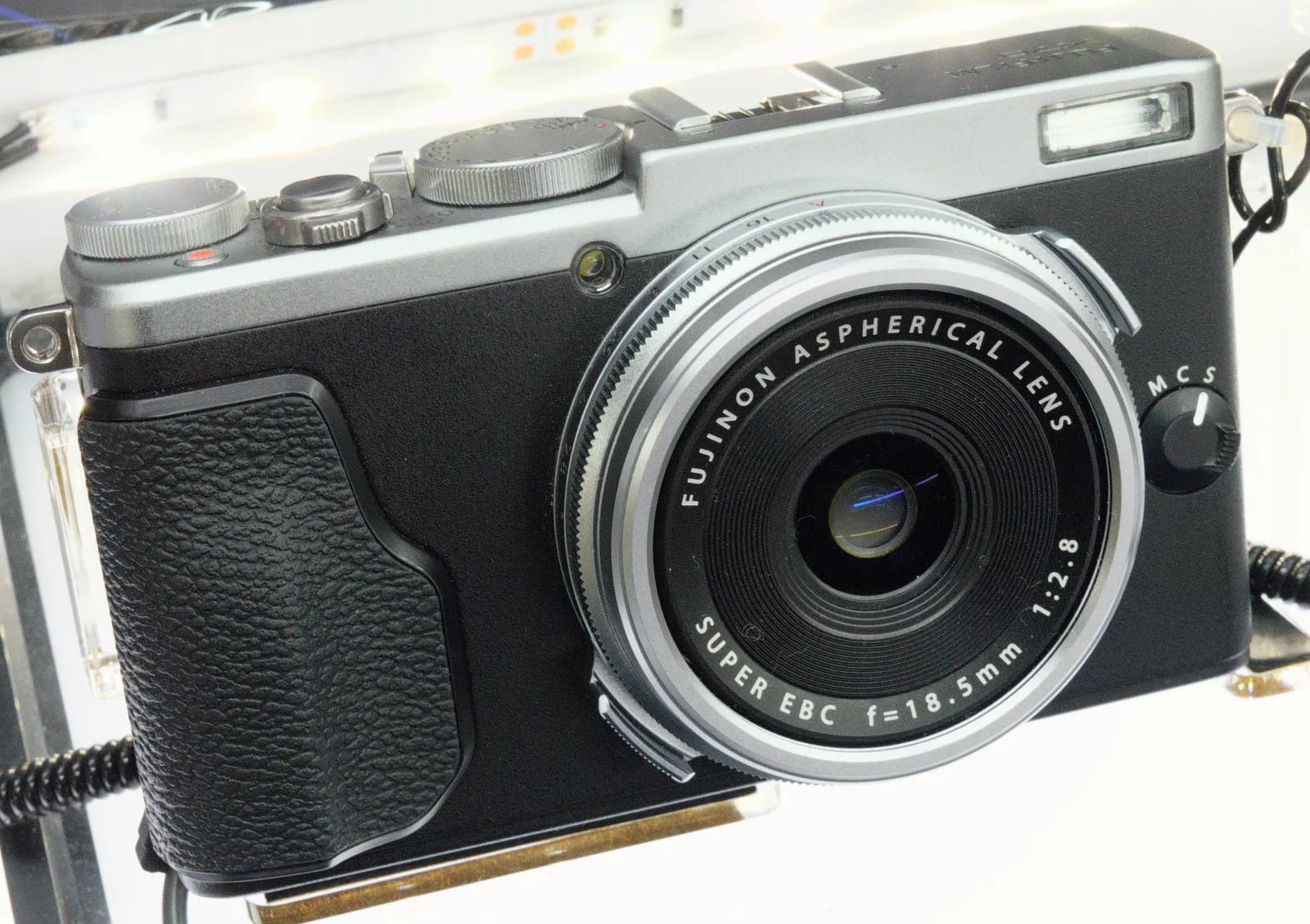
X70
X100 Seriescompact2016
The X70 offers classic Fujifilm charm in a pocketable form.
Resolution
16.3 MP
Stabilisation
No
Lens
18.5mm f/2.8 (28mm equiv.)
In short
The Fujifilm X70 supports recipes from the X-Trans II era, such as Classic Chrome. It lacks newer options like Classic Negative and Eterna.
Why it's the recipe body
The Fujifilm X70 is a compact, fixed-lens camera with the heart of the X100 series. Its X-Trans II sensor delivers vibrant colours and pleasing tonal graduations that Fujifilm enthusiasts cherish. The 18.5mm f/2.8 lens, equivalent to a 28mm on a full-frame camera, makes it an ideal street photography companion, providing a wide yet natural perspective. Handling is intuitive, with a 180-degree tilt touchscreen aiding in framing shots, though the absence of a viewfinder requires some adaptation. The X70's charm lies in its simplicity and the joy of creating images without being bogged down by excessive settings.
The X70 runs recipes from the X-Trans II era, supporting options like Classic Chrome and Astia. However, it lacks newer simulations such as Classic Negative, Eterna, and Acros. With 7 custom slots available, you can experiment with various looks, though white balance shifts aren't saved per slot, requiring manual adjustments for consistency across different lighting conditions. This means you can enjoy a variety of film-like styles with some manual effort.
The X70 offered a more compact alternative to the X100 series with a wider field of view.
Compared to the X100T, the X70 is more portable but lacks a viewfinder.
What it nails, what to watch
What it nails
- Compact, travel-friendly design
- Classic Chrome available
- Tilt touchscreen for flexibility
- Built-in Wi-Fi
- Fixed 28mm equivalent lens
What to watch
- No viewfinder
- Lacks Classic Negative
- No IBIS
- Limited film simulations
What this body adds
SE
Sensor
16.3 MP X-Trans CMOS II
LE
Lens
18.5mm f/2.8 (fixed)
PR
Processor
EXR Processor II
RE
Rear screen
180-degree tilt touchscreen
VI
Viewfinder
None (LCD only)
WI
Wi-Fi
Built-in
Recipes for the X70
All recipes
How to add a recipe to your X70
- Navigate to the Image Quality Setting menu.
- Choose a custom slot (C1–C7) to edit.
- Adjust film simulation and other settings as desired.
- Save settings to the selected custom slot.
Tips for the X70
- Utilise tilt screen for candid shots.
- Manual focus aids creative control.
- Experiment with Classic Chrome.
- Use Wi-Fi for easy sharing.
Explore other cameras
All camerasX-E2S
X-Trans II · 16.3 MP
X-E2S
Refreshed X-E2 with X-Pro2-style AF and refined ergonomics.
View camera
X-Trans II · 16.3 MP
X-T10
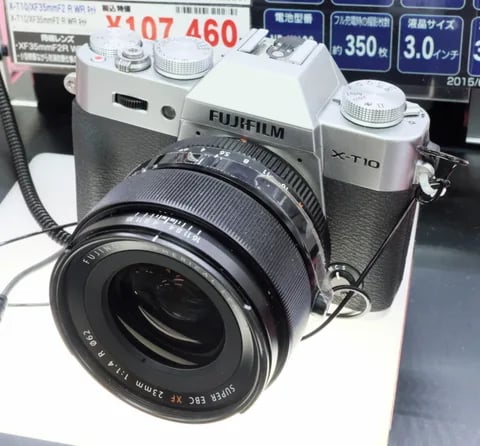
Compact X-T body with the X-T1's sensor at half the size and a friendlier price.
View camera
X-Trans II · 16.3 MP
X-T1
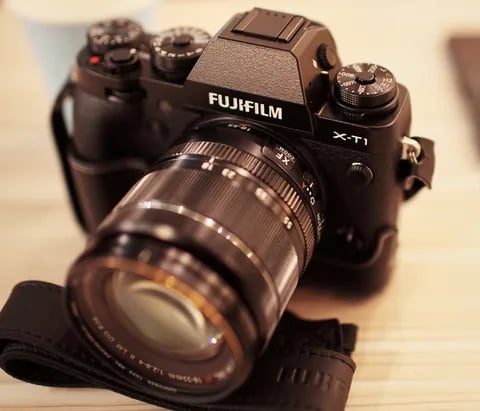
The first X-T - weather-sealed, dial-led, and the body that established the SLR-style X-series.
View camera
X-Trans II · 16.3 MP
X100T
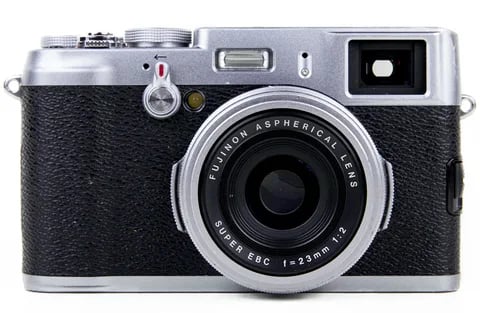
X100S refinement - electronic shutter, classic Chrome, and a real-time parallax-corrected OVF.
View camera

X-Trans II · 16.3 MP
X-E2
X-Trans II rangefinder - phase-detect AF, EXR Processor II, and Classic Chrome via firmware.
View camera
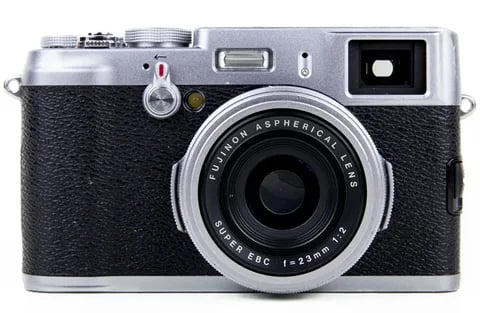
X-Trans II · 16.3 MP
X100S
X100 with X-Trans II - phase-detect AF, focus peaking, and the digital split-image rangefinder.
View camera
Key terms
Explore more X70 recipes
Find the best Fujifilm recipes for the X70, its X-Trans II sensor, and the film simulations they're built on.
Frequently asked questions
Which film simulation recipes work on the X70?
The X70 supports X-Trans II era recipes like Classic Chrome but lacks newer simulations like Eterna.
Does the X70 have IBIS or card slots?
The Fujifilm X70 lacks IBIS and has no card slots, as it's a fixed-lens compact design.
How do I add a film simulation recipe to the X70?
Navigate to the Image Quality Setting menu, select a custom slot, adjust your settings, and save them to the slot.