
Sensor
Fujifilm · X-Trans II · 2015
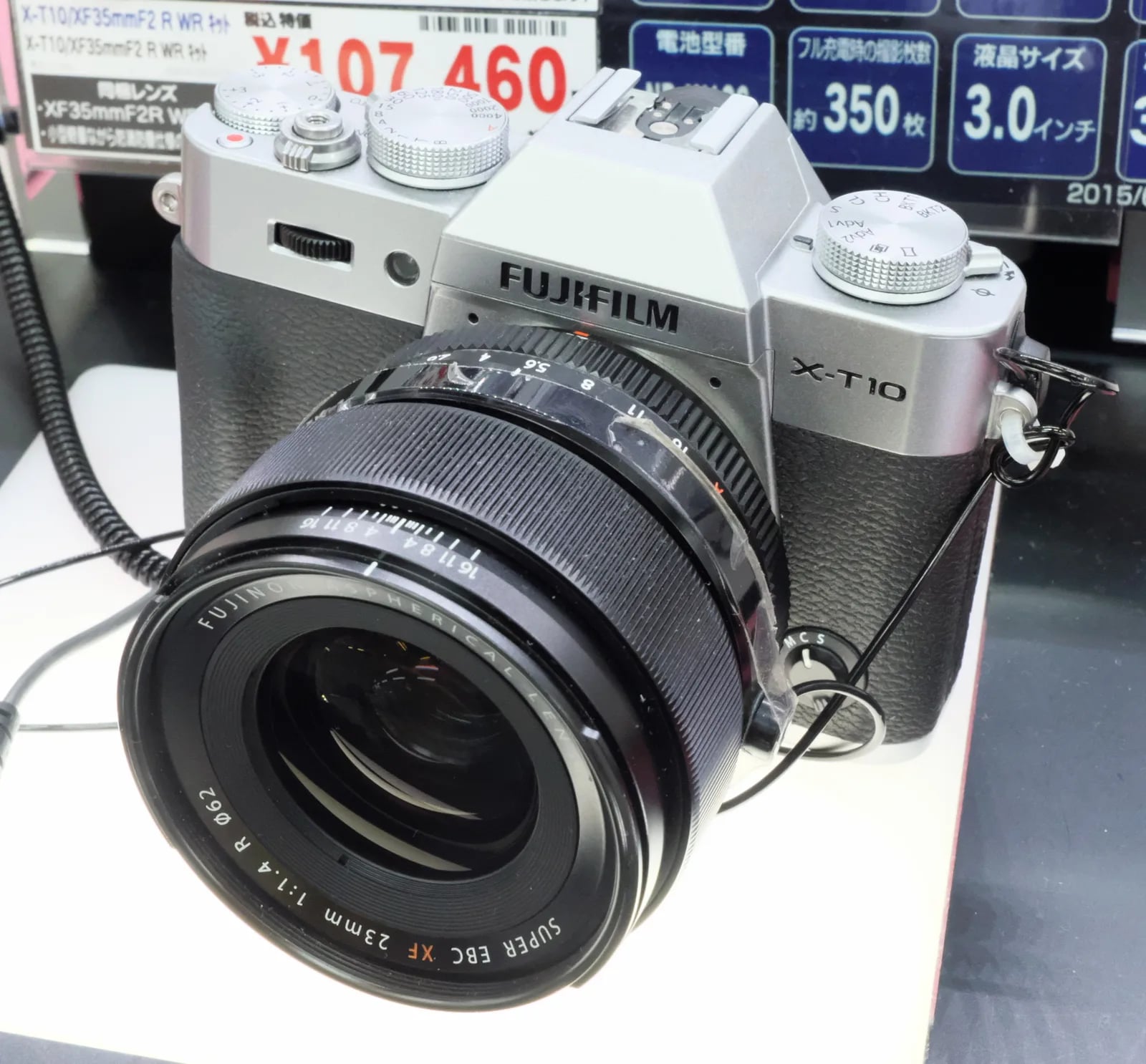
X-T10
X-T SeriesDSLR-style2015
Capture timeless moments with the compact Fujifilm X-T10 — a true classic.
Resolution
16.3 MP
Stabilisation
No
Mount
X-mount
In short
The Fujifilm X-T10 supports recipes from the X-Trans II generation, including Classic Chrome. It lacks newer features like Classic Negative and Eterna.
Why it's the recipe body
The Fujifilm X-T10 embodies the charm of its flagship sibling, the X-T1, in a more compact and affordable package. With its 16.3 MP X-Trans CMOS II sensor, it offers excellent image quality and colour rendition. Shooting with the X-T10 feels intuitive, thanks to its DSLR-style body and well-placed controls. The camera's lightweight design makes it easy to carry around, perfect for travel and street photography. While its film-simulation repertoire is limited compared to newer models, the X-T10 still delivers beautiful JPEGs straight out of the camera. Its electronic viewfinder and robust build make it a joy to use, especially for those who appreciate a tactile shooting experience.
The X-T10 is compatible with X-Trans II recipes, including Classic Chrome, Provia, and Velvia. However, it lacks newer simulations like Classic Negative, Eterna, and Acros. Additionally, white balance shifts cannot be saved per custom slot, which can be a limitation for those who frequently adjust settings. Despite this, the X-T10 offers a solid range of creative possibilities, allowing photographers to explore various looks and styles with its film simulations.
What it nails, what to watch
What it nails
- Classic Chrome available
- Compact DSLR-style body
- Intuitive controls
- High-quality EVF
- Affordable X-T series option
What to watch
- No IBIS support
- Limited film simulations
- No Eterna or Acros
- WB shift not savable per slot
What this body adds
SE
Sensor
16.3 MP X-Trans CMOS II
PR
Processor
EXR Processor II
MO
Mount
X-mount (interchangeable)
VI
Viewfinder
0.39" 2.36M-dot OLED EVF
BU
Burst
8 fps
SH
Shutter
1/4000 s mechanical
Recipes for the X-T10
All recipes
How to add a recipe to your X-T10
- Access the menu, select 'Image Quality Setting'.
- Choose 'Edit/Save Custom Setting'.
- Select one of the seven available slots.
- Adjust settings to match your desired recipe.
Tips for the X-T10
- Use the EVF for better composition.
- Set AF to manual for creative focus control.
- Explore film simulations for varied looks.
Explore other cameras
All camerasX-E2S
X-Trans II · 16.3 MP
X-E2S
Refreshed X-E2 with X-Pro2-style AF and refined ergonomics.
View camera
X-Trans II · 16.3 MP
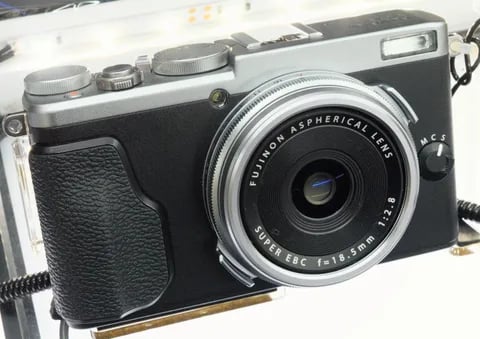
X70
Pocket X100 sibling - 28mm equiv. prime in a body that fits in a coat pocket.
View camera
X-Trans II · 16.3 MP
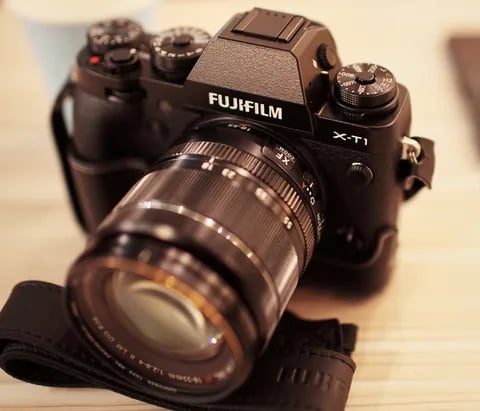
X-T1
The first X-T - weather-sealed, dial-led, and the body that established the SLR-style X-series.
View camera
X-Trans II · 16.3 MP
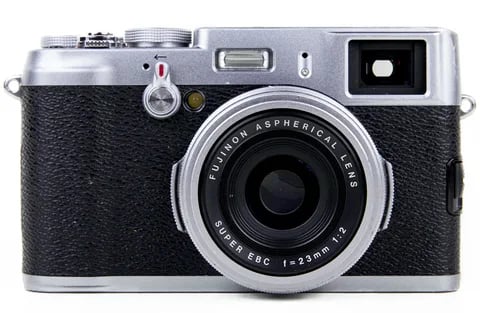
X100T
X100S refinement - electronic shutter, classic Chrome, and a real-time parallax-corrected OVF.
View camera

X-Trans II · 16.3 MP
X-E2
X-Trans II rangefinder - phase-detect AF, EXR Processor II, and Classic Chrome via firmware.
View camera
X-Trans II · 16.3 MP
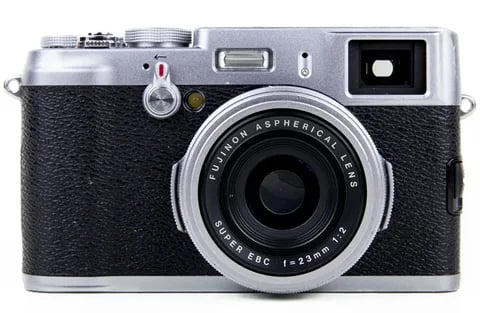
X100S
X100 with X-Trans II - phase-detect AF, focus peaking, and the digital split-image rangefinder.
View camera
Key terms
Explore more X-T10 recipes
Find the best Fujifilm recipes for the X-T10, its X-Trans II sensor, and the film simulations they're built on.
Frequently asked questions
Which recipes work on the Fujifilm X-T10?
The X-T10 supports X-Trans II recipes, including Classic Chrome, but lacks newer simulations like Classic Negative.
Does the X-T10 have IBIS or multiple card slots?
The Fujifilm X-T10 does not feature in-body image stabilisation (IBIS) or dual card slots.
How do you add a film-simulation recipe to the X-T10?
To add a recipe, access 'Edit/Save Custom Setting' in the menu, choose a slot, and adjust the settings.