
Sensor
Fujifilm · X-Trans IV · 2020
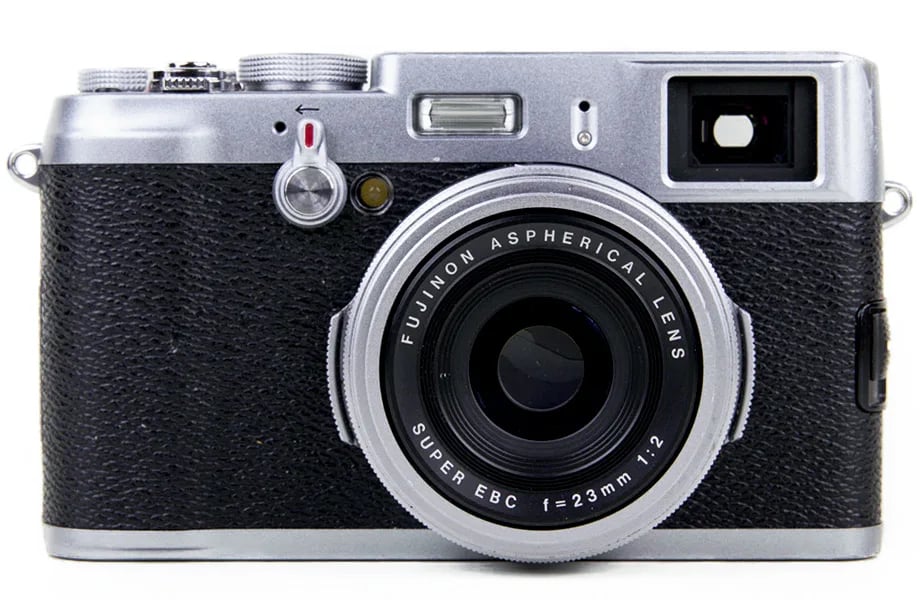
X100V
X100 Seriescompact2020
Master the art of street photography with the Fujifilm X100V.
Resolution
26.1 MP
Stabilisation
No
Lens
23mm f/2 (35mm equiv. - new optical formula)
In short
The X100V supports all X-Trans IV film-simulation recipes. Early X-Trans IV bodies lack Clarity, Grain Size, and Colour Chrome FX Blue, but the X100V includes these features.
Why it's the recipe body
Shooting with the Fujifilm X100V is an experience that merges classic design with modern innovation. With its 26.1 MP X-Trans CMOS 4 sensor and X-Processor 4, the X100V offers superb image quality straight out of camera. This compact, weather-sealed companion is perfect for street photographers, equipped with a newly designed 23mm f/2 lens that delivers sharp, vibrant results. The hybrid viewfinder offers the flexibility of optical or electronic views, and the tilting touchscreen simplifies creative framing. This camera feels like a natural extension of your vision, making it an ideal tool for those passionate about capturing life's fleeting moments.
The X100V's X-Trans IV sensor supports all film-simulation recipes introduced with this generation, including Classic Negative and Eterna. Unlike earlier X-Trans IV bodies, the X100V features Clarity, Grain Size, and Colour Chrome FX Blue. Keep in mind that white-balance shift settings cannot be saved per custom slot, limiting some creative flexibility.
The X100V revitalised the X100 Series with new optics and weather sealing, setting a modern standard.
What it nails, what to watch
What it nails
- Weather-sealed with adapter.
- Hybrid viewfinder versatility.
- Full X-Trans IV features.
- New 23mm lens design.
- Tilting touchscreen for creativity.
What to watch
- No in-body stabilisation.
- Fixed 23mm lens only.
- Limited to seven custom slots.
- WB shift not per slot.
What this body adds
SE
Sensor
26.1 MP X-Trans CMOS 4 BSI
LE
Lens
23mm f/2 (new design, fixed)
PR
Processor
X-Processor 4
VI
Viewfinder
Hybrid OVF/EVF
RE
Rear screen
Tilting touchscreen
WE
Weather sealing
Yes (with adapter ring + filter)
Recipes for the X100V
All recipes
Moody Monochrome
Dense grain and deep shadows create moody monochromes. Perfect for dramatic black and white architecture.

Nostalgic Negative
Softened shadows and energetic colours create vibrant street photos that feel alive.
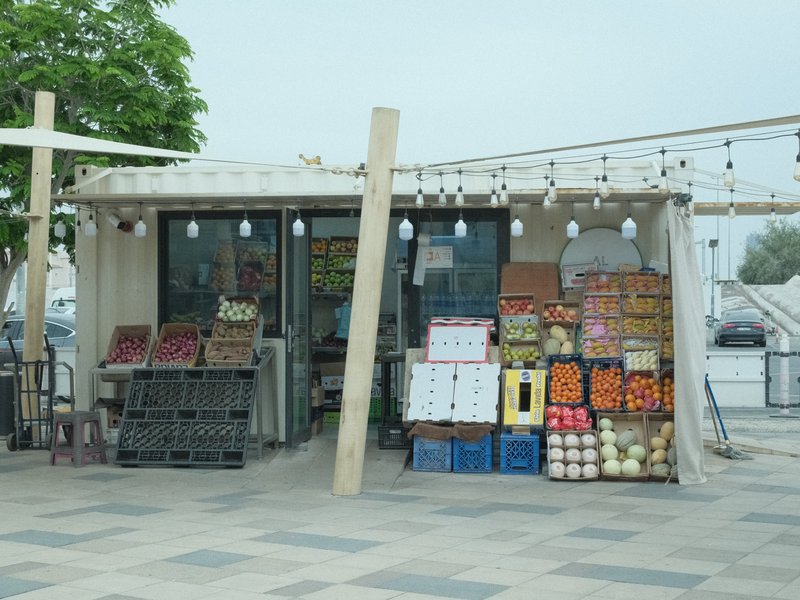
Pulled Negative
Softened shadows with a subtle blue tint create a calming effect for portraits. Ideal for studio sessions.

RedScale
Red hues envelop cityscapes with gritty texture and contrast. Ideal for moody environments and overcast settings.

Reggie's Portra
Gentle colour shifts with subtle grain create a tranquil and nostalgic atmosphere, ideal for capturing rural scenes.
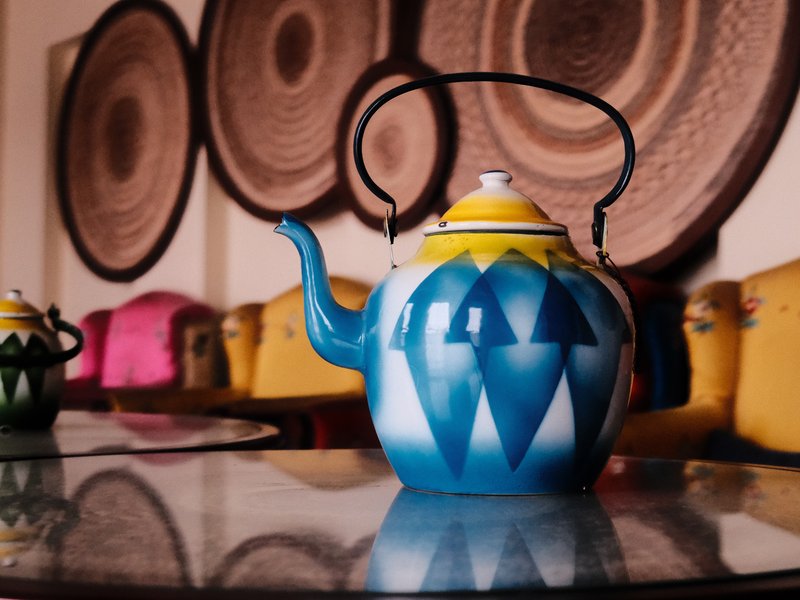
Retro Gold Low Contrast
Gentle grain with a warm colour cast creates a calm mood for travel and street shots, working beautifully both indoors and outdoors.

Santa Color
Shadows melt into vibrant hues for a cinematic touch. Perfect for calm, nostalgic scenes on X-Trans IV sensors.
No preview
Scanned Superia
Soft, nostalgic tones with a subtle grain for a timeless feel

September Summer
Earthy hues with subtle contrast bring a nostalgic warmth to urban images.
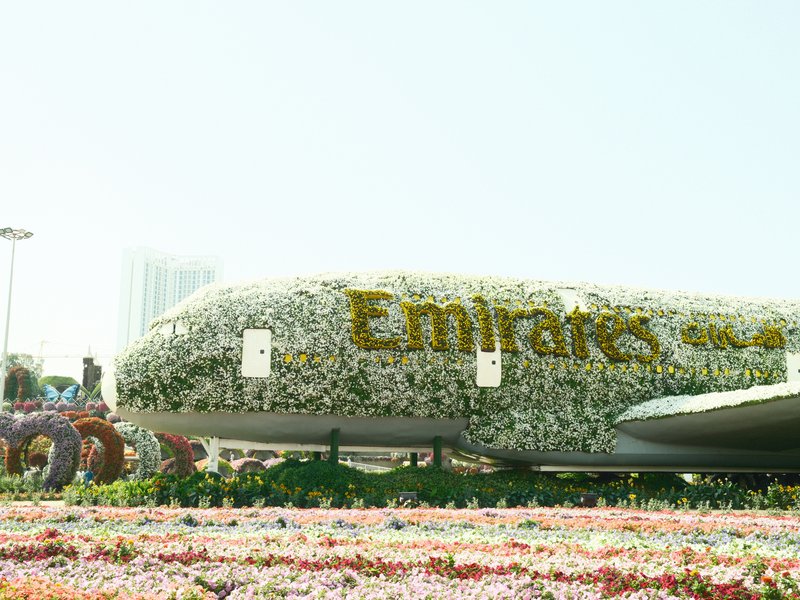
Summer of 1960
Hazy pastels and gentle grain transport you to a vintage summer's day.
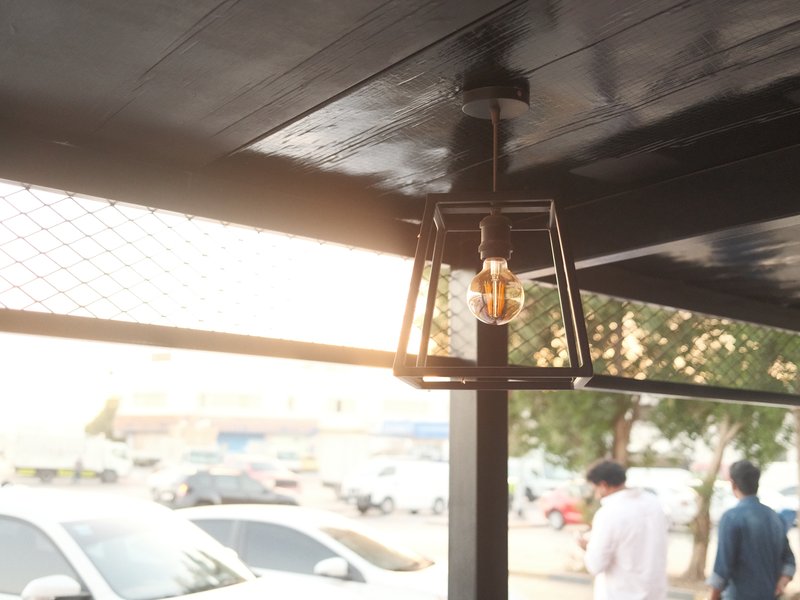
Timeless Negative
Eterna's calm tones and subtle grain create a cinematic feel. Ideal for video and indoor settings.

Universal Provia
Strong, small grain and calm tones suit serene scenes indoors and out.
How to add a recipe to your X100V
- Press the Menu button and navigate to Image Quality.
- Select Film Simulation to choose your base look.
- Adjust settings like Grain, Clarity, and Colour Chrome Effect.
- Save your custom recipe to one of the seven slots.
Tips for the X100V
- Use the hybrid viewfinder for flexibility.
- Weather seal with an adapter ring and filter.
- Leverage the tilting screen for low-angle shots.
- Explore Classic Negative for vintage vibes.
Explore other cameras
All cameras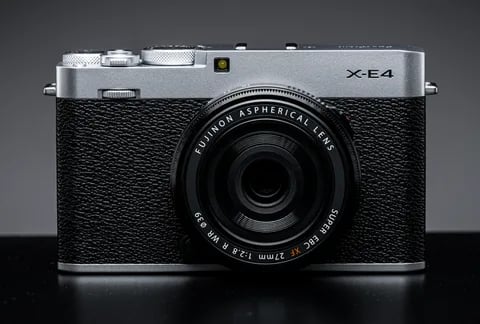
X-Trans IV · 26.1 MP
X-E4
Stripped-down X-Trans IV rangefinder - flat top, tilt screen, no grip; pure simplicity.
View camera
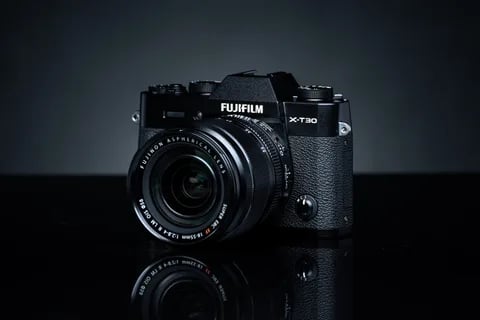
X-Trans IV · 26.1 MP
X-T30 II
Refreshed X-T30 with a higher-res LCD and updated firmware - same beloved body.
View camera
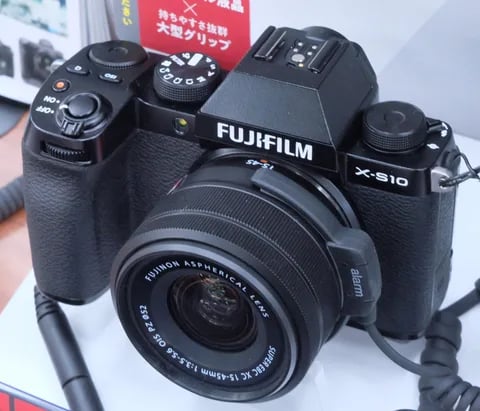
X-Trans IV · 26.1 MP
X-S10
Compact body with IBIS at a mid-range price - PSAM-style controls instead of dials.
View camera
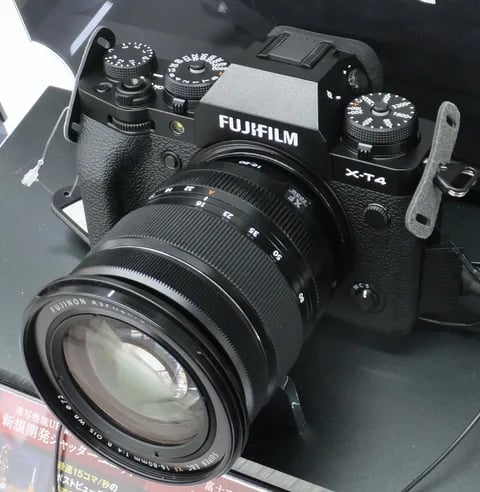
X-Trans IV · 26.1 MP
X-T4
First X-T with IBIS - the all-rounder that anchored the X-Trans IV recipe boom.
View camera
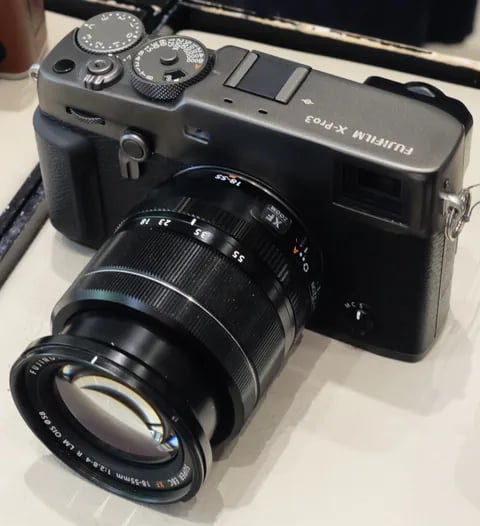
X-Trans IV · 26.1 MP
X-Pro3
The hidden-LCD rangefinder - built around analogue habits and a titanium top plate.
View camera
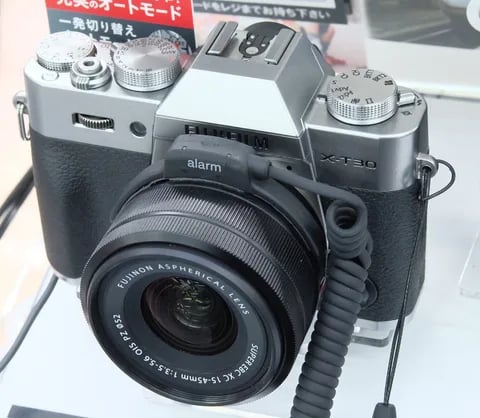
X-Trans IV · 26.1 MP
X-T30
The recipe darling - X-Trans IV, no IBIS, but loved for its size and dials.
View camera
Key terms
Explore more X100V recipes
Find the best Fujifilm recipes for the X100V, its X-Trans IV sensor, and the film simulations they're built on.
Frequently asked questions
Which recipes work on the X100V?
The X100V supports all X-Trans IV film-simulation recipes, including Classic Negative, Eterna, Clarity, and more.
Does the X100V have in-body stabilisation?
No, the X100V lacks in-body stabilisation. It relies on its fixed 23mm f/2 lens for stability.
How do I add a recipe to the X100V?
Navigate to the Image Quality settings, select your film simulation, adjust settings, and save it to a custom slot.