
Sensor
Fujifilm · EXR · 2013
X20
Compactcompact2013
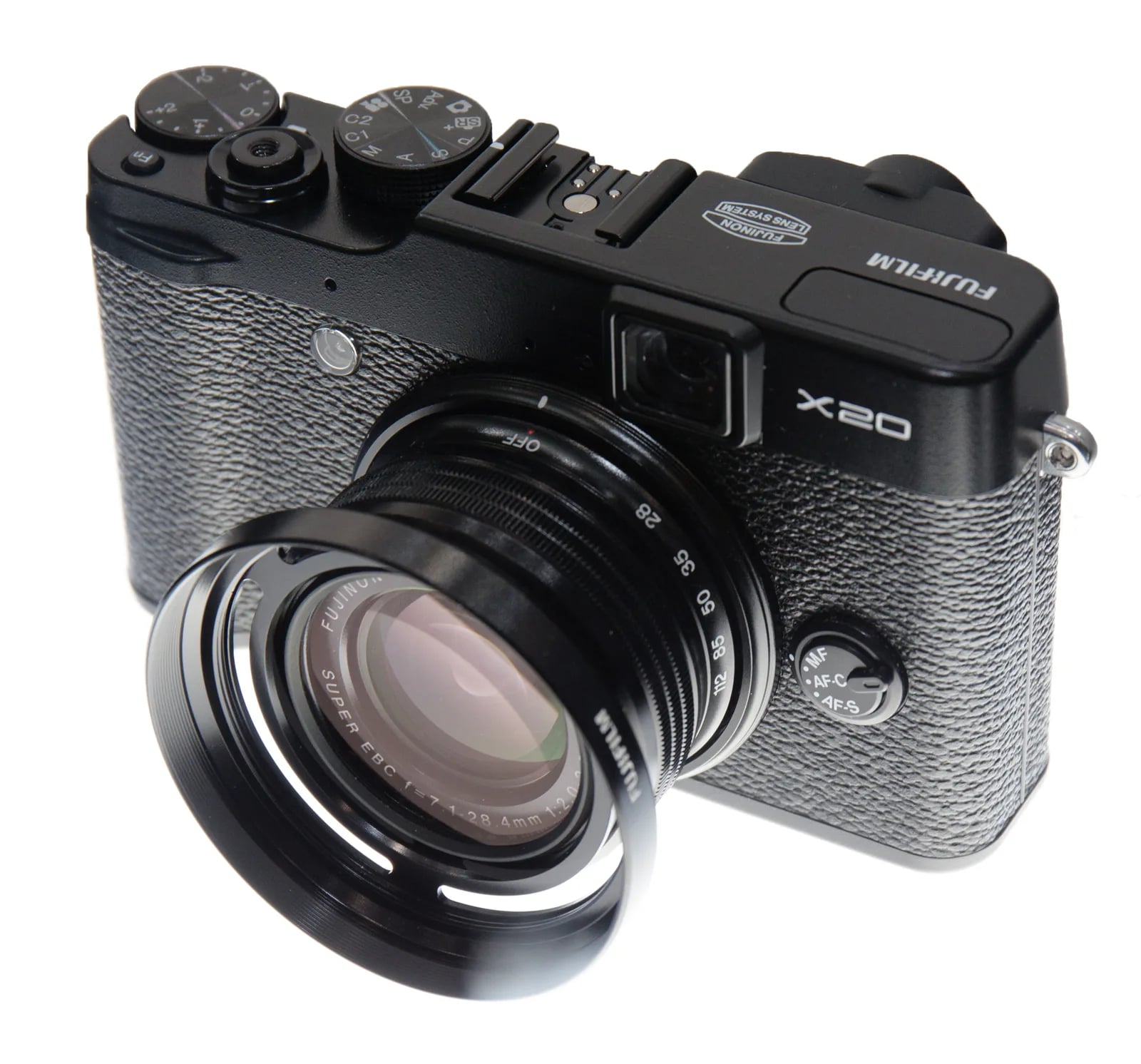
The Fujifilm X20: craft your style with compact precision.
Resolution
12 MP
Stabilisation
No
Lens
28-112mm f/2.0-2.8 equiv. (4x zoom)
In short
The Fujifilm X20 supports early film-simulation recipes. Its EXR sensor lacks newer simulations like Classic Chrome and Acros.
Why it's the recipe body
The Fujifilm X20, with its 12 MP X-Trans CMOS II sensor, offers a distinctive compact experience. Its optical viewfinder with digital overlay adds a touch of nostalgia, while the 28-112mm f/2.0-2.8 lens ensures versatility for various shooting conditions. The handling is intuitive and straightforward, making it perfect for those who enjoy a tactile shooting process. The EXR Processor II, although limited in simulations compared to newer models, still delivers vibrant, pleasing JPEGs straight out of the camera, encouraging creativity within its classic confines. Shooting with the X20 feels like a blend of modern digital convenience with the charm of traditional photography.
The X20's EXR sensor supports a limited range of early film simulations. While it lacks newer options like Classic Chrome and Acros, it still provides classic Fujifilm colour profiles. Note that the X20 cannot save white balance shifts per custom slot, so manual adjustment is required when switching recipes. Users seeking a straightforward film look will appreciate the simplicity of its offerings, despite the absence of advanced features.
The X20 followed the X10, enhancing the sensor for sharper outputs.
What it nails, what to watch
What it nails
- Compact and portable design
- Versatile 4x zoom lens
- Optical viewfinder with overlay
- Vibrant straight-from-camera JPEGs
What to watch
- Lacks newer simulations
- No in-body stabilisation
- Can't save WB shift per slot
What this body adds
SE
Sensor
12 MP X-Trans CMOS II, 2/3-inch
LE
Lens
28-112mm f/2.0-2.8 equiv.
VI
Viewfinder
Optical with digital overlay
PR
Processor
EXR Processor II
Recipes for the X20
All recipesNo recipes tested on the X20 yet — browse the EXR generation for looks that share its sensor.
How to add a recipe to your X20
- Press 'Menu/OK' to access the menu.
- Navigate to the 'Image Quality' section.
- Select 'Custom Settings' and choose a slot.
- Adjust settings for the selected recipe.
Tips for the X20
- Use optical viewfinder in bright light.
- Experiment with aperture for bokeh effect.
- Set high ISO for low light conditions.
Explore other cameras
All cameras
EXR · 12 MP
XQ2
Pocket-sized 2/3-inch zoom - bright f/1.8 wide end, classic Chrome via firmware.
View camera
EXR · 12 MP
X30
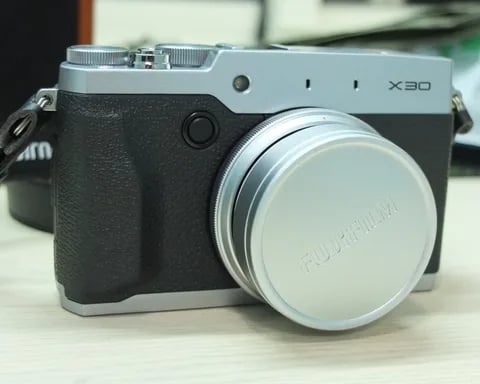
Last of the 2/3-inch X-series compacts - EVF replaces OVF, tilt screen, classic dials.
View camera
XF1
EXR · 12 MP
XF1
Slim manual-zoom compact - synthetic-leather wrap and the EXR-CMOS sensor.
View camera
EXR · 12 MP
X-S1
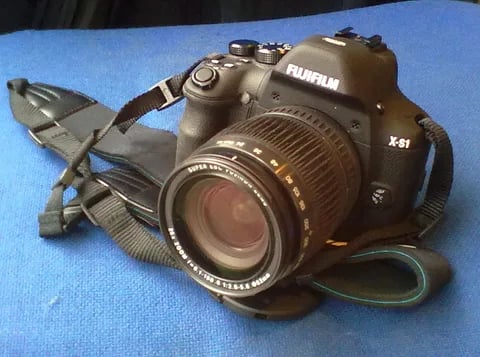
Bridge superzoom with the EXR-CMOS sensor - 26x reach in a DSLR-style body.
View camera
EXR · 12 MP
X10
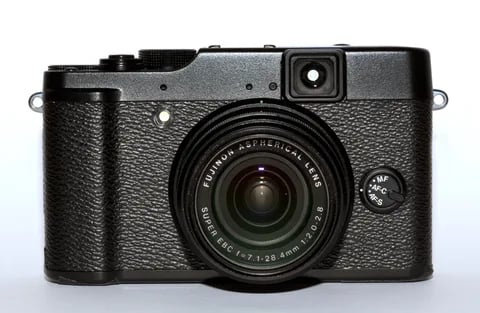
First X-series enthusiast compact - manual zoom ring, optical viewfinder, and the EXR-CMOS sensor.
View camera
GFX100RF
GFX · 102 MP
GFX100RF
First fixed-lens GFX - 102 MP medium format with a 28mm equiv. prime, in the lightest GFX body yet.
View camera
Key terms
Explore more X20 recipes
Find the best Fujifilm recipes for the X20, its EXR sensor, and the film simulations they're built on.
Frequently asked questions
Which recipes work on the Fujifilm X20?
The X20 supports early film-simulation recipes but lacks newer options like Classic Chrome and Acros.
Does the Fujifilm X20 have IBIS?
No, the Fujifilm X20 does not have in-body image stabilisation (IBIS).
How do I add a recipe to the X20?
To add a recipe, access the menu, navigate to 'Custom Settings', and adjust the settings in one of the custom slots.