
Sensor
Fujifilm · EXR · 2014
X30
Compactcompact2014
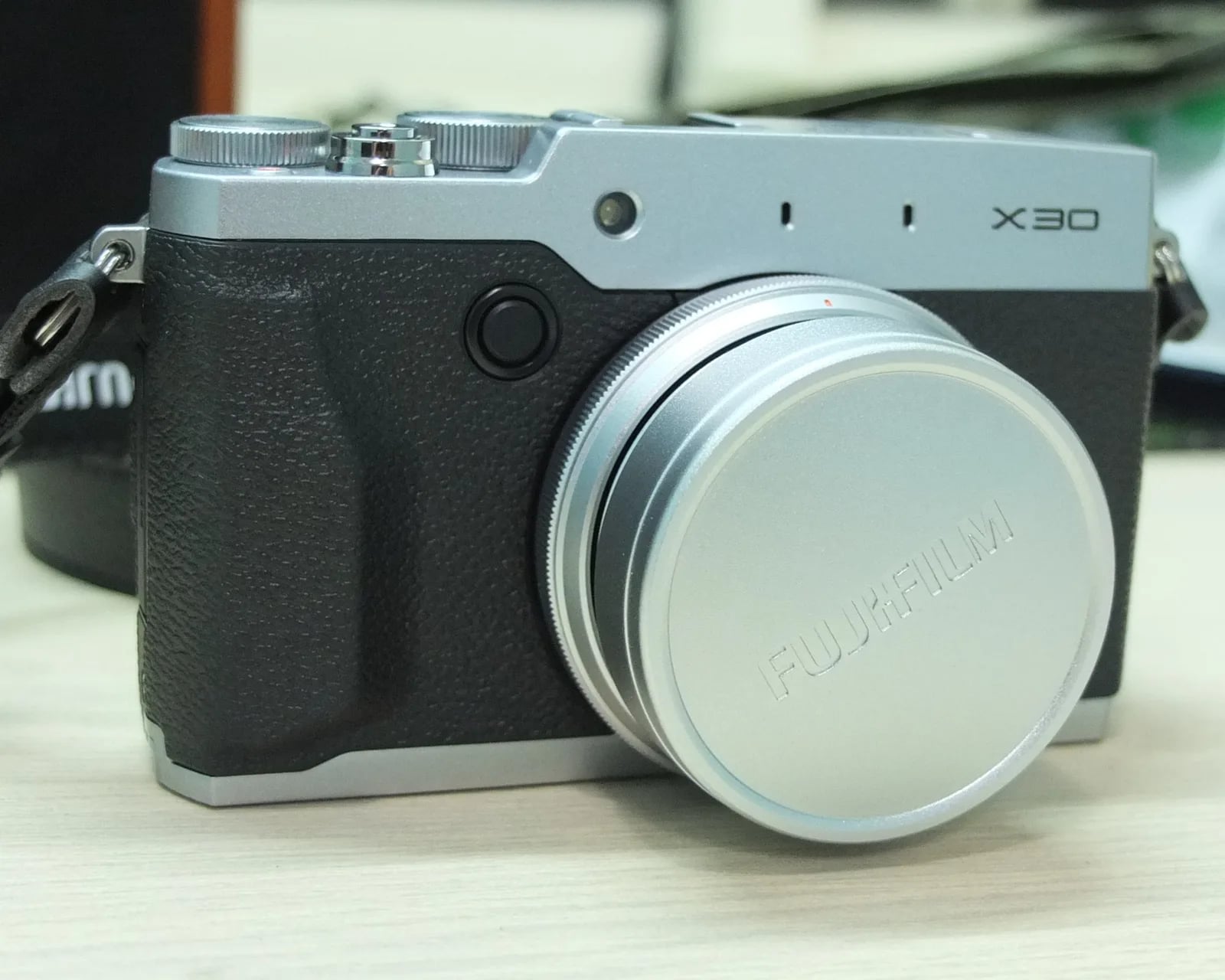
Compact power with vintage charm in the Fujifilm X30's dazzling metal body.
Resolution
12 MP
Stabilisation
No
Lens
28-112mm f/2.0-2.8 equiv. (4x zoom)
In short
Fujifilm X30 supports early film-simulation recipes compatible with pre-X-Trans sensors. It offers a classic yet limited selection.
Why it's the recipe body
The Fujifilm X30, part of the Compact series, combines a classic design with modern conveniences. Its 12 MP EXR sensor, although pre-X-Trans, provides lively colours and good dynamic range. Handling is delightful, with a tactile experience that photographers nostalgic for manual dials will appreciate. The EVF is bright and clear, making it pleasant to compose shots. Its fixed 28-112mm lens offers a versatile range, suitable for everyday photography, from wide landscapes to moderate telephoto. Though discontinued, it remains a beloved choice for those valuing aesthetics, straightforward photography, and the Fuji charm that it inherently possesses.
The X30 runs early film-simulation recipes suitable for pre-X-Trans sensors. While it lacks more recent simulations like Classic Chrome, Classic Negative, and Eterna, it still captures Fujifilm's essence beautifully. Note that the custom slots can't save white-balance shifts per slot, which is a minor limitation for recipe enthusiasts eager to experiment with various lighting conditions and creative adjustments.
The X30 is the last of Fujifilm's 2/3-inch sensor compacts.
Compared to the X20, the X30 adds an EVF and improved image processor.
What it nails, what to watch
What it nails
- Tilting 3-inch screen
- Built-in Wi-Fi
- Excellent build quality
- Classic manual dials
- Bright OLED EVF
What to watch
- Lacks newer simulations
- No IBIS
- Fixed lens limits flexibility
- Can't save WB per slot
What this body adds
SE
Sensor
12 MP X-Trans CMOS II, 2/3-inch
LE
Lens
28-112mm f/2.0-2.8 equiv.
VI
Viewfinder
0.39" 2.36M-dot OLED EVF
RE
Rear screen
Tilting 3-inch
WI
Wi-Fi
Built-in
Recipes for the X30
All recipes
How to add a recipe to your X30
- Turn on the camera and access the menu.
- Navigate to 'Custom Settings' and select a slot.
- Dial in the desired film simulation settings.
- Save your settings to the chosen slot.
Tips for the X30
- Use the EVF in bright light.
- Set film simulation to 'Standard' for versatility.
- Leverage the tilting screen for creative angles.
Explore other cameras
All cameras
EXR · 12 MP
XQ2
Pocket-sized 2/3-inch zoom - bright f/1.8 wide end, classic Chrome via firmware.
View camera
EXR · 12 MP
X20
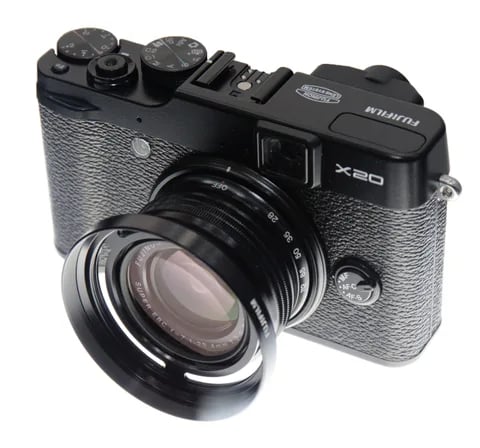
X10 successor with the 2/3-inch X-Trans II sensor - sharper output and a digital info OVF.
View camera
XF1
EXR · 12 MP
XF1
Slim manual-zoom compact - synthetic-leather wrap and the EXR-CMOS sensor.
View camera
EXR · 12 MP
X-S1
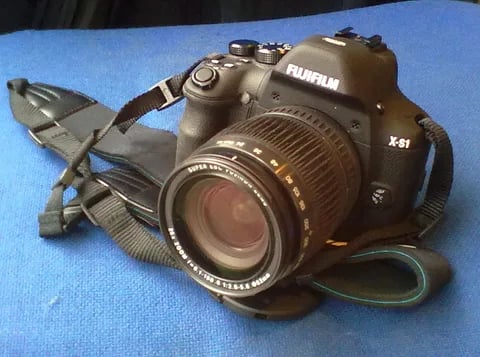
Bridge superzoom with the EXR-CMOS sensor - 26x reach in a DSLR-style body.
View camera
EXR · 12 MP
X10
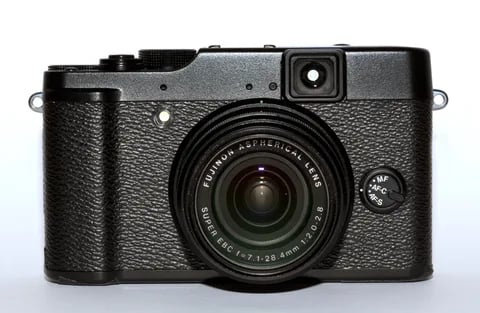
First X-series enthusiast compact - manual zoom ring, optical viewfinder, and the EXR-CMOS sensor.
View camera
GFX100RF
GFX · 102 MP
GFX100RF
First fixed-lens GFX - 102 MP medium format with a 28mm equiv. prime, in the lightest GFX body yet.
View camera
Key terms
Explore more X30 recipes
Find the best Fujifilm recipes for the X30, its EXR sensor, and the film simulations they're built on.
Frequently asked questions
Which film simulation recipes work on the X30?
The X30 supports early Fujifilm film-simulation recipes, suitable for pre-X-Trans sensors.
Does the X30 have IBIS or interchangeable lenses?
No, the X30 lacks IBIS and features a fixed 28-112mm f/2.0-2.8 lens.
How can I add a recipe to the X30?
Access the menu, navigate to 'Custom Settings', select a slot, input your settings, and save.