Fuji Flavours

X-Trans VNostalgic Neg.Colour4 photos

Matinee Print Recipe

Experience the timeless allure of cinema through modern lenses.
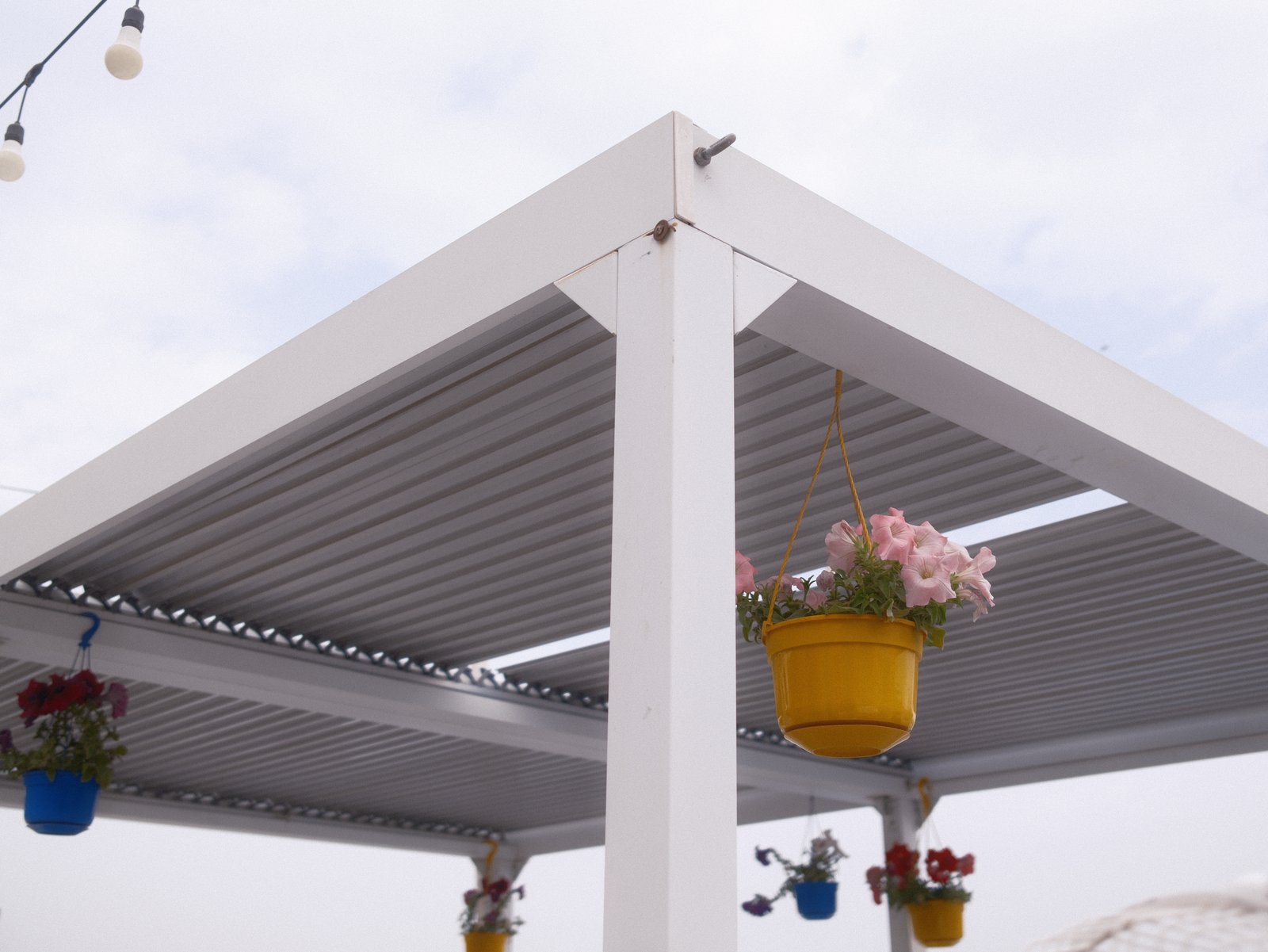
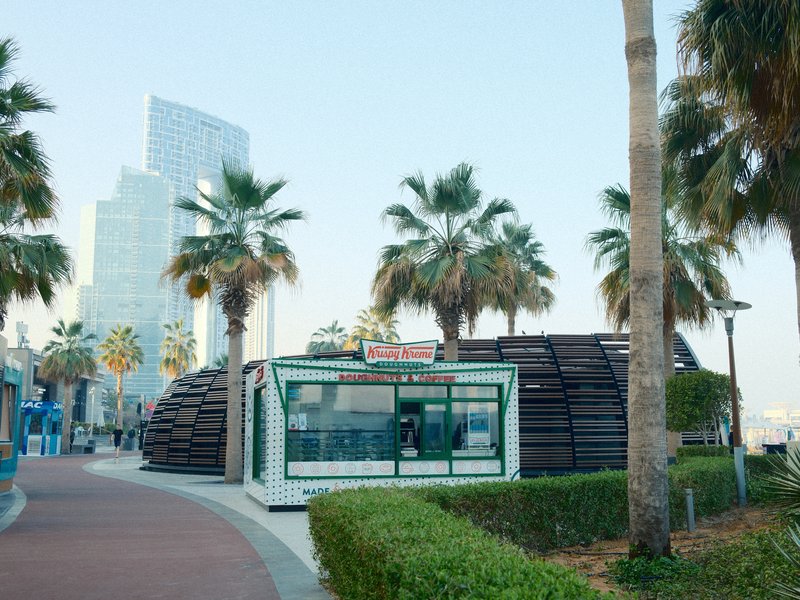
A close-up view of a white pergola with hanging flower pots against a cloudy sky.
Difficulty
Intermediate
Film simulation
Nostalgic Neg.
Tested on
X-E5
Sample frames
4

The lookWhy this one earns a slot

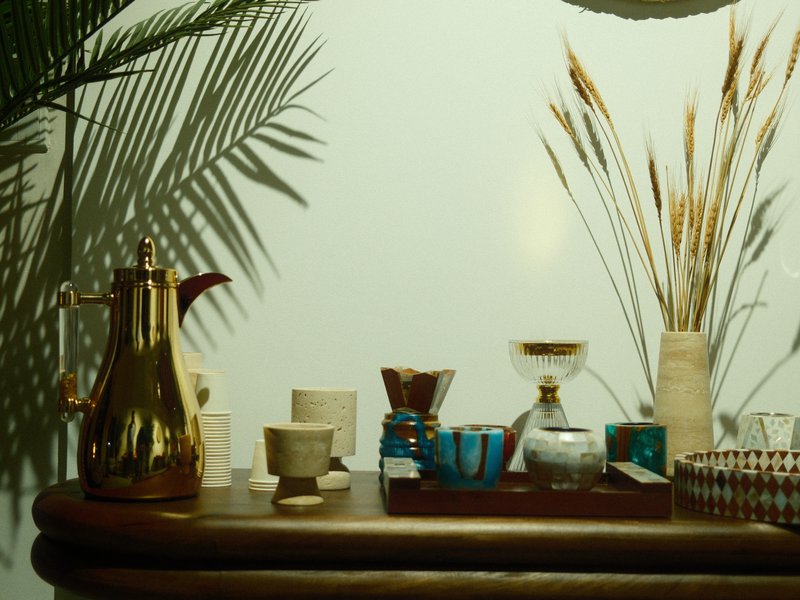
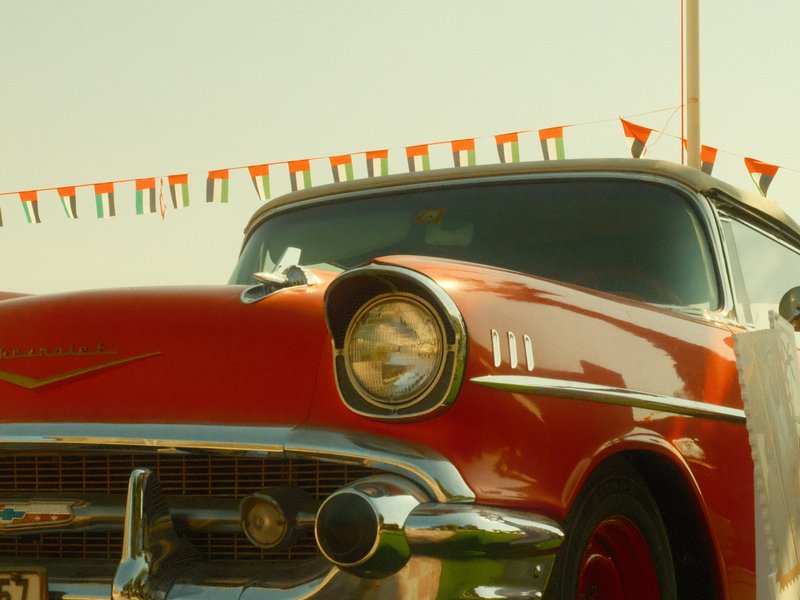
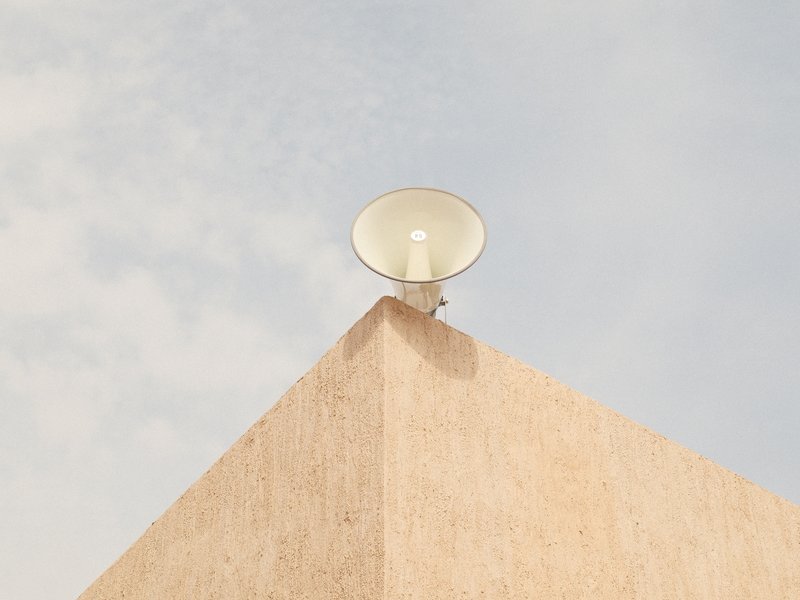
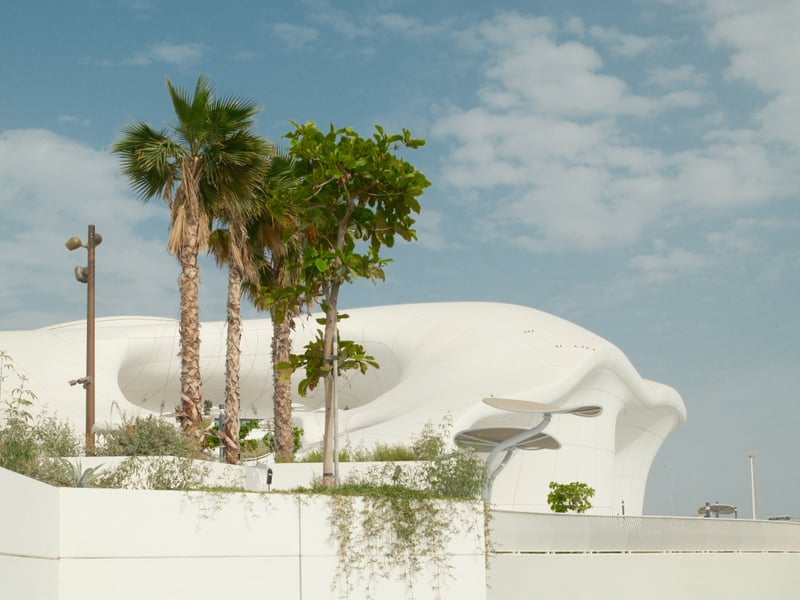
Matinee Print, crafted with the Nostalgic Neg. film simulation, conjures a cinematic atmosphere reminiscent of classic films, yet with a vibrant twist. The look features muted colours that evoke a sense of timelessness, while strong colour chrome effects enhance saturation, adding depth and intrigue to your images. With softened shadows, the result is a gentle fade that complements the rich yet restrained palette. This recipe excels in capturing the essence of travel and vintage scenes, where the play of light and shadow can transport viewers to another era. Whether it's the golden glow of an evening or the overcast tones of a serene garden, Matinee Print captures the mood with a nostalgic yet modern flair.

The settingsThe recipe

Nostalgic Neg. · X-Trans V

Film Simulation
Nostalgic Neg.
Dynamic Range
DR400
White Balance
Custom Kelvin, 4900K, +3 R / +3 B
Highlight
+3
Shadow
−2
Color
−1
Sharpness
−2
Noise Reduction
−4
Clarity
−4
Grain
Strong, Small
Color Chrome Effect
Strong
Color Chrome FX Blue
Off
ISO
6400
Exposure Comp.
-1/3 to -2

How to copy it to your camera

  1. Open the Image Quality (IQ) menu and select an empty custom setting slot (C1–C7).
  2. Set the base film simulation to Nostalgic Neg..
  3. Enter each value from the settings above, then save the slot.
  4. Select that slot to shoot Matinee Print JPEGs straight out of camera.

Sample framesShot on this recipe

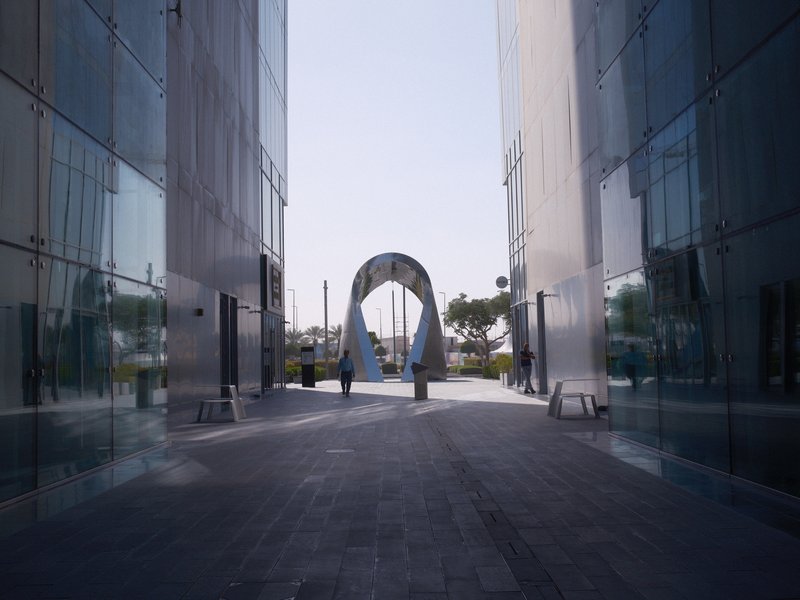
A modern archway between two glass buildings in an urban setting under clear skies.
Architecture · Urban · Harsh Midday
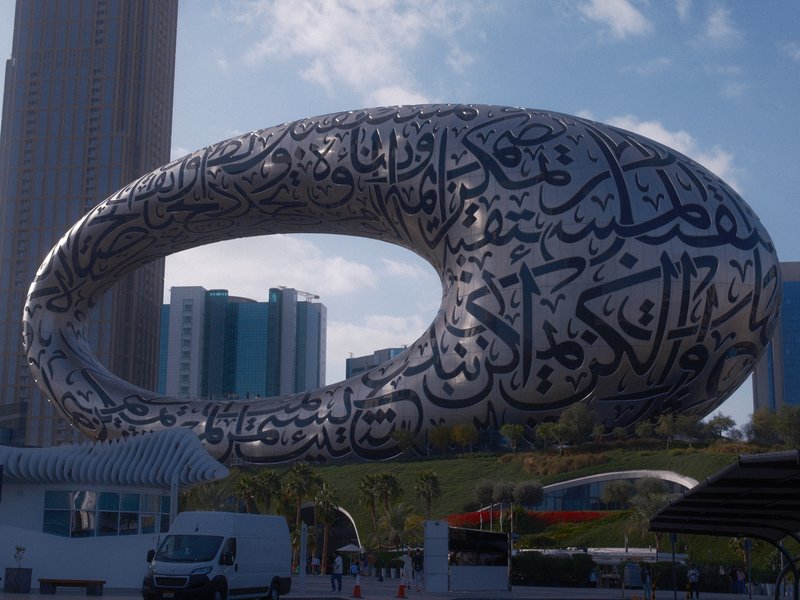
A modern architectural structure resembling an oval shape with Arabic calligraphy, surrounded by buildings.
Architecture · Urban · Golden Hour
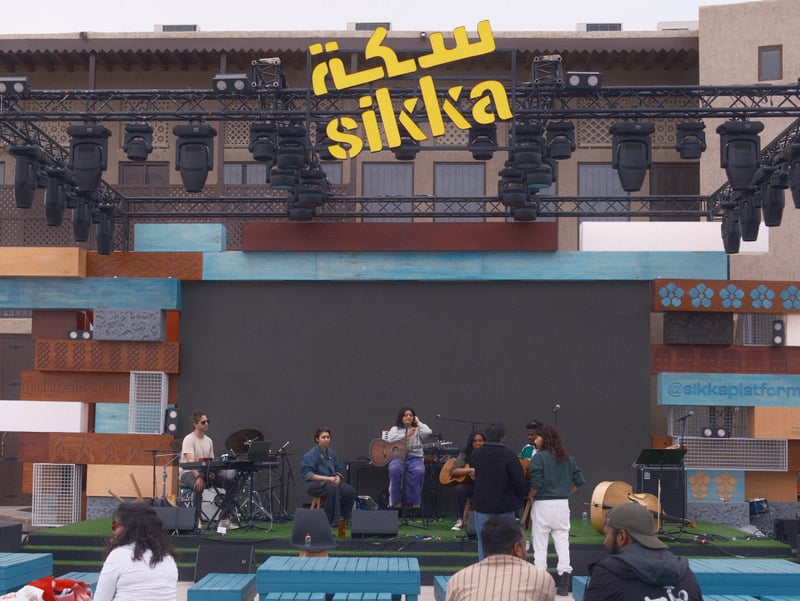
A band performing on stage at an outdoor event with a large screen and colorful backdrop.
Event · Outdoor · Unknown

Notes & caveatsWhat it nails, what to watch

What it nails

  • Softens harsh contrasts beautifully
  • Rich, vibrant colours with depth
  • Ideal for vintage-themed shoots
  • Balances light and shadow well

What to watch

  • Not ideal for sharp subjects
  • Grain may be pronounced at high ISO
  • Strong WB shift affects blues

Explore similar

VintageFadedTravel

CompatibilityWill it work on your camera?

Tested across the X-Trans V and GFX generations — compatibility is defined by sensor, so any body on these generations can run it.

Best forWhen to reach for it

Perfect for capturing the essence of travel and vintage settings under varied lighting conditions. Avoid sharp, modern subjects as the softened contrast may not suit them. Best in overcast or golden-hour lighting to enhance nostalgia. Ideal for creating a dreamy, timeless feel in everyday scenes.

Best for

Scenes and subjects this recipe is tuned for.

VintageFadedTravel

Less suited to

Where another look will likely serve you better.
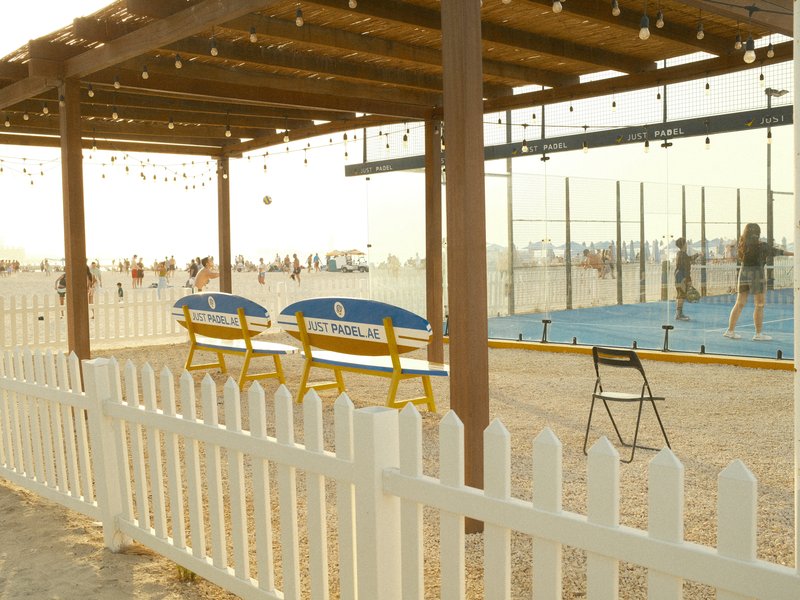
Sharp modern subjects
Learn more

Frequently asked questions

Which cameras support Matinee Print?

Matinee Print is designed for Fujifilm X-Trans V and GFX sensors. Compatible cameras include the X-E5, X-H2, X-H2S, X-M5, X-S20, X-T30 III, X-T5, X-T50, X100VI, GFX100 II, GFX100RF, and GFX100S II. The recipe uses Nostalgic Neg. as its base film simulation.

What lighting conditions work best for Matinee Print?

Overcast skies and golden-hour light suit Matinee Print particularly well. Its Highlight setting of +3 gives bright areas a distinctive rendering, while the R +3 / B +3 white balance shift contributes to its unusual colour character. Combined with the softened contrast, these settings complement gentle natural light and help create a nostalgic atmosphere.

Why is Matinee Print less suitable for sharp, modern subjects?

Matinee Print prioritises a softened, cinematic appearance rather than crisp detail. Its Clarity setting of -4 reduces local contrast, while Sharpness at -2 further softens the rendering of fine details. This combination suits vintage-inspired scenes, but it may be less appropriate for modern architecture or subjects where precise edges and maximum detail are essential.

What effect does Matinee Print's R +3 / B +3 white balance shift create?

Matinee Print uses a custom white balance of 4900K with both red and blue shifted to +3. This differs from recipes that push the two channels in opposite directions. The combination contributes to the recipe's distinctive colour character, complementing its muted palette and timeless cinematic feel without relying on a simple warm-versus-cool shift.

What subjects work well with Matinee Print?

Matinee Print suits architectural travel photography, distinctive modern structures, and outdoor performances. Its muted colours, strong grain, and softened contrast give buildings and cultural events a vintage cinematic character. It is especially worth trying when you want a scene to feel timeless rather than sharply contemporary, with overcast or golden-hour light complementing the overall mood.
The Fuji Pic app

Every recipe.Every detail.Now in your pocket.

Browse the whole catalogue, unlock the premium recipes, and keep every setting in front of you while you shoot.

Free to download · iPhone and Android
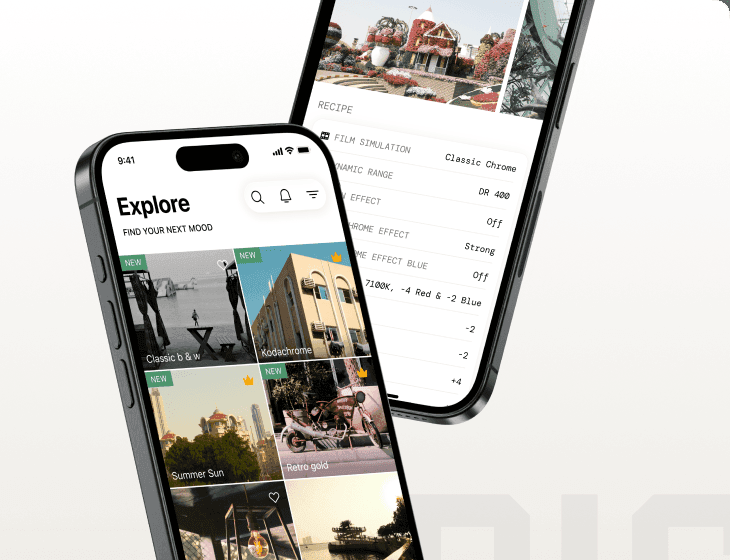
The Fuji Pic app on iPhone, showing the recipe gallery and a recipe's full settings