
Sensor
Fujifilm · X-Trans IV · 2021
X-E4
X-E Seriesrangefinder2021
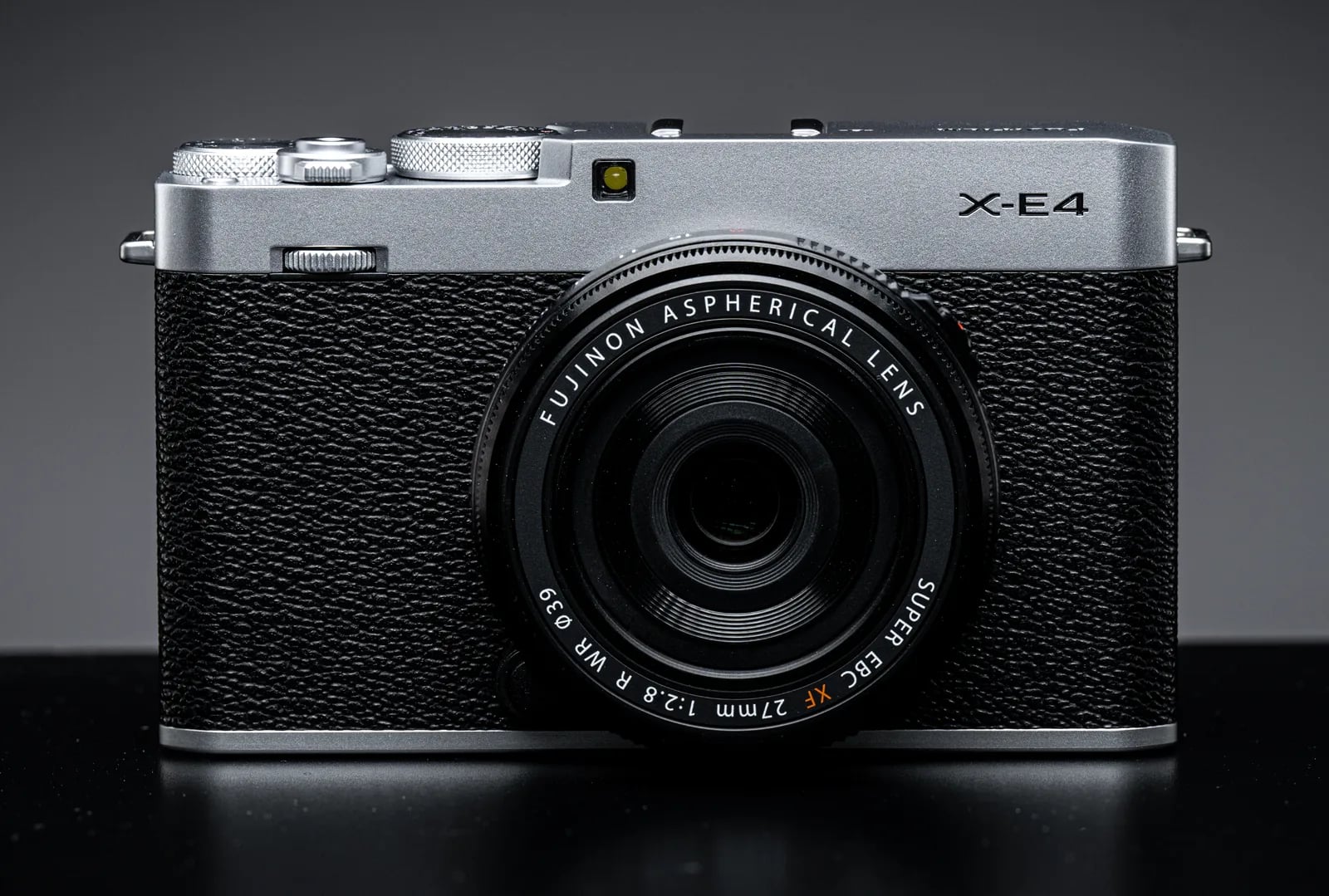
Capture moments with simplicity using the Fujifilm X-E4's minimalist design.
Resolution
26.1 MP
Stabilisation
No
Mount
X-mount
In short
The X-E4 supports film-simulation recipes from the X-Trans IV generation, including Classic Negative and Eterna.
Why it's the recipe body
The Fujifilm X-E4 combines a minimalist aesthetic with the power of an X-Trans IV sensor, delivering a delightful blend of form and function. Its flat-top design and lightweight body exude simplicity, making it a joy to carry and shoot with. The lack of a grip emphasises its sleek, rangefinder-style silhouette, perfect for street photography. With a 26.1 MP sensor and the X-Processor 4, the X-E4 truly shines in its ability to render vibrant, film-like colours straight out of the camera. Its tactile dials and tilt screen invite creative compositions, making every shot a personal journey.
The X-E4 utilises the X-Trans IV sensor, offering a comprehensive selection of film-simulation recipes like Classic Negative and Eterna. Compared to early X-Trans IV models, it includes Clarity and Grain Size adjustments. However, the white-balance shift isn't savable per custom slot, requiring manual adjustments when switching recipes for consistent results.
The X-E4 marks a refined, minimalist approach in the X-E Series, discontinued yet cherished for its design.
Compared to the X-T30 II, the X-E4 offers a more compact, grip-free design.
What it nails, what to watch
What it nails
- X-Trans IV sensor fidelity
- Compact and lightweight body
- Classic Negative included
- Seven custom slots available
What to watch
- No in-body stabilisation
- No grip design
- WB shift unsavable per slot
What this body adds
SE
Sensor
26.1 MP X-Trans CMOS 4 BSI
PR
Processor
X-Processor 4
MO
Mount
X-mount (interchangeable)
VI
Video
4K UHD 30p
BU
Burst
8 fps mechanical / 30 fps electronic (1.25x crop)
BO
Body
364 g, flat-top minimalist
Recipes for the X-E4
All recipes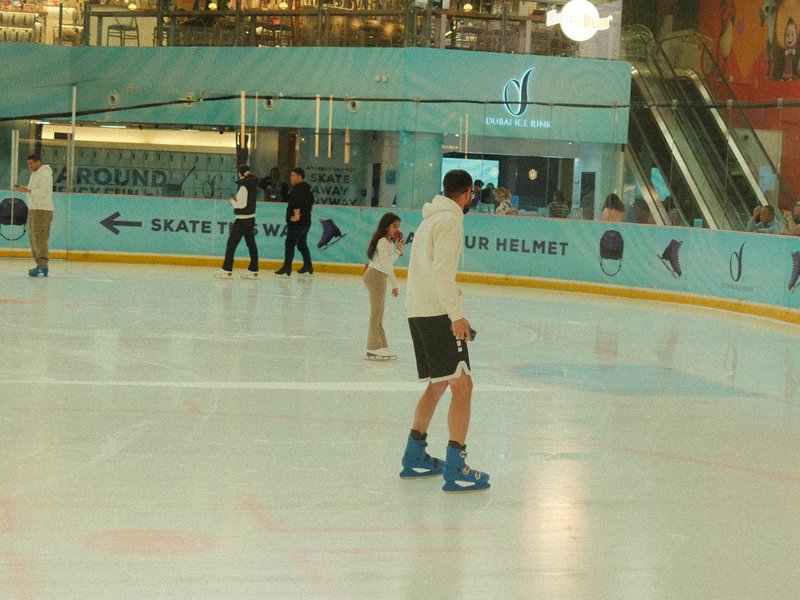
Kodak Portra 800v3
Portra 800's large grain and energetic tones are great for capturing daily life and street scenes with a lively flair.

Kodak Portra do Sol
Subtle tones with deep shadows create a tranquil warmth, ideal for street and travel scenes.
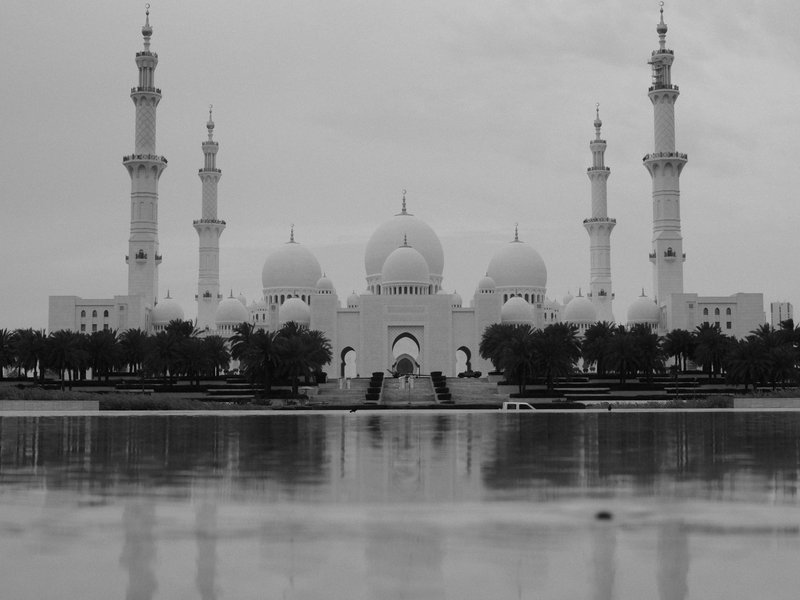
Kodak T-Max 100 Hard Tone
Achieve a striking hard tone with large grain and deep shadows. Ideal for black & white urban architecture shots.
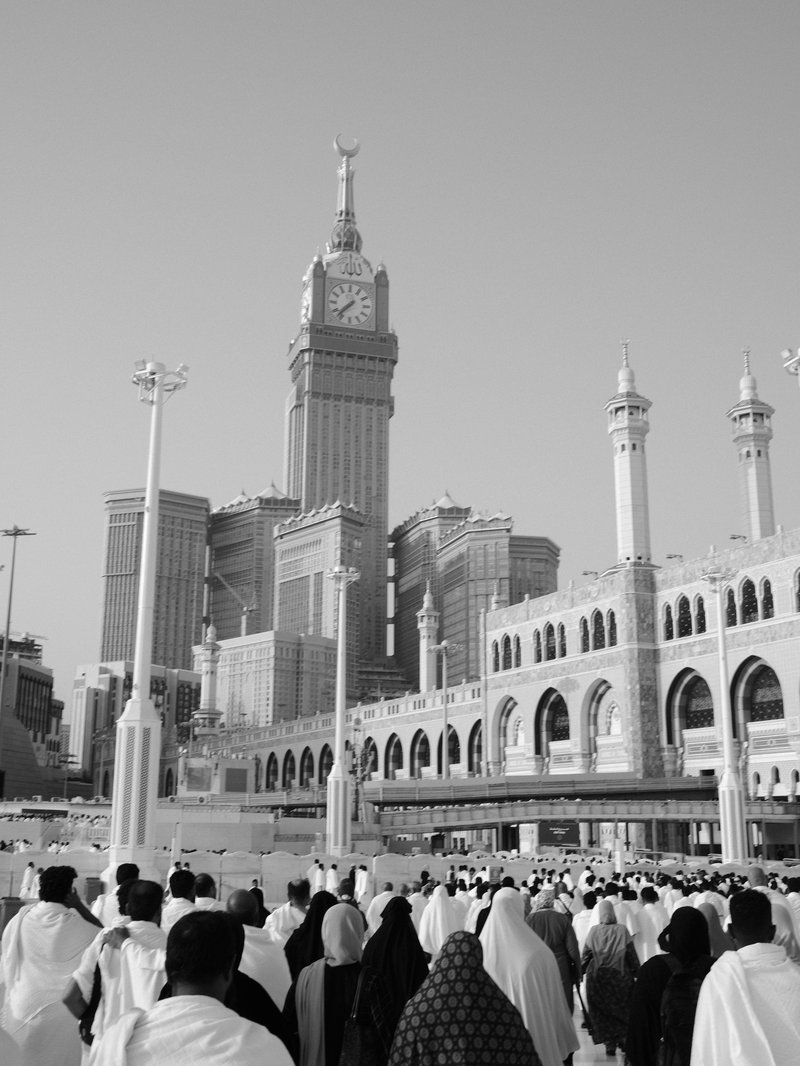
Kodak T-Max 100 Soft Tone
Kodak T-Max inspired greys with a calming, gentle grain perfect for capturing serene moments and everyday scenes.

Kodak Vision3 250D
Fine grain with a cool, cinematic colour cast for video. Perfect for capturing calm street environments.
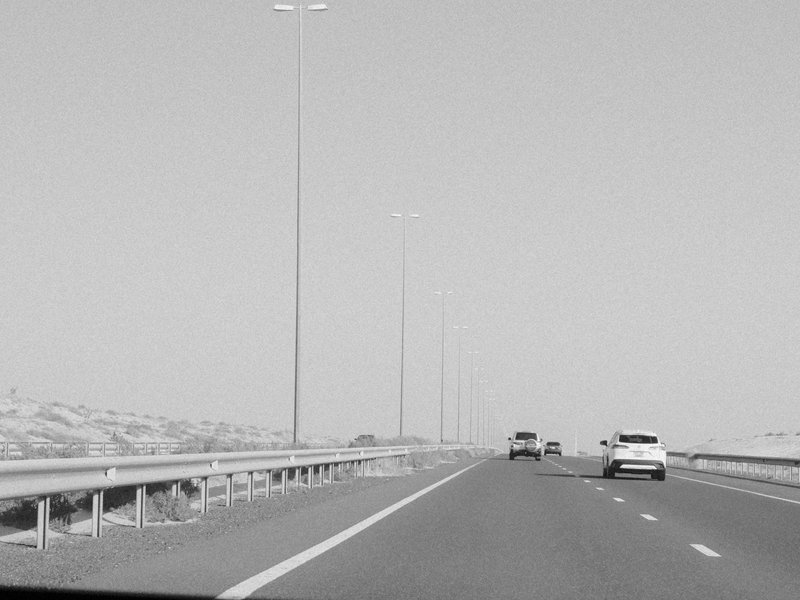
Moody Monochrome
Dense grain and deep shadows create moody monochromes. Perfect for dramatic black and white architecture.
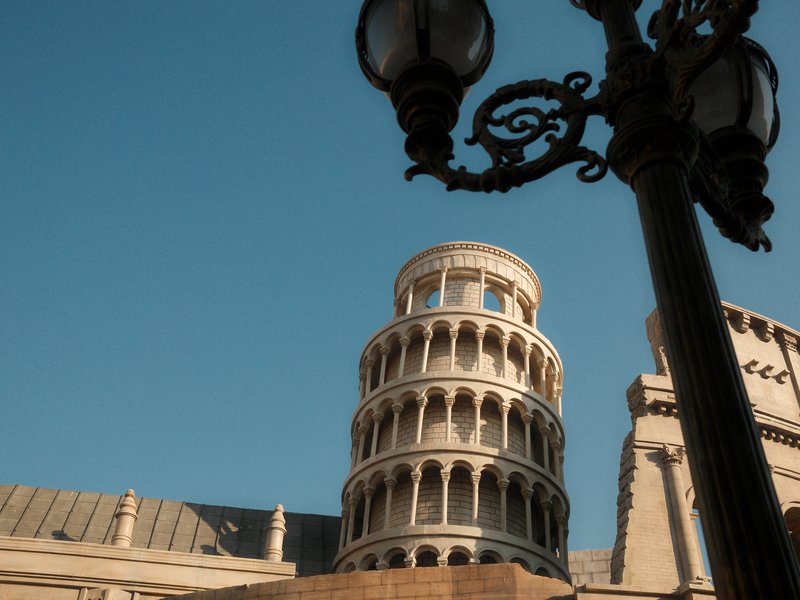
Nostalgic Negative
Softened shadows and energetic colours create vibrant street photos that feel alive.
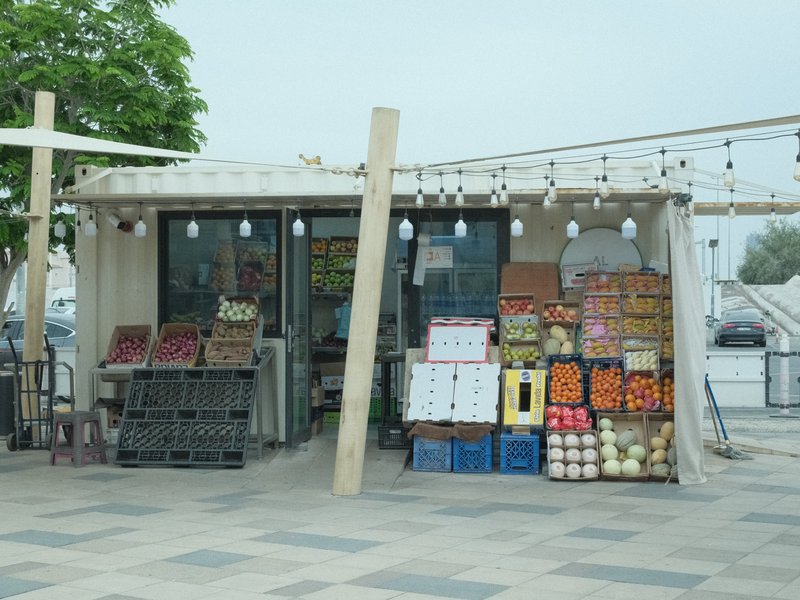
Pulled Negative
Softened shadows with a subtle blue tint create a calming effect for portraits. Ideal for studio sessions.

RedScale
Red hues envelop cityscapes with gritty texture and contrast. Ideal for moody environments and overcast settings.
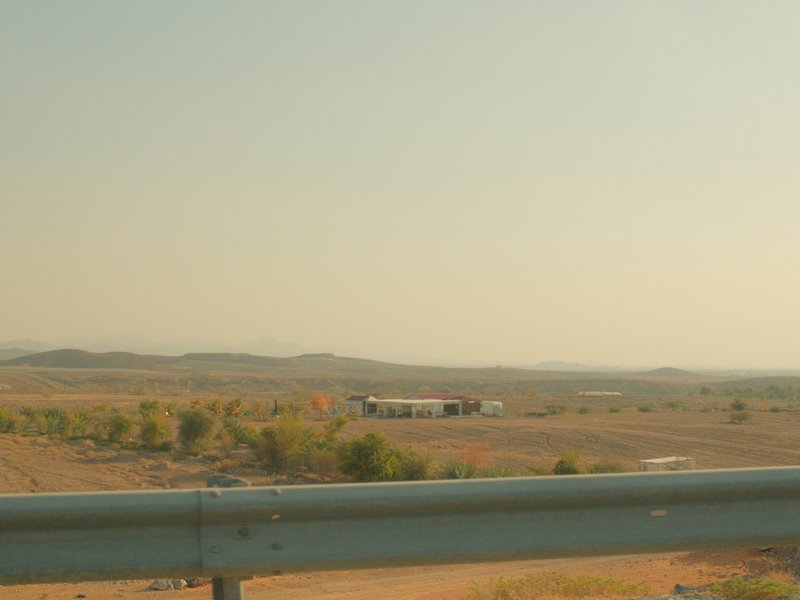
Reggie's Portra
Gentle colour shifts with subtle grain create a tranquil and nostalgic atmosphere, ideal for capturing rural scenes.
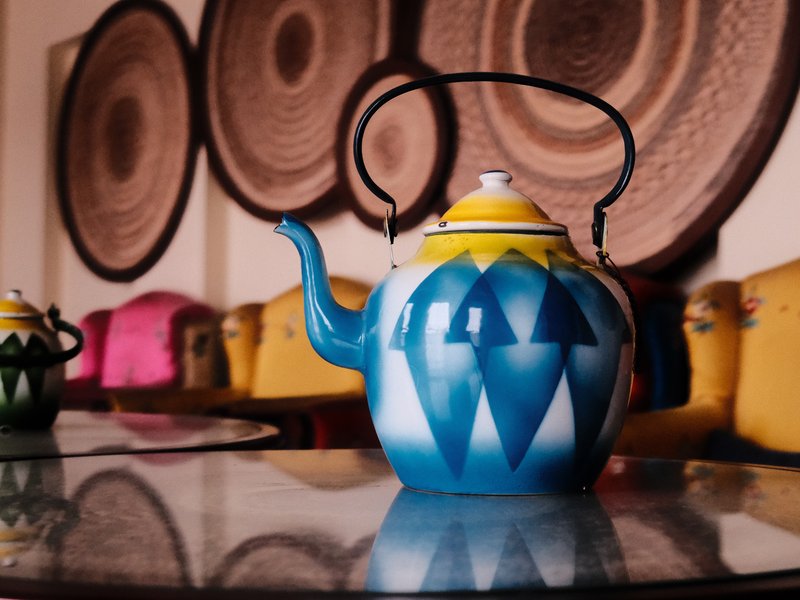
Retro Gold Low Contrast
Gentle grain with a warm colour cast creates a calm mood for travel and street shots, working beautifully both indoors and outdoors.
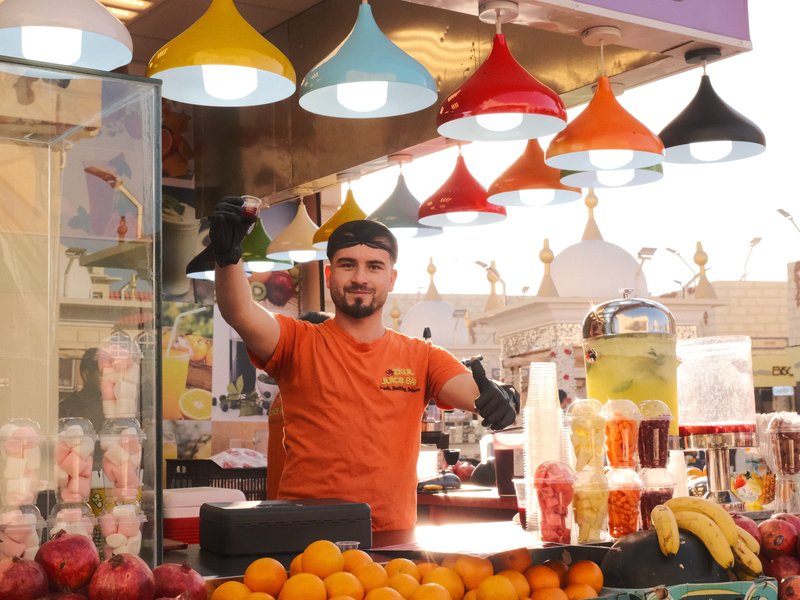
Santa Color
Shadows melt into vibrant hues for a cinematic touch. Perfect for calm, nostalgic scenes on X-Trans IV sensors.
How to add a recipe to your X-E4
- Press 'Menu/OK' and navigate to 'Image Quality Setting'.
- Select 'Edit/Save Custom Setting'.
- Choose a slot (C1–C7) to save your recipe.
- Adjust settings to match your chosen recipe.
Tips for the X-E4
- Experiment with tilt screen angles.
- Utilise Classic Negative for moody scenes.
- Compact size ideal for street photography.
- Explore Color Chrome Effect for vivid hues.
Explore other cameras
All cameras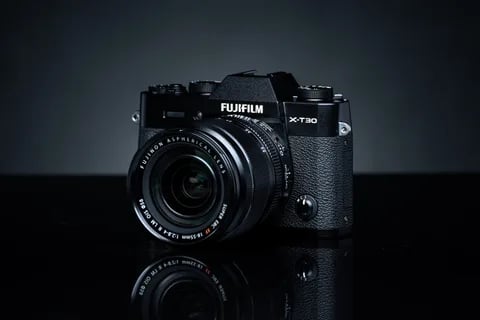
X-Trans IV · 26.1 MP
X-T30 II
Refreshed X-T30 with a higher-res LCD and updated firmware - same beloved body.
View camera
X-Trans IV · 26.1 MP
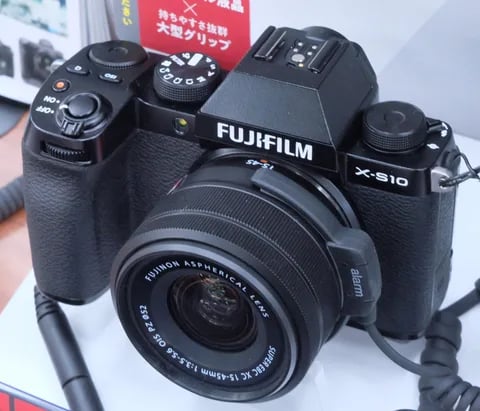
X-S10
Compact body with IBIS at a mid-range price - PSAM-style controls instead of dials.
View camera
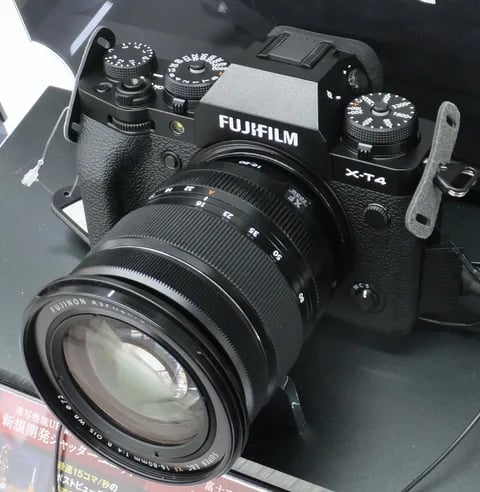
X-Trans IV · 26.1 MP
X-T4
First X-T with IBIS - the all-rounder that anchored the X-Trans IV recipe boom.
View camera
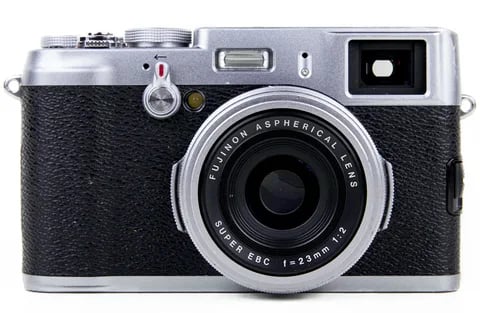
X-Trans IV · 26.1 MP
X100V
The X100 that went viral - new lens, weather sealing, and X-Trans IV in the body that defined a decade.
View camera
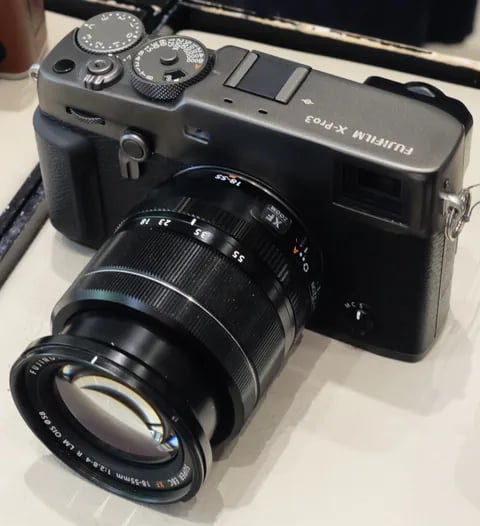
X-Trans IV · 26.1 MP
X-Pro3
The hidden-LCD rangefinder - built around analogue habits and a titanium top plate.
View camera
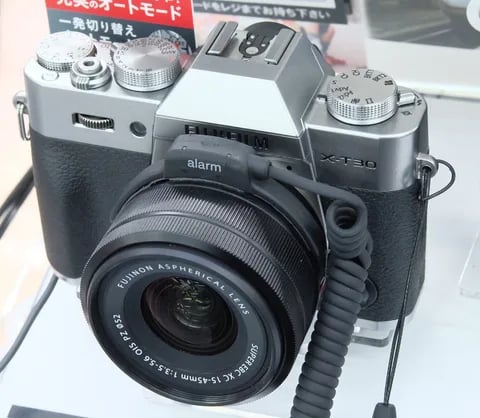
X-Trans IV · 26.1 MP
X-T30
The recipe darling - X-Trans IV, no IBIS, but loved for its size and dials.
View camera
Key terms
Explore more X-E4 recipes
Find the best Fujifilm recipes for the X-E4, its X-Trans IV sensor, and the film simulations they're built on.
Frequently asked questions
Which film simulation recipes work on the X-E4?
The X-E4 supports X-Trans IV recipes, including Classic Negative and Eterna.
Does the X-E4 have in-body stabilisation?
No, the X-E4 does not feature in-body image stabilisation.
How do I add a film simulation recipe to my X-E4?
Navigate to 'Image Quality Setting', choose 'Edit/Save Custom Setting', select a slot, and input your recipe settings.