
Sensor
Fujifilm · X-Trans IV · 2021
X-E4
X-E Seriesrangefinder2021
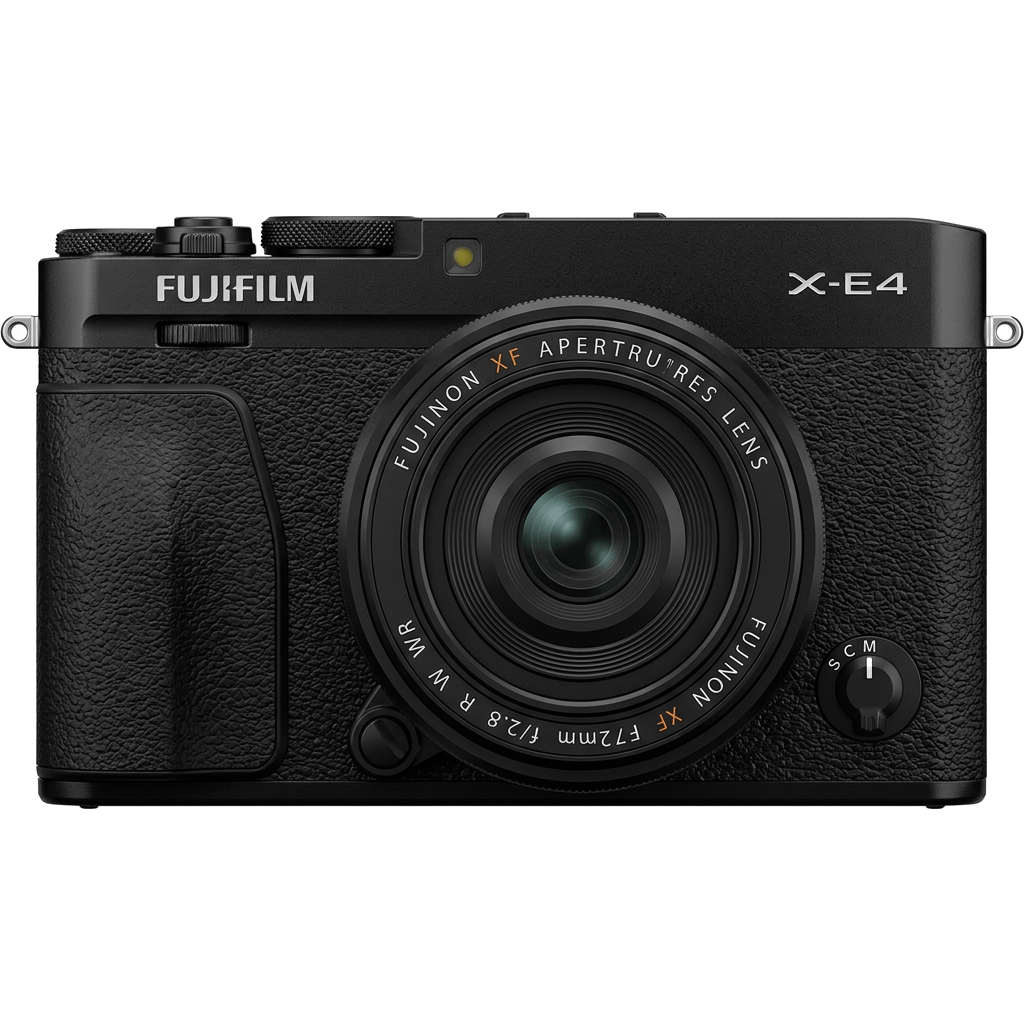
Capture moments with simplicity using the Fujifilm X-E4's minimalist design.
Resolution
26.1 MP
Stabilisation
No
Mount
X-mount
In short
The X-E4 supports film-simulation recipes from the X-Trans IV generation, including Classic Negative and Eterna.
Why it's the recipe body
The Fujifilm X-E4 combines a minimalist aesthetic with the power of an X-Trans IV sensor, delivering a delightful blend of form and function. Its flat-top design and lightweight body exude simplicity, making it a joy to carry and shoot with. The lack of a grip emphasises its sleek, rangefinder-style silhouette, perfect for street photography. With a 26.1 MP sensor and the X-Processor 4, the X-E4 truly shines in its ability to render vibrant, film-like colours straight out of the camera. Its tactile dials and tilt screen invite creative compositions, making every shot a personal journey.
The X-E4 utilises the X-Trans IV sensor, offering a comprehensive selection of film-simulation recipes like Classic Negative and Eterna. Compared to early X-Trans IV models, it includes Clarity and Grain Size adjustments. However, the white-balance shift isn't savable per custom slot, requiring manual adjustments when switching recipes for consistent results.
The X-E4 marks a refined, minimalist approach in the X-E Series, discontinued yet cherished for its design.
Compared to the X-T30 II, the X-E4 offers a more compact, grip-free design.
What it nails, what to watch
What it nails
- X-Trans IV sensor fidelity
- Compact and lightweight body
- Classic Negative included
- Seven custom slots available
What to watch
- No in-body stabilisation
- No grip design
- WB shift unsavable per slot
What this body adds
SE
Sensor
26.1 MP X-Trans CMOS 4 BSI
PR
Processor
X-Processor 4
MO
Mount
X-mount (interchangeable)
VI
Video
4K UHD 30p
BU
Burst
8 fps mechanical / 30 fps electronic (1.25x crop)
BO
Body
364 g, flat-top minimalist
Recipes for the X-E4
All recipes

How to add a recipe to your X-E4
- Press 'Menu/OK' and navigate to 'Image Quality Setting'.
- Select 'Edit/Save Custom Setting'.
- Choose a slot (C1–C7) to save your recipe.
- Adjust settings to match your chosen recipe.
Tips for the X-E4
- Experiment with tilt screen angles.
- Utilise Classic Negative for moody scenes.
- Compact size ideal for street photography.
- Explore Color Chrome Effect for vivid hues.
Explore other cameras
All cameras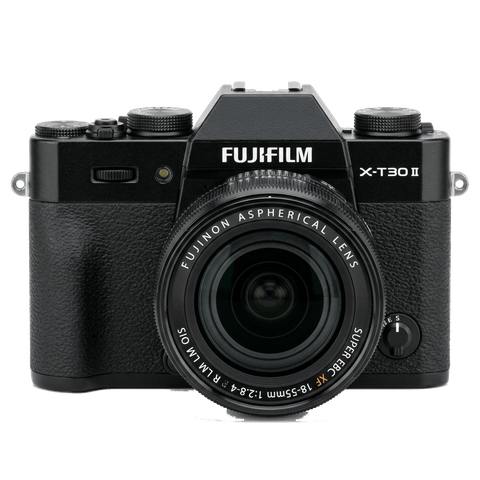
X-Trans IV · 26.1 MP
X-T30 II
Refreshed X-T30 with a higher-res LCD and updated firmware - same beloved body.
View camera
X-Trans IV · 26.1 MP
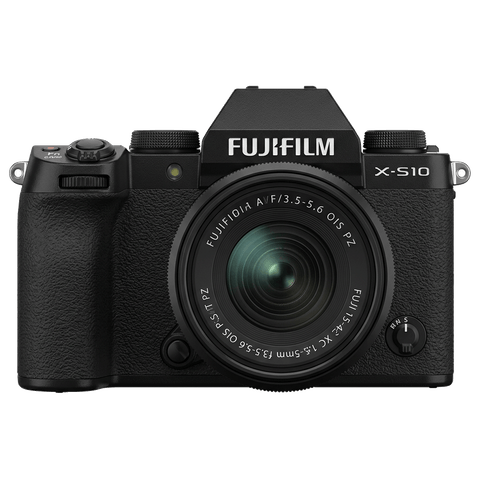
X-S10
Compact body with IBIS at a mid-range price - PSAM-style controls instead of dials.
View camera
X-Trans IV · 26.1 MP
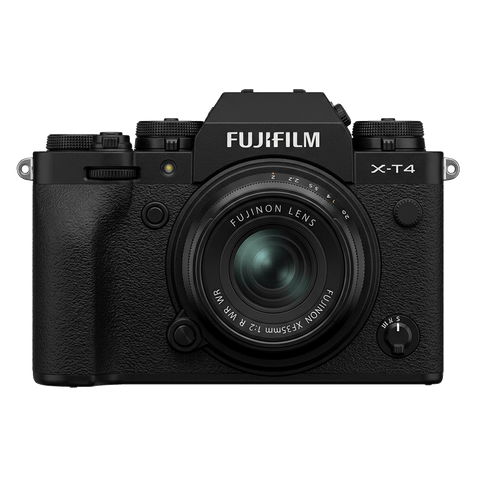
X-T4
First X-T with IBIS - the all-rounder that anchored the X-Trans IV recipe boom.
View camera
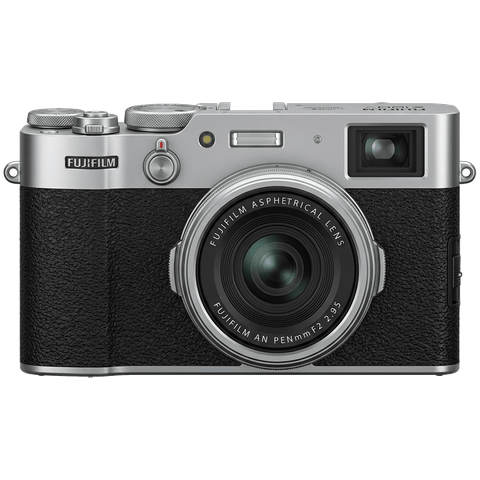
X-Trans IV · 26.1 MP
X100V
The X100 that went viral - new lens, weather sealing, and X-Trans IV in the body that defined a decade.
View camera
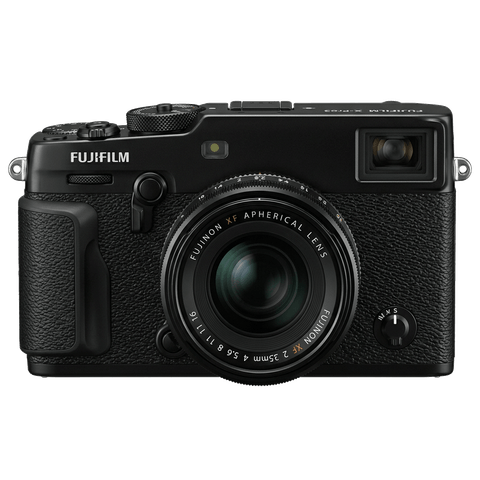
X-Trans IV · 26.1 MP
X-Pro3
The hidden-LCD rangefinder - built around analogue habits and a titanium top plate.
View camera
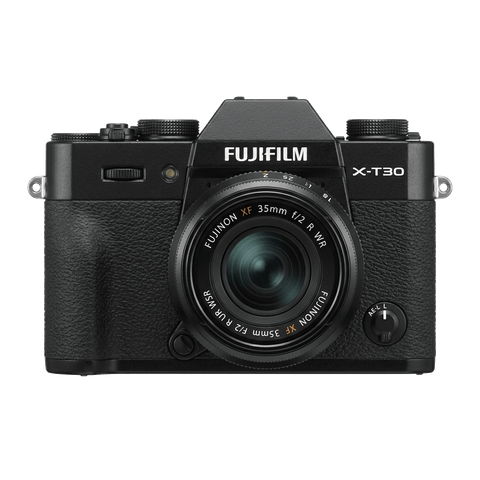
X-Trans IV · 26.1 MP
X-T30
The recipe darling - X-Trans IV, no IBIS, but loved for its size and dials.
View camera
Key terms
Explore more X-E4 recipes
Find the best Fujifilm recipes for the X-E4, its X-Trans IV sensor, and the film simulations they're built on.
Frequently asked questions
Which film simulation recipes work on the X-E4?
The X-E4 supports X-Trans IV recipes, including Classic Negative and Eterna.
Does the X-E4 have in-body stabilisation?
No, the X-E4 does not feature in-body image stabilisation.
How do I add a film simulation recipe to my X-E4?
Navigate to 'Image Quality Setting', choose 'Edit/Save Custom Setting', select a slot, and input your recipe settings.