
Sensor
Fujifilm · X-Trans V · 2024
X-M5
X-M Seriescompact2024
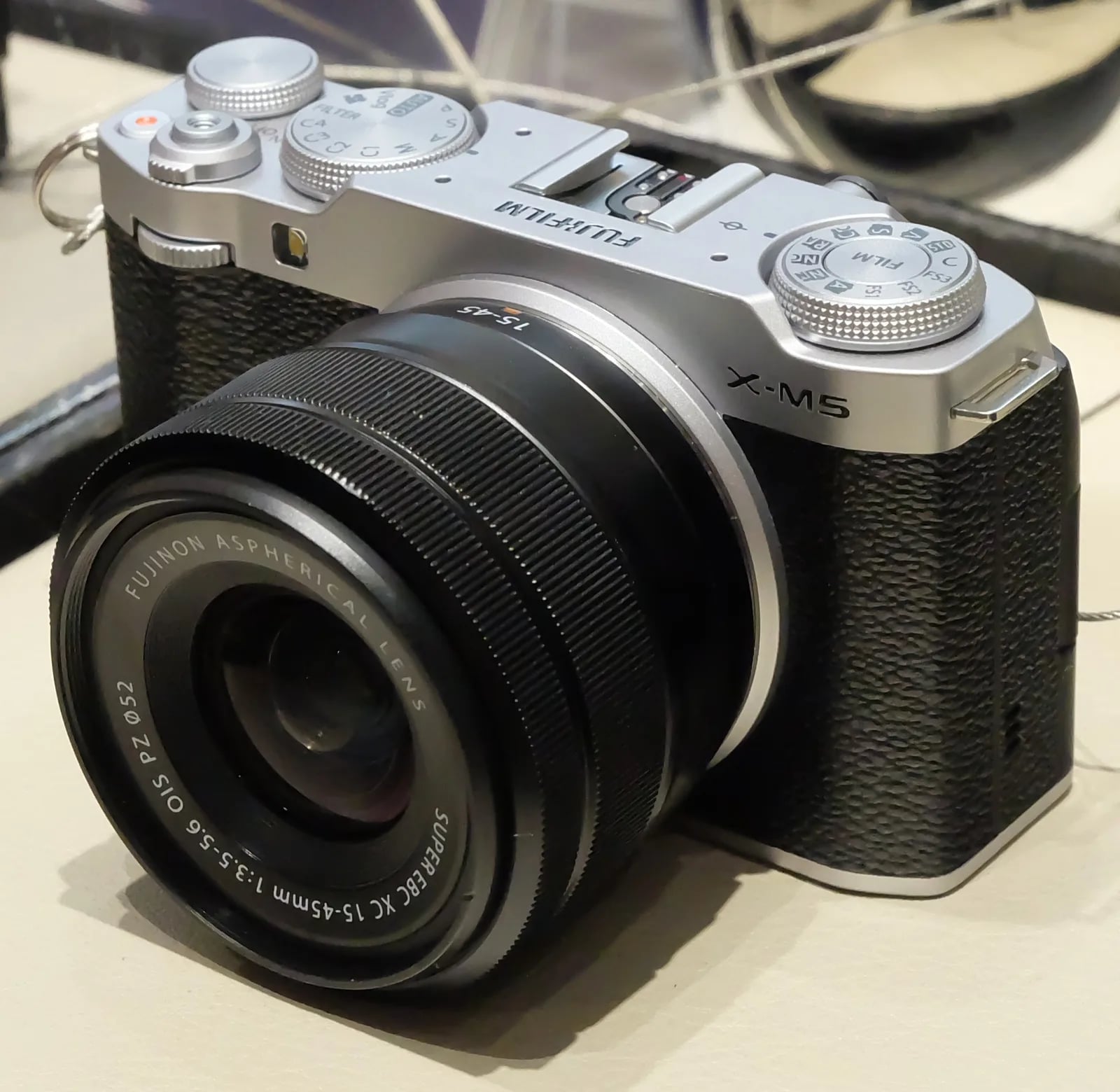
The lightest X-mount camera, perfect for vloggers and recipe enthusiasts alike.
Resolution
26.1 MP
Stabilisation
No
Mount
X-mount
In short
The X-M5 supports X-Trans V recipes, including Nostalgic Neg. and Reala Ace. Adjust Colour Chrome FX Blue when adapting older recipes.
Why it's the recipe body
The Fujifilm X-M5, with its 26.1 MP X-Trans V sensor, promises a delightful shooting experience for both vloggers and traditional photographers. It’s a compact, lightweight body — the lightest in the X-series — making it incredibly portable. The advanced X-Processor 5 ensures quick, responsive handling, perfect for capturing moments on the go. Film simulation recipes are a joy to explore, with a dedicated top-plate dial providing easy access to 20 film simulations. The X-M5 feels like an artist's tool, balancing cutting-edge tech with classic Fujifilm charm. With 6.2K 30p video and three built-in directional mics, it’s geared for high-quality content creation.
The X-M5 excels in running the latest X-Trans V recipes, including Nostalgic Neg. and Reala Ace. It fully supports advanced features like Colour Chrome FX Blue and Clarity adjustments. However, it lacks in-body image stabilisation, which doesn't affect JPEG output but may influence handheld video and low-light shooting stability. The seven custom slots allow you to save a wide variety of settings, providing flexibility for different shooting conditions.
The X-M5 redefines the X-M Series by focusing on vlogging and portability.
Compared to the X-T30 III, the X-M5 is lighter with more advanced audio options.
What it nails, what to watch
What it nails
- Lightest X-series body.
- 20 film simulations available.
- Supports X-Trans V recipes.
- Advanced X-Processor 5.
- Dedicated Film Sim dial.
What to watch
- No in-body stabilisation.
- Adjust Colour Chrome FX Blue.
- Only 7 custom slots.
- Compact but lacks weather sealing.
What this body adds
SE
Sensor
26.1 MP X-Trans CMOS 4 BSI
PR
Processor
X-Processor 5
MO
Mount
X-mount (interchangeable)
VI
Video
6.2K 30p 4:2:2 10-bit
FI
Film Sim dial
Top-plate dedicated dial (20 sims)
BO
Body
355 g - lightest current X-series
Recipes for the X-M5
All recipes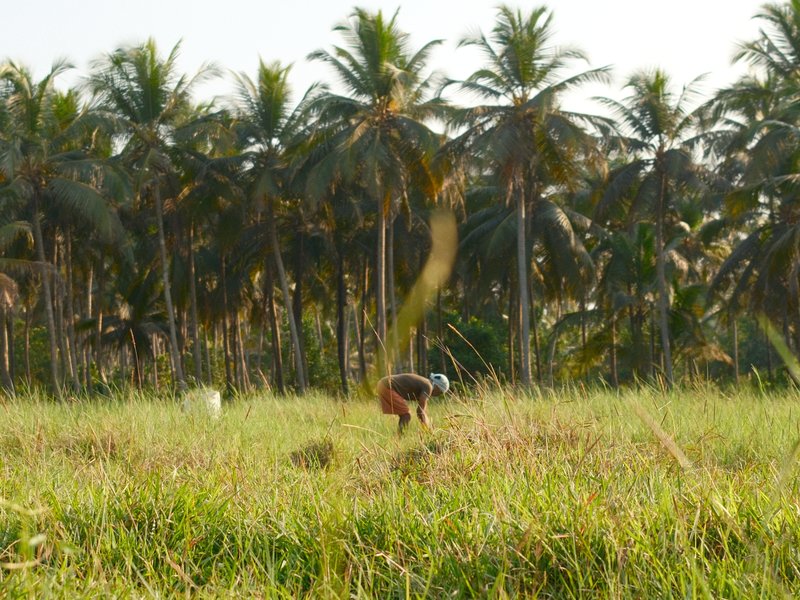
Nostalgic Film
Understated contrast with delicate grain and soft hues evokes a vintage look. Ideal for capturing serene rural scenes.

PRO Negative 160C
Reala Ace offers a balanced harmony of warm and calm tones with subtle grain, ideal for capturing natural skin tones.
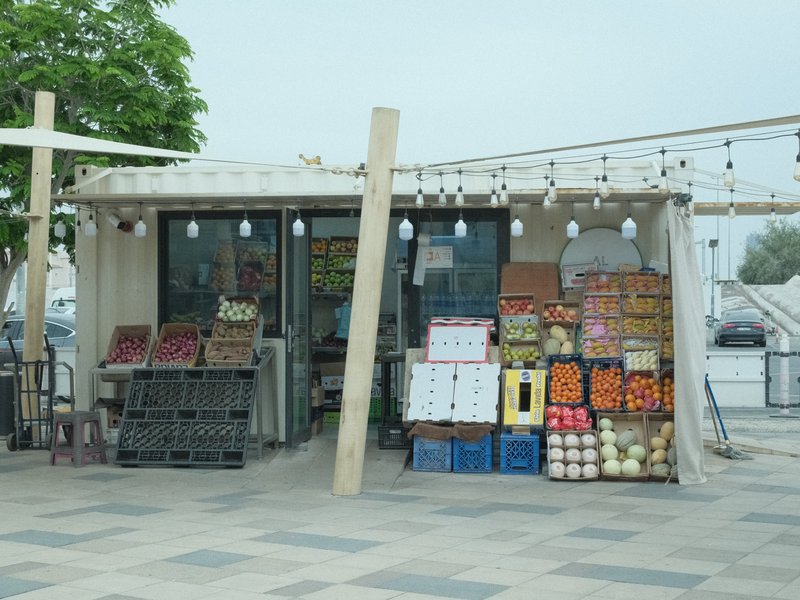
Pulled Negative
Softened shadows with a subtle blue tint create a calming effect for portraits. Ideal for studio sessions.
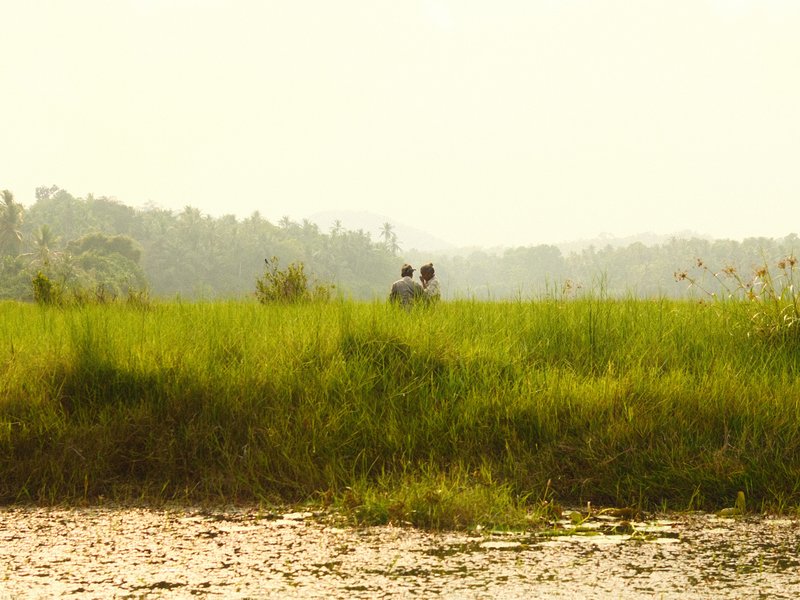
Pushed Analog
Lively grain with a dynamic filmic look for portraits. Ideal for daily scenes with a warm, inviting mood.

RedScale
Red hues envelop cityscapes with gritty texture and contrast. Ideal for moody environments and overcast settings.

Reggie's Portra
Gentle colour shifts with subtle grain create a tranquil and nostalgic atmosphere, ideal for capturing rural scenes.

Retro Negative
Subtle green and blue hues enhance skin tones beautifully, offering a calm and vibrant look for daily portraits.
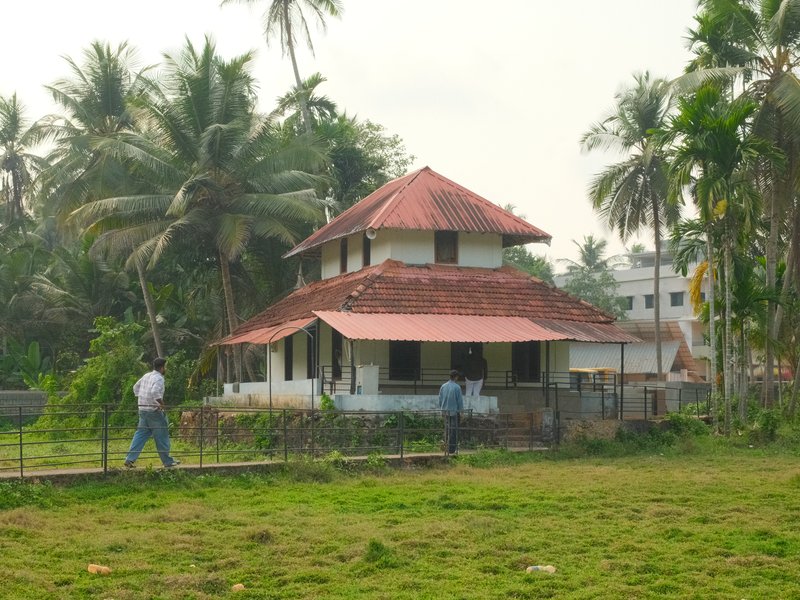
Standard Film
Balanced contrast with a gentle warmth, ideal for capturing everyday moments in calm outdoor or serene settings.

Summer Sun
Warmth enhances skin tones beautifully, ideal for daily portraits. Subtle grain lends texture without overpowering.

Summer of 1960
Hazy pastels and gentle grain transport you to a vintage summer's day.

Superia Negative
Subdued shadows paired with rich hues create an inviting calm for urban exploration.

Superia Xtra 400
Retro-inspired hues and fine grain evoke nostalgia, perfect for photographing cityscapes in overcast conditions.
How to add a recipe to your X-M5
- Access the shooting menu and select 'Edit/Save Custom Setting'.
- Choose one of the seven custom slots available.
- Adjust film simulation settings to match the desired recipe.
- Save your settings to the selected custom slot.
Tips for the X-M5
- Utilise the Film Sim dial for quick access.
- Explore directional audio with built-in mics.
- Adjust Colour Chrome FX Blue for X-Trans IV recipes.
- Leverage 6.2K video for high detail.
Explore other cameras
All cameras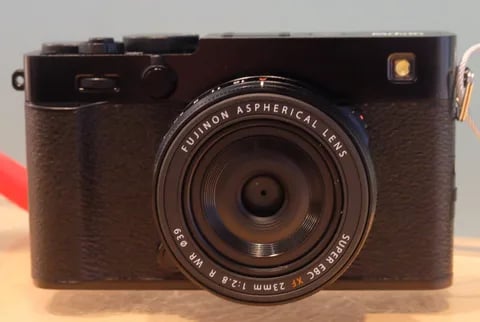
X-Trans V · 40.2 MP
X-E5
First X-E with IBIS - X-Trans V resolution in a precision-machined aluminium rangefinder.
View camera
X-T30 III
X-Trans V · 40.2 MP
X-T30 III
The X-T30 III keeps the 26 MP X-Trans IV sensor but pairs it with X-Processor 5 and the modern Film Sim dial.
View camera
X-T50
X-Trans V · 40.2 MP
X-T50
Mid-tier X-T with X-Trans V, IBIS, and a dedicated film simulation dial - the recipe-page X-T.
View camera
X-Trans V · 40.2 MP
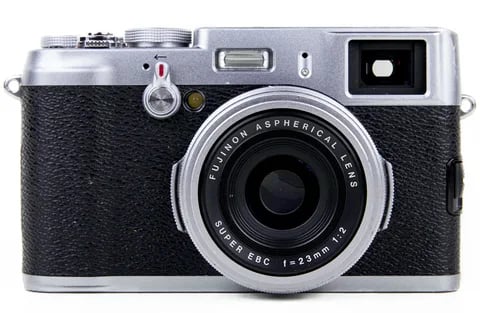
X100VI
The compact rangefinder that turned a generation onto film simulations - now with a 40 MP X-Trans V sensor and IBIS.
View camera
X-Trans V · 26.1 MP
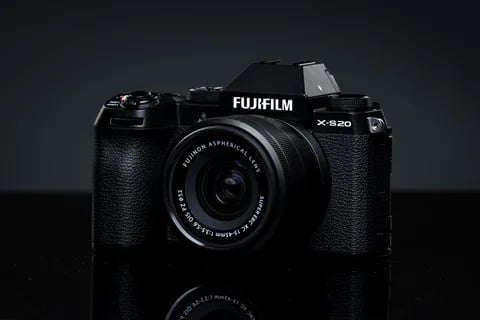
X-S20
X-S10 successor with X-Processor 5 - 6.2K video, vlog mode, and a content-creator focus.
View camera
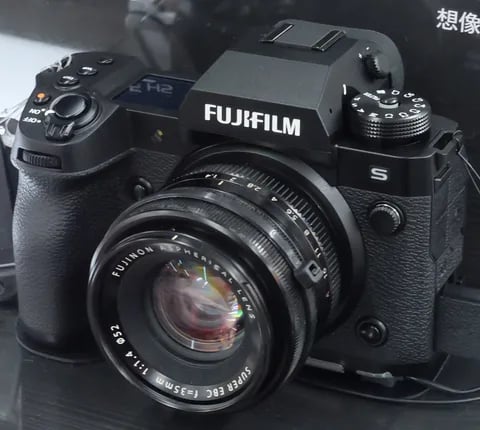
X-Trans V · 40.2 MP
X-H2
High-resolution X-H - 40 MP, 8K video, and pro-grade IBIS.
View camera
Key terms
Explore more X-M5 recipes
Find the best Fujifilm recipes for the X-M5, its X-Trans V sensor, and the film simulations they're built on.
Frequently asked questions
Which recipes work on the X-M5?
The X-M5 supports X-Trans V recipes, including Nostalgic Neg. and Reala Ace. Adjust for Colour Chrome FX Blue when using older recipes.
Does the X-M5 have in-body stabilisation?
No, the X-M5 does not have in-body stabilisation, which may affect handheld video and low-light shooting.
How do I add a recipe to the X-M5?
Access the menu, select 'Edit/Save Custom Setting', choose a custom slot, adjust settings, and save to the slot.