
Sensor
Fujifilm · X-Trans V · 2024
X-T50
X-T SeriesDSLR-style2024IBIS
Discover uncharted visual landscapes with the Fujifilm X-T50.
Resolution
40.2 MP
Stabilisation
Yes (7 stops)
Mount
X-mount
In short
The X-T50 runs X-Trans V recipes, including Nostalgic Neg. and Reala Ace. Adapt older recipes by reducing Colour Chrome FX Blue.
Why it's the recipe body
The Fujifilm X-T50, with its 40.2 MP X-Trans V sensor, offers a tactile shooting experience courtesy of its DSLR-style body and dedicated film simulation dial. The combination of the X-Processor 5 and in-body image stabilisation makes it a formidable tool for capturing stunning imagery straight out of the camera. Its handling is intuitive, ensuring you focus more on the moment and less on the settings, while its lightweight design keeps it versatile for any shooting scenario. Whether you're shooting landscapes or street photography, the X-T50's performance and ease of use make it a joy to carry and shoot with.
The X-T50, equipped with the X-Trans V sensor, supports the latest film simulation recipes like Nostalgic Neg. and Reala Ace. When adapting older X-Trans IV recipes, reduce Colour Chrome FX Blue by one step for accurate blue rendering. With 7 custom slots, you can save and access your favourite recipes effortlessly. This flexibility allows you to experiment and find the perfect look for your images.
What it nails, what to watch
What it nails
- 40.2 MP resolution
- 7 custom slots
- Deep blue rendering
- Dedicated film sim dial
- Latest X-Trans V sensor
What to watch
- Adapt X-Trans IV recipes
- No grain size control
- Check Colour Chrome FX Blue
- IBIS doesn't affect JPEGs
What this body adds
SE
Sensor
40.2 MP X-Trans CMOS 5 HR
PR
Processor
X-Processor 5
MO
Mount
X-mount (interchangeable)
IB
IBIS
5-axis, up to 7 stops
VI
Video
6.2K 30p / 4K DCI 60p
FI
Film Sim dial
Top-plate dedicated dial (20 sims)
Recipes for the X-T50
All recipes
Texas Sun
Warm tones with a hint of grit, capturing the vibrant essence of sunlit streets. Perfect for urban architecture and everyday moments.

Universal Provia
Strong, small grain and calm tones suit serene scenes indoors and out.

Velvia 100f
Vivid greens and blues with strong grain for outdoor shots. Ideal for capturing the vibrancy of urban landscapes.

Velvia Film
Saturated colours with a vibrant touch, ideal for landscapes and outdoor scenes. Calming yet vivid, with fine grain.

Vibrant Arizona
Copper hues and delicate grain create calm nostalgia for capturing daily life and travel memories beautifully.

Vintage Bronze
Eterna Bleach Bypass creates a metallic glow with muted tones. Perfect for urban landscapes and cinematic scenes.

Vintage Cinema
Sepia tones and noticeable grain create a vintage cinematic feel. Perfect for travel and capturing nostalgic moments.
How to add a recipe to your X-T50
- Press Menu, select 'Image Quality Setting'.
- Navigate to 'Edit/Save Custom Settings'.
- Choose a custom slot, e.g., C1 to C7.
- Input recipe settings, press 'OK' to save.
Tips for the X-T50
- Use film sim dial for quick changes.
- Leverage IBIS for low-light shots.
- Experiment with Nostalgic Neg. outdoors.
- Utilise 6.2K video for high detail.
Explore other cameras
All cameras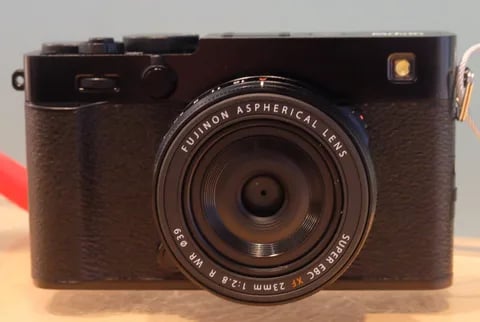
X-Trans V · 40.2 MP
X-E5
First X-E with IBIS - X-Trans V resolution in a precision-machined aluminium rangefinder.
View camera
X-T30 III
X-Trans V · 40.2 MP
X-T30 III
The X-T30 III keeps the 26 MP X-Trans IV sensor but pairs it with X-Processor 5 and the modern Film Sim dial.
View camera
X-Trans V · 26.1 MP
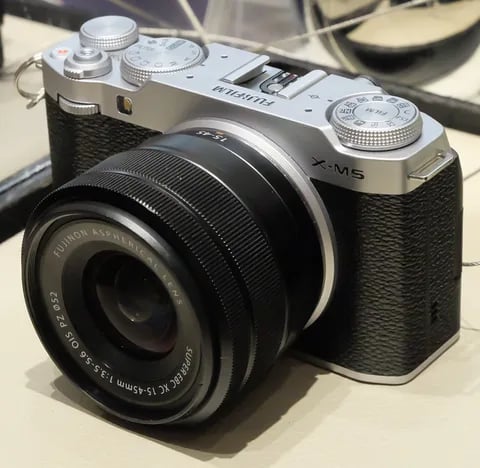
X-M5
Lightest X-mount body - X-Trans IV sensor with X-Processor 5, dialled in for vloggers.
View camera
X-Trans V · 40.2 MP
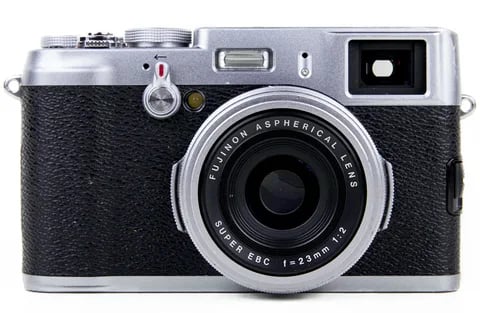
X100VI
The compact rangefinder that turned a generation onto film simulations - now with a 40 MP X-Trans V sensor and IBIS.
View camera
X-Trans V · 26.1 MP
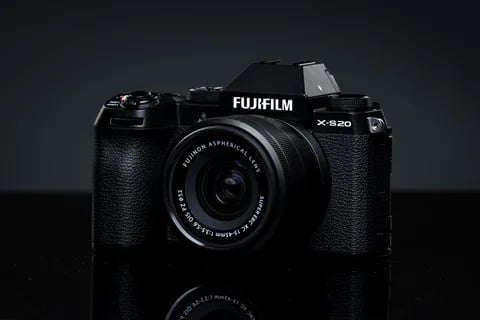
X-S20
X-S10 successor with X-Processor 5 - 6.2K video, vlog mode, and a content-creator focus.
View camera
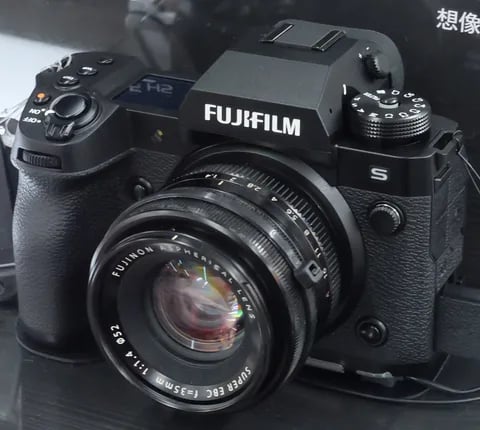
X-Trans V · 40.2 MP
X-H2
High-resolution X-H - 40 MP, 8K video, and pro-grade IBIS.
View camera
Key terms
Explore more X-T50 recipes
Find the best Fujifilm recipes for the X-T50, its X-Trans V sensor, and the film simulations they're built on.
Frequently asked questions
Which recipes work on the X-T50?
The X-T50 supports X-Trans V recipes, including Nostalgic Neg. and Reala Ace. Adapt older recipes by reducing Colour Chrome FX Blue.
Does the X-T50 have in-body stabilisation?
Yes, the Fujifilm X-T50 features 5-axis in-body image stabilisation, offering up to 7 stops of compensation.
How do I add a recipe to the X-T50?
Navigate to 'Edit/Save Custom Settings' in the menu, choose a slot, input the recipe settings, and save.