
Sensor
Fujifilm · X-Trans V · 2024
X100VI
X100 Seriescompact2024IBIS
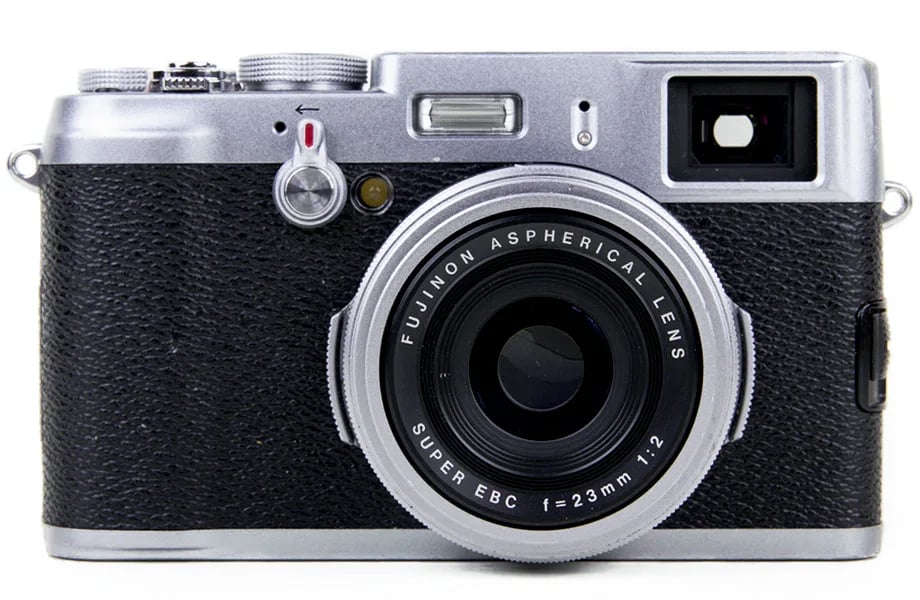
Capture moments with the X100VI's 40 MP sensor and iconic design.
Resolution
40.2 MP
Stabilisation
Yes (6 stops)
Lens
23mm f/2 (35mm equiv.)
In short
The X100VI supports all X-Trans V recipes, introducing Nostalgic Neg. and Reala Ace. Adapt X-Trans IV recipes by reducing Colour Chrome FX Blue by one step.
Why it's the recipe body
The Fujifilm X100VI melds vintage charm with modern capability, housing a 40.2 MP X-Trans CMOS 5 HR sensor that offers unparalleled detail in every shot. Navigating its compact body is a joy, with a tactile feel that encourages creativity and exploration. The hybrid viewfinder offers the best of both optical and electronic worlds, while in-body stabilisation ensures steady shots even in challenging conditions. With its impressive sensor, this camera elevates film simulations, rendering colours with depth and precision. The X100VI invites you to explore its full potential, capturing life's fleeting beauty with ease and confidence.
With its X-Trans V sensor, the X100VI is compatible with all current X-Trans V film simulations, including Nostalgic Neg. and Reala Ace. When adapting X-Trans IV recipes, reduce Colour Chrome FX Blue by one step to maintain colour accuracy and vibrancy. The camera's 7 custom slots offer ample space for creativity, allowing you to save and switch between favourite settings effortlessly.
The X100VI continues the X100 legacy, now with a cutting-edge X-Trans V sensor and IBIS.
The X100VI surpasses its predecessors with in-body stabilisation and higher resolution.
What it nails, what to watch
What it nails
- 40 MP resolution sensor
- In-body image stabilisation
- 20 film simulation modes
- Hybrid OVF/EVF viewfinder
- 7 custom slots available
What to watch
- Fixed 23mm lens limits zoom
- Custom slots limited to 7
- Colour depth requires adjustment
- Compact size limits button space
What this body adds
SE
Sensor
40.2 MP X-Trans CMOS 5 HR
LE
Lens
23mm f/2 (fixed)
PR
Processor
X-Processor 5
IB
IBIS
5-axis, up to 6 stops
VI
Viewfinder
Hybrid OVF/EVF
VI
Video
6.2K 30p / 4K 60p
Recipes for the X100VI
All recipes
PRO Negative 160C
Reala Ace offers a balanced harmony of warm and calm tones with subtle grain, ideal for capturing natural skin tones.
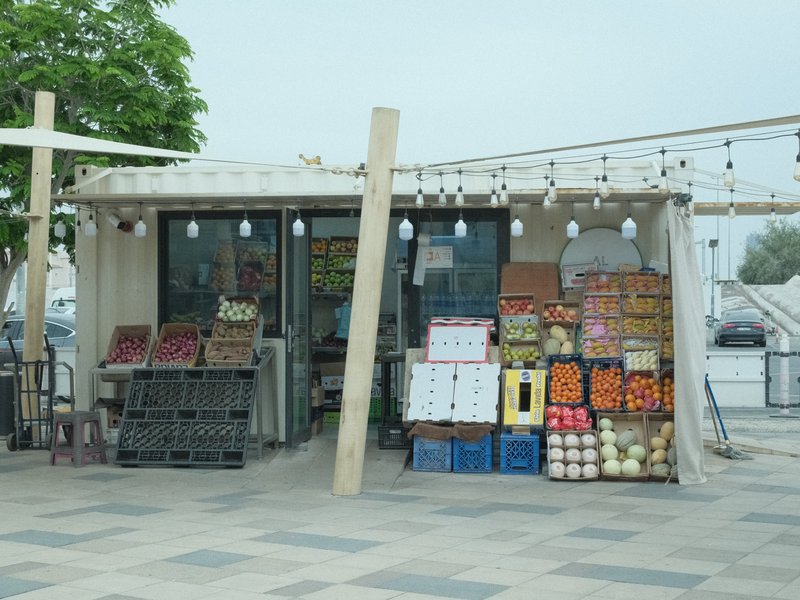
Pulled Negative
Softened shadows with a subtle blue tint create a calming effect for portraits. Ideal for studio sessions.

Pushed Analog
Lively grain with a dynamic filmic look for portraits. Ideal for daily scenes with a warm, inviting mood.

RedScale
Red hues envelop cityscapes with gritty texture and contrast. Ideal for moody environments and overcast settings.

Reggie's Portra
Gentle colour shifts with subtle grain create a tranquil and nostalgic atmosphere, ideal for capturing rural scenes.

Retro Negative
Subtle green and blue hues enhance skin tones beautifully, offering a calm and vibrant look for daily portraits.
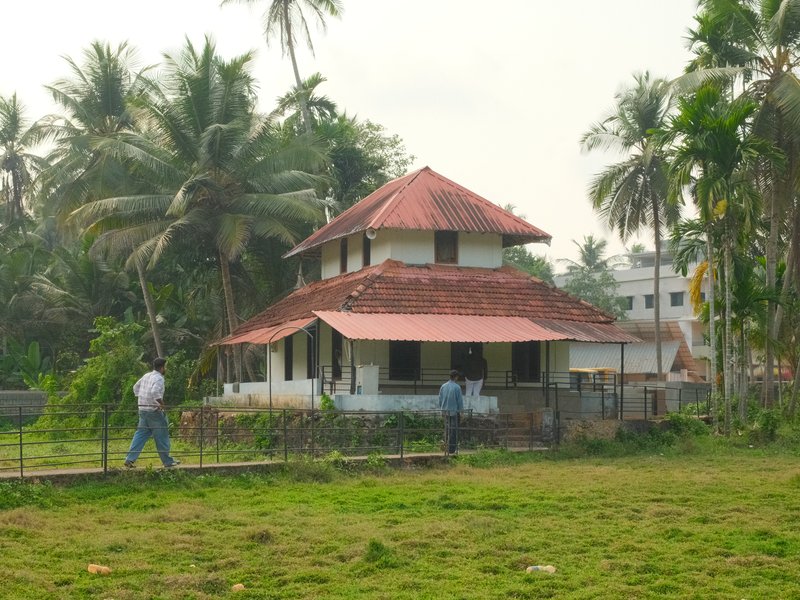
Standard Film
Balanced contrast with a gentle warmth, ideal for capturing everyday moments in calm outdoor or serene settings.

Summer Sun
Warmth enhances skin tones beautifully, ideal for daily portraits. Subtle grain lends texture without overpowering.

Superia Negative
Subdued shadows paired with rich hues create an inviting calm for urban exploration.
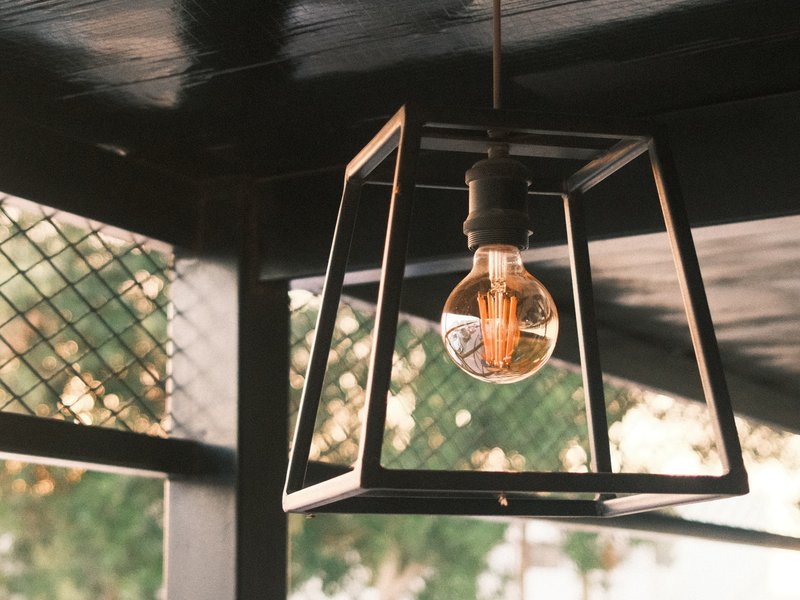
Superia Xtra 400
Retro-inspired hues and fine grain evoke nostalgia, perfect for photographing cityscapes in overcast conditions.

Texas Sun
Warm tones with a hint of grit, capturing the vibrant essence of sunlit streets. Perfect for urban architecture and everyday moments.

Universal Provia
Strong, small grain and calm tones suit serene scenes indoors and out.
How to add a recipe to your X100VI
- Navigate to the 'Edit/Save Custom Setting' menu.
- Select a custom slot (C1–C7) to store the recipe.
- Adjust film simulation settings as desired.
- Save the configuration to the chosen custom slot.
Tips for the X100VI
- Use OVF for a classic rangefinder feel.
- Experiment with Nostalgic Neg. for rich tones.
- Rely on IBIS for low-light stability.
- Utilise the 6.2K video for high-quality footage.
Explore other cameras
All cameras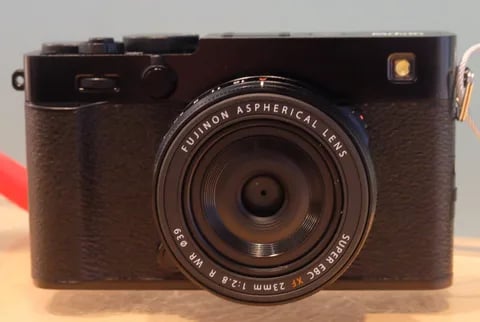
X-Trans V · 40.2 MP
X-E5
First X-E with IBIS - X-Trans V resolution in a precision-machined aluminium rangefinder.
View camera
X-T30 III
X-Trans V · 40.2 MP
X-T30 III
The X-T30 III keeps the 26 MP X-Trans IV sensor but pairs it with X-Processor 5 and the modern Film Sim dial.
View camera
X-Trans V · 26.1 MP
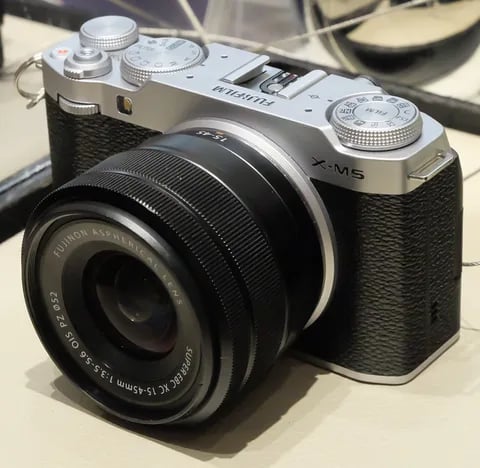
X-M5
Lightest X-mount body - X-Trans IV sensor with X-Processor 5, dialled in for vloggers.
View camera
X-T50
X-Trans V · 40.2 MP
X-T50
Mid-tier X-T with X-Trans V, IBIS, and a dedicated film simulation dial - the recipe-page X-T.
View camera
X-Trans V · 26.1 MP
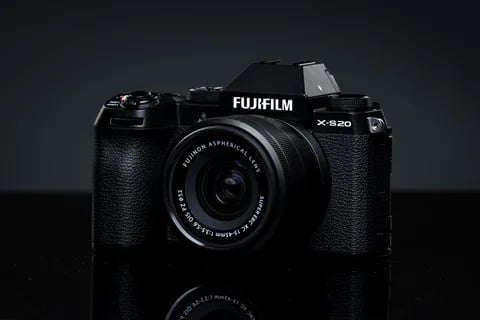
X-S20
X-S10 successor with X-Processor 5 - 6.2K video, vlog mode, and a content-creator focus.
View camera
X-Trans V · 40.2 MP
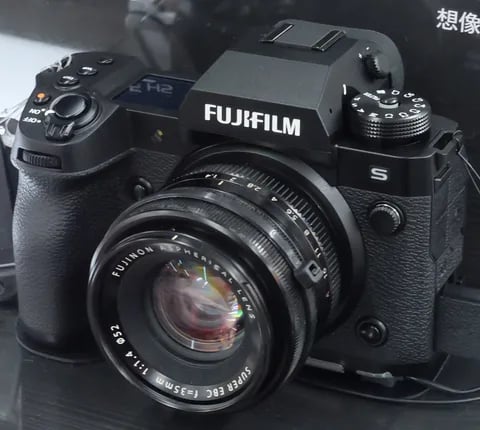
X-H2
High-resolution X-H - 40 MP, 8K video, and pro-grade IBIS.
View camera
Key terms
Explore more X100VI recipes
Find the best Fujifilm recipes for the X100VI, its X-Trans V sensor, and the film simulations they're built on.
Frequently asked questions
Which recipes work on the X100VI?
The X100VI is compatible with all X-Trans V recipes, including Nostalgic Neg. and Reala Ace.
Does the X100VI have in-body stabilisation?
Yes, the X100VI features 5-axis IBIS, providing up to 6 stops of stabilisation.
How do I add a recipe to the X100VI?
Access the 'Edit/Save Custom Setting' menu, select a slot, adjust settings, and save your recipe.