Difficulty
Intermediate
X-Trans IVClassic NegativeColour4 photos
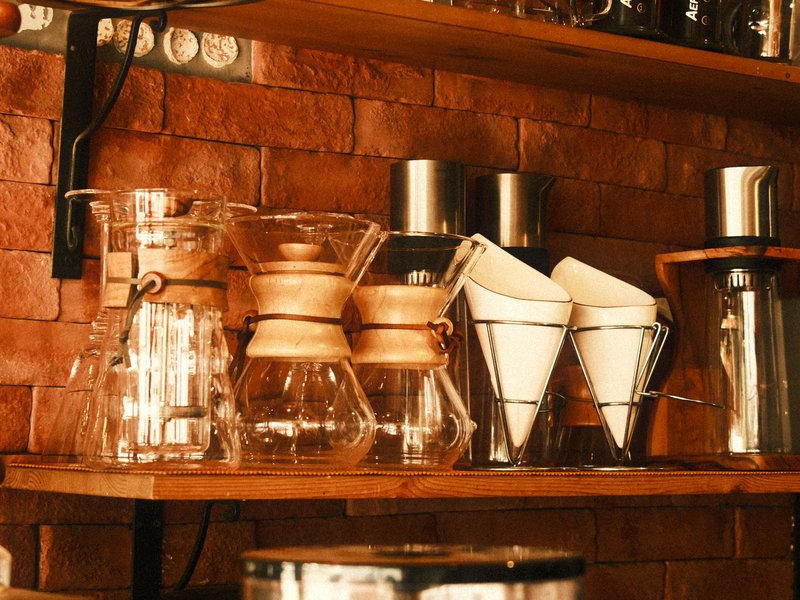
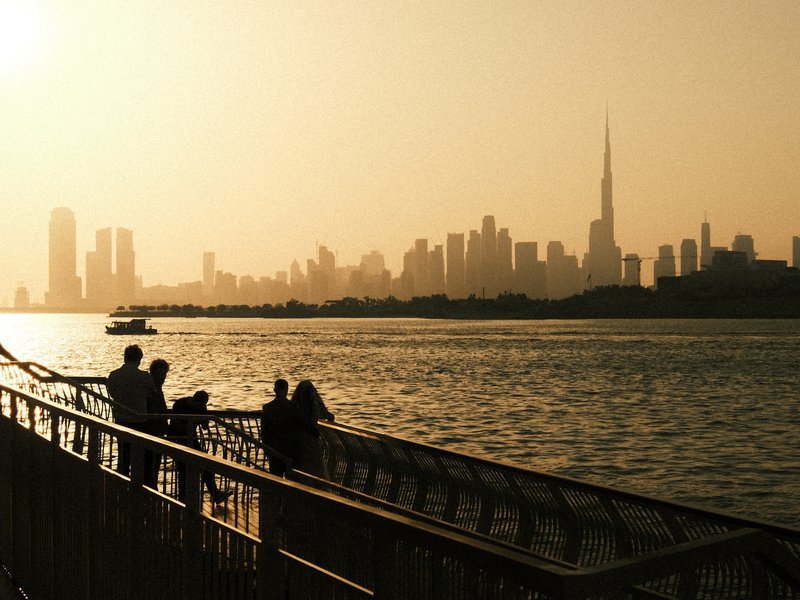
Retro Colour Frame wraps city streets in amber warmth, deep contrast and a coarse, unmistakably filmic grain.

Retro Colour Frame leans into the look of a well-loved consumer colour negative printed a little too warm. Classic Negative supplies the hard-edged colour separation, and a warm white balance pulled towards yellow-green gives highlights an aged, golden glow. Tones are pushed firmly: bright areas bloom and shadows sink into dense, inky pools, so light and shade carve the frame into bold shapes. Colour is held back slightly, which keeps the warmth from turning garish, while softened micro-contrast and heavy, large grain take the digital edge off every surface. The result feels like a print pulled from a shoebox of old holiday snaps. It sings on overcast streets and in low, golden light, where brick, concrete and signage pick up that nostalgic cast and the grain has texture to sit on.
Classic Negative · X-Trans IV
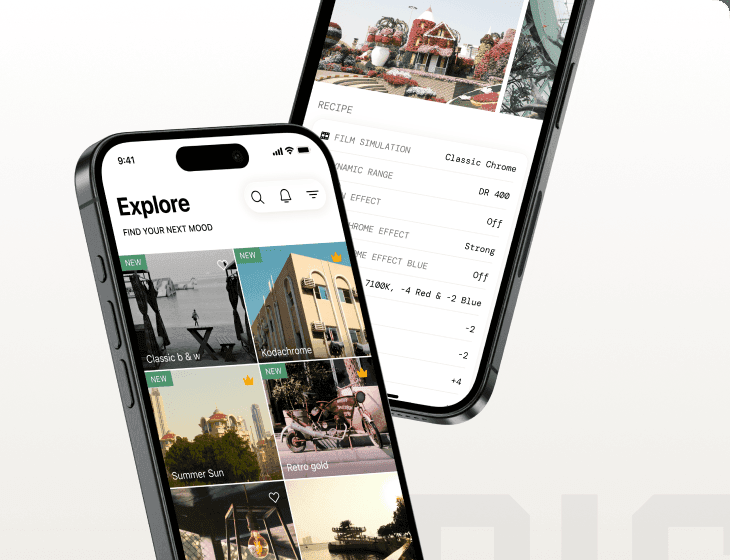
The white balance, tone curve, grain and ISO for Retro Colour Frame are part of Fuji Pic Premium. Get them in the app, then load the recipe straight onto your camera.
Free to download · iPhone and Android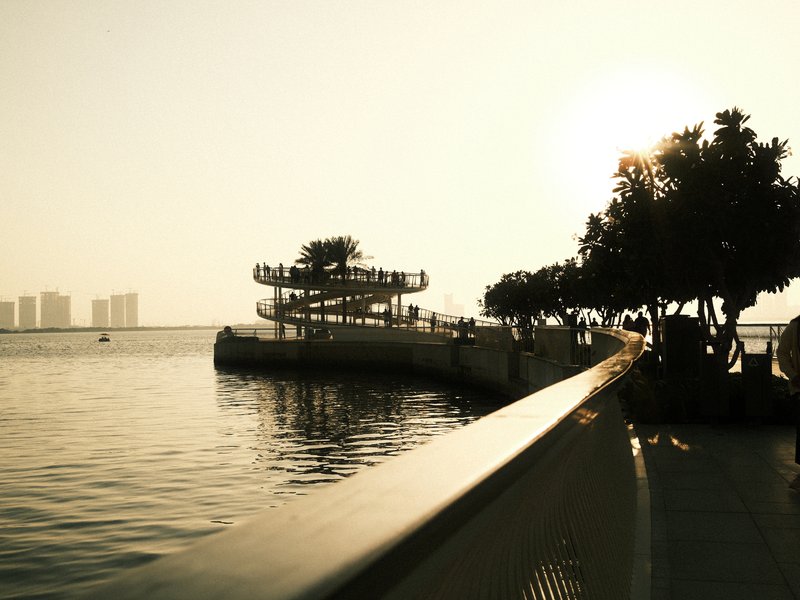
Explore similar
Tested across the X-Trans IV and GFX generations — compatibility is defined by sensor, so any body on these generations can run it.
Reach for Retro Colour Frame on overcast city days, in golden-hour streets and around textured architecture, where its warmth and contrast add character. It is not a studio portrait recipe: the heavy grain and warm cast are unkind to controlled skin tones, and pure landscapes can feel muddy rather than clean.
Scenes and subjects this recipe is tuned for.
Where another look will likely serve you better.
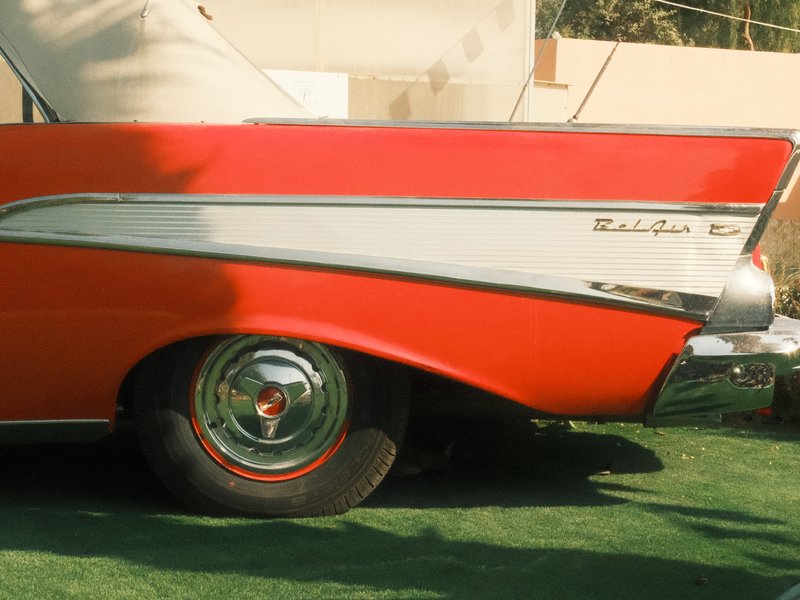
Earthy hues with subtle contrast bring a nostalgic warmth to urban images.

Soft, nostalgic tones with a subtle grain for a timeless feel
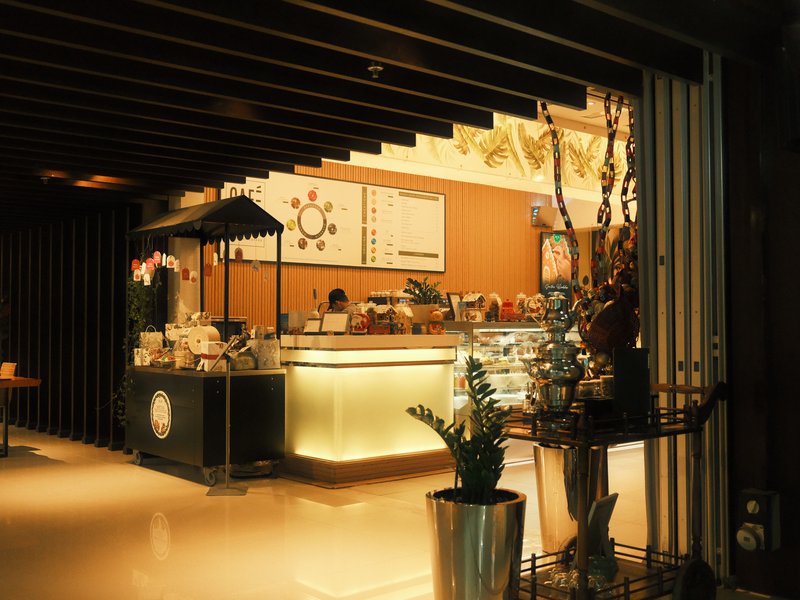
Earthy hues with subtle contrast bring a nostalgic warmth to urban images.
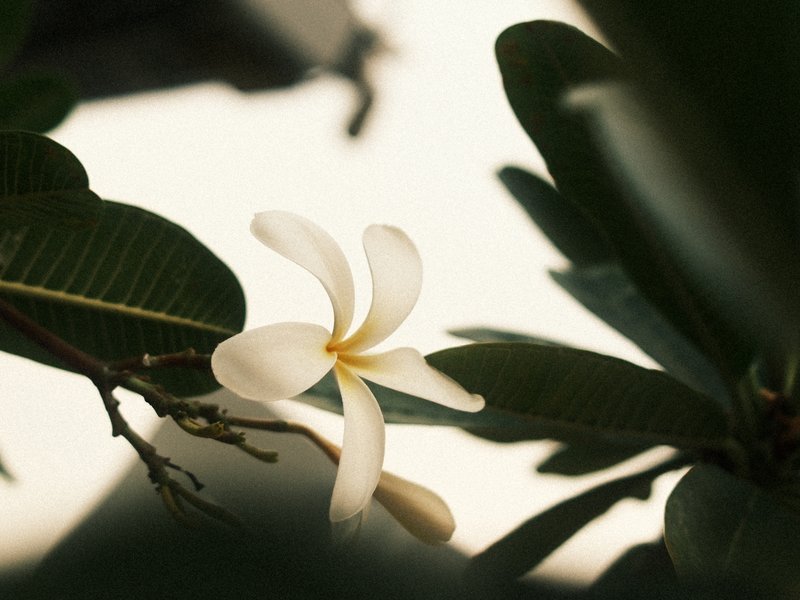
Rich, nostalgic tones with a touch of grain for timeless imagery.
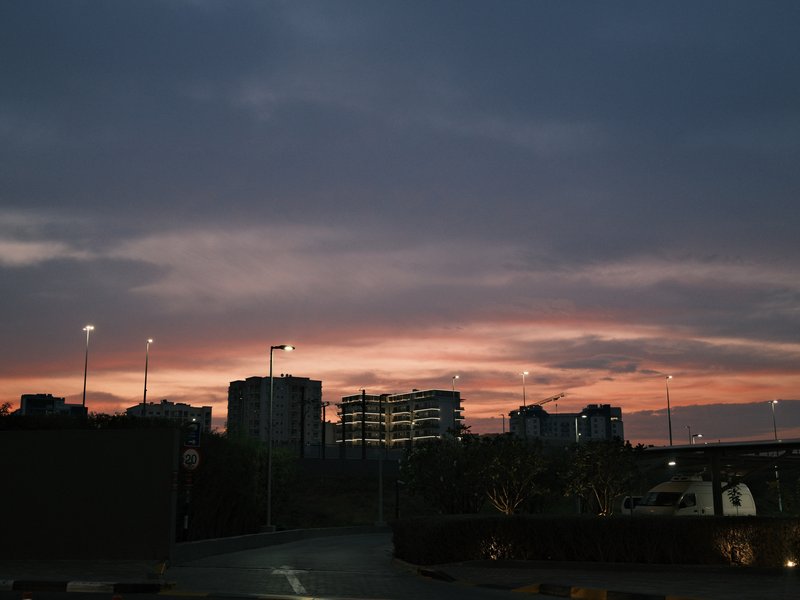
Soft, nostalgic tones with a subtle grain for a timeless feel
 Premium
Subtle warmth and nostalgia, where muted tones shine in urban settings under overcast skies.
Browse the whole catalogue, unlock the premium recipes, and keep every setting in front of you while you shoot.
Free to download · iPhone and Android