
Sensor
Fujifilm · X-Trans V · 2025
X-E5
X-E Seriesrangefinder2025IBIS
Embrace timeless photography with the X-E5's elegant rangefinder design.

Resolution
40.2 MP
Stabilisation
Yes (7 stops)
Mount
X-mount
In short
The X-E5 runs all X-Trans V recipes, including Nostalgic Neg. and Reala Ace. X-Trans IV recipes may need adjustment.
Why it's the recipe body
The Fujifilm X-E5, with its precision-machined aluminium top plate and rangefinder body, delivers an irresistible blend of classic charm and modern technology. Equipped with a 40.2 MP X-Trans CMOS 5 HR sensor and the powerful X-Processor 5, it offers unparalleled capabilities for film-simulation recipes. The 5-axis in-body image stabilisation, covering up to 7 stops, ensures that handheld shooting is a pleasure, even in challenging conditions. With its tactile dials and compact form, the X-E5 feels like an extension of your creative vision, enticing photographers who cherish the joy of capturing moments as they unfold. Perfect for those who appreciate the art of photography in its purest form.
The X-E5's X-Trans V sensor supports all current recipes, including Nostalgic Neg. and Reala Ace. When adapting X-Trans IV recipes, remember that blue renders more deeply; therefore, reduce Colour Chrome FX Blue by one step. White-balance shifts are fully savable per custom slot, enhancing your creative flexibility, so you can experiment with different lighting conditions and achieve desired tones easily.
The X-E5 is the first in its series to feature in-body stabilisation.
What it nails, what to watch
What it nails
- 40.2 MP resolution
- In-body stabilisation
- Machined aluminium body
- 7 custom slots
- Film sim dial access
What to watch
- Reduce Color Chrome FX Blue
- Consider blue tone shifts
- IBIS doesn't affect JPEGs
- Limited to 3 top-plate slots
What this body adds
SE
Sensor
40.2 MP X-Trans CMOS 5 HR
PR
Processor
X-Processor 5
MO
Mount
X-mount (interchangeable)
IB
IBIS
5-axis, up to 7 stops
VI
Video
6.2K 30p
TO
Top plate
Machined aluminium, single block
Recipes for the X-E5
All recipes Premium
Deep Acros Mono
Dense grain and deep shadows create moody monochromes. Perfect for dramatic black and white architecture.

Kodak Sunwashed
Large grain texture combines with a warm, subdued colour cast for a distinctly vintage film aesthetic that captivates.
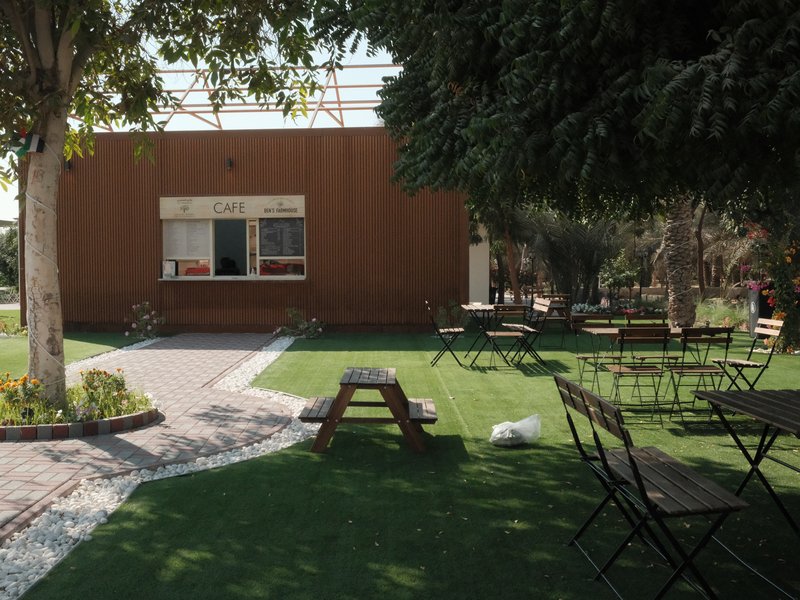
Quiet Portra 170
Soft film-like tones with gentle warmth and subtle grain texture. Perfect for capturing the essence of everyday life.
 Premium
Kodak Silver Mono
High-contrast monochrome with a hint of grain, ideal for capturing urban lines and textures.
 Premium
Kodak Atelier Reserve
Large grain and a nostalgic hue reminiscent of expired film. Ideal for capturing urban architecture and daily moments.
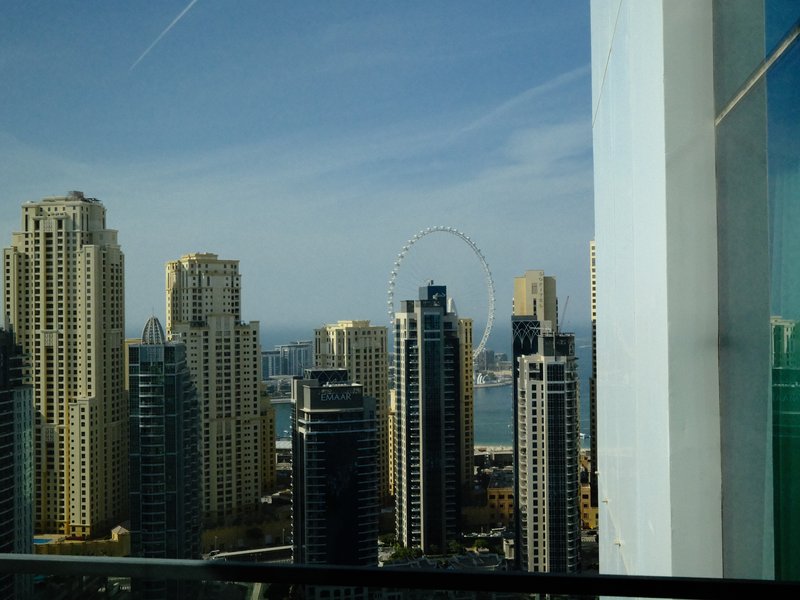
Kodak Vivid Slide
Enhance outdoor shots with vivid contrasts and lush colours. Perfect for capturing energetic landscapes.

Fine Grain Mono
Achieve a classic monochrome look with fine grain and a balanced contrast that enhances architectural details.

Fuji HG Cool Tone
Subtle grain meets balanced colour and strong contrast, ideal for urban exploration.
 Premium
Midnight Filament
Grainy textures and a serene glow wrap your scenes in calm. Perfect for ethereal street captures after dark.
 Premium
Cinema Ash Light
Embrace a cinematic vibe with rich tones and subtle grain.
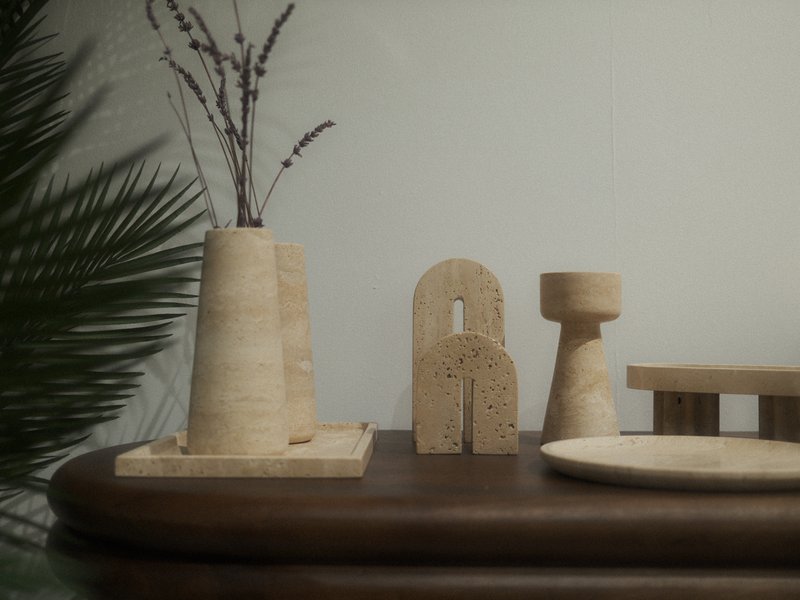
Muted Halo Stock
Large, textured grain with a cool, balanced colour cast lends a dreamy quality to indoor and night scenes.
 Premium
Retro Summer
Sun-soaked tones with a gentle grain finish evoke peaceful summer days. Ideal for capturing vintage travels.
How to add a recipe to your X-E5
- Select a custom slot (C1–C7) via the menu.
- Adjust film simulation settings to your preference.
- Save the settings to the chosen custom slot.
- Repeat for other recipes as needed.
Tips for the X-E5
- Use IBIS for stabilised low-light shots.
- Experiment with Nostalgic Neg. for vibrant tones.
- Use the film sim dial for quick access.
- Reduce Color Chrome FX Blue for X-Trans IV recipes.
Explore other cameras
All cameras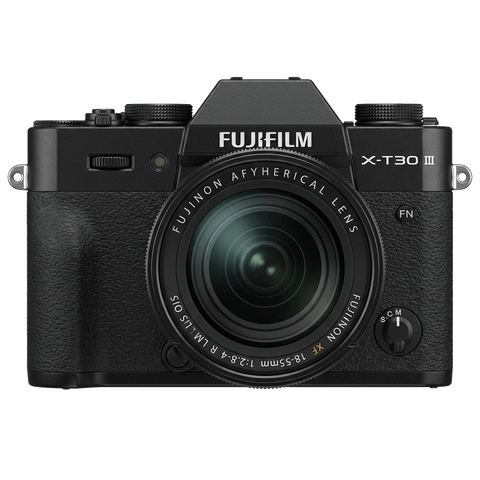
X-Trans V · 40.2 MP
X-T30 III
The X-T30 III keeps the 26 MP X-Trans IV sensor but pairs it with X-Processor 5 and the modern Film Sim dial.
View camera

X-Trans V · 26.1 MP
X-M5
Lightest X-mount body - X-Trans IV sensor with X-Processor 5, dialled in for vloggers.
View camera
X-Trans V · 40.2 MP
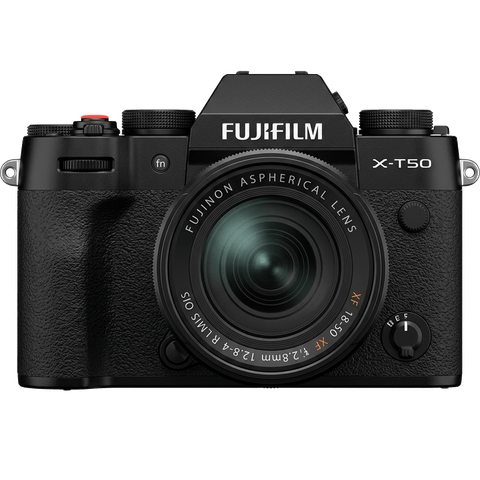
X-T50
Mid-tier X-T with X-Trans V, IBIS, and a dedicated film simulation dial - the recipe-page X-T.
View camera

X-Trans V · 40.2 MP
X100VI
The compact rangefinder that turned a generation onto film simulations - now with a 40 MP X-Trans V sensor and IBIS.
View camera
X-Trans V · 26.1 MP
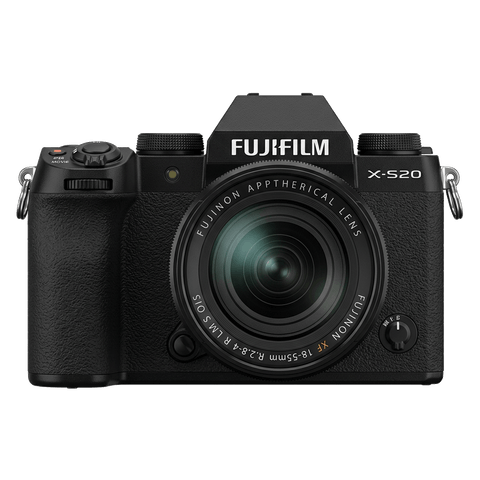
X-S20
X-S10 successor with X-Processor 5 - 6.2K video, vlog mode, and a content-creator focus.
View camera

X-Trans V · 40.2 MP
X-H2
High-resolution X-H - 40 MP, 8K video, and pro-grade IBIS.
View camera
Key terms
Explore more X-E5 recipes
Find the best Fujifilm recipes for the X-E5, its X-Trans V sensor, and the film simulations they're built on.
Frequently asked questions
Which recipes work on the X-E5?
The X-E5 runs all X-Trans V recipes, including Nostalgic Neg. and Reala Ace. X-Trans IV recipes may need adjustment.
How many custom slots does the X-E5 have?
The X-E5 offers seven custom slots for film simulation recipes, providing ample room for creative experimentation.
How do I add a film simulation recipe to the X-E5?
Select a custom slot, adjust your settings, and save them to the slot. Repeat for other recipes.