
Sensor
Fujifilm · X-Trans V · 2023
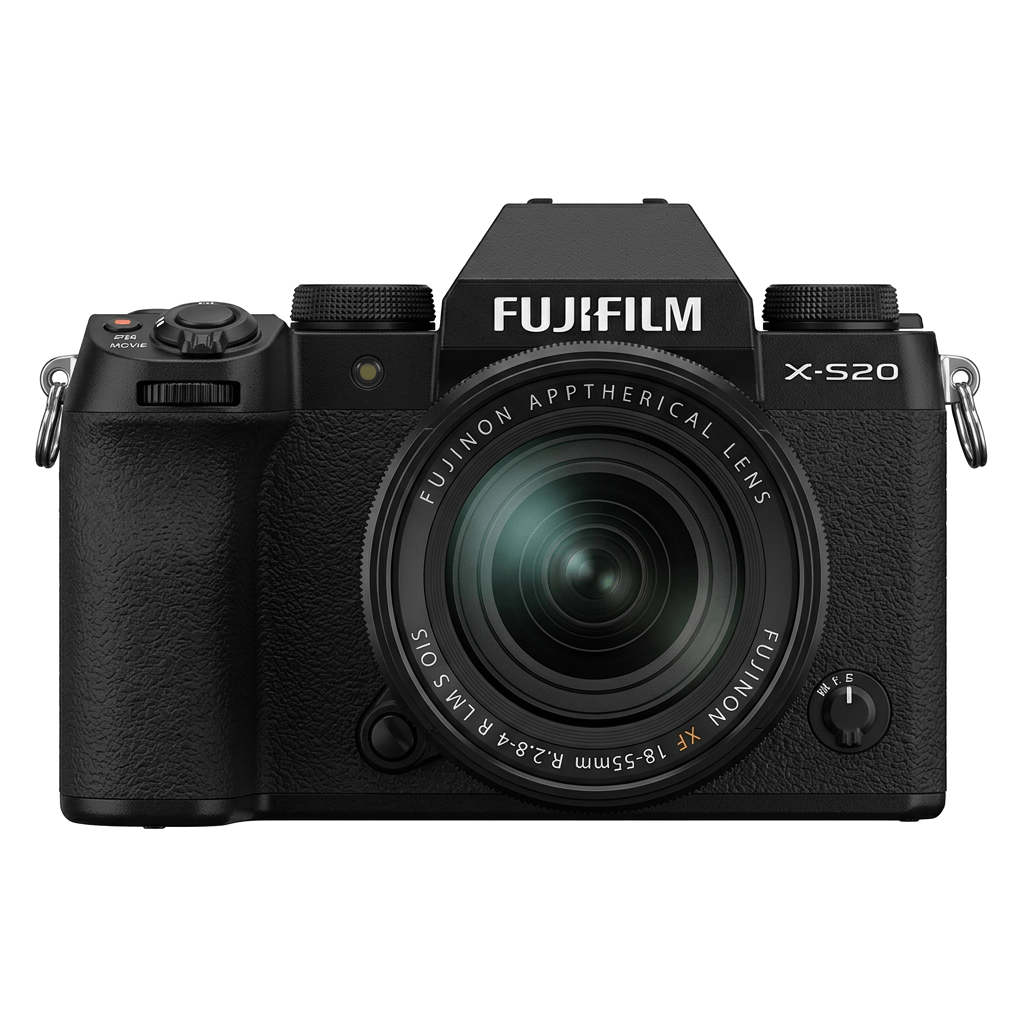
X-S20
X-S SeriesDSLR-style2023IBIS
Capture creativity with the X-S20's vibrant X-Trans V sensor and vlog-ready features.
Resolution
26.1 MP
Stabilisation
Yes (7 stops)
Mount
X-mount
In short
The X-S20 can run film-simulation recipes for X-Trans V, including Nostalgic Neg. and Reala Ace.
Why it's the recipe body
The Fujifilm X-S20 is a versatile camera designed for both budding content creators and seasoned photographers. With a 26.1 MP X-Trans V sensor, it offers exceptional colour depth and dynamic range, making it a joy to explore Fujifilm's renowned film simulations. The X-S20 feels balanced in hand, thanks to its DSLR-style body, and the 7-stop IBIS ensures stability for crisp shots, even in challenging conditions. This camera bridges the gap between stills and video with a 6.2K video capability and a dedicated vlog mode. Shooting with the X-S20 is an intuitive and rewarding experience, unlocking creative potential straight out of the camera.
The X-S20 supports all film-simulation recipes designed for X-Trans V sensors, such as those used in the X-T5 and X-H2. With this generation, you gain access to Nostalgic Neg. and Reala Ace, alongside deeper blue rendition. Recipes from earlier X-Trans IV bodies can be adapted, but expect to adjust Colour Chrome FX Blue settings slightly for optimal results, ensuring the best colour balance.
The X-S20 succeeds the X-S10, adding X-Processor 5 and vlog features.
What it nails, what to watch
What it nails
- Rich X-Trans V colours
- 7 custom slots
- IBIS stabilisation
- 6.2K video capability
- Nostalgic Neg. simulation
What to watch
- Adjust Color Chrome FX Blue
- White-balance shift per recipe
- May require recipe adaptation
What this body adds
SE
Sensor
26.1 MP X-Trans CMOS 4 BSI
PR
Processor
X-Processor 5
MO
Mount
X-mount (interchangeable)
IB
IBIS
5-axis, up to 7 stops
VI
Video
6.2K 30p / 4K 60p / F-Log2
BU
Burst
8 fps mechanical / 20 fps electronic (no crop)
Recipes for the X-S20
All recipes Premium
Deep Acros Mono
Dense grain and deep shadows create moody monochromes. Perfect for dramatic black and white architecture.

Kodak Sunwashed
Large grain texture combines with a warm, subdued colour cast for a distinctly vintage film aesthetic that captivates.

Quiet Portra 170
Soft film-like tones with gentle warmth and subtle grain texture. Perfect for capturing the essence of everyday life.
 Premium
Kodak Silver Mono
High-contrast monochrome with a hint of grain, ideal for capturing urban lines and textures.
 Premium
Kodak Atelier Reserve
Large grain and a nostalgic hue reminiscent of expired film. Ideal for capturing urban architecture and daily moments.
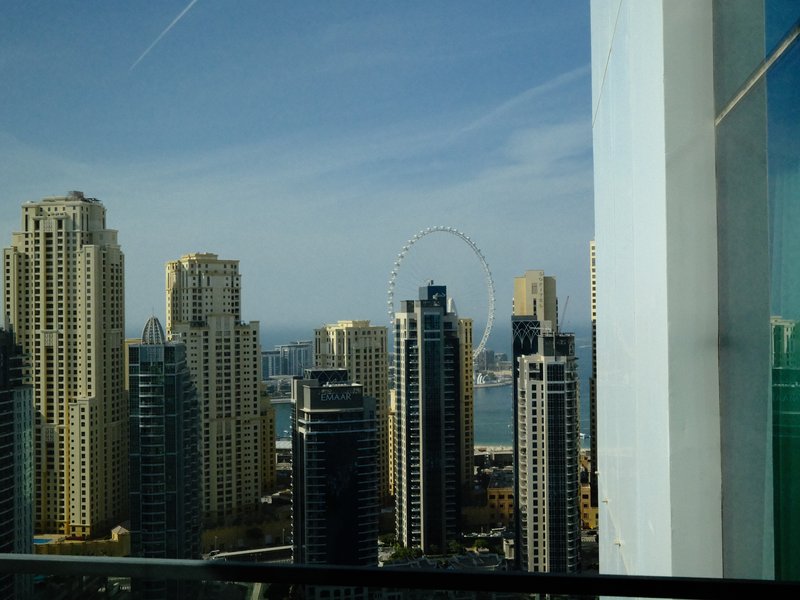
Kodak Vivid Slide
Enhance outdoor shots with vivid contrasts and lush colours. Perfect for capturing energetic landscapes.

Fine Grain Mono
Achieve a classic monochrome look with fine grain and a balanced contrast that enhances architectural details.

Fuji HG Cool Tone
Subtle grain meets balanced colour and strong contrast, ideal for urban exploration.
 Premium
Midnight Filament
Grainy textures and a serene glow wrap your scenes in calm. Perfect for ethereal street captures after dark.
 Premium
Cinema Ash Light
Embrace a cinematic vibe with rich tones and subtle grain.

Muted Halo Stock
Large, textured grain with a cool, balanced colour cast lends a dreamy quality to indoor and night scenes.
 Premium
Retro Summer
Sun-soaked tones with a gentle grain finish evoke peaceful summer days. Ideal for capturing vintage travels.
How to add a recipe to your X-S20
- Access menu, navigate to 'Image Quality'.
- Select 'Custom Settings' and choose a slot (C1–C7).
- Input desired film-simulation settings.
- Save settings with 'OK'. Ready to use!
Tips for the X-S20
- Utilise IBIS for handheld video.
- Experiment with Nostalgic Neg. for retro looks.
- Use vlog mode for stabilised content shots.
- Adapt X-Trans IV recipes cautiously.
Explore other cameras
All cameras
X-Trans V · 40.2 MP
X-E5
First X-E with IBIS - X-Trans V resolution in a precision-machined aluminium rangefinder.
View camera
X-Trans V · 40.2 MP
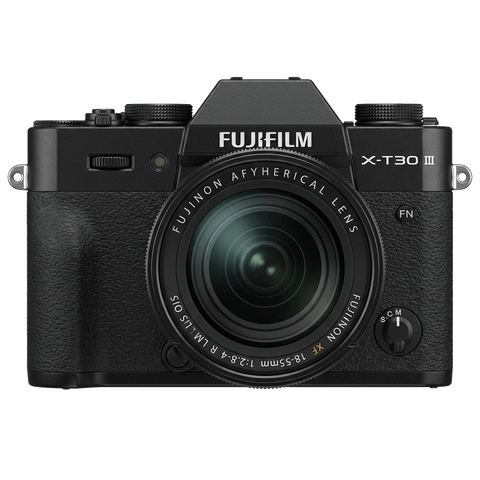
X-T30 III
The X-T30 III keeps the 26 MP X-Trans IV sensor but pairs it with X-Processor 5 and the modern Film Sim dial.
View camera
X-Trans V · 26.1 MP
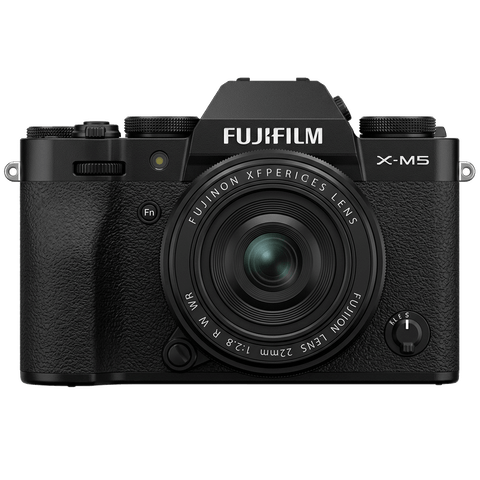
X-M5
Lightest X-mount body - X-Trans IV sensor with X-Processor 5, dialled in for vloggers.
View camera
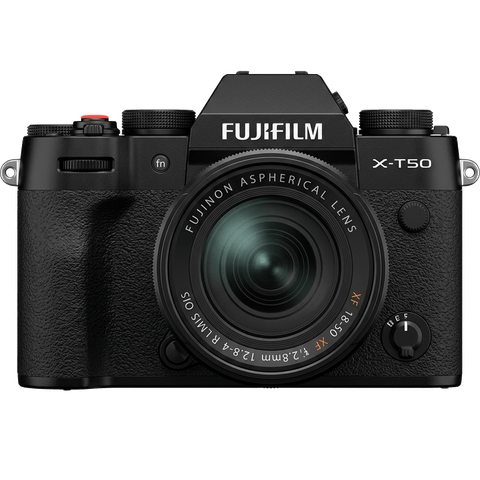
X-Trans V · 40.2 MP
X-T50
Mid-tier X-T with X-Trans V, IBIS, and a dedicated film simulation dial - the recipe-page X-T.
View camera
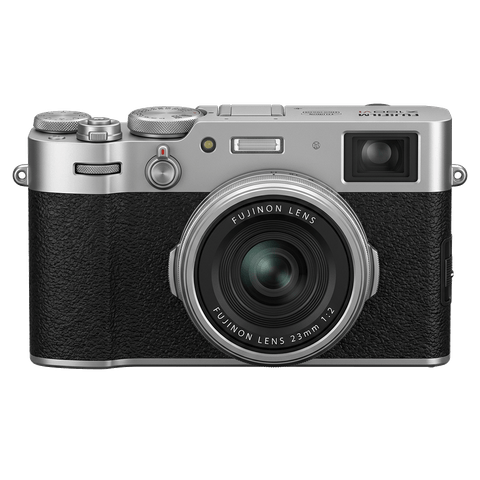
X-Trans V · 40.2 MP
X100VI
The compact rangefinder that turned a generation onto film simulations - now with a 40 MP X-Trans V sensor and IBIS.
View camera
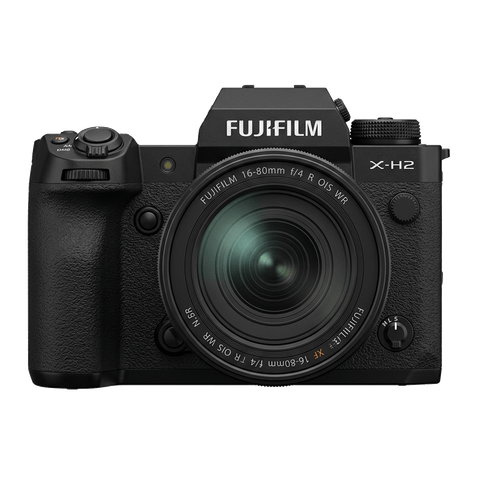
X-Trans V · 40.2 MP
X-H2
High-resolution X-H - 40 MP, 8K video, and pro-grade IBIS.
View camera
Key terms
Explore more X-S20 recipes
Find the best Fujifilm recipes for the X-S20, its X-Trans V sensor, and the film simulations they're built on.
Frequently asked questions
Which film-simulation recipes work on the X-S20?
The X-S20 supports X-Trans V recipes, including Nostalgic Neg. and Reala Ace.
Does the X-S20 have IBIS?
Yes, the X-S20 features 5-axis IBIS, offering up to 7 stops of stabilisation.
How do I add a film-simulation recipe to the X-S20?
Navigate to 'Image Quality' in the menu, select 'Custom Settings', choose a slot, input your settings, and save.