
Sensor
Fujifilm · X-Trans V · 2022
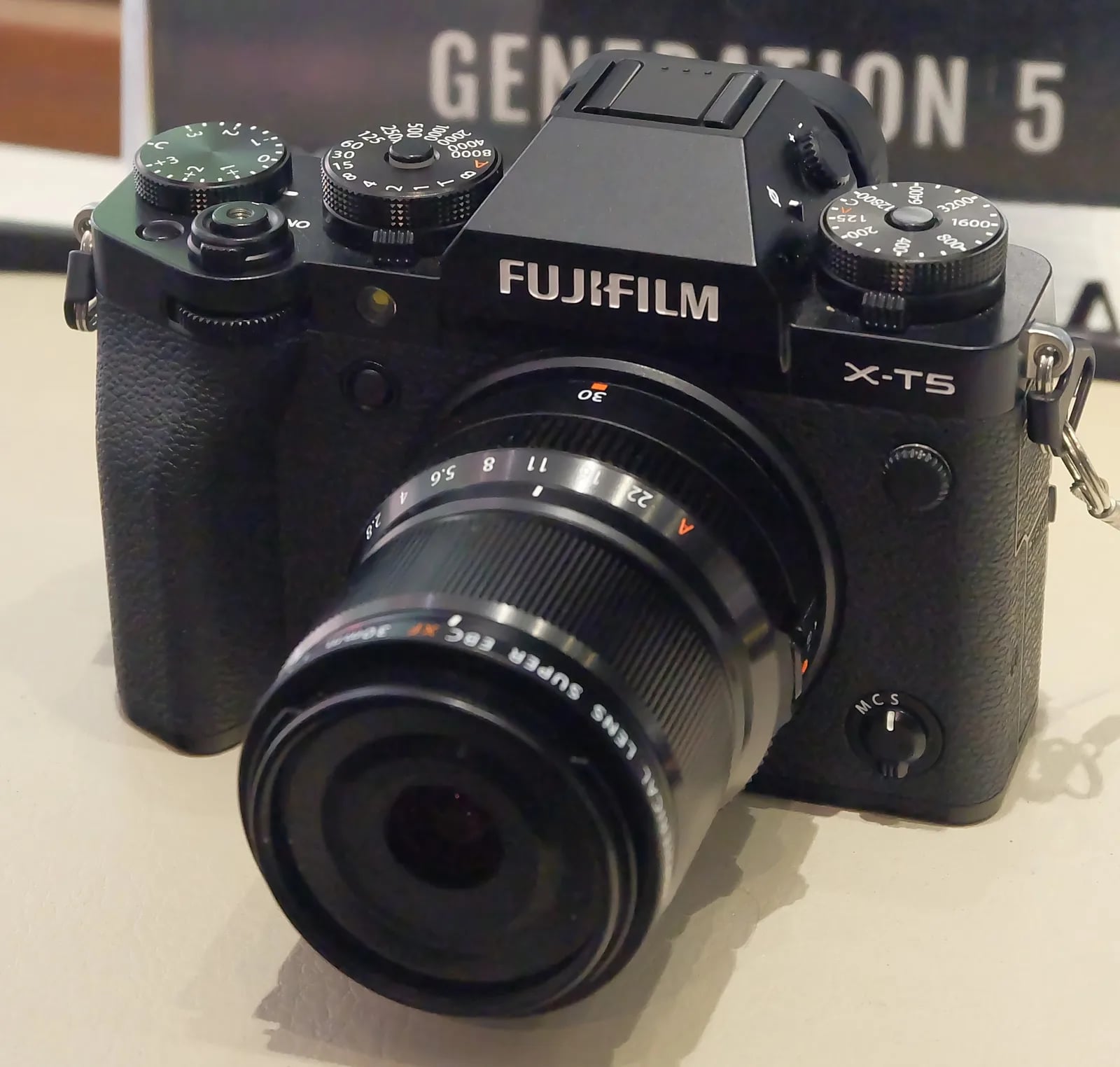
X-T5
X-T SeriesDSLR-style2022IBIS
The X-T5 embraces nostalgia with cutting-edge technology.
Resolution
40.2 MP
Stabilisation
Yes (7 stops)
Mount
X-mount
In short
The X-T5 supports all X-Trans V recipes, like Nostalgic Neg. and Reala Ace, with no feature loss.
Why it's the recipe body
The Fujifilm X-T5 is a photographer's dream, blending classic design with modern capabilities. Its 40.2 MP X-Trans CMOS 5 HR sensor delivers stunning detail and dynamic range, making it perfect for both professional and enthusiast shooters. The DSLR-style body feels robust and intuitive, with tactile dials that put control at your fingertips. The addition of 7-stop IBIS ensures your shots are sharp, even in challenging conditions. The 3-way tilting touchscreen enhances usability for creative angles. This camera embodies the soulful Fujifilm shooting experience, encouraging creativity and exploration through its film-simulation options, making each shot feel like a crafted masterpiece.
The X-T5 runs all X-Trans V recipes, including Nostalgic Neg. and Reala Ace, without compromises. Unlike earlier models, it supports advanced features like Colour Chrome FX Blue, Clarity, and offers 7 custom slots for saving your favourite looks. Remember to adjust Colour Chrome FX Blue when adapting X-Trans IV recipes for more accurate blue rendering, ensuring your images retain their intended look.
The X-T5 marks a return to stills-first excellence, refining the X-T4's hybrid ambitions.
The X-T5 offers superior stills performance over the X-T4, with a 40 MP sensor and new simulations.
What it nails, what to watch
What it nails
- 40.2 MP detail
- 7-stop IBIS stabilisation
- Full X-Trans V features
- Nostalgic Neg. included
- 7 custom slots
What to watch
- Blue adjustment needed
- Heavier than X-T30 III
- No built-in flash
- Uses 1.29x crop in 20 fps
What this body adds
SE
Sensor
40.2 MP X-Trans CMOS 5 HR
PR
Processor
X-Processor 5
MO
Mount
X-mount (interchangeable)
IB
IBIS
5-axis, up to 7 stops
VI
Video
6.2K 30p / 4K 60p 10-bit internal
BU
Burst
15 fps mechanical / 20 fps electronic (1.29x crop)
Recipes for the X-T5
All recipes
Fujicolor Film
Calm hues with subtle grain warm your portraits, transforming skin tones beautifully in everyday scenes.

Fujicolor PRO 160C Warm
Delicate warmth and softened shadows enhance skin tones. Ideal for calm portraits and daily scenes.

Fujicolor Super HG v2
Subtle grain meets balanced colour and strong contrast, ideal for urban exploration.
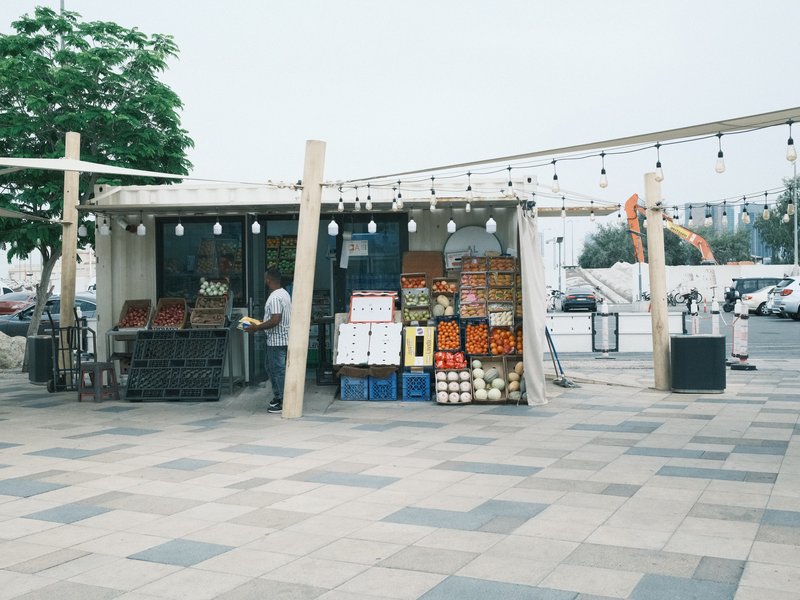
Fujicolor Superia 200
Serene contrasts with grain evoke calmness. Subtle warmth adds character to urban settings, enhancing every detail.

Fujifilm Negative
Calm tones with subtle vibrancy that enhance skin tones, ideal for portraits.
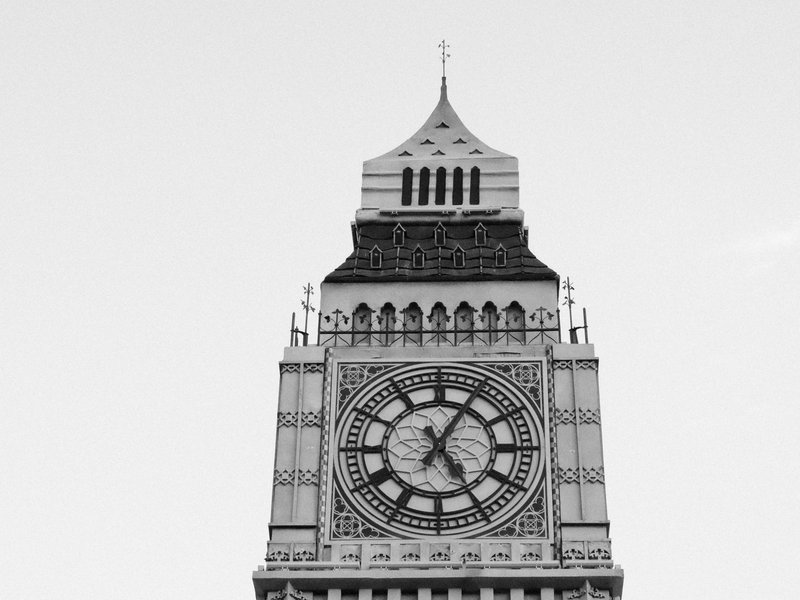
Ilford Pan F 50 Plus
Achieve a classic monochrome look with fine grain and a balanced contrast that enhances architectural details.

Indoor Astia
Low-contrast Astia film simulation with strong grain for calm, vibrant indoor portraits.
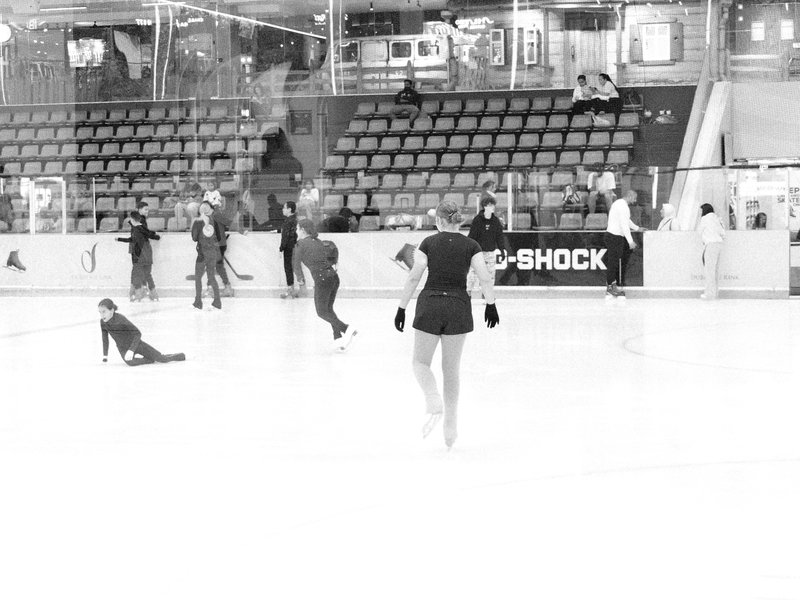
Kentmere Pan 400
High contrast black & white with strong grain for moody scenes. Perfect for architecture and street photography.

KodaNeg VC
Provia's dynamic tones transform scenes into warm and calm visuals, adding a dreamy touch to your outdoor photography.

Kodacolor VR 200
A subtle mix of muted colours and gentle contrast, topped with soft grain. Ideal for urban street shots.

Kodak Ektachrome E100VS v1
Enhance outdoor shots with vivid contrasts and lush colours. Perfect for capturing energetic landscapes.

Kodak Farbwelt 200 Expired
Large grain and a nostalgic hue reminiscent of expired film. Ideal for capturing urban architecture and daily moments.
How to add a recipe to your X-T5
- Access the menu, navigate to Image Quality.
- Select Film Simulation, choose your desired recipe.
- Customise settings, then save to a C1–C7 slot.
Tips for the X-T5
- Utilise 7-stop IBIS for handheld stability.
- Experiment with Nostalgic Neg. for retro tones.
- Use Pixel Shift for maximum detail shots.
- Adjust Colour Chrome FX Blue for X-Trans IV recipes.
Explore other cameras
All cameras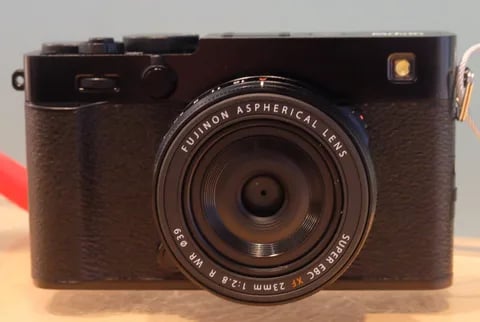
X-Trans V · 40.2 MP
X-E5
First X-E with IBIS - X-Trans V resolution in a precision-machined aluminium rangefinder.
View camera
X-T30 III
X-Trans V · 40.2 MP
X-T30 III
The X-T30 III keeps the 26 MP X-Trans IV sensor but pairs it with X-Processor 5 and the modern Film Sim dial.
View camera
X-Trans V · 26.1 MP
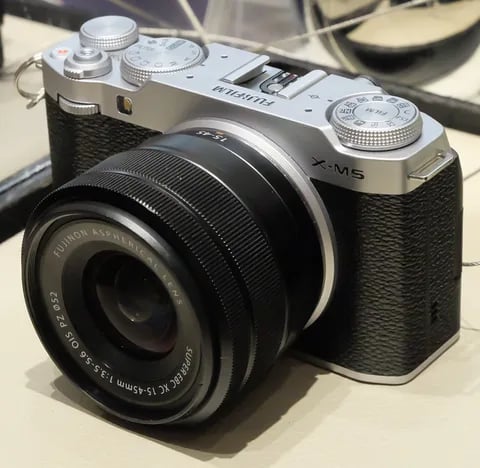
X-M5
Lightest X-mount body - X-Trans IV sensor with X-Processor 5, dialled in for vloggers.
View camera
X-T50
X-Trans V · 40.2 MP
X-T50
Mid-tier X-T with X-Trans V, IBIS, and a dedicated film simulation dial - the recipe-page X-T.
View camera
X-Trans V · 40.2 MP
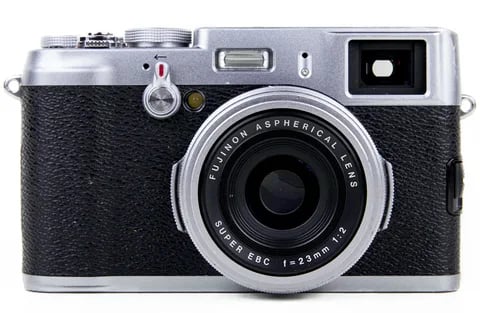
X100VI
The compact rangefinder that turned a generation onto film simulations - now with a 40 MP X-Trans V sensor and IBIS.
View camera
X-Trans V · 26.1 MP
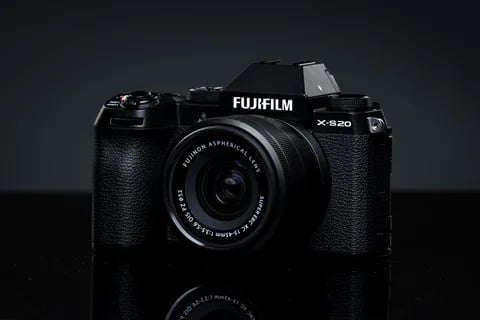
X-S20
X-S10 successor with X-Processor 5 - 6.2K video, vlog mode, and a content-creator focus.
View camera
Key terms
Explore more X-T5 recipes
Find the best Fujifilm recipes for the X-T5, its X-Trans V sensor, and the film simulations they're built on.
Frequently asked questions
Which recipes work on the X-T5?
The X-T5 supports all X-Trans V recipes, such as Nostalgic Neg. and Reala Ace, fully featured.
Does the X-T5 have IBIS?
Yes, the X-T5 features 5-axis In-Body Image Stabilisation (IBIS) with up to 7 stops of stabilisation.
How do I add a recipe to the X-T5?
To add a recipe, access the menu, select Film Simulation, customise settings, and save it to a C1–C7 slot.