
Sensor
Fujifilm · GFX · 2025
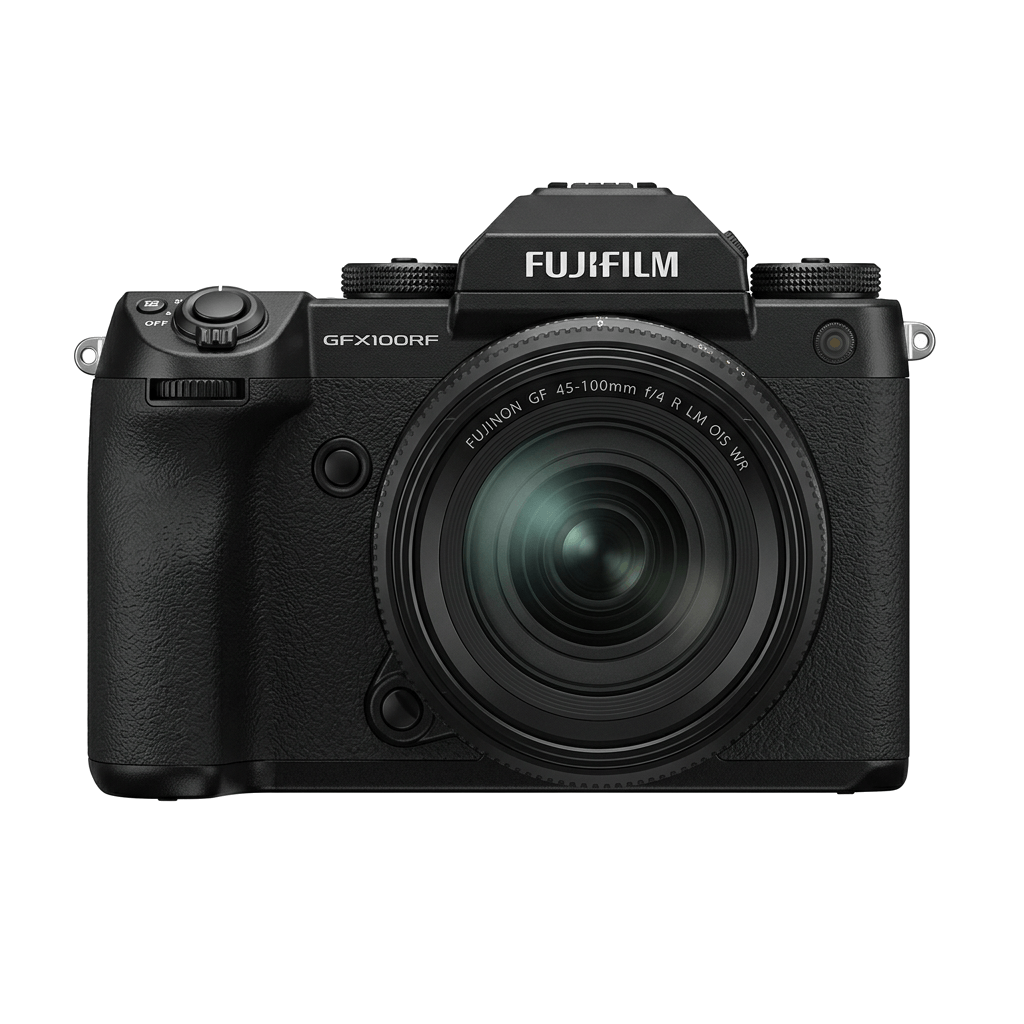
GFX100RF
GFXmedium-format2025
Experience the pinnacle of fixed-lens photography with the GFX100RF.
Resolution
102 MP
Stabilisation
No
Lens
35mm f/4 (28mm equiv.)
In short
The GFX100RF supports film simulation recipes shared across the GFX and X-Trans lines, such as Classic Chrome and Velvia. It utilises the full potential of its medium-format sensor.
Why it's the recipe body
The Fujifilm GFX100RF is a unique entry in the GFX family, offering a fixed 35mm f/4 (28mm equivalent) lens paired with a 102MP medium-format sensor. This combination renders a breath-taking level of detail, making it perfect for those who crave high-resolution imagery. The GFX sensor takes Fujifilm's beloved film simulations to a new level, capturing the nuances of each simulation across a larger frame. Despite its medium-format credentials, the GFX100RF is surprisingly light at approximately 735 grams, encouraging mobility and spontaneity in shooting. The top plate aspect ratio dial is a practical touch, allowing photographers to quickly adapt to different compositions.
The GFX100RF runs all film simulations available to the GFX line, such as Provia, Astia, and Acros. Fujifilm's robust JPEG controls, including dynamic range and grain settings, are fully supported. You can save white balance shifts per custom slot, ensuring consistent results in diverse conditions and lighting scenarios.
The GFX100RF marks Fujifilm's first foray into fixed-lens medium-format cameras.
Compared to the GFX100S II, the GFX100RF is lighter and features a fixed lens.
What it nails, what to watch
What it nails
- 102MP for unmatched detail
- Fixed 28mm equivalent lens
- Lightest GFX body at 735g
- Full set of film simulations
What to watch
- No in-body stabilisation
- Fixed lens limits versatility
- Medium-format demands precise technique
What this body adds
SE
Sensor
102 MP GFX 102MP CMOS II BSI
LE
Lens
35mm f/4 (fixed; 28mm equiv.)
PR
Processor
X-Processor 5
BO
Body
~735 g - lightest GFX
AS
Aspect ratio dial
Top plate, multiple crops
VI
Viewfinder
5.76M-dot EVF
Recipes for the GFX100RF
All recipes Premium
Deep Acros Mono
Dense grain and deep shadows create moody monochromes. Perfect for dramatic black and white architecture.

Kodak Sunwashed
Large grain texture combines with a warm, subdued colour cast for a distinctly vintage film aesthetic that captivates.

Quiet Portra 170
Soft film-like tones with gentle warmth and subtle grain texture. Perfect for capturing the essence of everyday life.
 Premium
Kodak Atelier Reserve
Large grain and a nostalgic hue reminiscent of expired film. Ideal for capturing urban architecture and daily moments.
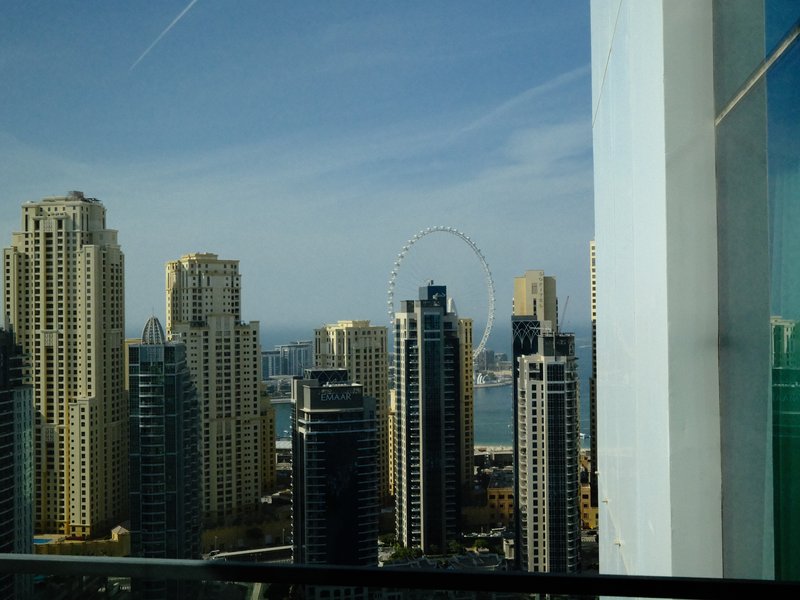
Kodak Vivid Slide
Enhance outdoor shots with vivid contrasts and lush colours. Perfect for capturing energetic landscapes.

Fine Grain Mono
Achieve a classic monochrome look with fine grain and a balanced contrast that enhances architectural details.

Fuji HG Cool Tone
Subtle grain meets balanced colour and strong contrast, ideal for urban exploration.
 Premium
Midnight Filament
Grainy textures and a serene glow wrap your scenes in calm. Perfect for ethereal street captures after dark.
 Premium
Cinema Ash Light
Embrace a cinematic vibe with rich tones and subtle grain.
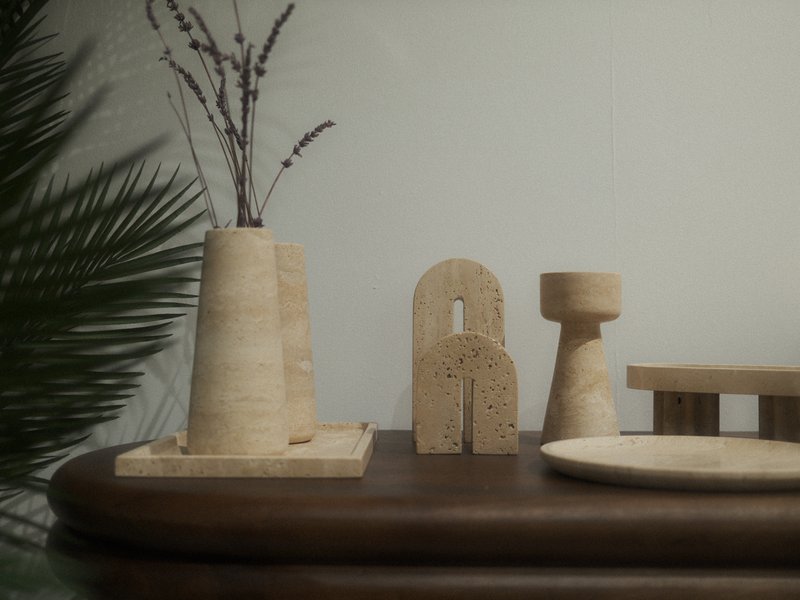
Muted Halo Stock
Large, textured grain with a cool, balanced colour cast lends a dreamy quality to indoor and night scenes.
 Premium
Retro Summer
Sun-soaked tones with a gentle grain finish evoke peaceful summer days. Ideal for capturing vintage travels.

Velvia Punch
Intense contrast and deep hues make landscapes captivating. Suited for vibrant outdoor scenes.
How to add a recipe to your GFX100RF
- Navigate to the menu and select 'Image Quality Setting'.
- Choose 'Edit/Save Custom Setting' to modify a slot.
- Adjust film simulation and other parameters as desired.
- Save your settings to a custom slot (C1–C7).
Tips for the GFX100RF
- Utilise the aspect ratio dial for creative framing.
- Use Velvia for vivid landscape shots.
- Classic Chrome adds subtle contrast to portraits.
- Explore high-res detail with 102MP sensor.
Explore other cameras
All cameras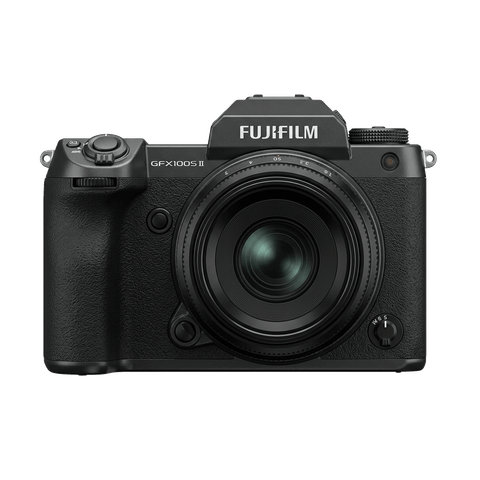
GFX · 102 MP
GFX100S II
Compact 102 MP GFX with the new CMOS II sensor and 8-stop IBIS - flagship guts in a single-grip body.
View camera
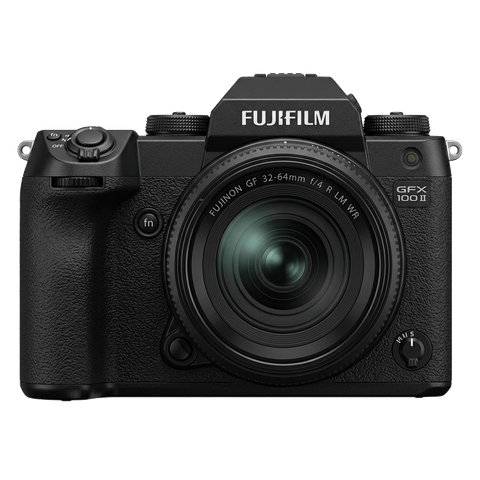
GFX · 102 MP
GFX100 II
Second-generation flagship GFX - 102 MP CMOS II, 8 fps burst, 8K video.
View camera
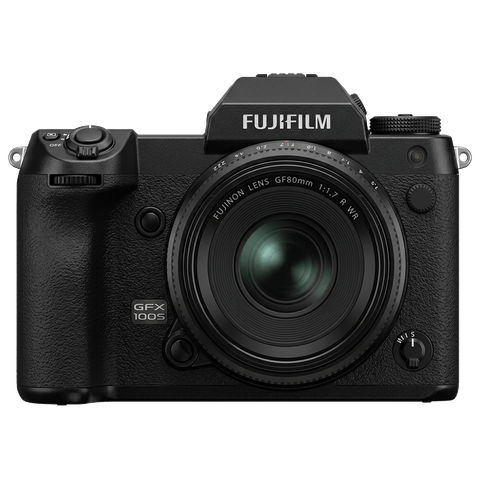
GFX · 102 MP
GFX100S
Single-grip GFX100 - same 102 MP sensor in a body close to a full-frame DSLR's size.
View camera
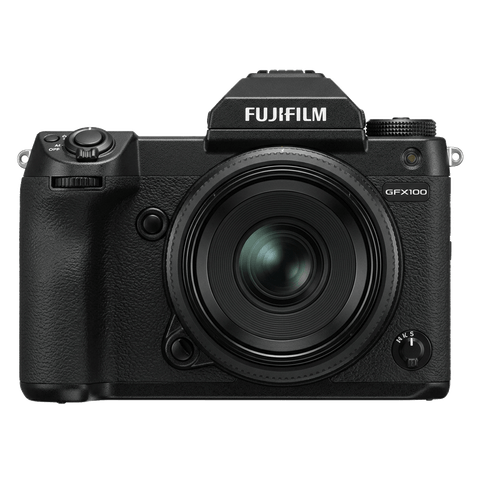
GFX · 102 MP
GFX100
First 100 MP medium-format mirrorless with IBIS - integrated grip, dual EVF eyecup.
View camera
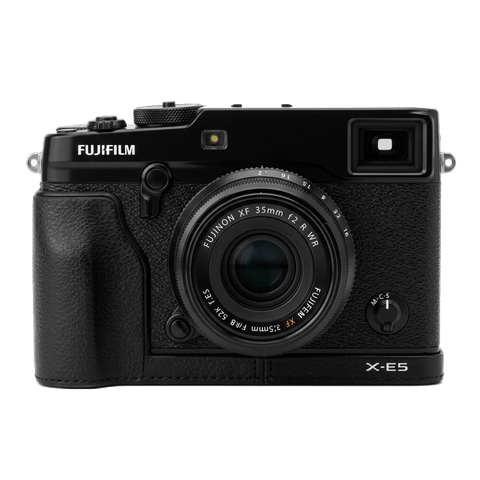
X-Trans V · 40.2 MP
X-E5
First X-E with IBIS - X-Trans V resolution in a precision-machined aluminium rangefinder.
View camera
X-Trans V · 40.2 MP
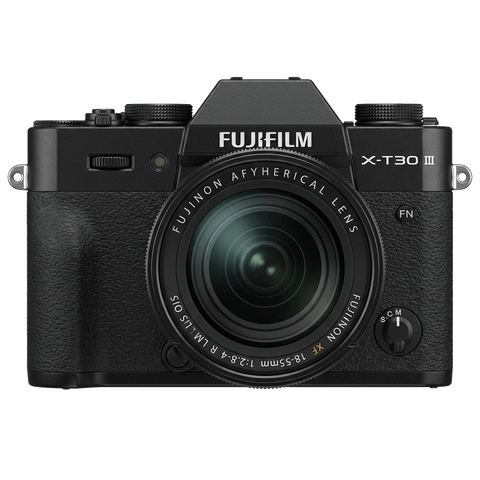
X-T30 III
The X-T30 III keeps the 26 MP X-Trans IV sensor but pairs it with X-Processor 5 and the modern Film Sim dial.
View camera
Key terms
Explore more GFX100RF recipes
Find the best Fujifilm recipes for the GFX100RF, its GFX sensor, and the film simulations they're built on.
Frequently asked questions
Which recipes work on the GFX100RF?
The GFX100RF supports all GFX and X-Trans film simulations, including Classic Chrome and Acros.
Does the GFX100RF have in-body image stabilisation?
No, the GFX100RF lacks in-body image stabilisation, making handheld shooting more reliant on technique.
How do I add a recipe to the GFX100RF?
Navigate to 'Image Quality Setting', choose 'Edit/Save Custom Setting', adjust parameters, and save to a custom slot.