
Sensor
Fujifilm · GFX · 2025
GFX100RF
GFXmedium-format2025
Experience the pinnacle of fixed-lens photography with the GFX100RF.
Resolution
102 MP
Stabilisation
No
Lens
35mm f/4 (28mm equiv.)
In short
The GFX100RF supports film simulation recipes shared across the GFX and X-Trans lines, such as Classic Chrome and Velvia. It utilises the full potential of its medium-format sensor.
Why it's the recipe body
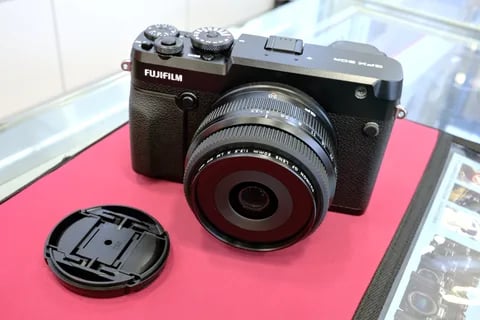
The Fujifilm GFX100RF is a unique entry in the GFX family, offering a fixed 35mm f/4 (28mm equivalent) lens paired with a 102MP medium-format sensor. This combination renders a breath-taking level of detail, making it perfect for those who crave high-resolution imagery. The GFX sensor takes Fujifilm's beloved film simulations to a new level, capturing the nuances of each simulation across a larger frame. Despite its medium-format credentials, the GFX100RF is surprisingly light at approximately 735 grams, encouraging mobility and spontaneity in shooting. The top plate aspect ratio dial is a practical touch, allowing photographers to quickly adapt to different compositions.
The GFX100RF runs all film simulations available to the GFX line, such as Provia, Astia, and Acros. Fujifilm's robust JPEG controls, including dynamic range and grain settings, are fully supported. You can save white balance shifts per custom slot, ensuring consistent results in diverse conditions and lighting scenarios.
The GFX100RF marks Fujifilm's first foray into fixed-lens medium-format cameras.
Compared to the GFX100S II, the GFX100RF is lighter and features a fixed lens.
What it nails, what to watch
What it nails
- 102MP for unmatched detail
- Fixed 28mm equivalent lens
- Lightest GFX body at 735g
- Full set of film simulations
What to watch
- No in-body stabilisation
- Fixed lens limits versatility
- Medium-format demands precise technique
What this body adds
SE
Sensor
102 MP GFX 102MP CMOS II BSI
LE
Lens
35mm f/4 (fixed; 28mm equiv.)
PR
Processor
X-Processor 5
BO
Body
~735 g - lightest GFX
AS
Aspect ratio dial
Top plate, multiple crops
VI
Viewfinder
5.76M-dot EVF
Recipes for the GFX100RF
All recipes
Fujicolor Film
Calm hues with subtle grain warm your portraits, transforming skin tones beautifully in everyday scenes.

Fujicolor PRO 160C Warm
Delicate warmth and softened shadows enhance skin tones. Ideal for calm portraits and daily scenes.

Fujicolor Super HG v2
Subtle grain meets balanced colour and strong contrast, ideal for urban exploration.

Fujicolor Superia 200
Serene contrasts with grain evoke calmness. Subtle warmth adds character to urban settings, enhancing every detail.

Fujifilm Negative
Calm tones with subtle vibrancy that enhance skin tones, ideal for portraits.
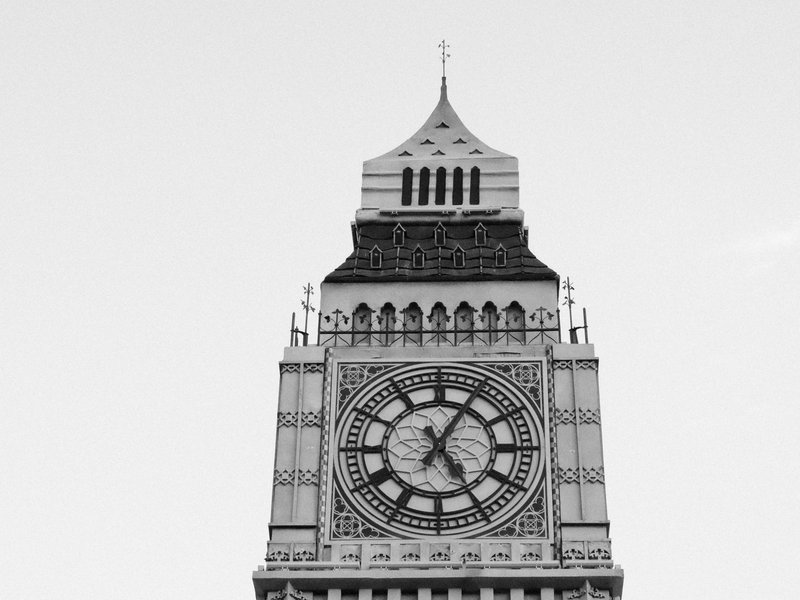
Ilford Pan F 50 Plus
Achieve a classic monochrome look with fine grain and a balanced contrast that enhances architectural details.
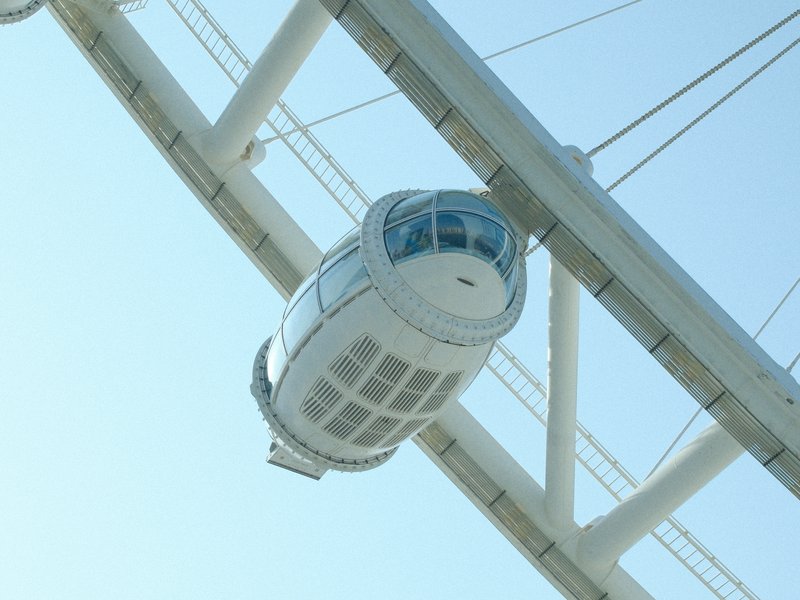
Indoor Astia
Low-contrast Astia film simulation with strong grain for calm, vibrant indoor portraits.
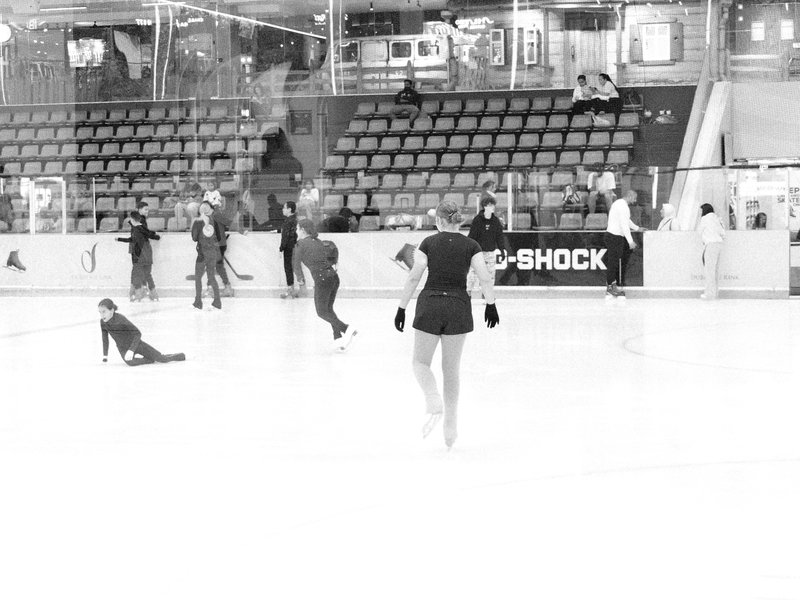
Kentmere Pan 400
High contrast black & white with strong grain for moody scenes. Perfect for architecture and street photography.

KodaNeg VC
Provia's dynamic tones transform scenes into warm and calm visuals, adding a dreamy touch to your outdoor photography.

Kodacolor VR 200
A subtle mix of muted colours and gentle contrast, topped with soft grain. Ideal for urban street shots.

Kodak Ektachrome E100VS v1
Enhance outdoor shots with vivid contrasts and lush colours. Perfect for capturing energetic landscapes.

Kodak Farbwelt 200 Expired
Large grain and a nostalgic hue reminiscent of expired film. Ideal for capturing urban architecture and daily moments.
How to add a recipe to your GFX100RF
- Navigate to the menu and select 'Image Quality Setting'.
- Choose 'Edit/Save Custom Setting' to modify a slot.
- Adjust film simulation and other parameters as desired.
- Save your settings to a custom slot (C1–C7).
Tips for the GFX100RF
- Utilise the aspect ratio dial for creative framing.
- Use Velvia for vivid landscape shots.
- Classic Chrome adds subtle contrast to portraits.
- Explore high-res detail with 102MP sensor.
Explore other cameras
All camerasGFX100S II
GFX · 102 MP
GFX100S II
Compact 102 MP GFX with the new CMOS II sensor and 8-stop IBIS - flagship guts in a single-grip body.
View camera
GFX100 II
GFX · 102 MP
GFX100 II
Second-generation flagship GFX - 102 MP CMOS II, 8 fps burst, 8K video.
View camera
GFX 50S II
GFX · 51.4 MP
GFX 50S II
First 50 MP GFX with IBIS - the most affordable medium-format mirrorless at launch.
View camera
GFX100S
GFX · 102 MP
GFX100S
Single-grip GFX100 - same 102 MP sensor in a body close to a full-frame DSLR's size.
View camera
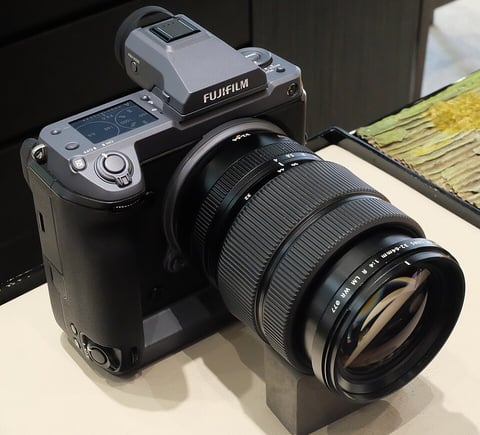
GFX · 102 MP
GFX100
First 100 MP medium-format mirrorless with IBIS - integrated grip, dual EVF eyecup.
View camera
GFX · 51.4 MP
GFX 50R
Rangefinder-style GFX - 51 MP medium format at a more accessible price and weight.
View camera
Key terms
Explore more GFX100RF recipes
Find the best Fujifilm recipes for the GFX100RF, its GFX sensor, and the film simulations they're built on.
Frequently asked questions
Which recipes work on the GFX100RF?
The GFX100RF supports all GFX and X-Trans film simulations, including Classic Chrome and Acros.
Does the GFX100RF have in-body image stabilisation?
No, the GFX100RF lacks in-body image stabilisation, making handheld shooting more reliant on technique.
How do I add a recipe to the GFX100RF?
Navigate to 'Image Quality Setting', choose 'Edit/Save Custom Setting', adjust parameters, and save to a custom slot.